


A newly acknowledged Windows 11 bug is causing some machines to reboot instead of shutting down or entering sleep, risking lost work and confusion for IT admins. Microsoft says the issue is tied to a recent cumulative update and only hits a specific set of enterprise-managed devices. A temporary, command-line workaround is available while a permanent fix is in the works.
What Microsoft Says Is Affected by the Shutdown Bug
According to Microsoft’s Windows release health notes, the behavior appears after installing update KB5073455 and affects Windows 11 Enterprise and Windows 11 IoT editions. Consumer SKUs like Home and Pro are not listed. Even within enterprise builds, the bug manifests only on systems that have System Guard Secure Launch enabled, a security feature commonly deployed on modern Secured-core PCs.
Reports surfaced quickly from IT forums and were highlighted by independent outlets tracking Windows issues. The symptom is consistent: instead of powering down or sleeping, impacted devices perform a full restart. If applications are left with unsaved changes, users can lose progress.
Why Secure Launch Is Involved in This Windows Issue
System Guard Secure Launch underpins Windows’ modern firmware protection strategy. Introduced in Windows 10 and expanded in Windows 11, it uses Dynamic Root of Trust for Measurement to verify early-boot code before the OS loads. On many business laptops and desktops that meet Microsoft’s Secured-core requirements, Secure Launch is enabled by default to block bootkits and other firmware-level threats.
Because the bug is tied to that pre-OS security path, it does not show up on machines where Secure Launch is off. Microsoft has not detailed the exact regression, but the narrow blast radius suggests an interaction between the KB5073455 shutdown routine and Secure Launch’s integrity checks.
How to Shut Down Affected Windows 11 PCs Safely Now
Microsoft’s recommended workaround is straightforward and safe. Save your work first, then use the classic shutdown tool:
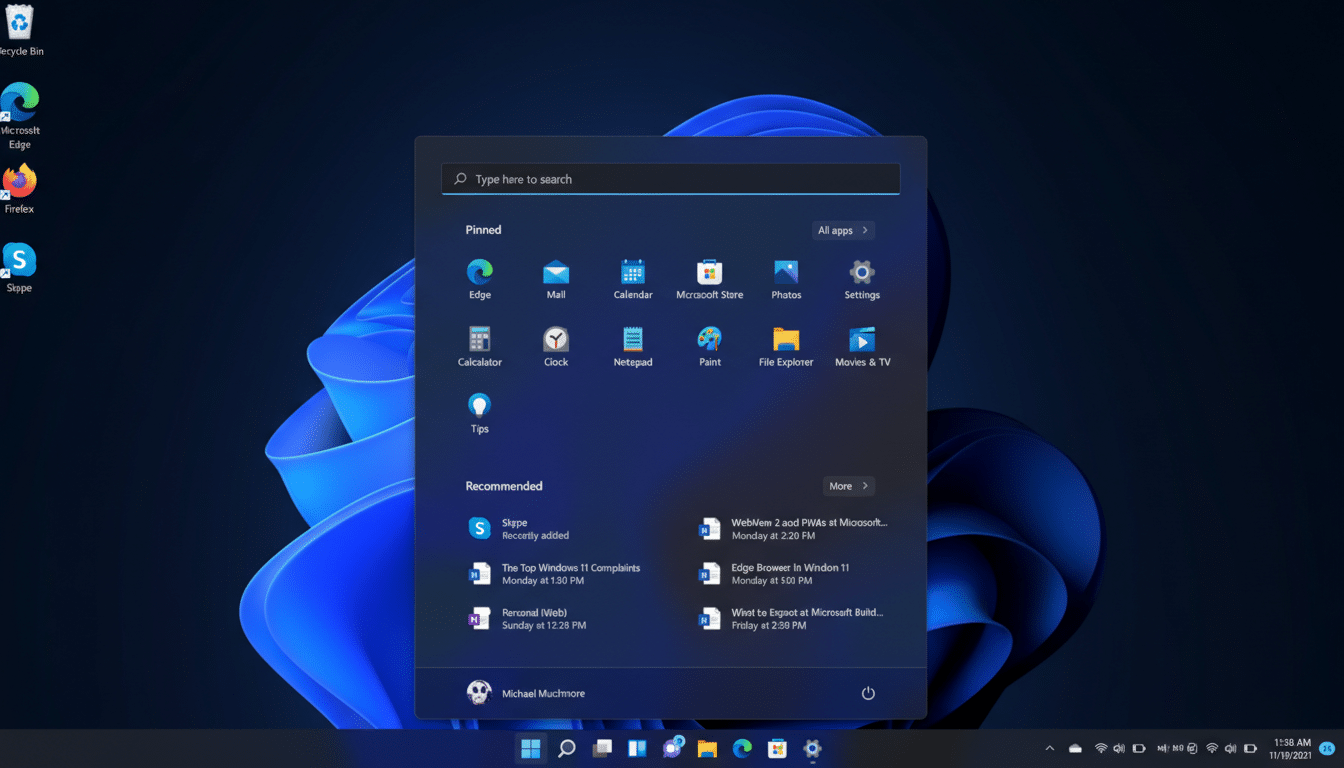
- Open the Start menu and type “cmd” to find Command Prompt.
- Select Command Prompt, then enter: shutdown /s /t 0
That command initiates an immediate shutdown that bypasses the glitching UI path. If apps with unsaved changes are open, Windows will prompt you to close them. Microsoft notes there is no reliable workaround for hibernation on affected devices; attempts to hibernate may also trigger a restart.
Avoid hard power cuts via the physical power button unless absolutely necessary. Forced power-offs can increase the risk of file system errors and data corruption.
How to Check If Your Windows 11 Devices Are Impacted
If you manage a fleet, first verify whether KB5073455 is installed and whether Secure Launch is enabled:
- In Settings, open Windows Update and review recently installed updates for KB5073455.
- Open the System Information app (msinfo32). Under Device Guard properties, look for “Secure Launch: On.” If Secure Launch is off, your device should not exhibit the restart-on-shutdown behavior from this bug.
On Secured-core PCs, Secure Launch is typically on by default. These systems are common in enterprise environments and are recommended by Microsoft and major OEMs for defense-in-depth against firmware attacks.
What Not To Do And When A Fix Might Arrive
It may be tempting to disable Secure Launch or rip out the update. Microsoft does not recommend turning off core protections, and removing a security update can increase exposure to known vulnerabilities. Unless your organization has a formal exception process, stick to the shutdown command workaround and standard change control.
Microsoft says it is working on a servicing update to correct the behavior. As with other known issues, watch the Windows release health dashboard for confirmation when a fix is included in a quality update or an out-of-band patch.
For end users, the practical guidance is simple: save frequently, use the command-line shutdown until the patch lands, and avoid hibernation. For admins, consider communicating the workaround to impacted users and monitoring for unexpected reboot events in endpoint logs to quantify scope while awaiting the official fix.
