


I didn’t expect a white ThinkPad to be the notebook that plagued my thoughts after IFA, but the new Glacial White ThinkPad X9 Aura has been living rent-free in my mind since I got my hands on it. It’s a conscious departure from the black-and-red canon — no TrackPoint nub, no separate click buttons, and a satin finish that reads more as Scandinavian minimalism than legacy enterprise brick. And yet, where it matters most, it still acts like a ThinkPad.
Why a white ThinkPad is important
ThinkPad’s design heritage is famously ascetic: Richard Sapper’s bento-box minimalism, documented in IBM’s design archives and venerated by museums, made black elemental to the brand. White, then, is not just a color swap; it’s a move that communicates Lenovo’s desire to make ThinkPad appeal to users who prize minimalist, modern looks, without sacrificing credibility in the boardroom. This model is a timely pivot in a market where premium ultralights are trending lighter in colorways, says research firms tracking PC design preferences.
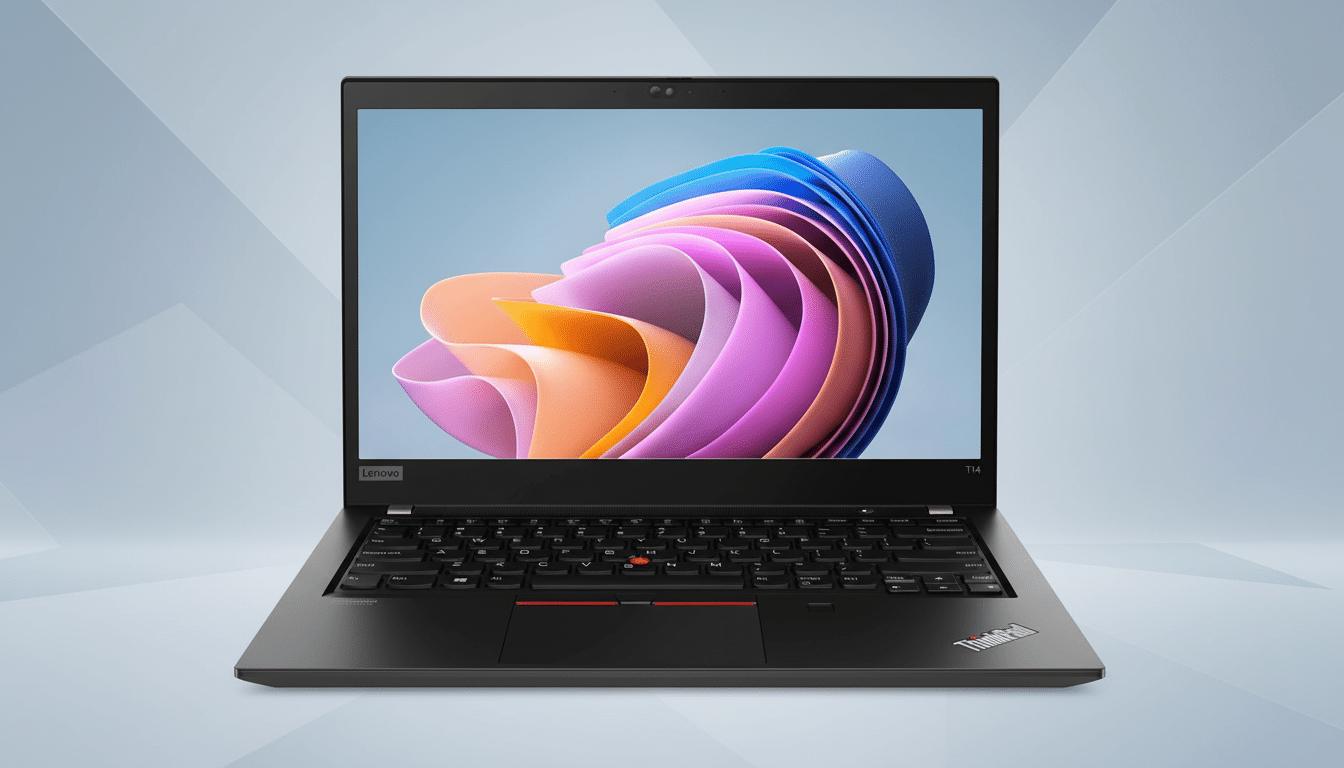
Design: familiar but defiantly new
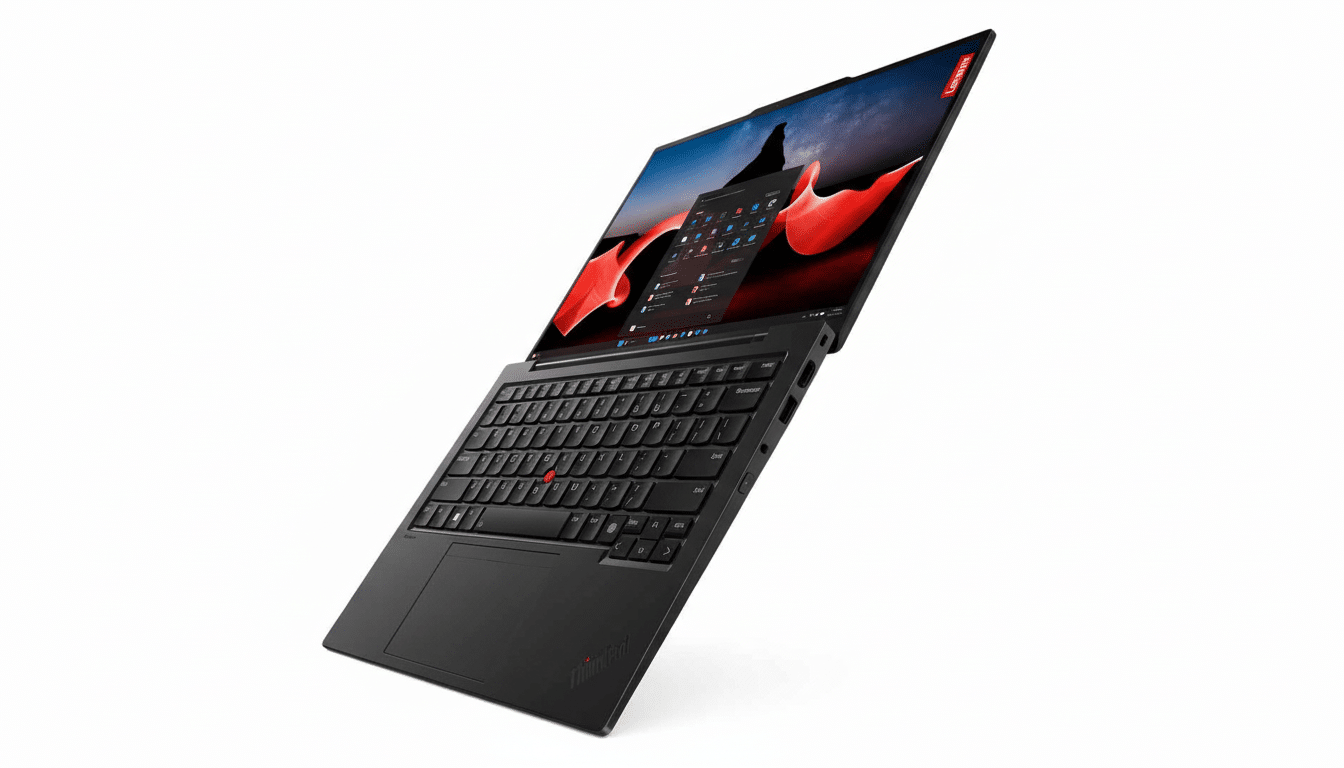
The form of the X9 Aura is dictated by restraint. The matte Glacial White finish dims edges, shows fewer fingerprints than glossy silvers and looks surprisingly durable under harsh show-floor lighting. Turn it over, and you get the ribbed bottom plate and the spine of a central “engine hub”—both of them analyze-your-own-design-and-compare details that help airflow, and that give the chassis a through-and-through signature look of its own. It’s the rare productivity laptop that looks intentional from every perspective.
Purists will note two major departures: a computer without the trademark TrackPoint nub and without the discrete left/right trackpad buttons. In its place is a spacious, accurate touchpad that does an admirable job of multi-finger gestures and palm rejection. The keyboard, as usual with ThinkPads, is classic: There is deep enough travel, a crisp rebound and an equally calibrated stabilizing effect. If your muscle memory is rooted in that red nub it will need to adjust; if not, the learning curve is effectively zero.
Hardware snapshot from the show floor
The white X9 Aura is available in 14- and 15-inch frames with an Intel Core Ultra 7 258V chip on the inside, from the generation that leans more heavily on more efficient iGPUs and a beefier NPU embedded in the silicon for on-device AI work. Intel’s own Core Ultra briefs stress responsiveness and battery life in thin-and-light devices, and my early demo time jibes: wake is instantaneous, windowing is snappy, and light creative workloads were a breeze.
Battery life would require a full review to confirm, but the demo units indicated you can expect a workday’s worth of mixed browsing, docs and video calls. And the thermals were pleasantly uneventful in the best sense — no hot spots as I switched among dozens of open webpages, plying the browsers with multiple open tabs, and fans scarcely audible above the show noise.
A key upgrade: storage to match the ambition
The ice-caps reshuffle comes with a sensible bump: 1TB SSDs as standard on both models. It’s a well-timed fix for creators and power users who felt prior base configs were just too tight at 256GB and 512GB. It brings the X9 Aura up to what a lot of IT teams tend to treat as the bare minimum spec for a premium knowledge-worker notebook nowadays.
Aura functionalities grow: tap-to-share to Lenovo Connect
The original “Aura Edition” buzz was about a tap-to-share trick for getting files to move between devices. Lenovo wants to turn that intuitive process into software with Lenovo Connect, a multi-device sharing app that’s a little more realistic for real-life workflows. It’s the right move: Software-first strategies are easier to update, easier to audit and easier to deploy at scale — something that matters as much to IT administrators as it does to the hybrid worker.
Use cases: who is going to love the white X9 Aura
And if your daily work ranges from documents and video calls to light photo editing and lots of task-hopping in your favorite browser, the white X9 Aura here feels purpose-made for all that. Designers and consultants who can still go see clients will love the clean, modern look that photographs well and stands out if never shouts. Frequent travelers will appreciate the portability versus durability balance, and anyone toggling between personal and managed devices will enjoy the easy file-sharing pivot.
There are caveats. Life-long TrackPoint fans will be better served by a traditional X1 or T-series. And if your workflow relies on discrete-GPU acceleration for 3D or higher-end video, you’ll still need a mobile workstation. But for the vast majority of knowledge workers, this is a sweet spot.
The takeaway
The Glacial White ThinkPad X9 Aura is more than just a new colorway – it is a harbinger that Lenovo can continue to keep ThinkPad’s cachet alive while allowing the Pulse line to breathe. The better-looking exterior, better-handling default storage and less-crazy transition to a software-first sharing environ would make it a more compelling ultralight for people who care about craft and credibility. After spending time with I left thinking less about what it isn’t — and more about how it could so easily be my next everyday machine.
