


WhatsApp is introducing a tougher privacy and safety control called Strict Account Settings, a lockdown-style mode designed to reduce attack surface and shield users from phishing, impersonation, call spam, and other cyber threats. The optional setting tightens defaults across the app, limiting exposure to unknown contacts while keeping core messaging intact.
What Strict Account Settings Changes by Default
Once enabled, Strict Account Settings automatically blocks media and file attachments from numbers that aren’t in your contacts and silences calls from unknown callers. Link previews are disabled by default, reducing the risk of drive-by payloads and deceptive preview cards. The app also turns on aggressive filtering to curb waves of unsolicited messages from unfamiliar numbers.
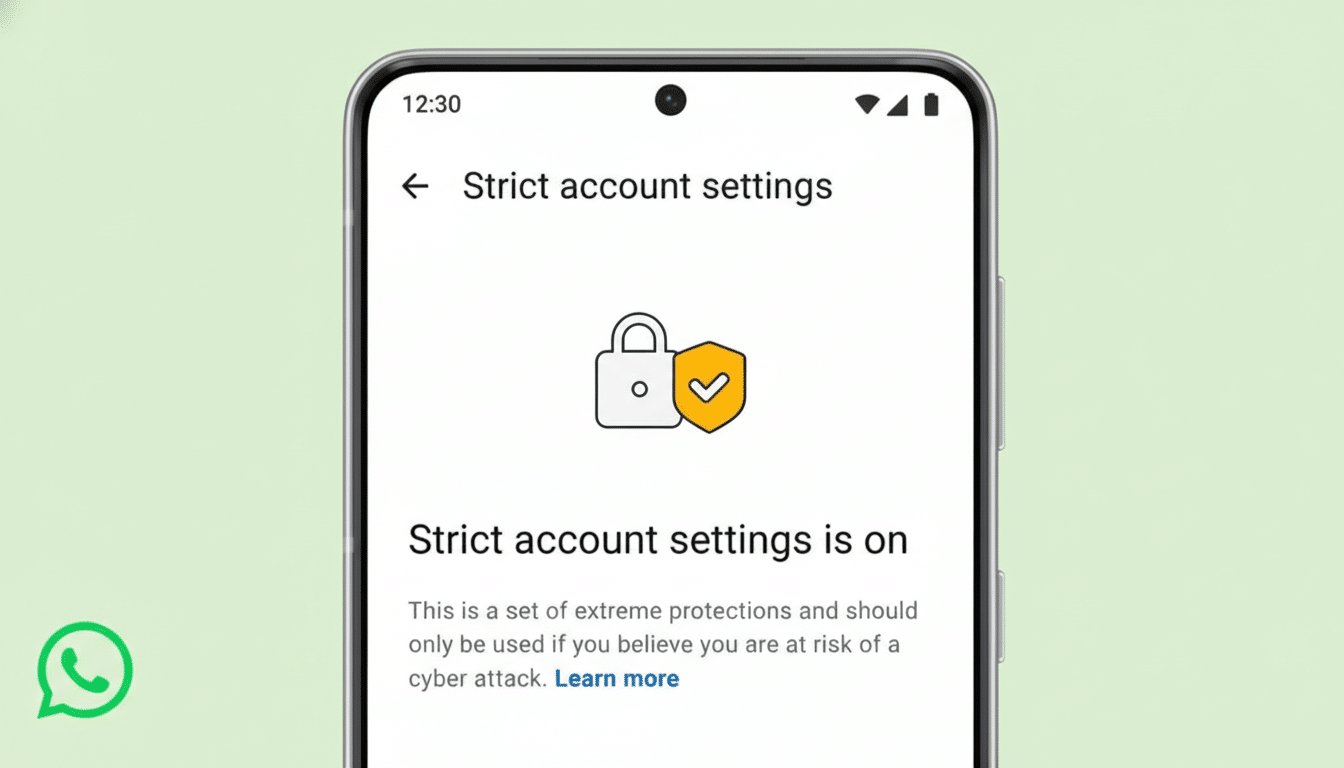
Security fundamentals are tightened, too. Two-step verification is activated by default, and security notifications—alerts when a contact’s encryption key changes—are enabled to flag potential account takeovers. Visibility controls shift to a “contacts-only” posture: last seen, online status, profile photo, about details, and profile links are locked down to people you’ve saved in your address book.
Group controls also get stricter. With Strict enabled, only contacts—or a preselected subset of them—can add you to group chats, a crucial hedge against mass-added scam groups and harassment rings. For safety reasons, WhatsApp says the setting can only be toggled from your primary device, not from companion clients like desktop apps.
Why Strict Account Settings Matter for Users Now
Messaging platforms are a prime target for scammers and threat actors because they offer reach, trust, and immediacy. The FBI’s Internet Crime Complaint Center reported record cybercrime losses surpassing $12B in 2023, with social-engineering schemes and account takeovers playing an outsized role. Security agencies including the UK’s National Cyber Security Centre have warned about a surge in “quishing” (QR-code phishing), voice spam, and malware-laced attachments delivered via chat.
Locking down default behaviors—silencing unknown callers, stripping link previews, and restricting unsolicited media—cuts off several common entry points. This is especially meaningful for high-risk groups such as journalists, activists, government officials, and public figures, who face targeted harassment and more sophisticated phishing than the average user.
How WhatsApp’s Strict Account Settings Compare
Strict Account Settings echoes the “high-risk profile” thinking behind Apple’s Lockdown Mode, prioritizing risk reduction over convenience. It builds on WhatsApp’s existing protections—end-to-end encryption by default, Device Verification to defeat malware session theft, Account Protect checks when moving to a new device, and the prior Silence Unknown Callers feature—by bundling multiple hardened defaults into a single switch.

Compared with other messaging apps, the approach favors broad, enforced limits rather than piecemeal toggles. Signal leans on registration locks and safety numbers, while Telegram relies more on user-managed privacy controls. WhatsApp’s bundle aims to make the safest posture one tap away, without demanding expert configuration.
Trade-offs and Real-World Use of Strict Settings
There are compromises. Disabling link previews reduces convenience when scanning legitimate links. Stricter group invites mean you might miss community or event chats if the organizer isn’t in your contacts. And blocking media from unknowns can delay legitimate documents from new colleagues or vendors. For most users under active targeting, these frictions are worthwhile; for others, fine-tuning contact lists and exceptions will help balance usability and safety.
To enable the feature, go to Settings > Privacy > Advanced and switch on Strict Account Settings. Remember that changes must be made from your primary phone. For best results, add trusted people to contacts, verify new contacts via a second channel, keep two-step verification active, review linked devices regularly, and consider enabling disappearing messages in sensitive chats.
Context and What This Signals to the Messaging Market
The rollout arrives amid heightened scrutiny of large messaging platforms’ security claims. WhatsApp maintains that end-to-end encryption prevents it from reading message content, and company leaders have pushed back on broader allegations about data access. Regardless of the legal backdrop, the security direction is clear: more guardrails by default, particularly for interactions with unknown parties, is where mainstream messaging is heading.
For everyday users, Strict Account Settings offers a simple way to reduce risk without leaving the ecosystem where friends, family, and businesses already operate. For high-risk communities, it serves as a practical baseline—one that can be layered with device hygiene, phishing awareness, and out-of-band verification. As threat actors evolve tactics, bundling defenses into a single, easy switch may be the most user-friendly way to keep pace.
