


Bug in Wear OS 6 and 6.1 mangles third-party watch faces on Pixel Watch and Galaxy Watch models; AOD layer is not tied to the face variant. Google and Samsung have both admitted that there is a watch-breaking bug in Android, though they have not yet released a permanent fix. For the time being, users are reporting that using pre-installed faces will prevent the problem from manifesting.
What users are seeing with third-party Wear OS watch faces
Relatedly, reports on Google and Samsung community forums detail third-party faces getting “stuck” between the AOD and interactive face. These semi-transparent AOD elements, such as dim hour markers, ghosted hands, or faded complications, remain on the unlocked face after a period of normal usage and make reading the time or data more difficult.
- What users are seeing with third-party Wear OS watch faces
- Which devices and Wear OS versions are currently affected
- Why it’s happening during AOD to interactive transitions
- Workarounds you can try while waiting for an official fix
- Effect on users and developers across the Wear OS ecosystem
- What to expect next from Google and Samsung on fixes
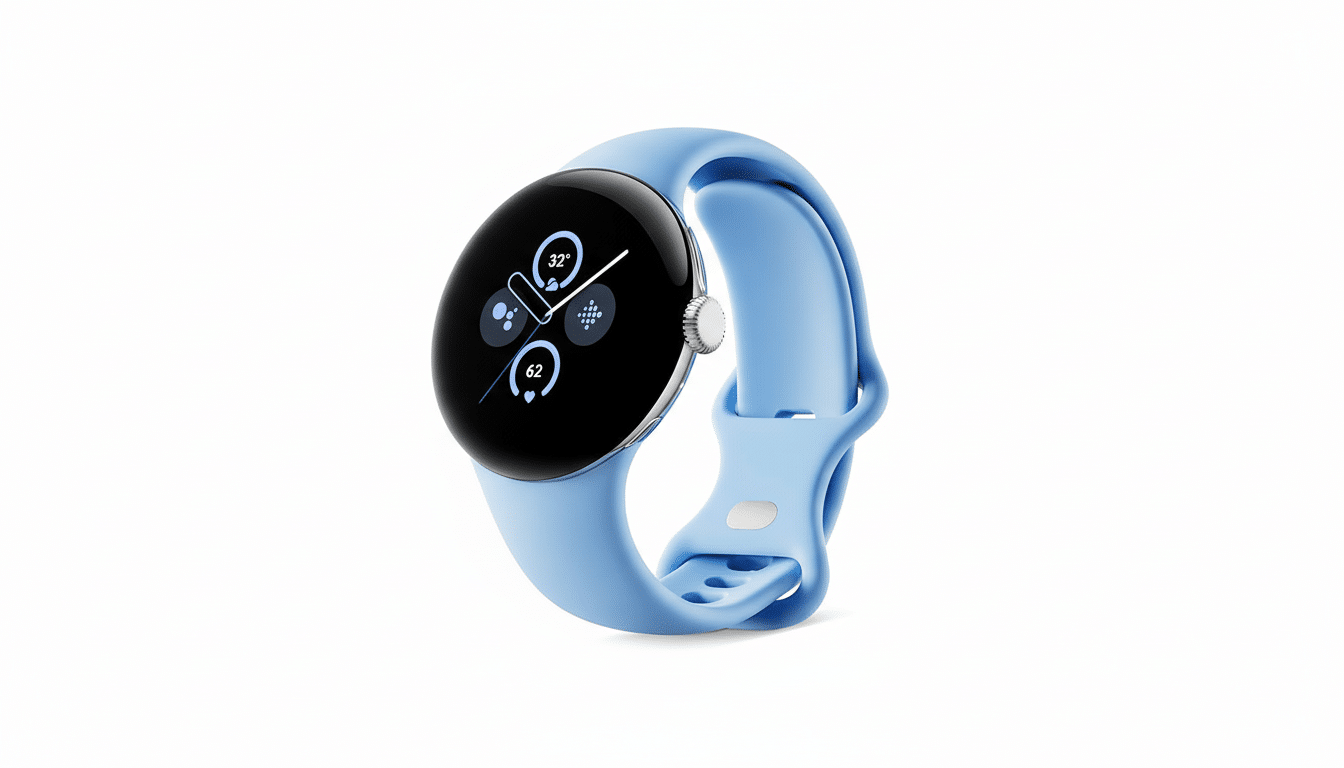
The behavior is intermittent. For many, the face is fine at first and only begins to ghost after hours or even days. Some are experiencing it more frequently after wake gestures, taps, or transitions from ambient to interactive modes during workouts and notifications. These reports were spotted by PiunikaWeb, and a Google Issue Tracker item was created in October that suggests this issue has been under review for quite some time.
Which devices and Wear OS versions are currently affected
According to community reports and developer threads, the bug affects all Pixel Watch models receiving Wear OS 6 or 6.1, as well as Galaxy Watch devices running Wear OS 6 through One UI 8 Watch. The issue is that first-party, pre-installed faces do not have the problem at all, so it seems to be limited to third-party implementations.
Also, the issue does not happen immediately after applying a face. Instead, it appears once the watch has bounced back and forth between AOD and interactive mode several times, suggesting some kind of transition or clipping glitch was introduced with the rendering pipeline in Wear OS 6.
Why it’s happening during AOD to interactive transitions
Neither company has made technical details available, but developers say changes in Wear OS 6 alter the way the system moves from ambient layouts to the full face. Third-party faces often specify separate AOD and interactive states; if the system doesn’t clear AOD completely, there may be remnants in the form of a semi-translucent overlay.
This corresponds to what users are seeing: the interactive face loads while AOD elements are faintly visible in the background. Since the problem seems to affect a variety of faces from different makers, we suspect it’s not a bug in one app or watch face engine, but an issue with the platform’s state management.
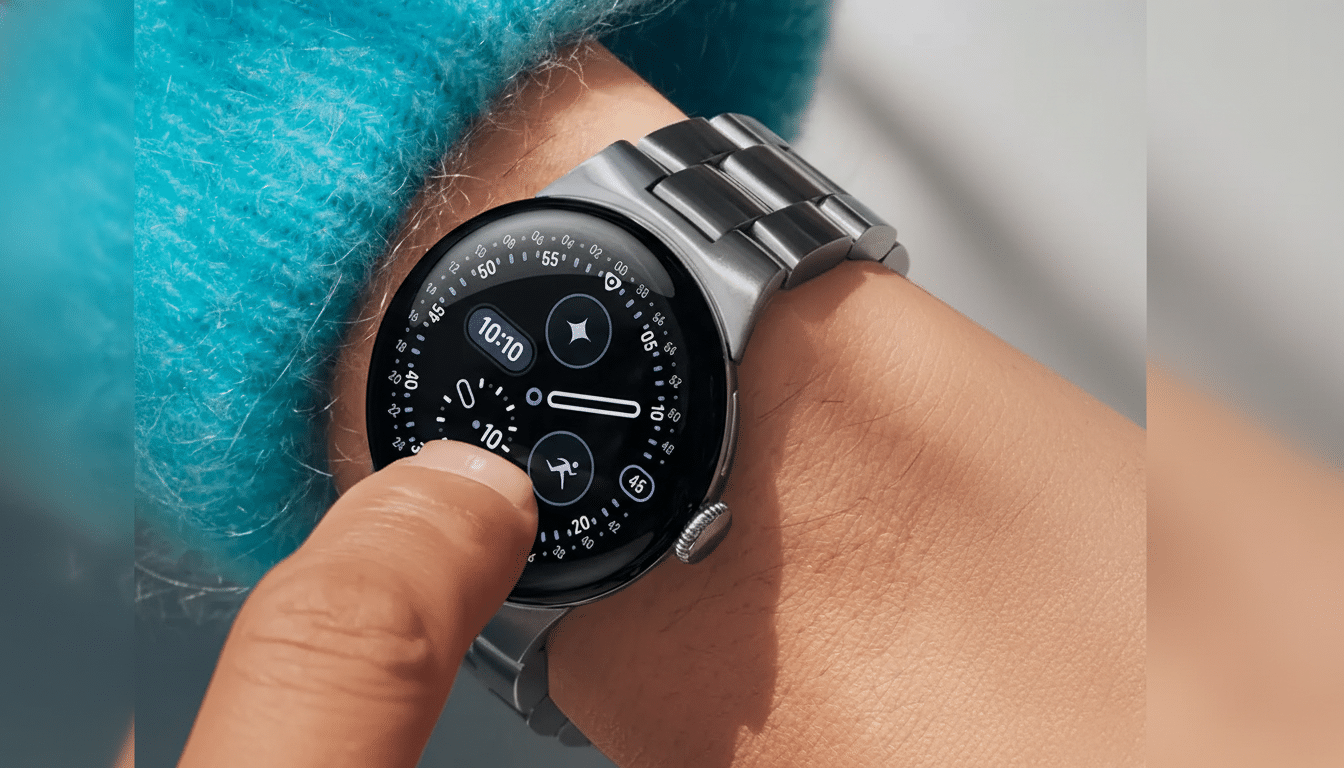
Workarounds you can try while waiting for an official fix
There’s no magic solution, but there are a few things that have seemed to lower or relieve the ghosting:
- Use a pre-installed face. Pre-installed first-party faces shipped with the watch appear not to be affected, judging by multiple reports.
- Switch faces. Switching from one third-party face to another can clear the overlay for some time, but the bug is known to reappear.
- Power cycle the watch and reapply the face. Some people report that a reboot resets the rendering state until it is triggered again.
- Toggle AOD. Turning the always-on display off and then back on again may help, particularly if you experience the problem as soon as you wake the watch.
Ensure both the watch’s system software and your watch face apps are updated. While patches haven’t entirely fixed the issue, developers could push mitigations intended to lessen the frequency of the glitch.
Effect on users and developers across the Wear OS ecosystem
Third-party watch faces are a big part of the Wear OS draw: there are thousands available on the Play Store, ranging from data-packed widgets to plush analog designs. When those faces don’t render cleanly, that undermines the watch’s very purpose and can push users back toward stock options. For paid faces, there’s also the risk of refund requests and in-app ratings lower than what they deserve through no fault of the designer.
What you can do: Developers can test their transitions extensively on Wear OS 6 and 6.1 devices, capturing logs around ambient-to-interactive state changes. If your face includes AOD and full layouts, check that layers, opacity, and complication redraws work as expected on wake gestures, notifications, tilt-to-wake, and workouts.
What to expect next from Google and Samsung on fixes
Google and Samsung are aware of the problem, according to the Issue Tracker thread, which also indicates a platform-level fix is necessary. That suggests a future Wear OS or One UI Watch update, not piecemeal patches from each face maker. Until then, the safest bet is selecting a built-in face if you run into ghosting.
If you’re dependent on third-party faces, you’ll need to keep an eye on system release notes and developer changelogs. A little tweak in a future build for Wear OS could allow things to return to normal and restore your freedom to customize your watch without any compromises.
