


Lightweight Linux often means spartan visuals and dated UX. Waydog challenges that assumption. Built on Debian “Trixie” and powered by the Wayland display stack, this slim distribution boots fast on older laptops yet greets you with a clean, contemporary interface that feels at home beside far heavier desktops.
What Sets Waydog Apart From Other Lightweight Distros
Waydog offers two Wayland desktops out of the box: Labwc, a nimble stacking compositor inspired by Openbox, and Sway, a keyboard-driven tiling environment. They share a unified theme, icon set, and the Fuzzel launcher, which keeps the experience cohesive whether you prefer mouse-first navigation or a power-user workflow.
- What Sets Waydog Apart From Other Lightweight Distros
- Performance on Aging Hardware and Everyday Usability
- Early Build Caveats and What Testers Should Expect
- Software and Updates on a Debian Testing Foundation
- How It Compares With Other Lightweight Linux Options
- Bottom Line: A Modern, Wayland-first Distro to Try
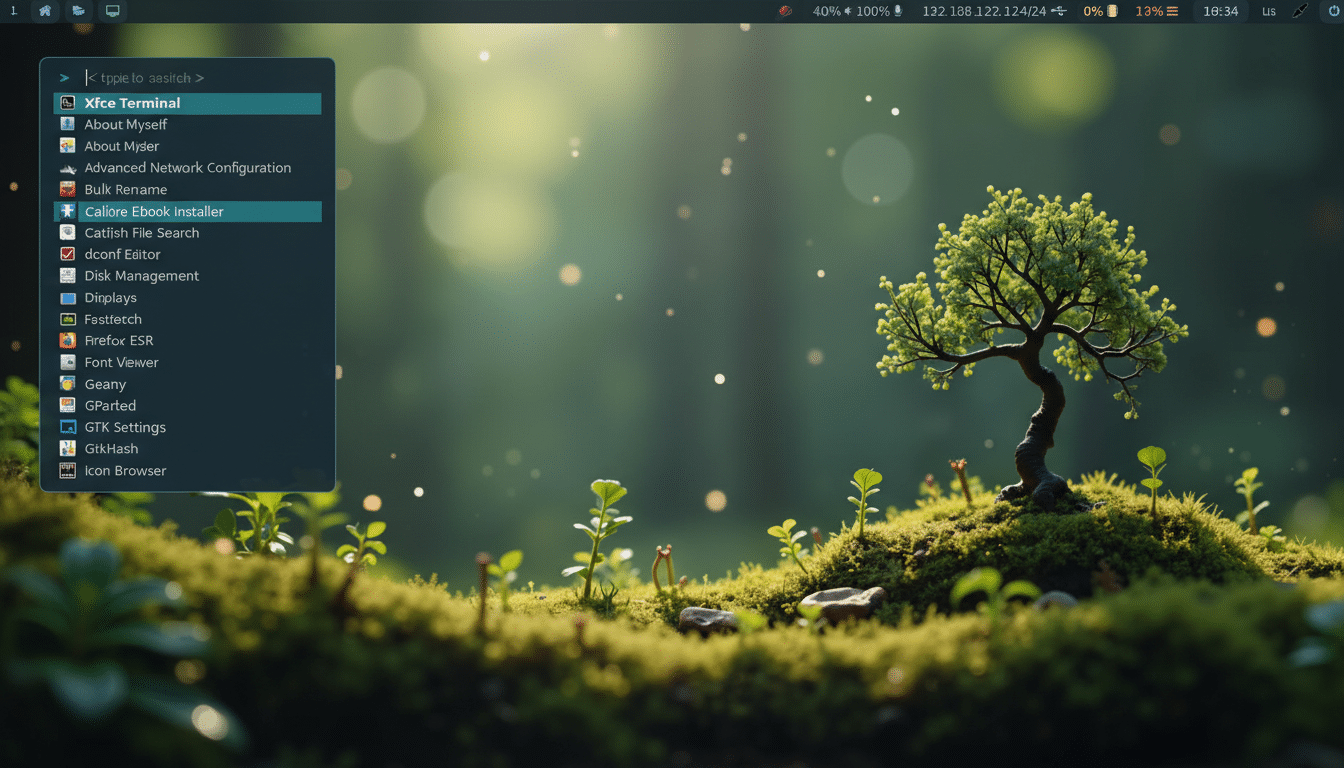
The Wayland-first stance matters. Major projects such as GNOME and KDE Plasma have shifted their focus to Wayland, with KDE Plasma 6 making it the default. By adopting Wayland from the start, Waydog reduces screen tearing typical of legacy X11 sessions, improves touchpad gestures, and taps into wlroots’ efficient rendering path—all while keeping memory overhead low.
Performance on Aging Hardware and Everyday Usability
For systems that predate Windows 10—think dual-core CPUs and 2–4GB of RAM—Waydog’s footprint is refreshingly small. Community benchmarks of Labwc and Sway sessions typically idle in the 400–600MB range depending on graphics drivers, leaving enough headroom to browse, stream audio, and edit documents without the grinding swap churn that sinks heavier desktops.
Because Waydog inherits Debian’s hardware breadth and APT package ecosystem, it benefits from mature drivers and a predictable update cadence. Intel integrated graphics from the Sandy Bridge and Ivy Bridge era usually fare well under Wayland. Older Nvidia cards can run via the open-source modesetting stack, though proprietary legacy drivers may limit options. On very old machines, enabling simple animations and avoiding heavyweight browsers can preserve responsiveness.
There’s also a sustainability angle. The Global E-waste Monitor from United Nations agencies reported roughly 62 million metric tons of e-waste generated in 2022. Stretching the lifespan of working hardware with a current, secure OS is one of the least glamorous yet most effective ways to cut that number—Waydog fits that mission without asking users to tolerate a 2000s-era look.
Early Build Caveats and What Testers Should Expect
Waydog is an active, small project with visible momentum—its changelog shows recent updates—but it still feels early in places. Expect the occasional compositor hiccup, especially inside virtual machines where Wayland acceleration is hit-or-miss. On bare metal, visual artifacts are rarer, but your mileage will depend on GPU drivers and monitor configurations.
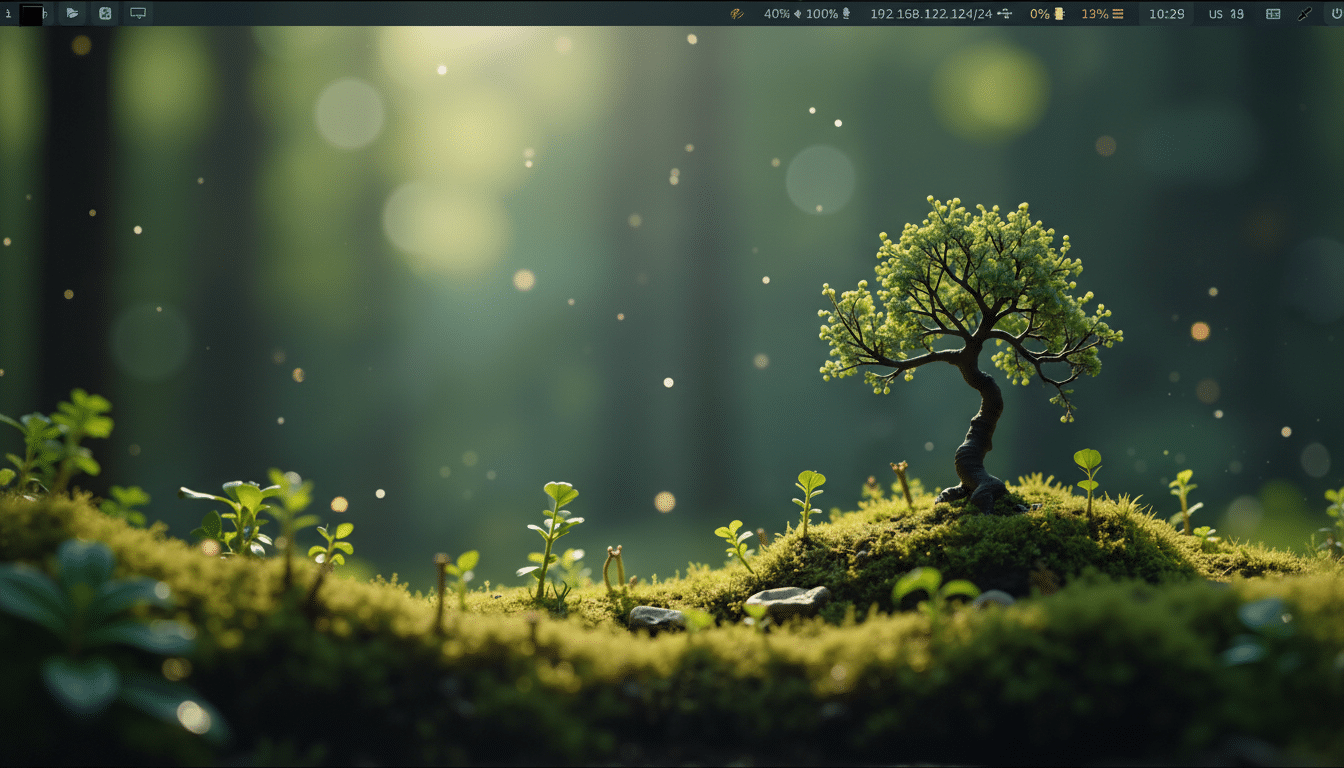
The UX is thoughtfully aligned across desktops, yet they behave differently by design. In Sway, common shortcuts like Super + Return spawn a terminal in a tiling layout; Labwc uses the same shortcut but places windows traditionally and supplements it with a right-click desktop menu. That blurring of look—and difference in behavior—lets newcomers start with Labwc and graduate into Sway once the shortcuts stick.
Software and Updates on a Debian Testing Foundation
Out of the gate, Waydog keeps the defaults lean and familiar. APT does the heavy lifting for updates and package installs, and XWayland coverage means most mainstream applications run without drama. The project traces its lineage to Lilidog, with Waydog continuing the “dog” family’s minimalist ethos while embracing Wayland. That blend—Debian testing base, modern compositor, lightweight desktops—gives it an uncommon balance of novelty and reliability.
How It Compares With Other Lightweight Linux Options
If you’ve lived in Lubuntu, Linux Lite, Bodhi, or antiX, you’ll find Waydog’s resource profile similar but the visuals cleaner and more current. It also acknowledges the surge of modern tiling environments: Sway is available by default, and the community interest in Hyprland-style customization signals a path for a flashier variant down the road—without abandoning the “runs anywhere” mandate.
The timing is solid. StatCounter places desktop Linux at roughly 4% globally, a small share that’s been trending upward alongside developer and hobbyist interest. A distribution that lowers the friction of reusing old gear while presenting a polished, Wayland-native interface helps that curve continue in the right direction.
Bottom Line: A Modern, Wayland-first Distro to Try
Waydog proves you don’t need to choose between speed and style on aging PCs. It’s not flawless yet, and cautious users should test on a spare machine before committing. But if you want a Debian-based, Wayland-forward distro that feels modern, runs on modest hardware, and gives you a clear path from mouse-centric to keyboard-driven workflows, Waydog is an easy recommendation to try next.
