


I don’t love wireless charging. It’s slower, less efficient, and misalignment can transform a quick top-up into a guessing game. But there’s one tough lesson that has me stubbornly demanding that every phone I buy support it anyway: when a phone’s USB-C port inevitably starts going on the fritz, wireless charging is the only lifeline keeping a not-so-cheap slab of glass and silicon from becoming an unsightly brick.
Why wireless charging still bothers me despite its benefits
Wired charging is still faster and more convenient. OneZero published independent testing here that showed common wireless setups used up around 47% more energy than a cable, mostly due to conversion losses and heat. That heat is not only wasteful, it isn’t very good for battery longevity (as any lithium-ion care guide will inform you).
- Why wireless charging still bothers me despite its benefits
- It’s the USB-C port that hurts in long-term real-world use
- Wireless charging as an insurance policy when ports fail
- What to look for in your next phone to ensure charging options
- How to extend USB-C port life and avoid costly repairs
- Bottom line: wireless charging is a safety net worth having
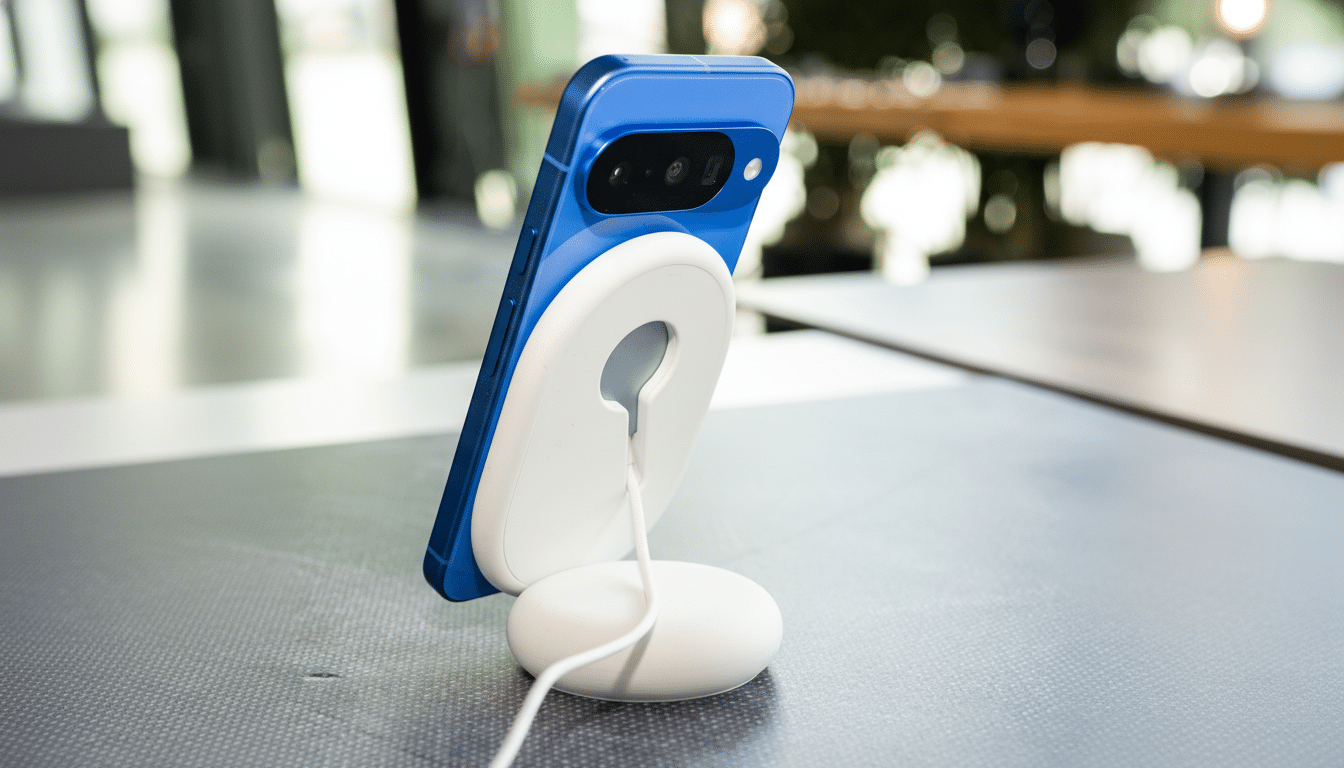
And even the best coils and pads have their finicky sides. Jostle the phone, and power output dips. The vast majority of regular Android phones on ordinary Qi are capped at 10–15W; the faster stuff is behind brand-specific walled gardens. Sure, the Wireless Power Consortium’s Qi2 standard claims better magnetic alignment and enhanced efficiency, but the real-world benefits depend on the pairing of charger and phone.
It’s the USB-C port that hurts in long-term real-world use
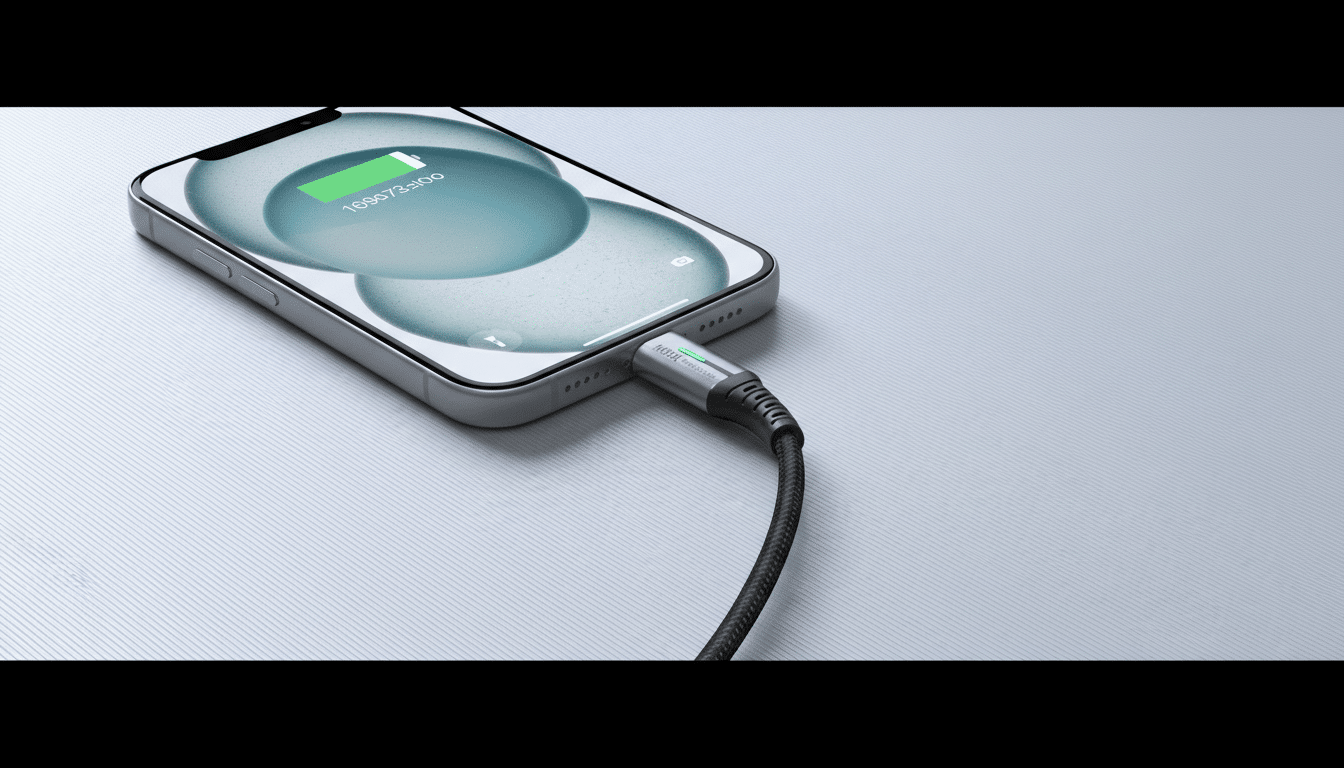
And yet, despite a USB Implementers Forum rating that promises up to 10,000 plug cycles for durable design, USB-C ports remain delicate in practice. They fit 24 little pins into a shiny cavity that attracts lint, moisture, and torque from heavy cables. A wobbly fit, data transfer that periodically drops out, or a charge that cuts you off at the worst possible moment can all become part of your daily routine over time.
Repair shops back this up. Asurion’s uBreakiFix technicians often list charging ports as one of their most common phone repairs, and iFixit deems replacements a labor-intensive job because the port is usually soldered to a board and buried under adhesives and seals. Local shops might quote $50–$100; through official channels you’re often well past $100 once parts and labor are factored together—a lot for something that’s pennies on the dollar in a bill of materials.
Port screw-ups aren’t always the user’s fault. Off-spec cables without legitimate e-marker chips, or corroded pins after a day at the pool, not to mention just plain old daily strain from being used as a bedside charger, all take their toll. That said, laptops and tablets tend to fare a bit better because they’re not tethered and untethered as much as a phone that spends half the day—or more!—getting topped up.
Wireless charging as an insurance policy when ports fail
Here is where wireless comes into its own. When a USB-C port acts up, a charging stand or pad keeps a phone alive long enough to back up photos, complete a trip, or prolong the time before you need to buy your next device. It’s not sexy, but it’s a reliable fallback that staves off unnecessary panic.
Modern options help. Qi2 adds magnets that work like MagSafe to the open ecosystem, aligning coils more precisely and reducing energy lost. A lot of iPhones are already enjoying 15W magnetic charging; Android phone-makers are producing charging accessories and phones that are Qi2 compatible. Active-cooling stands help further quell heat during those extended top-ups, and magnetic mounts ensure alignment stays spot-on even if placed on a bumpy desk.
What to look for in your next phone to ensure charging options
- Demand wireless charging support. Call it a reliability feature, not a luxury.
- Shoot for at least 10–15W standard Qi or 15W Qi2 if you’ve got it. They’d be faster at this than cheap proprietary chargers, but you don’t really need speed for backup duty.
- Check for magnetic alignment. Qi2 or MagSafe-compatible accessories cut out the guesswork and wasted power.
- Consider reverse wireless charging. It’s useful for earbuds and, if need be, another phone—additional redundancy when one of your ports dies.
- Buy a reputable stand. Shop for chargers that are certified by the Wireless Power Consortium, and combine them with known-good power bricks from certified brands.
How to extend USB-C port life and avoid costly repairs
Keep the port clean. A food pick—wood or plastic—and a soft paintbrush will carefully remove pocket lint; stay away from metal tools that may damage the pins. Quality, standards-compliant cables are a must when selecting the right leads for your USB-C accessories as well—USB-IF certified if you can get it—and don’t side-load with too much torque from heavy connectors dangling off your bed or car mount.
Allow the phone to cool after lengthy refills, and don’t play games while receiving a charge. If you need to charge wirelessly through the night, then a stand with a soft charge profile and good airflow will keep heat exposure to a minimum.
Bottom line: wireless charging is a safety net worth having
I will add here that despite good wireless charging, I am faster and more efficient with a cable, and want USB-C ports to hold up better in the real world. But experience—and plenty of repair data—tells me that wireless charging is the safety net every phone should have. It’s the silent functionality you wish you never had to turn on, until the day when you absolutely do.
