


Apple has quietly shipped a rare update for some of its oldest devices, and if you own an iPhone 5s or iPhone 6, you should install it now. The new iOS 12.5.8 build extends the certificate that powers iMessage, FaceTime, and even device activation so those services continue to work after January 2027. In plain terms, this is Apple future‑proofing essential services on hardware it stopped fully supporting years ago.
Which older iPhones and iPads need this essential update
The update targets devices stuck on iOS 12, including iPhone 5s, iPhone 6, and iPhone 6 Plus. It also covers the first‑generation iPad Air, iPad mini 2, iPad mini 3, and iPod touch (6th generation). If your device appears in that list and still runs iOS 12, head to Settings > General > Software Update and grab iOS 12.5.8.
- Which older iPhones and iPads need this essential update
- What will happen if you skip this small but critical update
- How to update safely and avoid common installation issues
- A rare lifeline for legacy iPhones and long-term support
- Related maintenance updates rolling out to older iPhones now
- Why these security certificates matter for older devices
- Bottom line: install iOS 12.5.8 to keep Apple services working

Apple explains in its support documentation that the release “extends the certificate required by features such as iMessage, FaceTime, and device activation to continue working after January 2027.” Certificates are the cryptographic trust anchors that let Apple’s services securely talk to your phone. When they age out, things break—sometimes suddenly.
What will happen if you skip this small but critical update
You won’t notice anything today. But after the old certificate expires, iMessage and FaceTime could fail to send or receive, and you might be unable to activate or reactivate the device after a reset or repair. SMS and regular voice calls aren’t affected; this is specifically about Apple’s services and activation pipeline.
This is not a feature update—your phone won’t suddenly gain modern capabilities. It’s more like replacing a passport before it expires. Install it once and your core Apple services are set for the next several years.
How to update safely and avoid common installation issues
Charge the device above 50%, connect to Wi‑Fi, and back up to iCloud or a computer if you haven’t in a while. Then go to Settings > General > Software Update and install iOS 12.5.8. The download is small by modern standards and typically completes in minutes, but budget extra time for older batteries and slower storage.
If you see errors, clear storage (aim for at least 1GB free), reboot, and try again. For devices used as kids’ hand‑me‑downs or dedicated FaceTime screens, this quick maintenance step can prevent a lot of future troubleshooting.
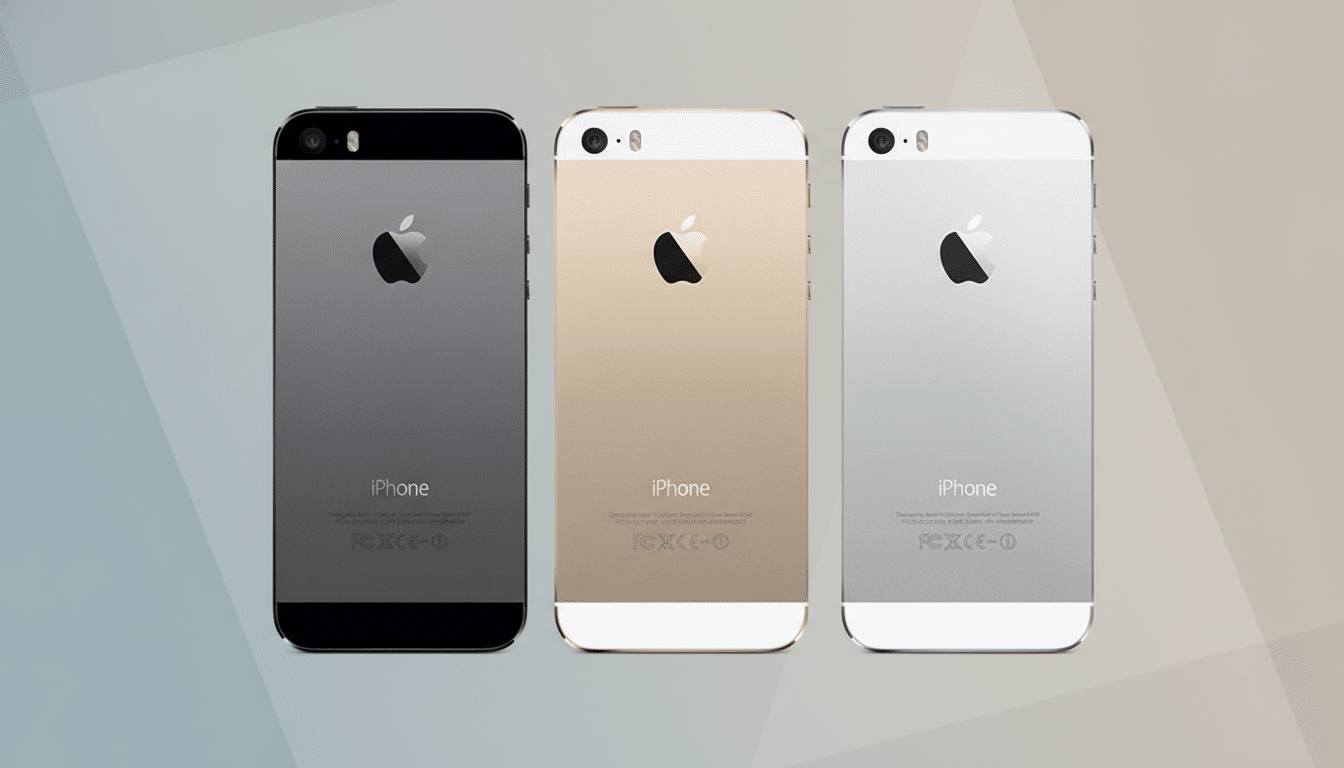
A rare lifeline for legacy iPhones and long-term support
Apple typically delivers about five years of full software support for each iPhone generation. Security fixes can arrive beyond that window, but service‑preserving updates this far out are uncommon. The iPhone 5s launched in 2013 with iOS 7; more than a decade later, it’s receiving a certificate extension so iMessage and FaceTime keep working.
Apple’s security updates page and support notes confirm this long‑tail maintenance. It reflects a reality the secondary market has shown for years: older iPhones remain in circulation worldwide as backup phones, smart‑home remotes, and starter devices for kids. Keeping core services alive helps those users stay connected and reduces e‑waste by extending practical lifespans.
Related maintenance updates rolling out to older iPhones now
Alongside iOS 12.5.8, Apple has released maintenance updates for other legacy branches: iOS 15.8.6 for iPhone 6s, iPhone 7, and the first‑generation iPhone SE; iOS 16.7.13 for iPhone 8, iPhone 8 Plus, and iPhone X; and iOS 18.7.4 for iPhone XS, XS Max, and XR. These builds typically bundle security patches and reliability tweaks. Apple’s security releases are documented in its advisories, which are worth reviewing if you manage family devices or a fleet of older iPhones.
Why these security certificates matter for older devices
Modern services rely on a chain of trust. When a root or intermediate certificate nears expiration, companies rotate to new ones; devices need to recognize those new certificates to maintain a secure connection. We’ve seen certificate rollovers disrupt older software in the past across the industry. Apple preempting that scenario here means fewer surprises in 2027 and beyond.
Bottom line: install iOS 12.5.8 to keep Apple services working
If you have an iPhone 5s, iPhone 6, or another device capped at iOS 12, install iOS 12.5.8 now. It’s a small, one‑time update that ensures iMessage, FaceTime, and activation keep working well past 2027. For families and organizations holding onto older hardware, it’s the simplest way to keep essential Apple services online.
