


With electricity rates elevated in many regions, I went hunting for wasted watts at home. The surprise wasn’t the big appliances, but the quiet trickle from devices that sip power 24/7. After I started unplugging seven common gadgets when idle, my home’s always-on load dropped and my bill followed.
The U.S. Department of Energy recommends curbing “phantom” or standby loads, noting they can account for a meaningful slice of household use. National studies from the Natural Resources Defense Council and Lawrence Berkeley National Laboratory have found idle loads can add up to hundreds of kilowatt-hours per year—costs most of us never see coming.
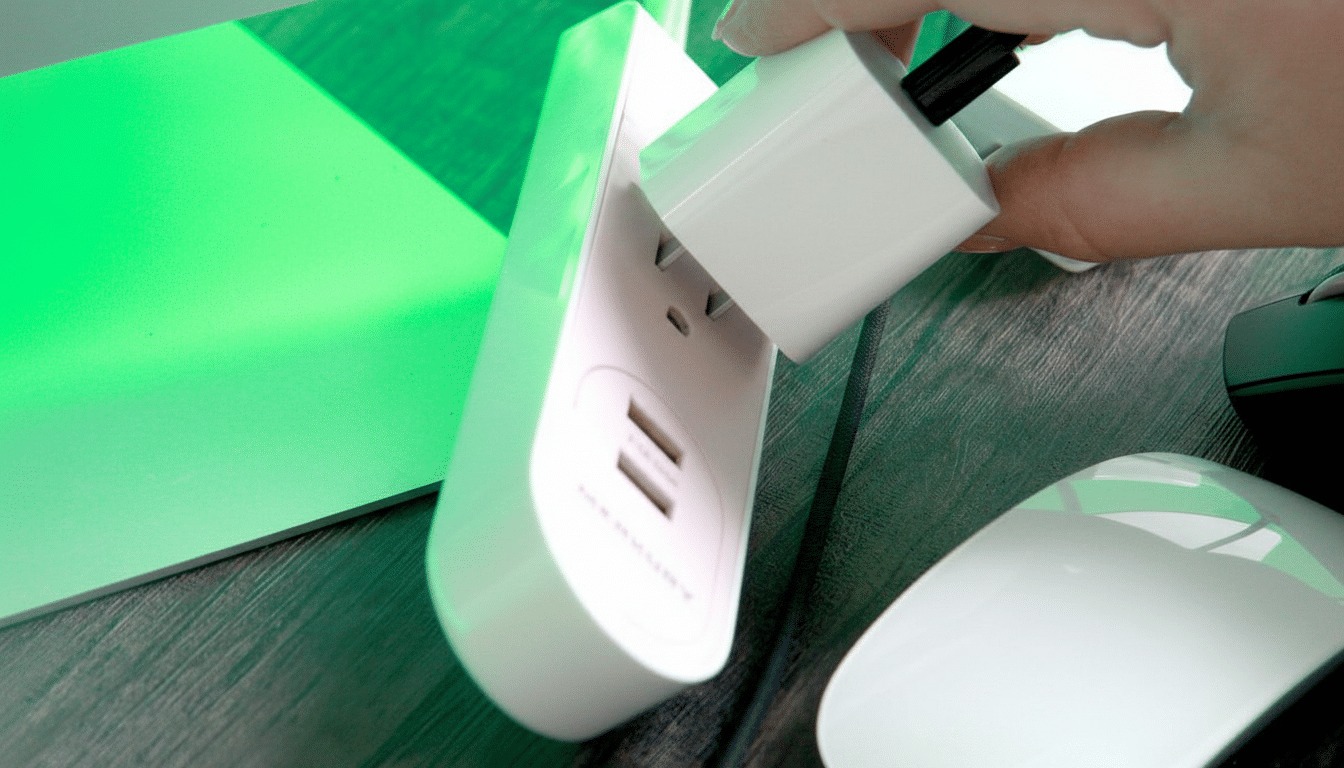
I verified the impact with an energy monitor: trimming about 80W of constant draw equates to roughly 58 kWh per month. At the average residential price reported by the U.S. Energy Information Administration, that’s around $8–$12 monthly, or close to $100–$150 a year—without changing comfort or routines.
Understanding phantom loads and their hidden energy costs
Standby power keeps clocks synced, remotes listening, and updates flowing—but it also keeps meters spinning. NRDC’s analysis of “always-on” electricity found many homes quietly burn through the equivalent of an extra appliance running all year. LBNL’s measurements show single devices can idle anywhere from fractions of a watt to dozens, and the totals compound across a household.
For context, a constant 100W idle draw uses 876 kWh annually. Depending on local rates, that can easily cost $120–$190 a year. The fix isn’t unplugging everything—just targeting the worst offenders you don’t need on standby most of the time.
Seven common devices I unplug to cut standby power
- Guest and Office TVs: Modern sets often draw 0.5–3W in standby; add a streaming stick and the idle can climb, especially if “quick start” features are on. That’s only a few dollars per set each year, but idle TVs in rarely used rooms became easy wins once I put them on switched or smart plugs.
- Printers: Inkjets and compact lasers commonly idle at 2–6W. That’s roughly $3–$8 a year per unit at typical rates. I now leave mine unplugged until needed, which also avoids surprise auto-cleaning cycles that use ink and power.
- Game Consoles: “Instant-on” modes keep downloads and updates flowing but can hold 10W or more around the clock. Switching to energy-saver mode and unplugging when I’m away cut that standby to near zero. If you rely on overnight updates, schedule windows and unplug outside those hours.
- Sound Bars and Powered Speakers: Depending on the model, idle draw ranges from under 1W to 8W. I grouped living room AV gear on a single strip so one switch takes the entire cluster dark after movie night.
- Pod Coffee Maker: Keeping water hot for “instant brew” can average 40–70W. That convenience translated to as much as $50–$60 a year for me. I now use a smart plug to power the machine only during morning hours and let it go fully off the rest of the day.
- Mini-Fridge: A lightly used unit can average 50–100W, adding $7–$15 a month. Mine ran empty more often than I realized. Now it’s unplugged except during gatherings or seasonal use. If you need a mini-fridge continuously (medications, shared office), consider an Energy Star model and clean condenser coils to trim consumption.
- Set-Top Boxes and Disc Players: Cable and satellite DVRs are notorious; NRDC has documented 15–45W draws even when “off.” That’s $20–$50 a year per box. I returned an unused secondary box, rely on TV apps where possible, and unplug the Blu-ray player until movie nights.
Make energy savings automatic with simple plug controls
I leaned on a few low-cost tools to make the habit stick. Smart plugs let me schedule coffee and printers, while basic power strips group entertainment gear so everything truly shuts down with one click. Labels on plugs and a quick weekly scan help keep creep from returning.
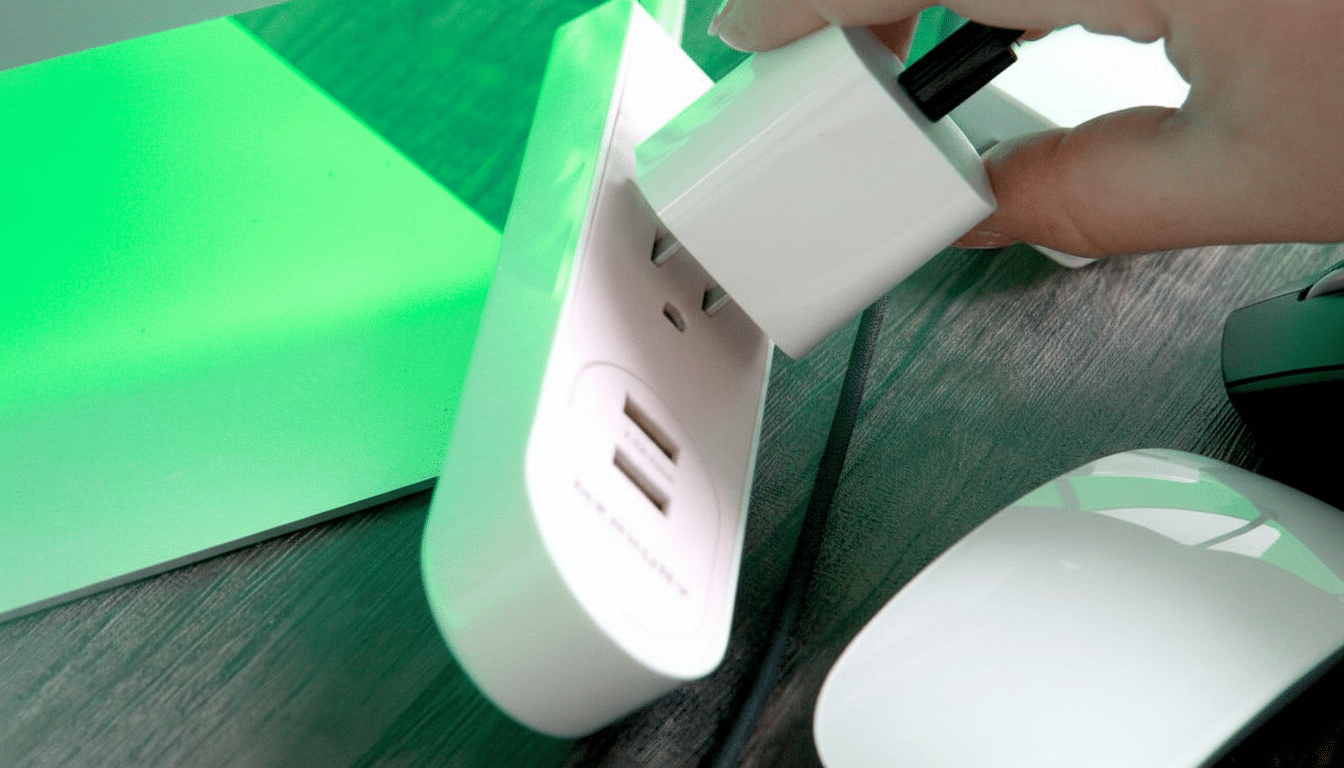
Not everything should be unplugged—routers, smart-home hubs, and medical devices often need to stay on. But for gear you use sporadically, automation removes the hassle while keeping convenience intact.
What changed on my electric bill after cutting standby
After a month, my baseline usage fell by roughly 1.5–2 kWh per day compared with prior months, lining up with the 60–70 kWh monthly reduction I projected from meter readings. At average EIA prices, that’s about $8–$15 off the bill each month—close to $100–$180 a year, and potentially more where rates are higher.
The side benefit: during outages or backup-power scenarios, a lower idle load means batteries last longer and circuits are simpler to manage. Efficiency and resilience go hand in hand.
Bottom line: easy steps to reduce phantom energy waste
Targeting seven quiet energy sippers—TVs in seldom-used rooms, printers, consoles, sound bars, a pod coffee maker, a mini-fridge, and set-top boxes—delivered measurable, low-effort savings. DOE guidance, LBNL measurements, and NRDC findings all point the same way: trim phantom loads and your energy bill notices. Start with the devices you don’t truly need on standby, automate the rest, and bank the savings every month.
