


Most TVs ship with at least one USB port, yet for many households it’s the loneliest socket on the back panel. That’s a missed opportunity. The USB standard—present on everything from budget sets to premium OLEDs—quietly enables useful tricks that can save money, add features, and even improve performance without a new subscription or accessory.
Play Media And Run Hands-Free Slideshows
Your TV likely supports plug-and-play access to photos, music, and videos from a USB flash drive or portable SSD. Most models recognize common formats like JPG, PNG, MP3, and MP4, and higher-end sets often add MKV and lossless audio. The payoff is immediate: a living-room slideshow for a birthday, vacation highlight reels, or a looped lobby display—no app sign-ins, casting hiccups, or cloud buffering.
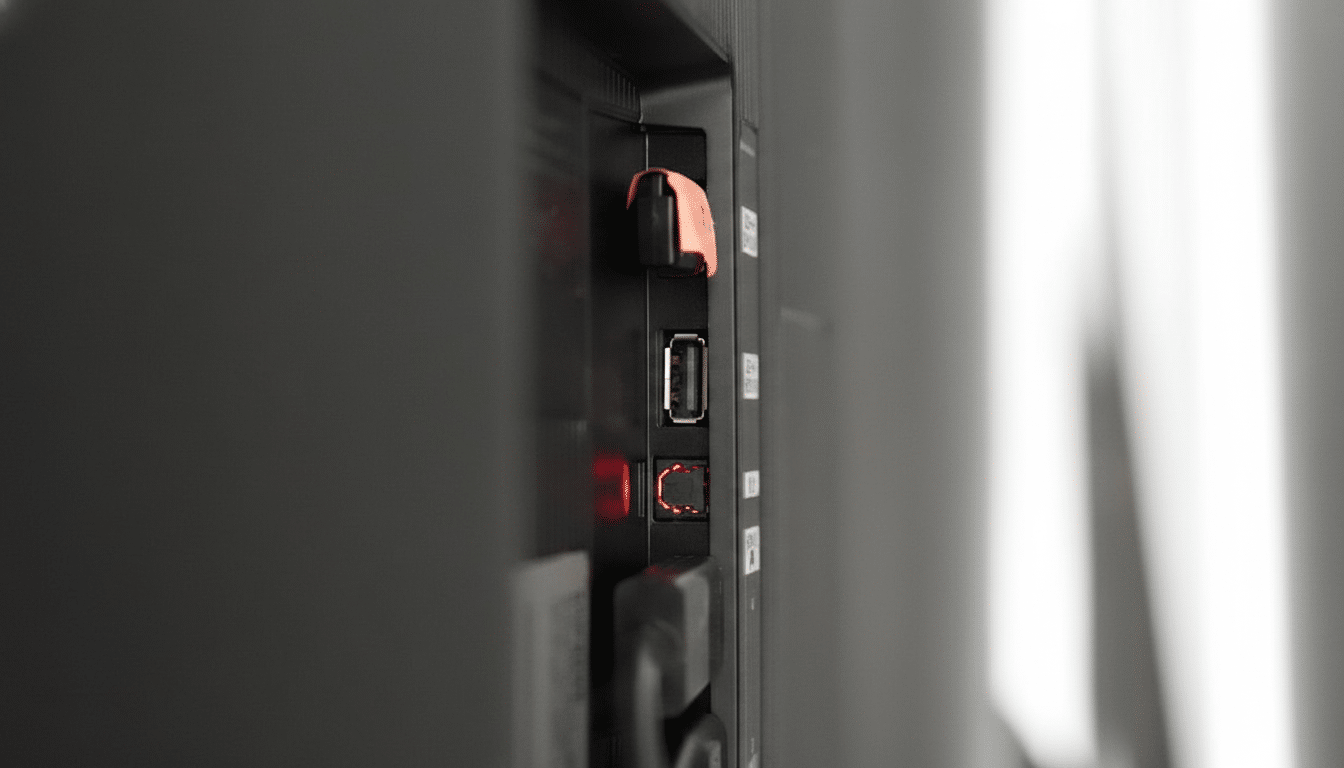
Because files play directly from the drive, they don’t clog your TV’s limited internal storage. That keeps the system responsive—useful on older sets with modest memory. For large 4K clips, format the drive as exFAT to avoid file-size limits, and check the manual for supported codecs. Many TVs index USB libraries automatically, and some let you set a screensaver-style slideshow when idle.
Power A Streaming Stick Without A Wall Adapter
HDMI streaming sticks often run just fine on the TV’s USB power, simplifying cable clutter. A USB 2.0 port typically supplies up to 5V/0.5A (2.5W) and USB 3.0 up to 5V/0.9A (4.5W), according to the USB Implementers Forum. That’s enough for many compact devices, especially earlier-generation models from Amazon, Roku, and Google. The benefit is practical: one remote, one input, and a clean install for a bedroom or guest room TV.
There are caveats. Newer 4K/HDR streamers may draw more power under load, and device makers often recommend the supplied wall adapter to prevent throttling or reboots. If you notice glitches, switch to wall power or try a higher-output USB port if your TV offers one labeled “HDD” or “USB 3.0.” Still, for many households, the TV’s USB port is a frictionless power source that just works.
Charge Controllers And Gadgets In A Pinch
That same USB port doubles as a slow-but-steady charging station. Game controllers, Bluetooth headphones, streaming remotes with rechargeable batteries, fitness trackers—plug them in while you watch and they’ll be topped up by the end of a movie night. Expect modest speeds: TV ports emphasize data and low-power accessories, so you won’t fast-charge a phone. But as a convenient, always-there outlet, it beats hunting for a spare charger behind the couch.
For context, Consumer Technology Association surveys show TVs remain among the most-used screens in U.S. homes, which makes their ports a logical place for everyday charging. Just remember that power often cuts off when the TV sleeps, so leave the set on or enable a “USB power in standby” option if your model supports it.
Update Firmware Offline And Add Features
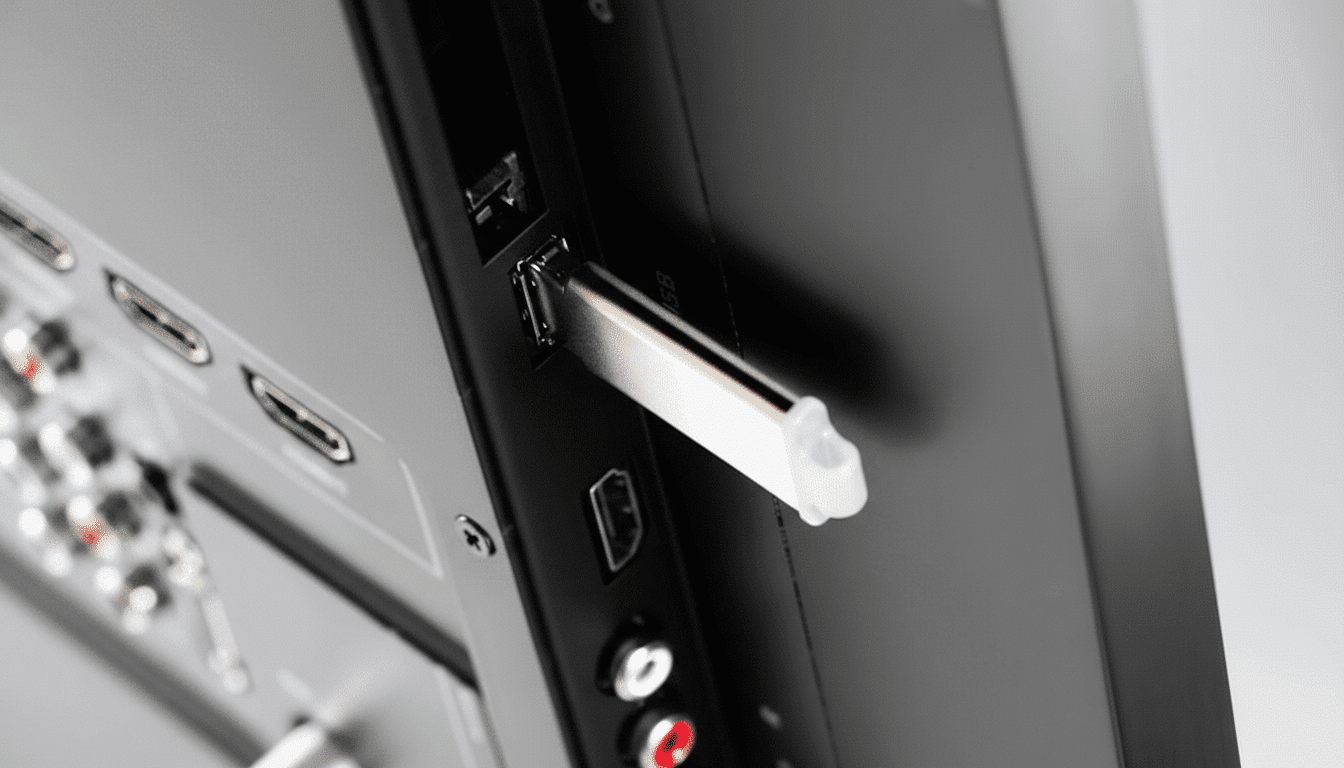
If your set lacks reliable Wi‑Fi—or you prefer more control—USB updates are a lifesaver. Manufacturers such as Samsung, LG, Sony, and TCL publish firmware files on their support pages; download the version for your exact model, copy it to a USB drive, and trigger the update from the TV’s settings. It’s a reliable way to patch security issues, add app compatibility, refine HDR tone mapping, or squash HDMI handshake bugs.
This offline path matters more than you might think. Ofcom research shows live and on-demand viewing is increasingly app-driven; keeping TV firmware current maintains app support and DRM compliance. And because USB updates bypass flaky connections, they reduce the risk of a failed over-the-air update bricking the set.
Before You Plug In: Quick Setup and Safety Tips
A few quick checks go a long way. Confirm supported file systems (FAT32, exFAT, or NTFS) and media codecs in your manual. Use quality, short USB cables to minimize voltage drop, and avoid daisy-chaining hubs unless your TV explicitly supports them. For portable hard drives, choose a powered model or a TV port labeled for higher current; some sets cap unpowered drives to prevent brownouts.
Finally, know your region-specific features. In parts of Europe, many TVs offer USB PVR recording and time-shift from antenna inputs—handy for pausing live broadcasts—while some North American models disable recording due to licensing. If your set supports it, a dedicated USB drive can become a personal DVR with zero subscription fees.
The overlooked USB port is more than a maintenance jack. It’s a media player, a tidy power source, a charging backup, and a bridge for critical updates—all hiding in plain sight on the back of your TV.
