


Google’s playful Screen Effects in Messages have quietly grown from a novelty into a delightful part of everyday texting, and the best ones now feel worth seeking out. Introduced alongside the milestone of one billion RCS users, these auto-triggered animations inject personality into chats without requiring extra taps or add-ons. After weeks of testing across multiple phones, I’ve narrowed down my favorite effects and pulled together practical tips so you can make them pop on cue.
How Google Messages Screen Effects Work and Triggering Rules
Screen Effects are tied to RCS, the modern messaging standard backed by the GSMA and favored by Google Messages. When you type certain phrases, the app launches full-screen animations for both sender and recipient. There’s no menu to open—the effect triggers automatically if you hit the right wording.

Two rules matter. First, you need RCS enabled in Google Messages. Second, phrasing must be exact. Case doesn’t matter, but extra punctuation, alternative spellings, or added words often block the trigger. Google has also quietly retired some once-common prompts; if you don’t see an animation after sending “I love you” or “sounds good,” that’s by design, not a bug.
Compatibility is broad across recent Android phones. If nothing happens, verify your Messages version, confirm RCS status in settings, and check accessibility options. On devices like the Galaxy S24, turning off “Reduce animations” restores the effects. Based on hands-on testing and community reports, there are roughly 40 known triggers mapping to around two dozen distinct scenes, and the catalog evolves with seasonal and cultural moments.
Favorite Google Messages Screen Effects Right Now
Rise and shine paints a gentle sunrise across the screen, a cheerful nudge that makes early-morning pings feel less abrupt. It’s versatile and never overstays its welcome.
Going to the beach delivers rolling blue waves and bouncing beach balls. Summer sun triggers the same seaside vibe—perfect for trip planning or daydreaming mid-winter.
Hahahaha, Lolll, and Lololol summon inflatable tube figures wobbling with laughter. Precision matters: three Ls for “Lolll,” not two; the effect is case-insensitive but spelling-sensitive.
Booo (with three Os) rains down cartoon tomatoes. It’s a harmless, theatrical boo ideal for groan-worthy dad jokes and bad puns.
Snowman unlocks a charming flurry, more visually satisfying than generic “snow” prompts. It’s a favorite when sharing winter photos or weather alerts with a smile.
Trick or Treat unleashes lightning, a pumpkin, and a mischievous black cat—arguably the most elaborate Halloween effect. Related phrases like Pumpkin carving, Pumpkin patch, jack-o’-lantern, and Happy Halloween typically call the same scene.
Fall colors and its siblings Autumn colors, Autumn leaves, and Fall leaves create a cascade of foliage—subtle and warm. It’s seasonally spot-on but charming year-round.
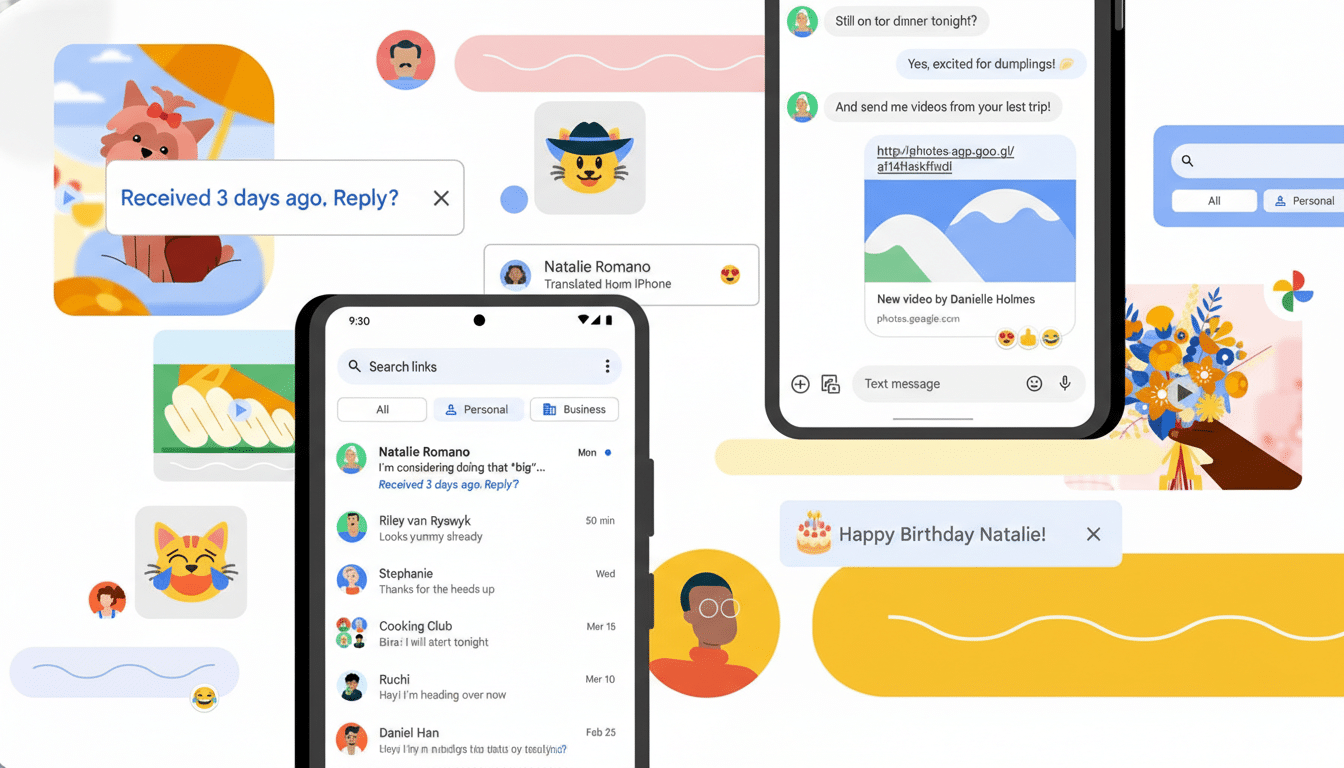
The phrase “Spring has sprung” blooms flowers and bees across your chat, a quick morale boost during late-winter slumps and a natural pairing for garden updates.
Pride parade stages a procession of hands waving rainbow flags, a vivid celebration that resonates during Pride Month and beyond.
Happy Lunar New Year (and Happy Chinese New Year) releases dancing dragons and festival flair. It’s a crowd-pleaser, especially in group threads marking the holiday.
Tips to Trigger Google Messages Effects Reliably
Type the exact phrase without added punctuation or emojis on the same line. Effects are generally case-insensitive, but spelling and spacing must match. If you’re testing, send the phrase by itself first.
Confirm RCS is on in Google Messages settings and that both you and your recipient have data connectivity. If you still don’t see anything, update the app and check your phone’s animation settings; reductions or battery savers can suppress visual effects.
Remember that Google rotates and adds triggers over time. Holiday phrases often appear early, then linger after the date. Keep an eye on phrases tied to major events or seasons; they’re the most likely to earn new scenes.
Why This Google Messages Feature Matters Today
Screen Effects are more than confetti—they signal how RCS is evolving into a richer, more expressive standard. Google highlighted surpassing one billion RCS users in 2023, and playful cues like these help anchor users in the default Messages app rather than splintering into third-party platforms.
There’s also a competitive angle. Apple popularized animated messages years ago, and Android users have wanted similarly frictionless flair. By tying effects to natural-language triggers, Google keeps the experience lightweight, accessible, and viral-ready without cluttering the interface.
The bottom line: Screen Effects add just enough joy to keep chats lively, and the best ones reward precise wording. With dozens of triggers already live—and more likely on the way—they’re fast becoming a signature of modern texting on Android.
