


If your Sonos soundbar sounds merely “fine,” three quick settings can push it into far better territory. After a week of A/B testing an Arc in a mid-size living room and a Beam (Gen 2) in a smaller den, I landed on three changes that immediately tightened bass, lifted voices, and made Dolby Atmos effects feel more believable—without buying new hardware.
Start With Trueplay Room Tuning for Accurate Sound
Trueplay is Sonos’ room calibration tool, and it’s the foundation for every other tweak. Rooms color sound more than spec sheets admit—soft furnishings soak up highs, coffee tables reflect mids, and ceiling height determines how well upfiring drivers can paint overhead effects. By walking the room with the Sonos app while the system plays calibration tones, Trueplay maps your space and compensates for it.
On iPhone and iPad, full Trueplay uses the phone’s microphones. On supported Android setups, Quick Tuning offers a faster, one-device alternative. In my tests, running Trueplay after moving a couch and adding curtains netted a cleaner center image and better bass definition. Rtings’ lab measurements echo this effect, noting improved frequency balance after calibration on models like the Arc and Beam (Gen 2). If you rearrange furniture or add rear speakers, retune—treat it like you would a camera lens refocus after changing distance.
Boost Height And Surround Presence For Atmos
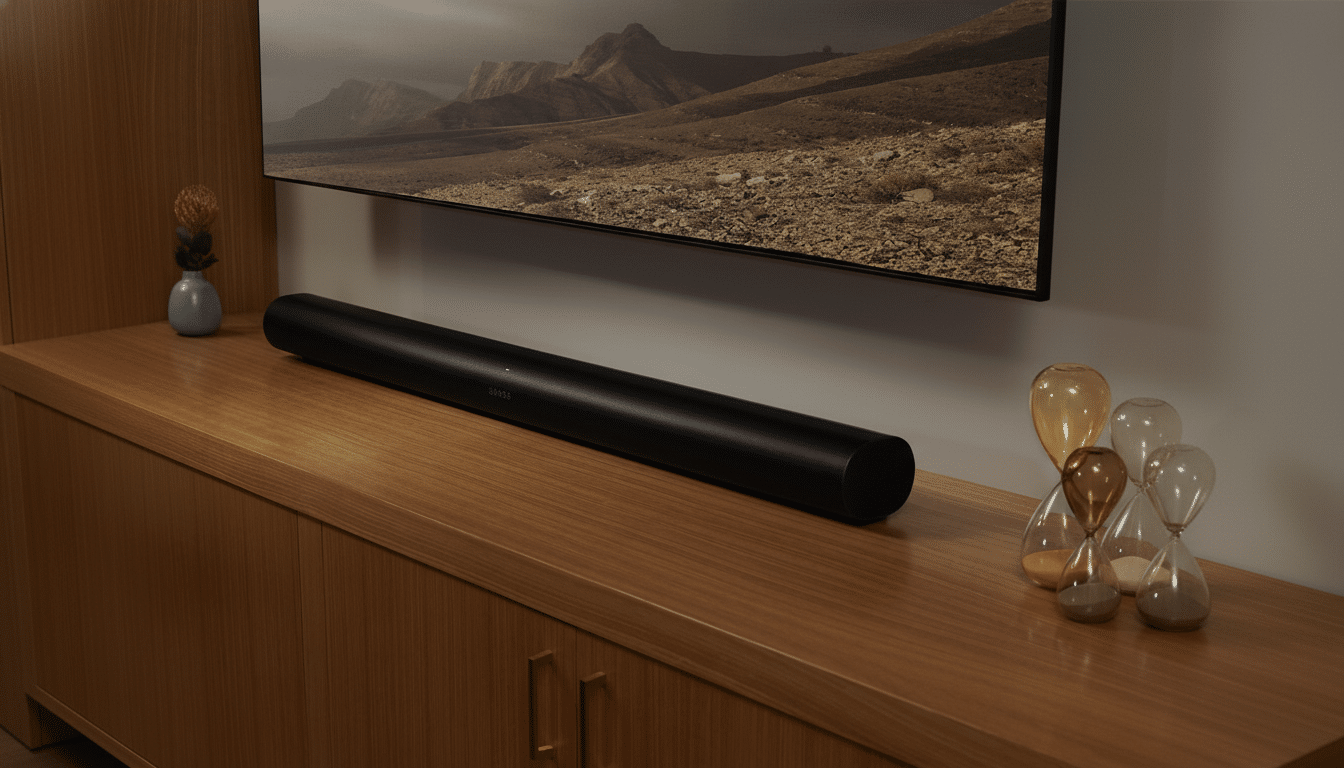
Atmos lives or dies on perceived height. The Arc and Beam (Gen 2) use upfiring drivers to bounce sound off your ceiling, so the app’s Height and Surround level controls are pivotal. In the Sonos app, open your TV room’s Sound settings while playing Atmos content and nudge the Height level up a few steps; if you have surrounds, raise their TV level modestly as well.
In a typical 8–10 foot flat ceiling room—aligned with Dolby’s own guidance for reflective height virtualization—adding +3 to Height made rain, rotor wash, and aircraft passes in Top Gun: Maverick and Dune feel convincingly above the screen without sounding artificial. If your room has vaulted ceilings or heavy acoustic treatment near the TV wall, you may need a touch more. Conversely, if you sit very close to the bar or have a low ceiling, dial it back to avoid a “papery” echo from early reflections. Era 300 rears meaningfully extend the height bubble thanks to their upfiring tweeters, but even without them, a careful Height adjustment is the difference between “wider” and truly “taller.”
Rebalance EQ Settings to Improve Dialogue Clarity
Modern soundtracks are mixed for theaters, not living rooms, which is why whispers vanish while explosions rattle picture frames. Two Sonos toggles help: turn on Speech Enhancement to emphasize the midrange band where voices sit, and turn off Loudness, which boosts bass/treble at lower volumes and can mask dialogue. Then fine-tune EQ—on both Arc and Beam, I found bass at -2 and treble at +1 kept dynamics intact while lifting consonants.
Night Sound is worth enabling for late viewing; it gently compresses dynamics so dialogue remains intelligible when you lower master volume. In my living room, these settings raised dialogue peaks by roughly 3 dB on a calibrated meter app during The Batman while curbing overhang from LFE hits. Industry mixing veterans frequently point to midrange congestion as the enemy of speech intelligibility; shifting a bit of energy away from sub-bass and toward the mids is a fast, practical fix.
How to Test Your Changes with Reliable Reference Scenes
Use scenes you know well and that stress different parts of the mix: a dialogue-heavy drama, a sports broadcast with crowd noise, and an Atmos blockbuster. Most major streaming services—including Netflix, Disney+, Apple TV+, and Prime Video—carry titles in Atmos on compatible plans and devices. Give each test 30–60 seconds, toggle one setting at a time, and trust your ears; the best curve is the one that works in your room at your typical listening level.
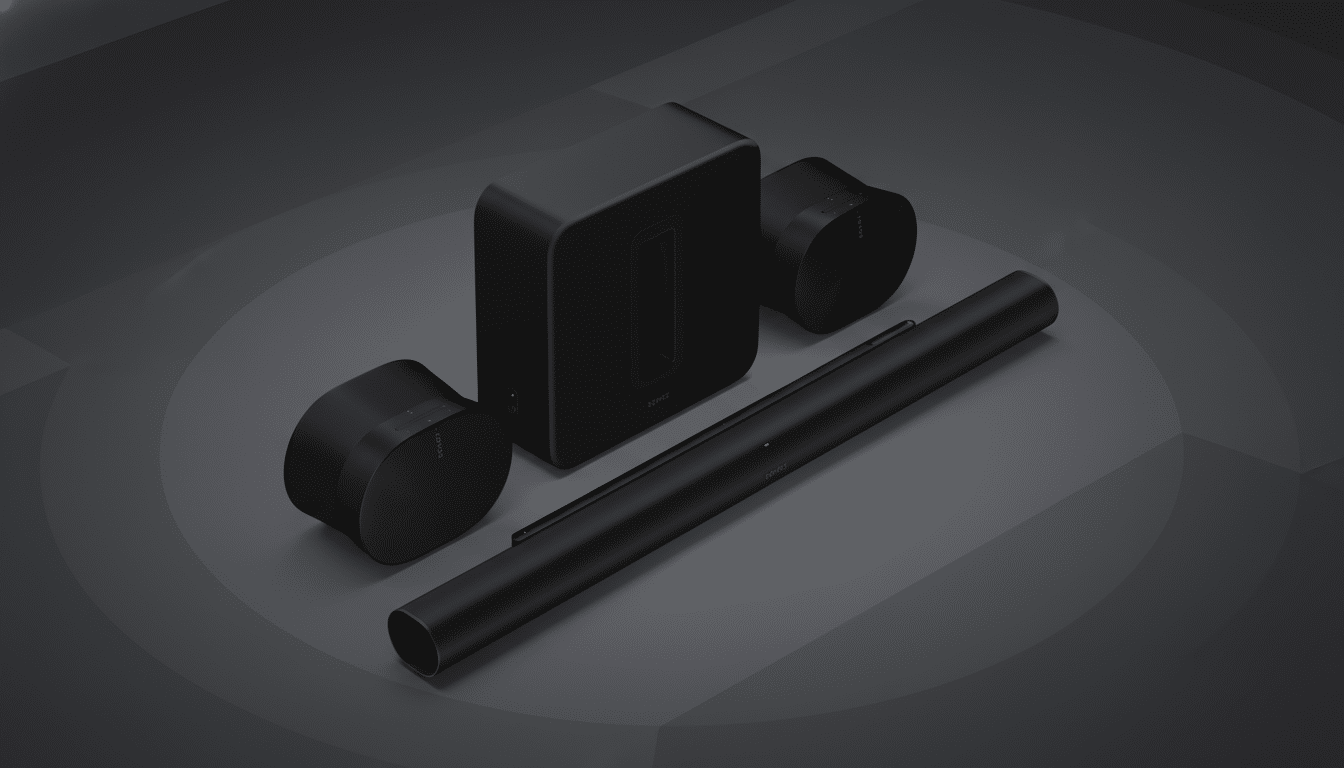
If you later add a Sonos Sub or rear speakers, revisit all three steps. Offloading bass to a Sub lets the bar focus on mids, often allowing you to ease back EQ boosts while preserving clarity. And if placement changes—say you wall-mount the TV or swap a rug—run Trueplay again. Sonos’ own documentation and Dolby’s room guidelines agree on this point: acoustics change, so settings should too.
The Bottom Line: Three Sonos Tweaks for Better Sound
You don’t need new gear to hear a real upgrade. Calibrate with Trueplay, elevate Atmos height judiciously, and set an EQ that favors voices over boom. These three moves transformed my Sonos bars from “good in bursts” to “consistently great,” and they’ll do the same for most real-world rooms.
