


Lenovo’s new ThinkPad X1 Carbon Gen 14 may look like just another ho-hum business ultraportable, but we’re impressed with the mix of new features and performance in its lightweight design. The new Space Frame design makes this flagship ultraportable the most repairable X1 Carbon ever, adding modularity to a class of laptops that often glue, solder, and seal everything in place. We took the machine for a test spin, and this is more than just a spec bump—it’s a tangible move toward repairability without sacrificing all the features that have made the X1 Carbon a business mainstay.
Space Frame redesign targets easier fixability
The Space Frame reconceptualizes the interior as a two-sided structural plate below the keyboard, with parts attached to both sides. By relocating the I/O bracket, speakers, battery, and fans from the main logic board, Lenovo has made room for more generously sized thermals—and importantly: part replacements. The keyboard is magnetically secured and detaches in seconds, offering a quick route to the core components that used to take full top-case tear-downs. Most of the replacements still require a screwdriver, though the path is not terribly complicated and clearly signposted.
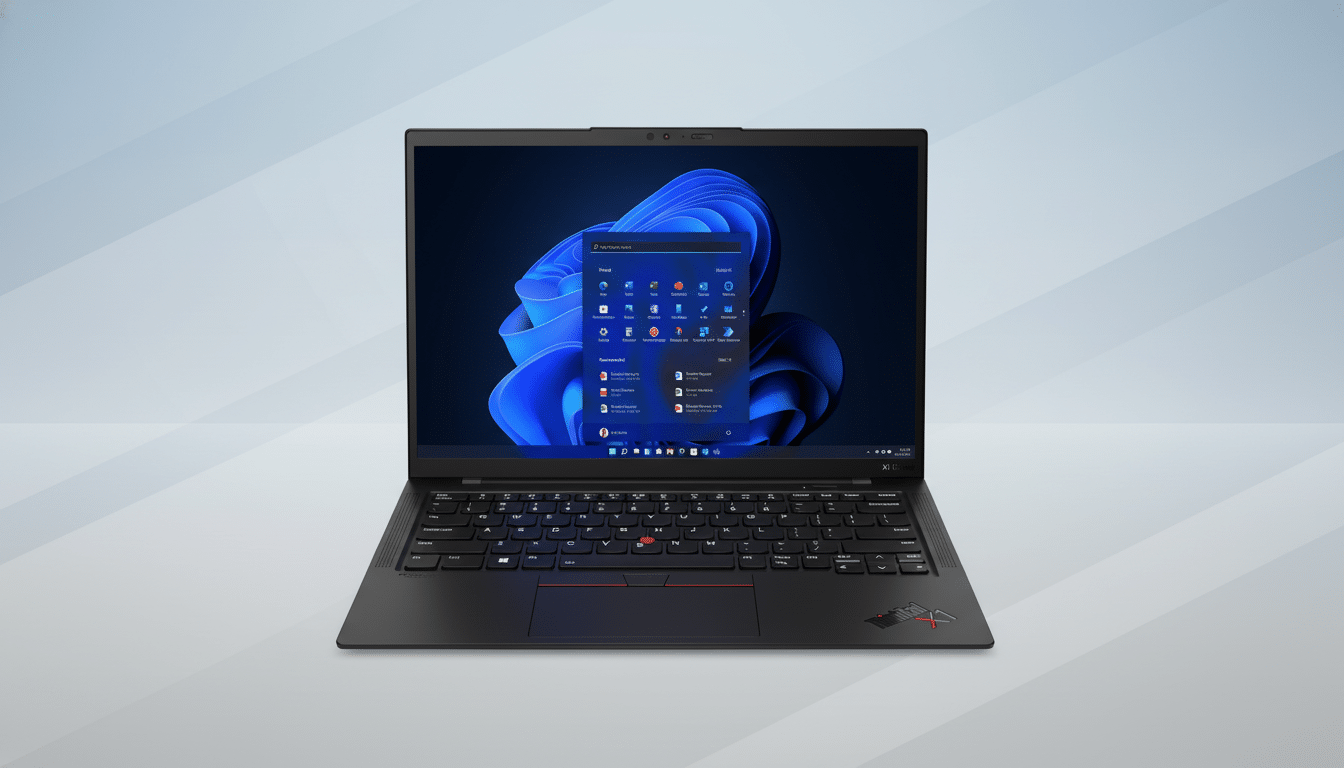
This rethink is a lean shift in dimensions only: the Gen 14 looks to be about 0.60 inches thick, whereas that thickness was closer to 0.56 inches on the previous generation, and its weight has held steady at an ultra-lightweight of just 2.2 pounds.
That slight concession gets you some real serviceability out of the deal, something any IT admin, on-the-go pro, or user waiting for a fan, speaker, or battery swap instead of a depot visit should appreciate.
Ports, display and build quality remain premium
On the outside, X1 Carbon is still matte-black carbon fiber. Lenovo throws in a third Thunderbolt 4 port—unusual for an ultraportable—along with USB-A 3.2, HDMI 2.1, and a headset jack. For many people, that trio of TB4 ports is going to be enough to erase the need for a dock entirely.
The 14-inch panel options can be anything from a sharp 1800p OLED rated as bright as 500 nits down to a more frugal 1200p non-touch.
The keyboard is still the reliable ThinkPad layout with the red TrackPoint, and the 10-megapixel webcam, which boasts a 110-degree field of view, shoots especially clear video in conference rooms. Not one of these changes jumps to follow a trend; rather, they strengthen a platform that was designed for daily use instead of tradeshow gadgetry.
Performance platform and cooling headroom
For processing power, the X1 Carbon Gen 14 takes advantage of Intel’s latest Core Ultra X7 Series 3 processors from the family “Panther Lake” — enhanced integrated Arc Xe graphics and a beefier NPU that can support local AI workloads up to 50 trillion operations per second.
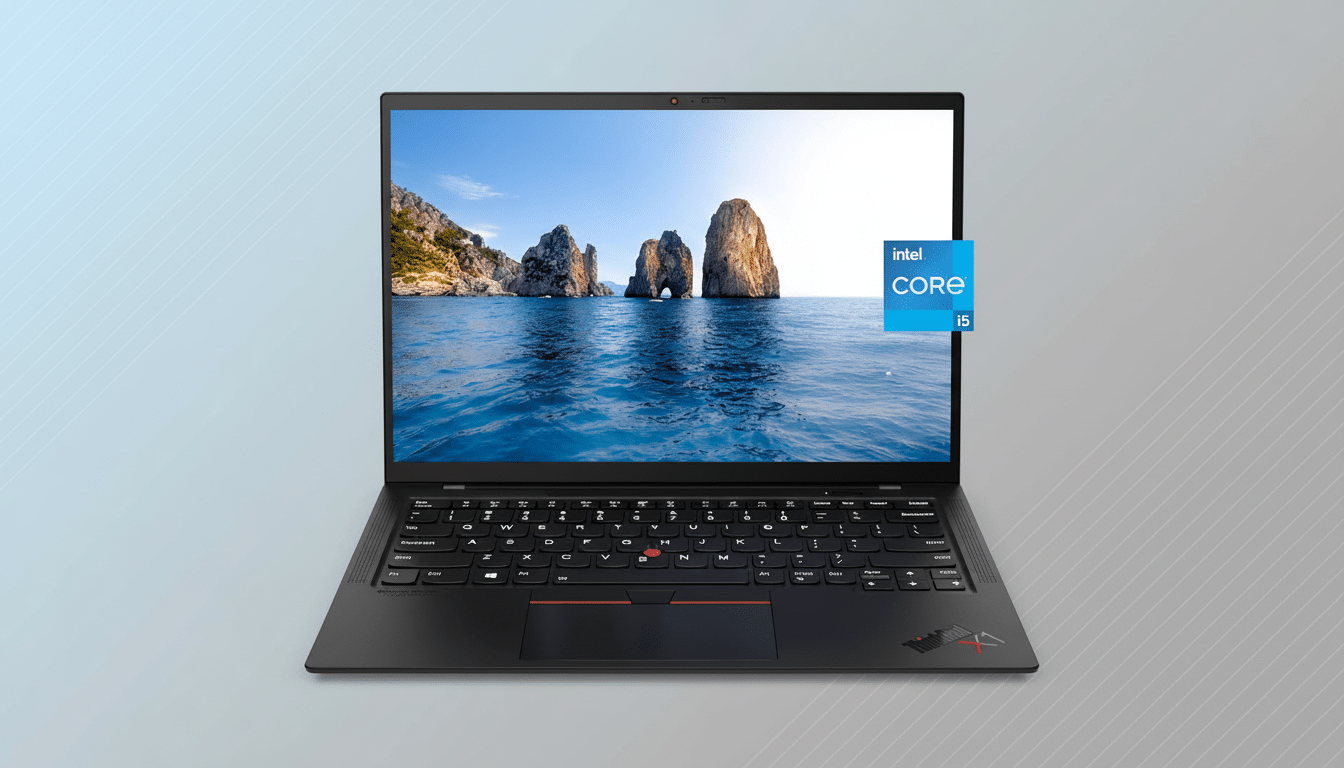
Indeed, the platform can accommodate up to 64GB of LPDDR5x memory and PCIe Gen 5 SSDs—headroom that makes this machine look like it has a multi-year shelf life as software requirements continue to grow.
That Space Frame also allows larger fans, and in stress testing the system was able to hold high clocks for longer periods of time than previous-gen ultralights I have used. That’s the practical upside of modular thermals: larger, serviceable fans that push more air and are easier to replace when they inevitably wear.
Repairability score and implications for enterprise buyers
This model has received a 9 out of 10 from iFixit for how easy it is to repair, which is an elite score that’s second only to the Framework Laptop’s full-on modular design (with its score of 10). That’s a record for a thin-and-light corporate notebook. It’s also timely. Right-to-repair rules in the European Union and new state laws here in the US, like California’s SB 244, are forcing manufacturers to make parts, tools, and documentation available. Lenovo’s approach stands as a believable template for enterprise fleets in need of solid service avenues, but not the chunky hot-swappable chassis design.
There’s a sustainability angle, too. The Global E-waste Monitor, created by the United Nations University and the ITU, has been monitoring a rise in electronic waste around the globe. Extending a laptop’s life by just one refresh cycle—companies typically turn over corporate PCs about every four years, Gartner said—can make a significant difference in replacement volume and carbon impact. Field-replaceable batteries and fans are not glamorous components, but they are exactly the things that keep machines running.
Two-in-one twin shares the repair-first strategy
It’s with that same Space Frame philosophy that Lenovo is bringing to the ThinkPad X1 2-in-1 Gen 11. As you would expect, the convertible is a little thicker at just under 0.65 inch and it’s heavier at 2.61 pounds because of its 360-degree hinge, but it reflects the clamshell design’s modular components, audio array, and battery size. For organizations deploying mixed form factors, standardizing on shared spares and processes might simplify support.
Price, configurations, and an early hands-on verdict
The ThinkPad X1 Carbon Gen 14 Aura Edition starts at $1,999, and the X1 2-in-1 Gen 11 with Core m3 runs from $2,149. Those prices keep the line well within premium territory, but as is so often the case with technology products, the value calculus changes when self-service reduces downtime and extends lifespan. My takeaway after spending time with the new layout: Lenovo has finally, genuinely reconciled ultraportable design with real-world repair—without compromising the X1’s signature level of polish.
Battery life claims and complete benchmarks would tell the rest of the performance story, but as a direction for the category overall this is clearly something better. If you’ve ever had to put a thin-and-light out to pasture over a swollen battery or dead fan, the X1 Carbon Gen 14’s Space Frame will feel like the fix many of us have been waiting for.
