


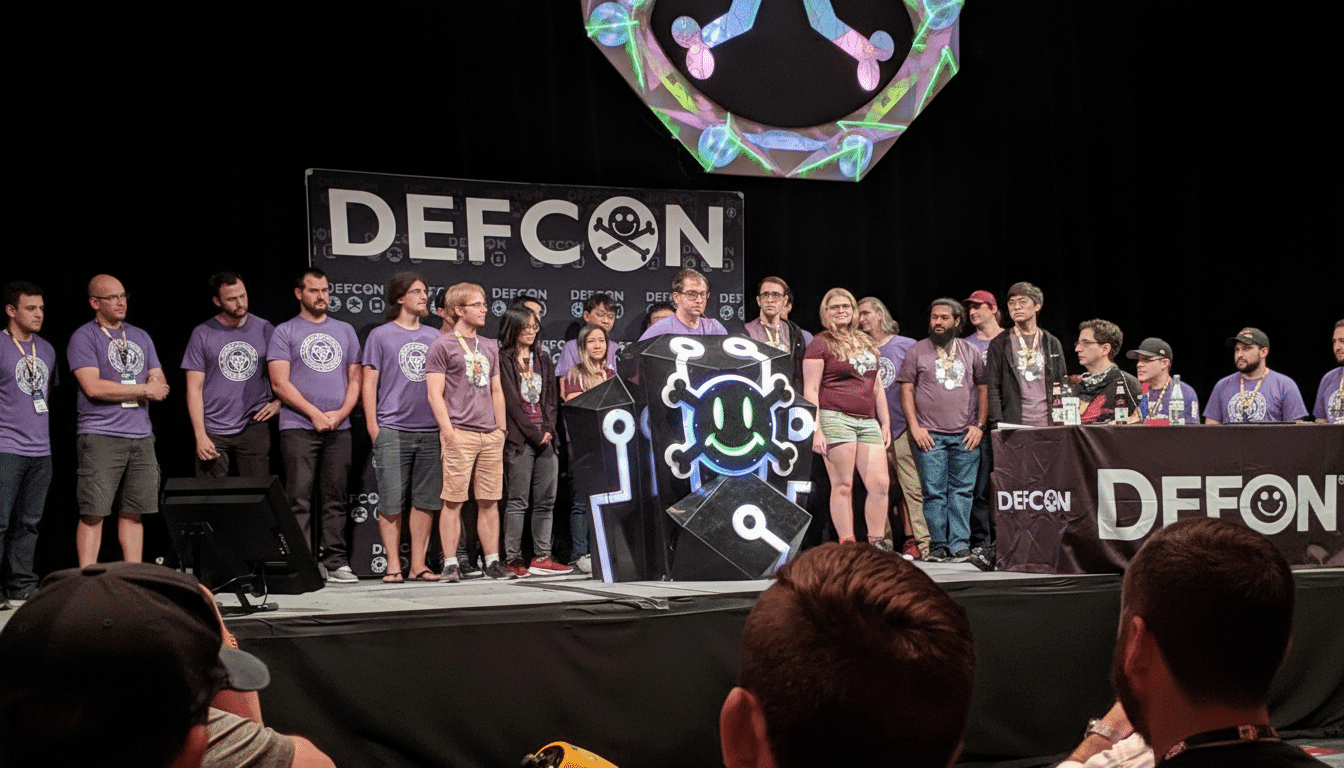
Passkeys hold the promise of a more secure, passwordless future — but a new type of attack demonstrates that the way we implement and use them can be used against us. At DEF CON, security researcher Marek Tóth showed how clickjacking and splashed scripts could subvert a passkey’s “authentication ceremony” while it zooms along the air, allowing an attacker to log in as you without ever pilfering your actual passkey. The security of the underlying cryptography in FIDO2/WebAuthn is still strong — it’s the session controls, password manager settings, and site integrations that are weak.
How passkey hijacking works in real-world practice
The attack strings together two well-worn web threats. First, some evil script (e.g., but not limited to, cross-site scripting) is executed in your browser. Next, an overlay of clickjacking persuades you to click a hidden element for logging in. Your password manager awakens, initiates a WebAuthn flow, and creates a signed response — technically the PublicKeyCredential — that’s meant to be read by the real site. If the site has not tied that challenge to your specific session, then the script can exfiltrate this one-time authentication “golden ticket” to an attacker, who can replay it to log in as you.
This is preventable. A correct “session binding” solution would mean that the signed assertion is only valid when also provided with a server-issued session token (think Set-Cookie-ish, with HttpOnly and SameSite). With that in place, JavaScript, whether legitimate or rogue, will not have access to the session cookie and the stolen assertion is futile. Minimum Interrupt Time — one of the earliest established general principles underpinning secure session management — remains one of the most effective controls against session hijacking (OWASP).
A complex failure, not a broken standard
This is not, crucially, a weakness in the FIDO2 protocol itself. Tóth’s research focuses on implementation edge cases: sites that do not bind sessions, passkey plugins with insecure defaults, and password managers that perform actions without sufficient verification. In some manual tests, some of the comfortably enabled libraries on which demo instances rely were not enforcing session-bound challenges by default. There’s a parallel argument by the FIDO Alliance that demos are not production-hardened, but it amounts to roughly the same message to implementers: defaults matter.
Password manager vendors have started shipping mitigations.
- Bitwarden added protection from inline autofill when page styling implies hidden overlays.
- 1Password added an option to require explicit user action to complete autofills, forcing any such autofill through the now famous confirmation UI that can’t be clickjacked.
- NordPass made changes to the way it layers its UI and disabled style modifications that could hide prompts.
- LastPass now detects zero-opacity elements and suppresses autofill if such a condition seems suspicious.
These are all welcome changes — but they only work when users update.
What users should do right now to stay protected
Require user verification when using a passkey. Next, return to your password manager and set biometrics or a PIN as a requirement for each authentication. Stop if a cookie banner click unexpectedly causes Face ID to prompt you — something is wrong. This one setting makes drive-by clickjacks stand out like a sore thumb.
Refresh your password manager and browser. These vendors are actively delivering countermeasures to clickjacking and hidden form protection. Keeping old extensions running is precisely what exposes you to the sort of tricks Tóth showed.

Overlays and pop-ups are suspect sources to be avoided. If a surprise consent box or modal pops up, fight the instinct to click right through it. Try interacting with the page using your browser’s visible navigation, and reload. The dangers of UI redressing and mixed-trust content have been raised by OWASP on more than one occasion.
What site operators should implement immediately
Associate each WebAuthn challenge with the user session. Use Set-Cookie with an HttpOnly, Secure, and appropriate SameSite attributes; deny non-matching assertions. This is standard table-stakes session defense that should be enabled by default in your auth stack.
Force user verification. In PublicKeyCredentialRequestOptions, set userVerification to required, prompting for biometrics or PIN even if a user has indicated that they prefer a local convenience option.
Harden the front end. Use a strict Content Security Policy, sanitize user-generated content, use Subresource Integrity for third-party scripts, and prevent clickjacking. The 2019 revelation of an XSS on a top payment platform through HackerOne is one example: even well-defended sites can be used if defenses are relaxed.
Plan for stronger binding. Consider evaluating cryptographic session-binding approaches such as Device Bound Session Credentials and DPoP to augment cookie-based defenses, as described in FIDO Alliance guidance.
Password managers: the last mile of defense
Extensions already have broad page permissions. Use them to catch obscured login forms, zero-opacity elements, and dubious z-index stacking, and disable autofill by default in those cases. Always defer to relying party preferences for user verification while making “confirm before autofill” the default when it comes to credentials and passkeys. Most importantly: surface visible, non-overlayable UI so users cannot be tricked into silent approvals.
The bottom line on passkey hijacking risks today
Passkeys are still far safer than passwords: the private key never leaves your device, and assertions are short-lived. But security is like a chain, and an attacker only needs the weakest link. Session binding on the server, stronger validation in password managers — on top of casual scrutiny by users — and a DEF CON-style hijack crumbles. Passkeys are still the right direction — this wake-up call just makes what everyone has to work on next that much clearer.
