


AI dictation finally feels effortless. Faster on-device speech recognition, smarter large language models, and built-in audio pipelines mean modern apps can transcribe your messy speech into neat text with context, punctuation, and fewer errors. Power users now demand sub-second latency, consistently reliable performance on accents, and privacy options that don’t cripple features — and the best tools deliver.
What is significant, however, are the changes that have been made under the hood. Leading systems use streaming ASR combined with LLM post-processing to strip out filler words, repair grammar, and also follow instructions like “write this as an email.” Research summaries from Stanford’s AI Index and the IEEE Signal Processing Society describe “continued progress in speech recognition error rates” on widely studied benchmarks, with leading models reaching single-digit WERs for clean speech and enhanced resilience to noise. Community datasets like Mozilla Common Voice also broadened language coverage, resulting in apps performing better outside of American English.
- How We Picked the Standouts for Modern Dictation Apps
- Best Overall Choices for AI-Powered Dictation Apps
- Best for Offline Use and Power Users Who Need Control
- Low-Budget but Open-Source Dictation App Picks
- Why Accuracy and Latency Are Finally Decent
- Buyer Checklist for Choosing a Dictation App
- Bottom Line: The State of AI Dictation Apps Today
How We Picked the Standouts for Modern Dictation Apps
The apps herein are noteworthy for their strong accuracy scores on real-world speech, near-instant response times, and smart features: custom vocabulary lists, style controls, local processing choices, and simple hotkeys. We also considered pricing transparency, data practices, and cross-platform support, because great dictation needs to fit real workflows; it can’t just test well in a lab.
Best Overall Choices for AI-Powered Dictation Apps
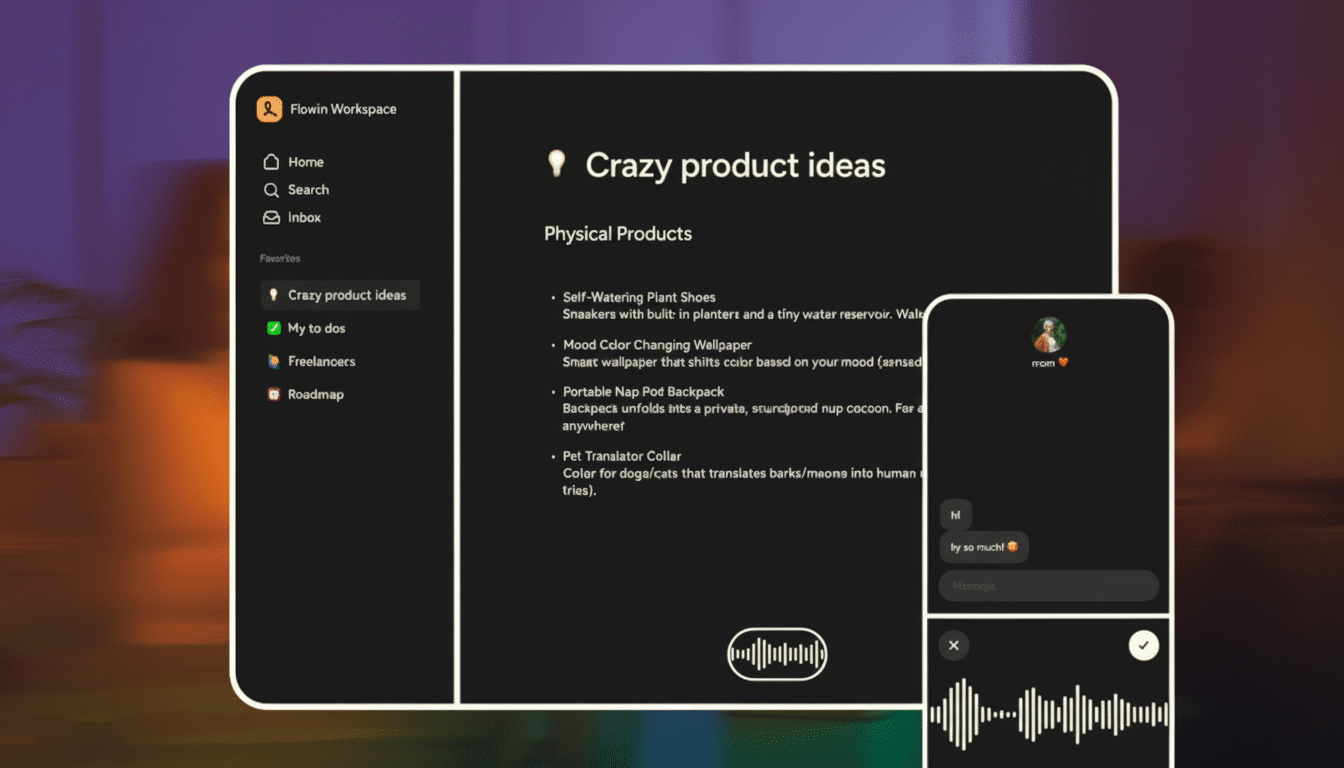
Wispr Flow: A sleek, full-stack dictation suite for Mac, Windows, and iOS that allows you to add custom words and create tone presets — from formal to casual — for contexts like messaging or email. It is pliable enough to conform to coding workflows and has fine-grained controls for shaping output. You get a generous free tier for casual use, and subscriptions open up unlimited transcription at an entry-level price that undercuts the competition.
Willow: For anyone who loathes typing, you can use Willow, which relies on generative models to expand short prompts into full paragraphs and then prunes the filler while formatting it.
Vital privacy: Transcripts can remain on your device, and you can opt out of training. Free monthly allowance and custom vocabulary; the paid plan offers unlimited dictation, plus it learns your writing style over time.
Best for Offline Use and Power Users Who Need Control
Monologue: Made by privacy-first users, Monologue enables fully local transcription by downloading models to your machine. It can change tone based on the app you’re in — think a terse code comment versus a polished email — and keeps the setup light. It has a small free tier and an uncomplicated subscription that makes it an easy recommendation for those who do not want any cloud dependence.
Superwhisper: A power user’s paradise that supports live dictation, transcription of audio and video files, and the selection of a model. You can mash together fast in-house models and things like NVIDIA’s Parakeet, shape your custom prompts, and see raw versus processed text side by side to know what exactly the AI did. The free tier gets you started; Pro tiers allow you to bring your own API keys and even run local and cloud models in parallel.
Low-Budget but Open-Source Dictation App Picks
VoiceTypr: An offline-first app with a no-subscription ethos. It is compatible with over 99 languages and works on both Mac and Windows, providing a simple lifetime license after a brief trial. There’s also an open-source path for those who wish to self-host or tinker under the hood.
Aqua: A slick, YC-backed Mac and Windows client focused on low latency. In addition to punctuation, you can use it to autofill text by voice (say “my address” and the stored info appears), and it opens its own speech-to-text API for developers. A free-word allocation does light work, with paid options for unlimited usage and deep custom dictionaries.
Convenient: Lightweight, open-source, and free across Mac, Windows, and Linux. It’s basic by design — push-to-talk, customizable hotkeys — which makes it a clean starter option for anyone trying out voice-first workflows without signing up for a subscription.
Typeless: A generous free plan makes this a solid value pick for students and writers. And its app is privacy-focused, claims not to retain data for training purposes, and offers gentle rewrite suggestions when you stumble mid-sentence. Paid tiers get you unlimited words and early access to new Mac and Windows features.
Why Accuracy and Latency Are Finally Decent
Two trends matter. First, specialized NPUs and accelerated inference engines on laptops and phones allow apps to run state-of-the-art models locally, reducing streaming latency down to a few hundred milliseconds in mediocre conditions. Second, combining ASR with LLMs tidies disfluencies and takes care of punctuation and casing while being steered by task-level instructions. Publicly reported numbers on WER from the Stanford AI Index and benchmarks monitored by Papers with Code indicate consistent improvements in WER, while industry toolkits such as NVIDIA Riva and widely adopted models like OpenAI’s Whisper have driven multilingual capabilities forward.
Buyer Checklist for Choosing a Dictation App
- Accuracy on your voice and background: try in a silent room and a noisy cafe. Listen to how well they handle punctuation, numbers, and names.
- Privacy stance: on-device options, data retention policies, opt-out of training, and compliance (SOC 2, HIPAA) if you’re handling sensitive work.
- Latency: Streaming is important for live dictation. Test whether the app seems instantaneous with your mic and CPU/NPU.
- Customization: create your own shortcuts, add custom vocabulary, unlock hidden settings on your machine’s interface, or control style with Style‑Memory.
- Integrations: global hotkeys, system-wide typing, app-specific Shortcuts, file/audio import for meetings and interviews.
- Pricing: free word ceilings, fair minimum monthly quantities, and what makes sense; lifetime licenses or subscriptions.
Bottom Line: The State of AI Dictation Apps Today
For most knowledge workers, Wispr Flow and Willow have the strongest balance of accuracy, flexibility, and polish. If privacy is important or you desire full control, Monologue and Superwhisper stand out with strong local options and model selection. VoiceTypr and Convenient offer competent, no-nonsense dictation at no cost; Aqua and Typeless are fast with high levels of free usage. The takeaway is straightforward: AI dictation has grown up and it’s now a reliable daily driver.
