


How do you find Santa Claus on Christmas Eve without guesswork or grainy maps? Now, AI is truly at the center of this year’s most popular trackers, which have evolved from quaint tradition to a slick, real-time, family-friendly experience across phones, smart speakers and TVs.
How AI makes Santa tracking possible this season
Today’s Santa trackers use machine learning, geospatial engines and content-generation models to bring a realistic simulation of the sleigh ride around the world. Instead of a flat dot on a stagnant map, they render a 3D Earth with cloud-level detail and predict Santa’s likely path through it, as well as dynamically annotating cities and delivering festive facts via point-and-click queries and voice assistants.
- How AI makes Santa tracking possible this season
- NORAD’s AI-enhanced tracker and family features this season
- Google Santa Tracker and Assistant features for families
- How to watch in your living room on TVs and smart displays
- Helping children protect their privacy and stay safe
- Quick setup checklist for NORAD and Google Santa trackers
- The bottom line on AI-powered Santa trackers this year
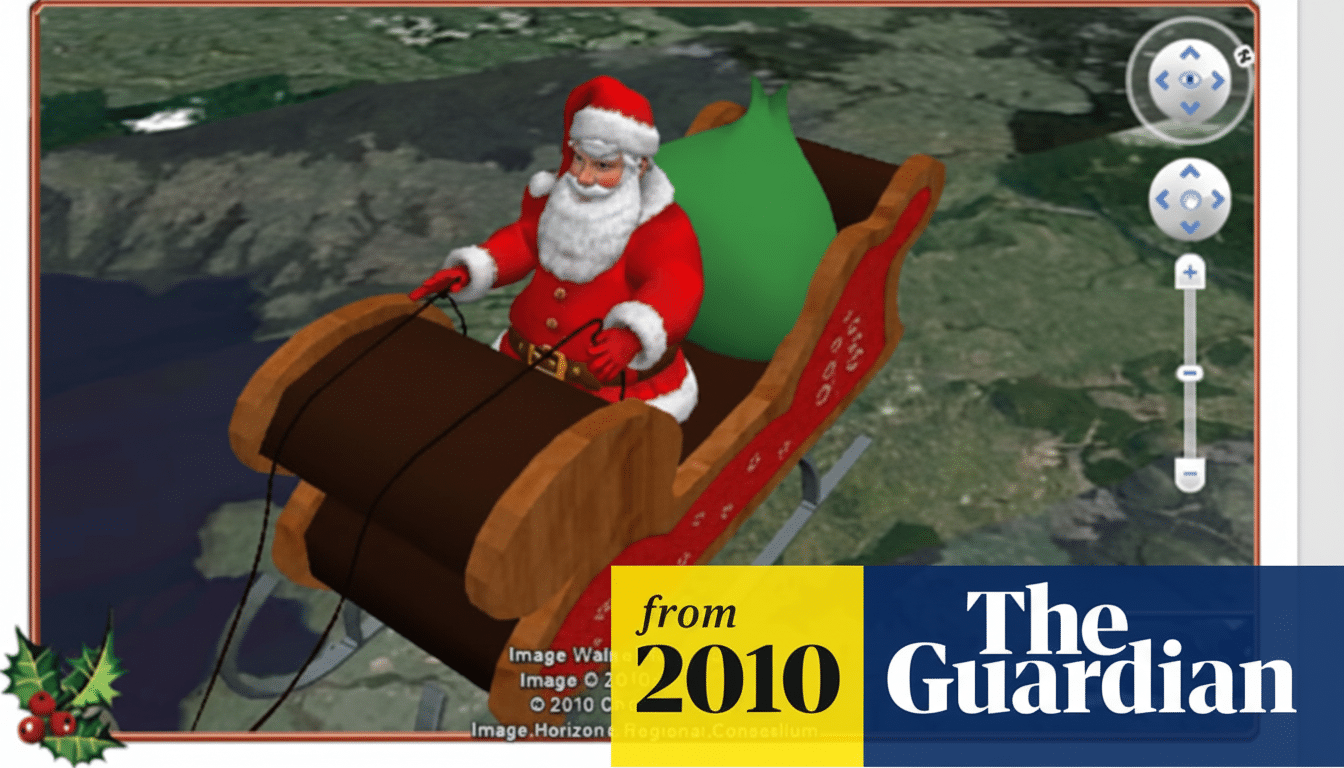
Behind the scenes, AI is also assisting with more than just location. It personalizes experiences (as with custom stories and elf avatars), localizes content into multiple languages, and curates kid-safe activities. The result: fewer waits, fewer “Are we there yet?” moments, more wonder, moments before bedtime.
NORAD’s AI-enhanced tracker and family features this season
Organized by the North American Aerospace Defense Command, the NORAD Tracks Santa program is still the old-timer. Its map is powered by Cesium’s open-source 3D platform and incorporates Bing Maps imagery to deliver a realistic globe you can rotate and zoom for effect, while Santa Cam clips “capture” his travels through landmarks for an extra sprinkling of magical realism.
Added to the mix this season are AI-powered extras from NORAD that are tailored for families. New tools turn a selfie into an animated elf character, let you generate toy ideas (and then print them out as coloring pages), and produce fill-in-the-blank stories that incorporate your child’s name, hometown and favorite holiday details. The focus is on interaction, not just observation.
NORAD reports that visitors worldwide flock to the program every year, and its volunteer call center has fielded thousands of calls every season as in the past—in a sign of how deeply woven into seasonal routines and holiday lore tracking has become. Available on the web and in official apps in multiple languages, it’s also simple to set up on living-room screens.
Google Santa Tracker and Assistant features for families
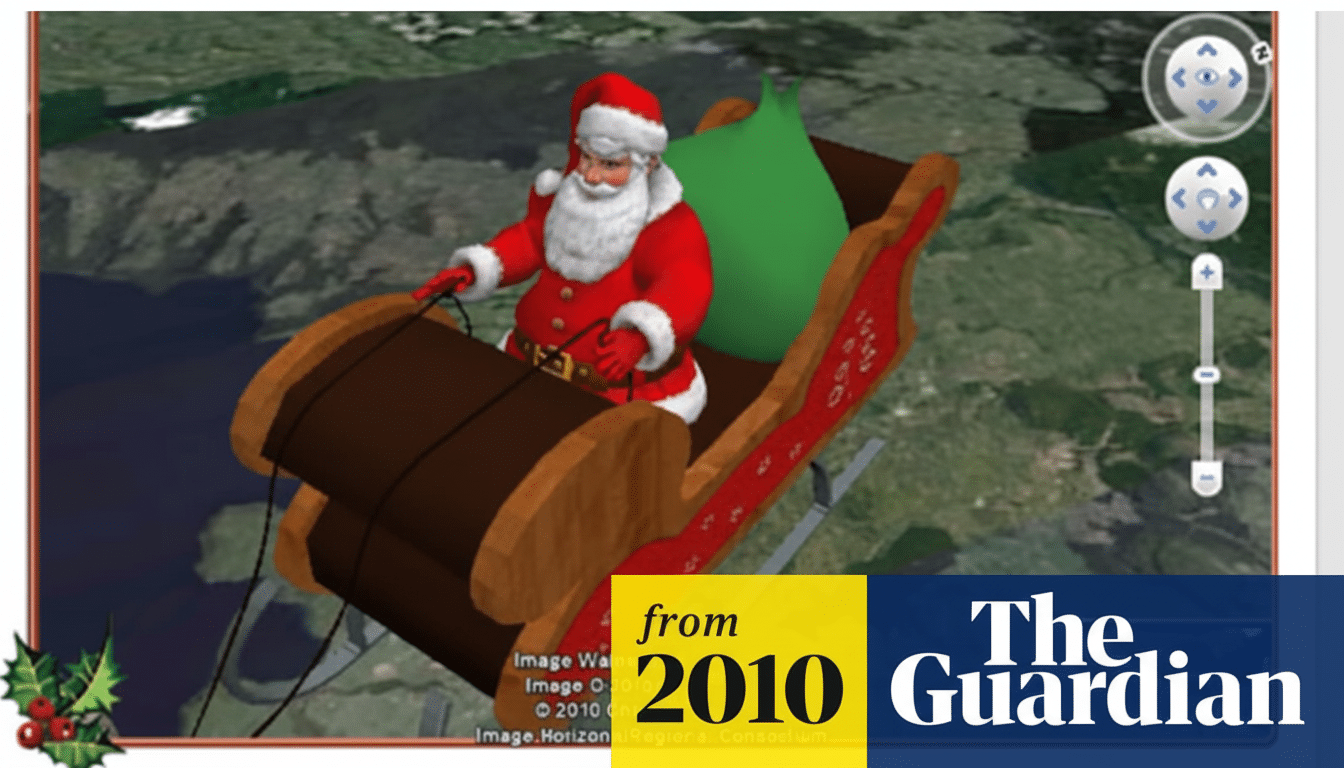
Google’s Santa Tracker provides a live map with Santa’s current location, where he is headed next and an estimate—based on his speed and distance from your location—of when he will arrive at or near you. It keeps track of the miles traveled and packages delivered, and includes cutesy animations for kids who want to “follow along,” minute by minute.
The accompanying Santa’s Village is open all season and comes with mini-games, coding education activities such as the kid-friendly “Code Boogie,” quizzes and shareable animations. As your child crafts a virtual elf band or even learns some rudimentary programming concepts, the recommendation logic on the platform steers them toward age-appropriate activities.
Using Google Assistant, speech recognition is based on leading-edge AI technology, while text-to-speech conversion offers high-quality voices for hands-free updates. Ask “Hey Google, where’s Santa?” for a location check, or “What’s new at the North Pole?” to listen to a droll newscast about the workshop. If you have a Nest Hub or an Android TV device, you can also cast the tracker to that bigger screen and let Assistant do the heavy lifting of telling what’s happening.
How to watch in your living room on TVs and smart displays
Display the tracker on TV for a united countdown. AirPlay or Cast the map from your phone, or use a supported smart TV app to see Santa’s approach as a family. A “final check” before sleep, when you dim the lights and cue up a holiday story, works for lots of parents.
Download the official apps and cache a couple of Santa Cam videos if you’re traveling. Kids can stream clips offline between updates, while the AI-generated stories and coloring pages are great for keeping small hands busy in the car.
Helping children protect their privacy and stay safe
Download only the official NORAD and Google apps from reputable app stores. Each year, impostor apps appear in the Android marketplace. Many ask for permissions they don’t need. A legitimate tracker does not need access to your contacts, SMS or exact location to work.
Use child profiles or family settings on your devices to help prevent accidental purchases and app switching. Some organizations that develop kid-centered experiences comply with children’s privacy rules, but it is always a good idea to check permissions and share data sparingly.
Quick setup checklist for NORAD and Google Santa trackers
- Download the official NORAD Tracks Santa and Google Santa Tracker apps to your phone or tablet.
- Try voice commands: “Where’s Santa?” and “What’s new at the North Pole?” on your smart speaker or display.
- Cast the map to your TV for a shared view, and receive a reminder message to check in on location before bed.
- Get ready for Santa activities: bring an elf to life, print coloring pages, and save a custom story.
- Have a backup: if the Wi-Fi gets overloaded, the NORAD volunteer hotline typically provides live updates on a phone.
The bottom line on AI-powered Santa trackers this year
AI has transformed Santa tracking into a map experience, game and bedtime story all rolled into one. Whether you fancy NORAD’s 3D globe or Google’s voice-led updates, a couple of minutes of setup can make sure your family gets the best seats in the house for the most highly anticipated delivery run of the year.
