


Hunting for an Android tablet that’s fast enough to stream and play, but won’t break the bank? That’s where the TCL Tab 8 Nxtpaper 5G comes in. It’s the first small Android slate to pack in TCL’s Nxtpaper tech at an 8.7-inch size, with a matte, glare-resistant panel and switchable “paper-style” modes — all for about $200 on Verizon, with more prepaid availability coming through Total Wireless.
What sets it apart – Eye comfort and glare control
Typical lower-end tablets use glossy LCDs that can appear punchy and vivid indoors but are prone to glare (at best) or eye fatigue (at worst) after a long session. TCL’s Nxtpaper 4.0 strategy involves a textured, low-reflectance layer and comfort tuning in the form of diminished blue light emission, DC dimming to shut down flicker and a finish that damps down harsh reflections. Eye strain is associated with glare and long duration of focus, not just blue light alone, according to the American Academy of Ophthalmology, so mitigating reflectance and flicker counts in real-life use. Nxtpaper’s matte surface is the difference you feel while commuting in the sun, or staring at it from your classroom desk.
- What sets it apart – Eye comfort and glare control
- What Nxtpaper 4.0 really does for everyday reading
- Small form factor, big on practicality and portability
- Hardware that hides away while supporting daily tasks
- Price and availability for the TCL Tab 8 Nxtpaper 5G
- Where it fits in the tablet market and who should buy it
- Bottom line: a budget tablet focused on eye comfort
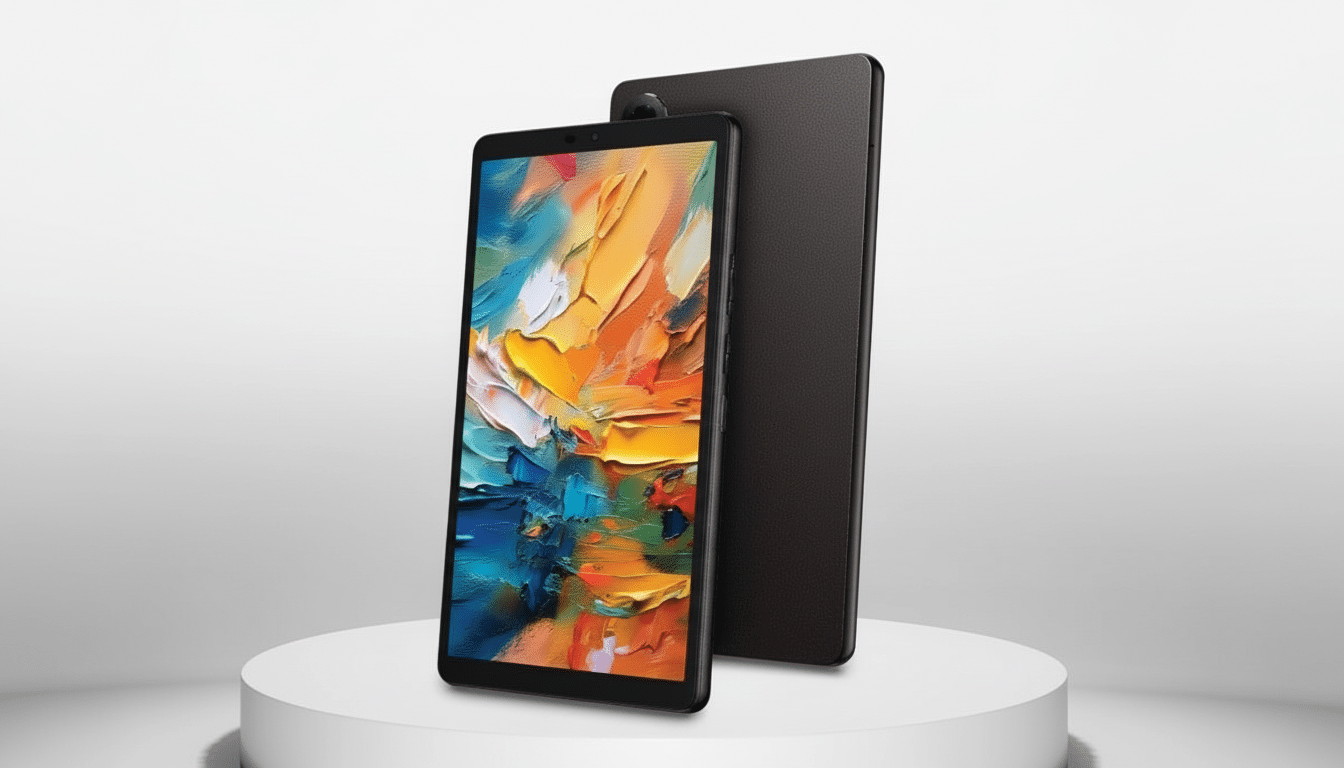
Unlike e-readers, you don’t give up the speed. The tablet continues to operate like a regular Android device in every mode — so you can browse, watch stuff on YouTube or take notes even when the softer, paper-like rendering is switched on.
What Nxtpaper 4.0 really does for everyday reading
TCL’s software allows you to switch between three display styles with a tap. Regular Mode is full-color output on the matte screen; Color Ink Paper turns up saturation and contrast for comics, web articles, infographics — basically anything splashy in your browser; black-and-white Ink Paper is tuned for longform reading. Because it’s still an LCD underneath the layer, pages scroll without a hitch, video plays as normal and stylus or finger input remains responsive. Reading on it feels more like reading on nice coated paper than glass, and that alone makes it unique in the budget class.
Small form factor, big on practicality and portability
The 8.7-inch fit can do something that slightly larger 10- to 11-inch tablets miss: it hits a sweet spot of one-handed comfort, jacket-pocket portability and easy bedside reading. The matte texture is both fingerprint- and glare-resistant, while the smallish footprint makes it actually feasible to carry this as your daily reader/video call screen/travel companion.
Hardware that hides away while supporting daily tasks
Specs are simple and intentional: Android 15, an octa-core processor, 4GB of RAM and 64GB of storage with microSD expansion for books, classes and downloads.
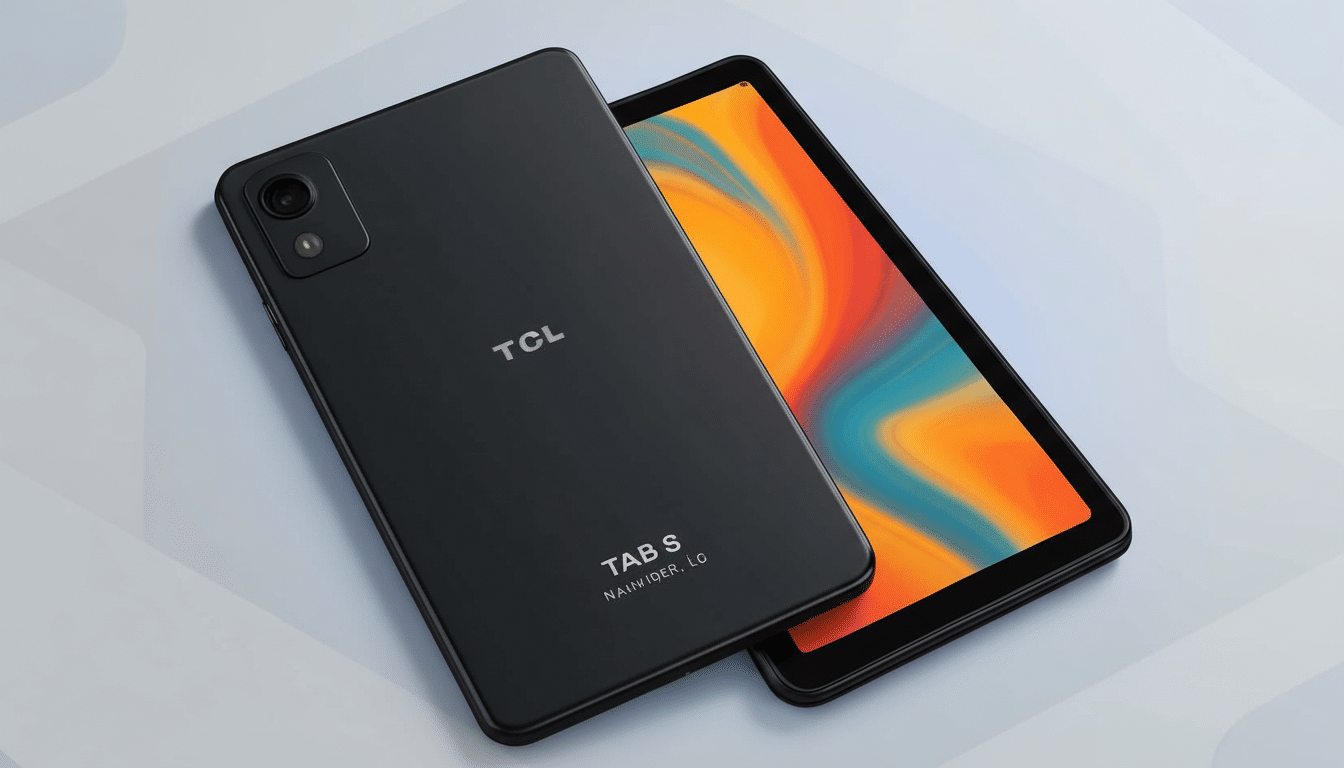
There’s a 6,000mAh battery aimed toward all-day use; combined with efficient display tuning, that should be sufficient for back-to-back lectures or reading through an entire cross-country flight. Its 5G model keeps you linked for cloud docs, messaging and streaming even without Wi‑Fi. This isn’t made for crazy, intensive 3D gaming but it absolutely handles all your everyday multitasking, note-taking and video without any drama whatsoever.
Price and availability for the TCL Tab 8 Nxtpaper 5G
The TCL Tab 8 Nxtpaper 5G is on sale from Verizon for approximately $200, with a future release through Verizon-owned Total Wireless. In a market where many people default to Samsung’s lower-end lines, TCL undercuts the competition by providing yet another means of comfortable reading for around or less — it’s when you’re starting from an already low price that such comparisons really bite. And of course, as with any carrier device, be on the lookout for promotions that could drop the effective cost even lower.
Where it fits in the tablet market and who should buy it
Market watchers like IDC continue to report solid demand for low-cost Android slates, particularly in education and media consumption. The catch is that the vast majority of budget tablets follow spec sheets (faster refresh rates, brighter slicker panels) instead of comfort. And that’s where Nxtpaper’s differentiated display comes in handy. And while health organizations such as the American Academy of Ophthalmology stress habits (taking breaks, adjusting brightness and managing glare) more than any one “eye-safe” spec, a matte, low-flicker screen allows you to keep those habits.
Bottom line: a budget tablet focused on eye comfort
If you’re looking for a cheap Android tablet that isn’t going to hurt your eyes or your wallet, then the TCL Tab 8 Nxtpaper 5G has just chased its way to the top of anyone’s list. It is one of the few budget devices with a distinct purpose: read more comfortably, watch it anywhere and carry less. Students, commuters and voracious readers will notice the difference on day one — evidence that this year’s best feature may be the one you don’t even see.
