


TCL’s new Note A1 Nxtpaper is that rare thing: a “digital paper” device that feels not like a compromise. After past hands-on time with the device at CES, it was clear that this is a focused note-taking tablet that takes direct aim at reMarkable and Kindle Scribe but gives the category of writing tablets a more modern twist: a color display that combines paper-like texture with a 120Hz refresh rate to encourage all-day writing sessions without straining your eyes.
A Paper-Like Screen That Finally Feels Modern
Boxing out E Ink, TCL doubles down on its Nxtpaper tech—a layered LCD that de-intensifies glare and punchy colors for an ink-on-pulp softness look. The 11.5-inch panel employs what TCL calls Nxtpaper Pure, so the paper aesthetic is baked in rather than toggled with mode switches. The numbers game: What you get here is a low, constant level of distraction that never pushes you back into “tablet” territory.
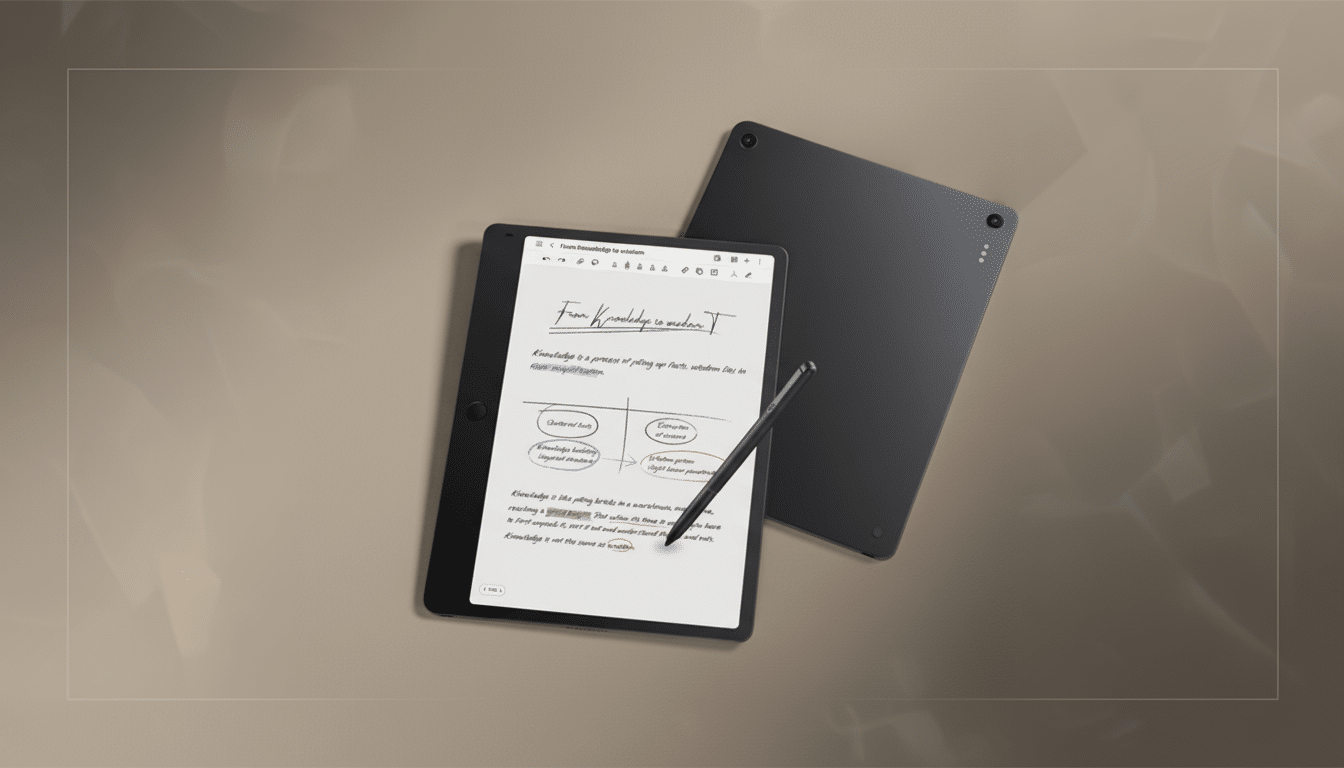
The headline difference is the display’s 120Hz refresh rate. While most E Ink rivals still battle with latency, ghosting, and animation lag, the Note A1 feels instant when you scroll, pan, or sketch. TCL’s matte finish is complemented with a protective second layer it calls 3A Crystal Shield Glass that prevents glare without having the kind of milky haze that some anti-glare films do. For reference, the American Optometric Association says digital eye strain affects an estimated 50%–90% of computer users; the Note A1 color palette and low reflectivity seem almost designed to help with it.
Pen Precision and Tactile Feedback Details
It’s on board with 8,192 levels of pressure sensitivity—double the already high level of 4,096 found on many competing e-paper slates—as well as a rear eraser that actuates with a satisfying “click.” The writing feel is between that of a fountain pen and super-fine-tip marker, with a hint of glide over the lightly textured surface. It’s less scratchy than E Ink glass with film, but also not so slick that it feels you’re out of control when whisking along the page.
The pen magnetically attaches to the side of the tablet. On the demonstration units we saw, the magnets on both sides felt slightly weak; with even a gentle nudge, they popped out of place—something TCL can tune up before it ships to more people. A folio-style case is in the box, and TCL confirmed an optional keyboard accessory is on the horizon, suggesting you could have a lightweight productivity setup for travel.
Software That Gets Out of the Way for Note A1
Even though the Note A1 is based on Android, you would barely know it. There’s no app drawer, notification shade, or quick settings to speak of. The interface is intentionally sparse, intended to get out of your way and get you into notes, to-dos, and recordings fast. A programmable hardware button allows single, double, and long press actions; the long press springboards you directly into audio recording with live transcription, which then docks underneath your notes inside a split-view workspace.
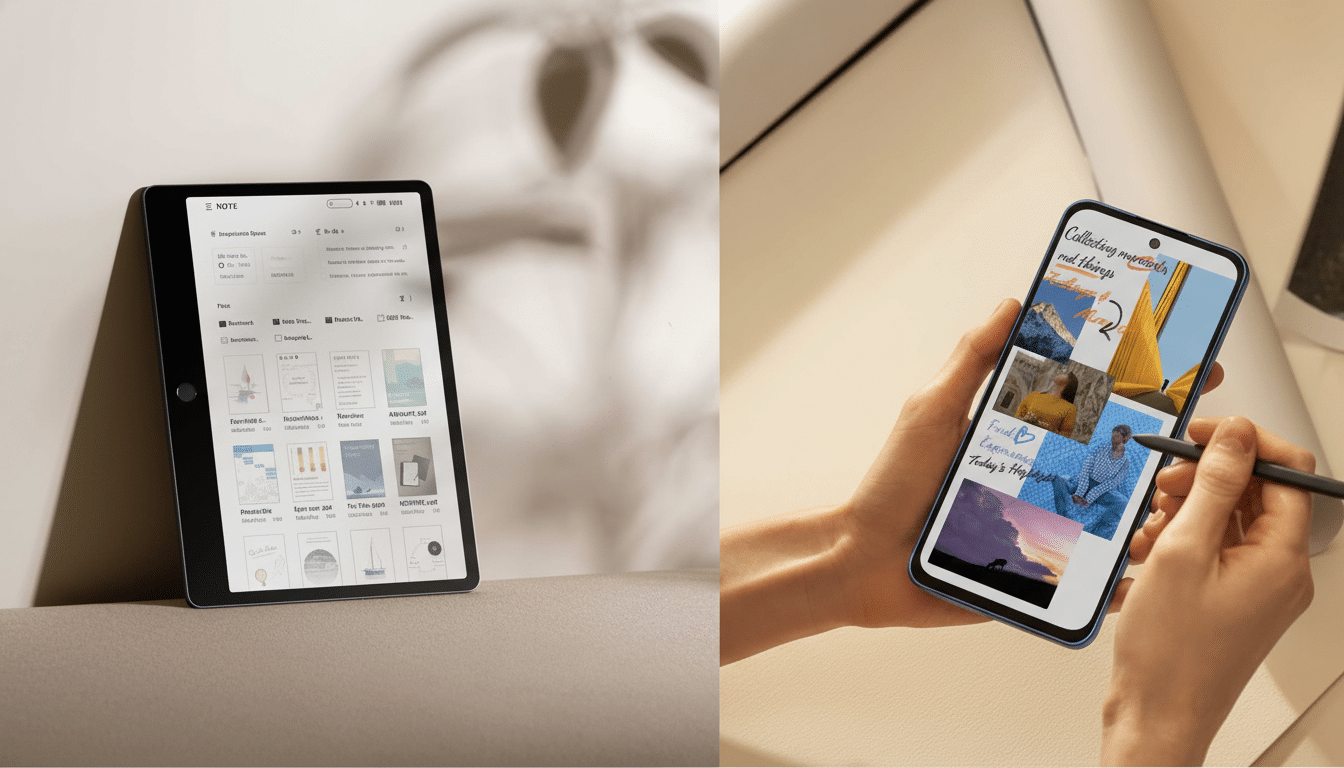
That tri-pane arrangement—recording, real-time text, handwriting—feels like the true blueprint for meetings and lectures. It’s reflective of how you really think and allows you to highlight key moments as the transcript rolls. Handwriting-to-text conversion is listed on TCL’s spec sheet, but it wasn’t functional on the unit I tested; TCL told me it’s still in development. The software throws its weight behind Microsoft’s ecosystem with Copilot integrations and Edge, but also supports Google Drive and Dropbox in a combination that makes sense for both enterprise and freelance workflows.
An Alternative Perspective on the reMarkable Problem
Digital paper devices typically fall into one of two camps: bare-bones E Ink boards, like the reMarkable; and full Android slabs with note apps tacked on, from companies like Onyx Boox. TCL is carving a third path. Combining a paper-like screen, high-refresh fluidity, and a fuss-free UI, the Note A1 keeps the serenity that comes with e-paper while doing away with the lag and monochrome restrictions that aggravate some power users.
There are trade-offs. E Ink’s battery life and razor-sharp text are tough to beat for long-form reading. But for quick, incremental note-taking work—diagramming, annotating slides, and flitting between pages—the Note A1’s immediacy is an obvious strength. The grippable side bezel is another smart, analog nod: It looks beefy in photographs but actually provides your non-writing hand a nice place to land, so you make less inadvertent contact and wear at longer sessions.
Early Verdict on TCL Note A1 Nxtpaper Tablet
The Note A1 isn’t an attempt to be a do-everything tablet, and that’s exactly what it excels in. It’s an excellent writing machine, built for that purpose with a contemporary, comfortably eye-pleasing screen and a workflow that understands how people actually take them in. Should TCL improve pen retention and ensure strong handwriting conversion out of the box, then this is an easy recommend for note-hoarding students or knowledge workers and fans of the discipline of a literal notebook without all the friction.
TCL’s wider Nxtpaper push—complete with phones that have dedicated Nxtpaper buttons—portends a strategic bet on screens we can actually live with for longer. In a class characterized by compromises, the Note A1 is proof that “digital paper” can be both easy on your eyes and brutally efficient at extracting thoughts from your head and plastering them across the world.
