


Eeden, the leading Nintendo Switch emulator on Android, has rolled out version 0.1.0, and early results point to a noticeably smoother run for Metroid Prime 4 alongside improvements for other demanding titles like Luigi’s Mansion 3. The milestone update focuses on stability, rendering accuracy, and driver compatibility, translating to fewer crashes, fewer visual hiccups, and better frame pacing across a wide range of devices.
What changed in Eden emulator version 0.1.0
This is Eden’s first minor version bump, and it arrives with a cleanup of regressions introduced after 0.0.4 plus fixes for long-standing issues inherited from the project’s Yuzu lineage. The team has tuned the renderer and resource management pipeline, addressing shader-related stutter and texture corruption that previously affected complex scenes and post-processing effects. In gameplay terms, users should see fewer black screens, reduced flicker on light and shadow transitions, and more consistent frame delivery in busy areas.
- What changed in Eden emulator version 0.1.0
- Driver compatibility gets a lift on Adreno and Turnip
- Android quality-of-life updates for mobile users
- Qlaunch feature on the way for Eden on Android
- Why this matters for Metroid Prime 4 on Android
- The legal and community context around emulation
- How to get the Eden 0.1.0 update on Android
Crucially for Metroid Prime 4, the update reduces crash points tied to GPU sync and buffer cache edge cases, areas that have historically tripped up big-budget Switch releases under emulation. Eden’s CPU scheduler also sees refinement that helps with heavy scripting moments and cutscene transitions where timing is tight.
Driver compatibility gets a lift on Adreno and Turnip
Driver support is often the difference between a game booting flawlessly or failing at the title screen. Eden 0.1.0 improves compatibility with both Qualcomm’s stock Adreno drivers and the open-source Turnip Vulkan driver built on Mesa. That matters for Android flagships with Snapdragon 8 Gen 2 and 8 Gen 3 chipsets, where driver behavior can vary by OEM and OS build.
New in this release is a dedicated settings page for Turnip, giving power users granular control over options that influence stability and performance. Tweaks to pipeline caching, descriptor indexing, or robust buffer access can be the key to fixing titles that previously failed to load or suffered from broken rendering. While stock Qualcomm drivers do not expose the same toggles, they benefit from the broader renderer upgrades and smarter resource allocation.
Android quality-of-life updates for mobile users
Eden now includes an in-session quick settings drawer on the right edge of the screen, letting players adjust critical options without backing out to menus. You can cap or remove the speed limiter, flip between handheld and docked profiles, and dial GPU accuracy up or down depending on whether you want maximum fidelity or extra frames during intense sequences.
For practical use, docked mode can raise internal resolution and change how some games schedule workloads. On powerful phones, that can mean cleaner image quality with minimal performance penalties. On midrange devices, toggling GPU accuracy and staying in handheld mode typically yields better consistency. These are the kinds of flexible controls mobile users have been asking for as Switch emulation inches closer to console-like reliability.
Qlaunch feature on the way for Eden on Android
The update also sets the stage for Qlaunch, Eden’s recreation of the Switch home screen experience. Once fully enabled in the next version, users will be able to boot into a familiar hub, launch games, and return to the system menu as they would on real hardware. While the groundwork lands in 0.1.0, the team plans the full rollout with 0.1.1.
Why this matters for Metroid Prime 4 on Android
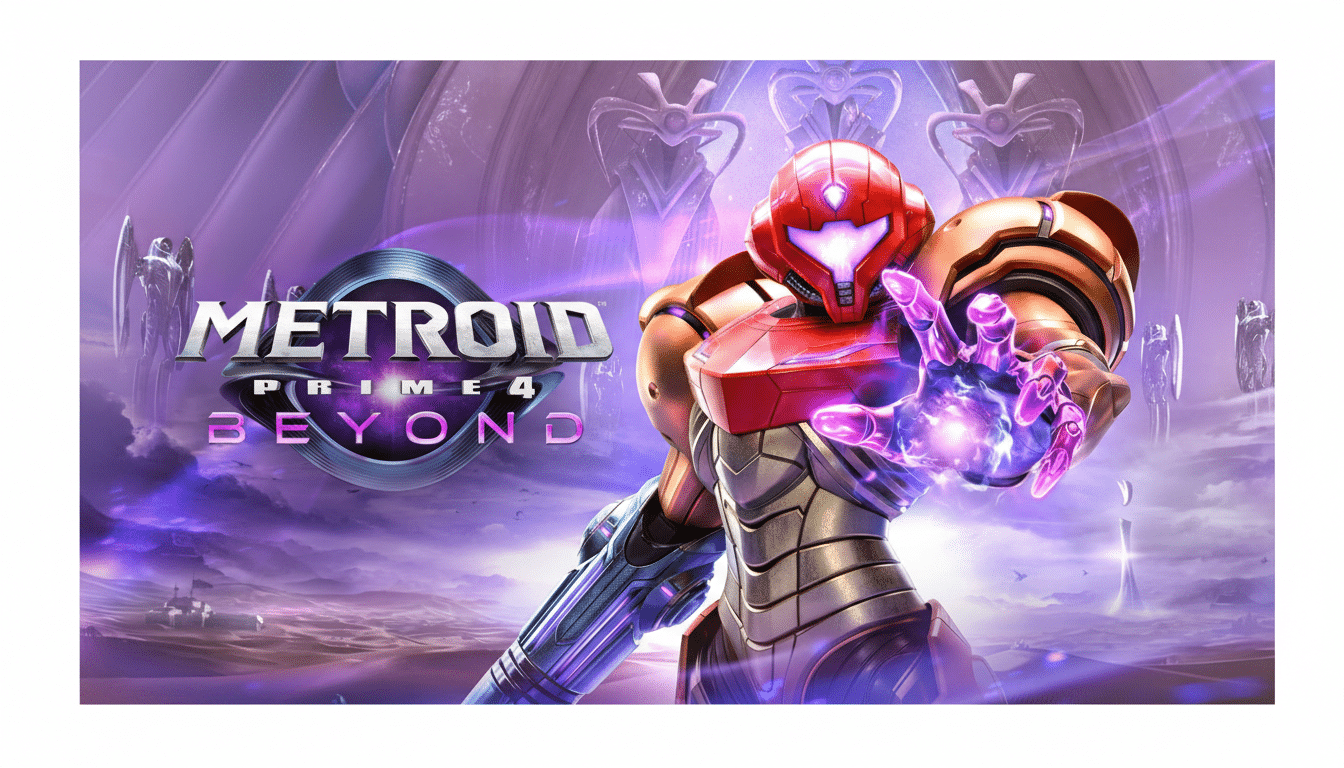
Metroid Prime 4 combines modern rendering tricks with the series’ signature spacious environments, a mix that previously exposed weaknesses in emulator timing and GPU sync. With 0.1.0, Eden’s refinements minimize state mismatches and shader churn, two common culprits behind crashes and hitching. The result is more stable traversal, cleaner lighting in complex rooms, and reduced stutter during combat and cutscenes.
High-end Android phones running Snapdragon 8 Gen 3 or equivalent silicon stand to benefit most, especially when paired with up-to-date Turnip drivers. But even older devices see gains from the renderer and memory management work, which lowers overhead and smooths out spikes that previously caused gameplay to dip unpredictably.
The legal and community context around emulation
Despite recent enforcement actions against emulators and related apps, development on Eden remains active. The project’s evolution highlights the broader emulation community’s emphasis on preservation, performance research, and user-owned backups. As always, creators and legal experts stress that emulation is distinct from piracy; players should use their own legally acquired game dumps and keys.
How to get the Eden 0.1.0 update on Android
Existing users will receive an in-app prompt to install version 0.1.0. New users and those who want to review detailed patch notes can refer to the project’s official repository. Based on current changelogs and community testing, this is the most meaningful step forward Eden has taken for smooth, crash-resistant play in Metroid Prime 4 and other marquee Switch titles on Android.
