


If you opened Strava and found activities refusing to upload, segments not loading, or your feed stuck in place, you’re not alone. The fitness platform is experiencing a partial outage, with the company acknowledging the disruption on its network status page and confirming it is investigating the problem.
What we know so far about Strava’s current partial outage
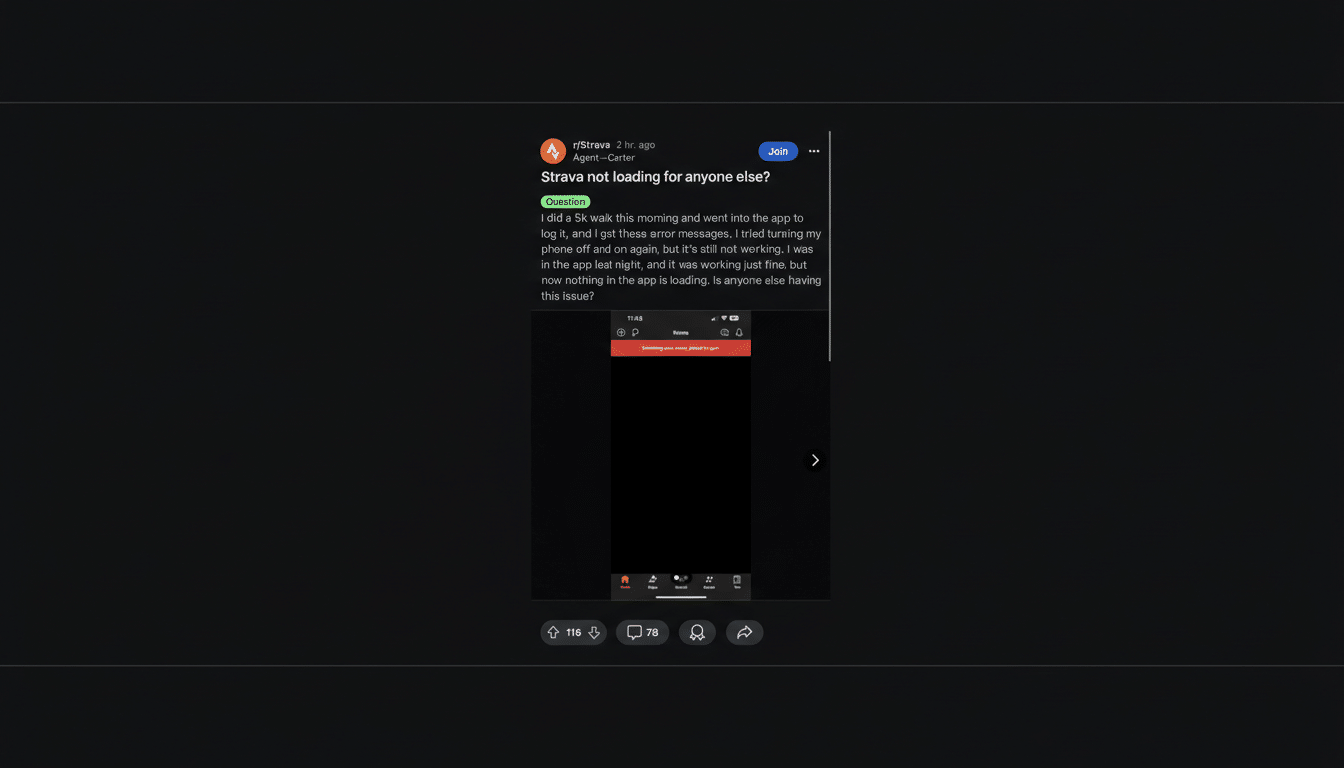
Early signs point to a service-side issue rather than something wrong with individual devices. Reports have surged on outage trackers, with hundreds of users flagging problems around syncing, feed updates, and connection to third-party services. Strava’s status page lists a partial outage, which typically means some functions are degraded while others remain operational.
- What we know so far about Strava’s current partial outage
- What a partial outage looks like across Strava features
- How to protect your activities during a Strava disruption
- How to check Strava service status and verify disruptions
- Why outages happen on platforms like Strava at scale
- What to expect when Strava service returns to normal
- The bottom line on Strava’s partial outage and recovery
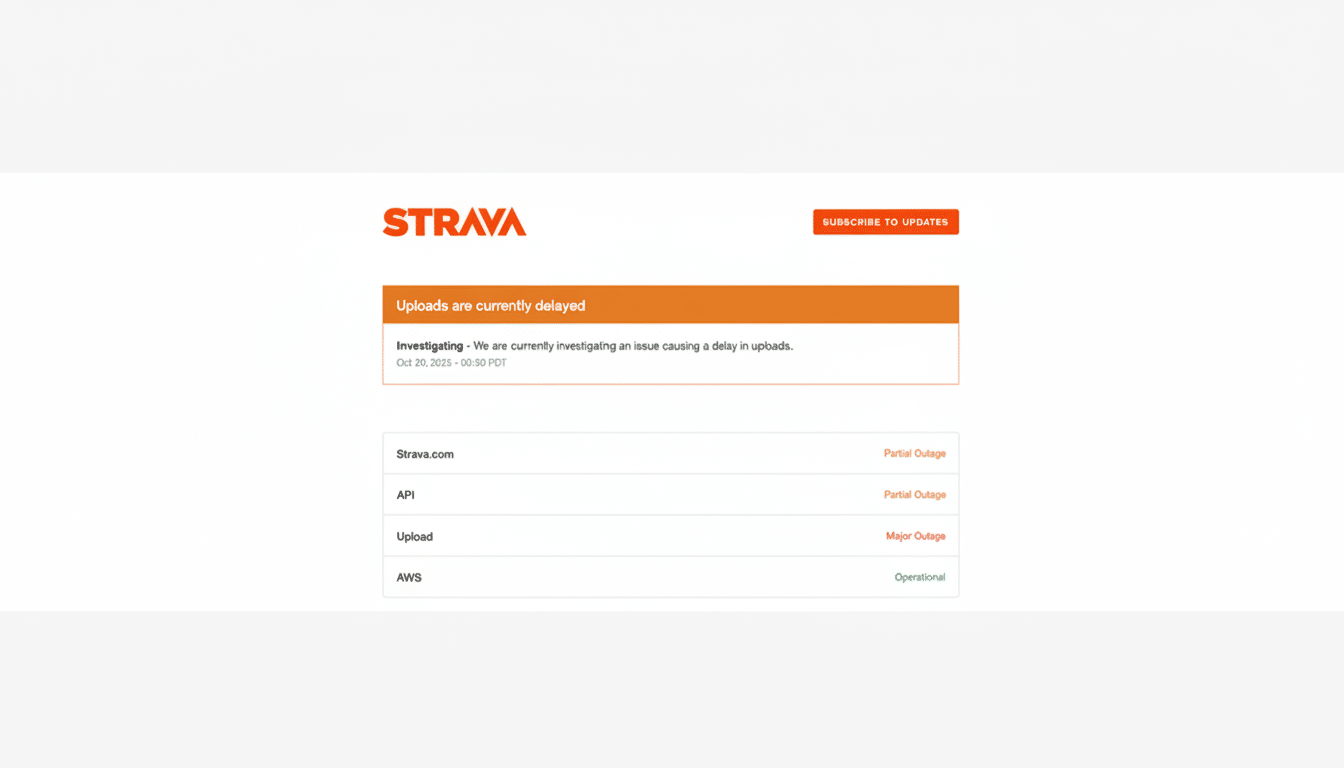
Crucially, Strava has said its team is investigating. That usually indicates engineers are triaging impacted systems, rolling back recent changes if needed, and monitoring queues where activity uploads can pile up during an incident.
What a partial outage looks like across Strava features
Partial outages on platforms like Strava often hit specific components: activity uploads, the social feed, route building, segment leaderboards, or third‑party integrations. You might see activities stuck “processing,” delayed kudos and comments, or missing map tiles on recent runs or rides.
Because Strava connects to devices and services such as Garmin, Apple Watch, Wahoo, Zwift, and Fitbit, a disruption in its ingestion pipeline can delay automatic syncs even if your device recorded the workout perfectly. In most cases, those activities will appear once the backlog clears.
How to protect your activities during a Strava disruption
Keep recording on your watch, bike computer, or phone. Local recordings are safe and will sync when service stabilizes. Avoid repeatedly retrying uploads; that can create duplicates when systems recover.
If you must log a workout urgently—for a training plan or accountability—export the FIT, TCX, or GPX file from your device’s companion app and hold it locally. You can upload the file to Strava once the outage is resolved. Do not uninstall the app or revoke third‑party permissions during an incident; those steps can complicate recovery.
How to check Strava service status and verify disruptions
For official updates, consult the Strava status page, which breaks down component‑level health for uploads, API access, mobile, and web. Outage aggregators like Downdetector can provide a quick snapshot of user reports by region and time, useful for confirming whether a problem is widespread or localized.
It’s also worth scanning the company’s social channels for brief status notes and estimated recovery times. If you participate in club challenges or rely on training plans, club admins and coaches may share interim guidance when platform features are limited.
Why outages happen on platforms like Strava at scale
At Strava’s scale—serving a global community of well over 100 million athletes—short disruptions can occur for a range of reasons: database load imbalances, a misbehaving mobile release, an API spike from partner integrations, or maintenance that uncovers an unexpected bottleneck. Partial outages often stem from queue backlogs in the systems that process GPS files, generate maps, and compute segment times.
When that happens, core data remains intact, but non‑essential services can go read‑only or slow down. The recovery process generally involves throttling new requests, draining queues, and verifying data integrity before re‑enabling features for everyone.
What to expect when Strava service returns to normal
Once the incident is mitigated, expect a wave of delayed activities to appear at once. Leaderboards, personal records, and training load metrics may take extra time to recalculate. If you were mid‑sync from a partner device, the connection should resume without action on your part.
Should anything still look off—like missing GPS tracks, broken map tiles, or duplicate workouts—wait a bit before troubleshooting. If problems persist after things are marked operational, clear the app cache or re‑sync from your device’s companion app. For persistent issues, customer support can merge duplicates or restore corrupted entries.
The bottom line on Strava’s partial outage and recovery
Strava is experiencing a confirmed partial outage, and user reports reflect widespread impact on uploads and feed activity. Keep recording normally, avoid drastic app changes, and monitor the official status page for resolution. When systems catch up, your workouts should populate and metrics will stabilize without extra steps.
