


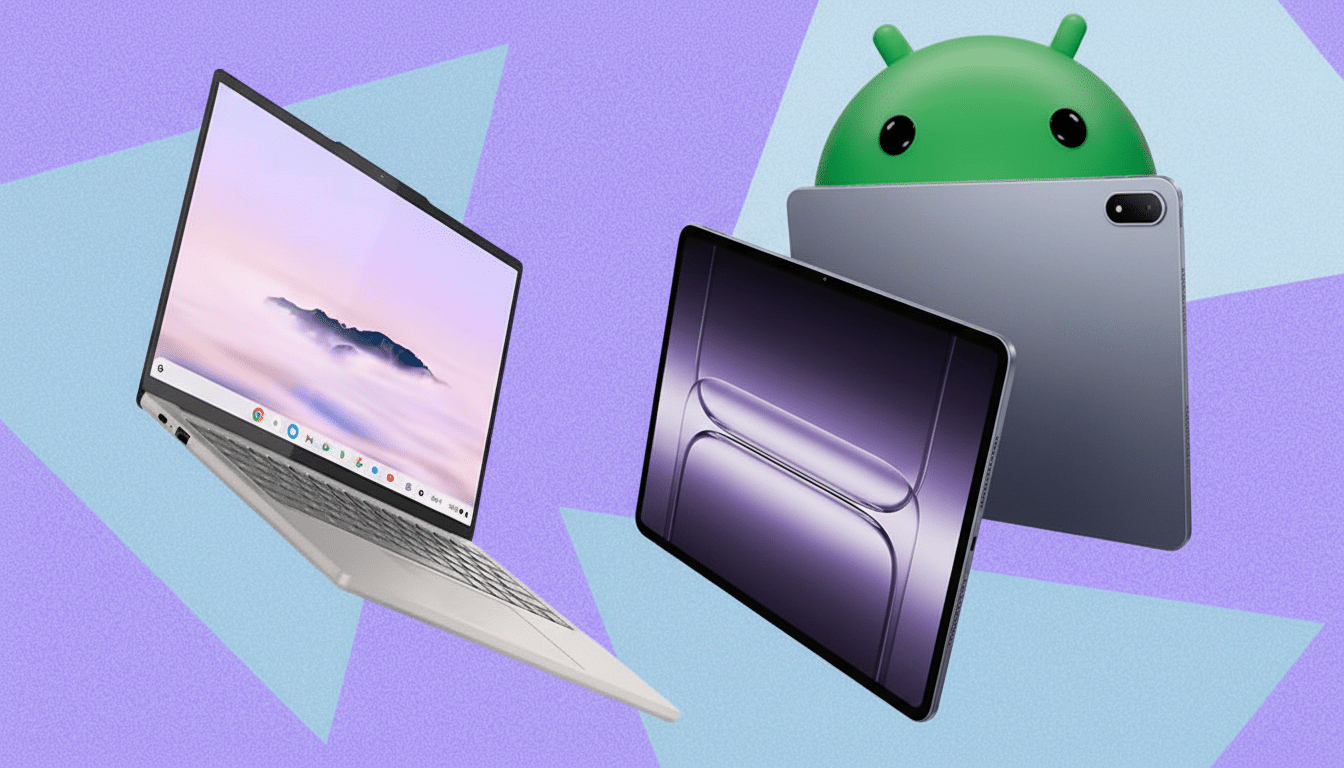
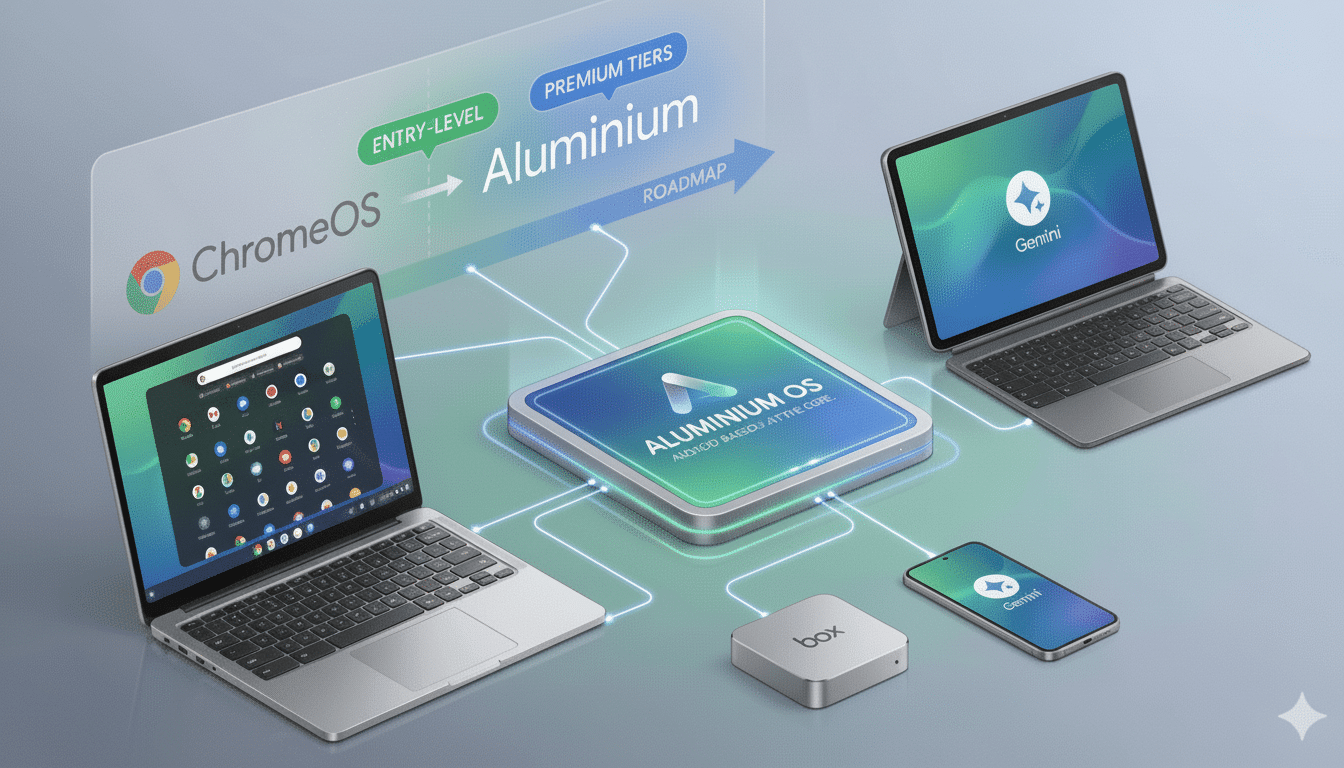
Google has finally confirmed that not all Chromebooks will get upgraded to Aluminium OS, the firm’s new unified desktop platform designed to bridge together Chrome OS with Android.
In an AMA on Chrome Unboxed, known for its sleuth-like role in uncovering the news, John Maletis, Google’s VP of Product Management for Chrome OS, stated that there would be some continued support and “Some models will not have an Auto Update policy and will continue to receive updates until AUE,” via 9to5Google—no doubt to keep angry customers from jumping ship.
Maletis reaffirmed Google’s ongoing commitment to its existing devices, including the already announced 10-year automatic update coverage for eligible models. The message is clear: There is an Aluminium OS in the future, but Google will also continue to support Chrome OS for the time being.
What Google Confirmed About Aluminium OS Rollout Plans
Maletis says that Google will continue to support its 10-year update window for eligible Chromebooks in the new policy period, including during the gradual rollout of Aluminium OS. He also mentioned that Aluminium OS is not an immediate replacement for all devices on day one. Some Chromebooks just won’t make the technical cut to run the new platform, and those will be left on good old, trusty Chrome OS with updates for as long as they are supported.
The clarification comes at a time when there’s been increased intrigue about Aluminium OS, a project that has long been considered an amalgamation of Google’s desktop work.
“There are two takeaways for users: There will be a stepwise transition and coexistence, and not all devices will receive an in-place upgrade,” Caldwell adds.
Why Migration to Aluminium OS Will Be Restricted for Some
All Chromebooks are not the same. While hardware diversity is a boon for the ecosystem, it’s also a migration bump. Devices range from Intel and AMD x86 chips to a variety of ARM generations, with wide-ranging differences in GPU capabilities, storage speeds, and firmware implementations. More recent OSes rely on newer kernels, virtualization features, and security modules that those older boards don’t have.
These can be practical bottlenecks—a 32GB eMMC storage solution, a 4GB RAM configuration that was all too common in those early Chromebooks, or aging chipsets with minimal driver support—and make keeping the same updated OS on them unfeasible. That lines up with the way Google released big features before it: Linux containers (Crostini) and Steam gaming (Borealis) showed up on new hardware first with specific kernel and GPU requirements before expanding to others.
Chrome OS Support Won’t End as Google Extends Updates
Google made sure to reiterate that Chrome OS is not on the chopping block. The company said that Chromebooks meeting its other criteria will receive automatic updates for up to 10 years, a departure from its old policy, which generally limited support to eight years attached to each hardware platform. Google unveiled the 10-year update guarantee as part of a mechanism that school and enterprise customers can use to push sustainability, lower e-waste, and cut total cost of ownership.
And administrators should get the same managed environment, channels, and policies that portray Chrome OS as we know it today. For organizations, that means they won’t be pressured into quick migrations. We can allocate our refresh cycles around Auto Update Expiration windows instead and keep an eye out for Aluminium OS readiness on future models.
Effects on Schools and Companies During the Transition
Education is still Chrome OS’s most firm beachhead. Chromebooks experienced a massive bump during the pandemic hardware cycles, with Canalys’ estimate of 37 million units shipped in 2021. In short, Chromebooks still kept a lead position in terms of US K–12 education volumes (a trend that Futuresource Consulting noted as well). For the districts whose fleets stretch into the tens of thousands, though, a predictable support horizon is often more valuable than a next-gen OS badge.
Enterprises face similar calculus. Many standardized on Chromebooks for secure, manageable endpoints with predictable costs. For these buyers, Google’s promise to maintain Chrome OS and keep to its 10-year update track minimizes risk and prevents sudden retraining or app compatibility refocusing. Aluminium OS won’t be the most important for any existing fleet to adopt, but rather the brave new “Chromebooks” that will ship with it; legacy fleets can run out their supported lifespan on Chrome OS.
The Road to Aluminium OS and What Buyers Should Expect
Even Google’s own promotional material for hiring positions alludes to a longer-term plan, mentioning that it is transitioning from Chrome OS “to Aluminium gradually over time” whilst ensuring its business is not disturbed. That implies a staged approach: new devices now, coexistence for years, and consolidation when the ecosystem is ready. Developer previews and early adopter hardware should presumably lead the way before they’re more widely available.
The common-sense advice for consumers here is simple. Look at the Auto Update Expiration date for each Chromebook in its settings and work around that. If you’re buying right now with Aluminium OS in mind, lean towards newer platforms with higher RAM, bigger storage, and current‑gen CPUs. You have similar odds as has always been the case—better than average—for eligibility for major feature rollouts.
The bottom line from Google’s VP is reassurance and realism. A new Aluminium OS is on the cards, but not all Chromebooks will make it over that bridge. Chrome OS will continue to support millions of devices with long-term updates, providing schools, businesses, and consumers with a seamless way to take advantage of the latest Chrome OS evolution over time.
