


Your phone is a vault for messages, photos, banking apps, and authentication codes, which makes it an irresistible target. When hackers land spyware or gain control through phishing, signs often start as nuisances: a hot battery, a stalled app, a text you didn’t expect. Treated as noise, those clues get missed. Treated as evidence, they can stop a breach in its tracks.
Here are five reliable red flags security responders look for, plus concrete steps to take if you spot them.
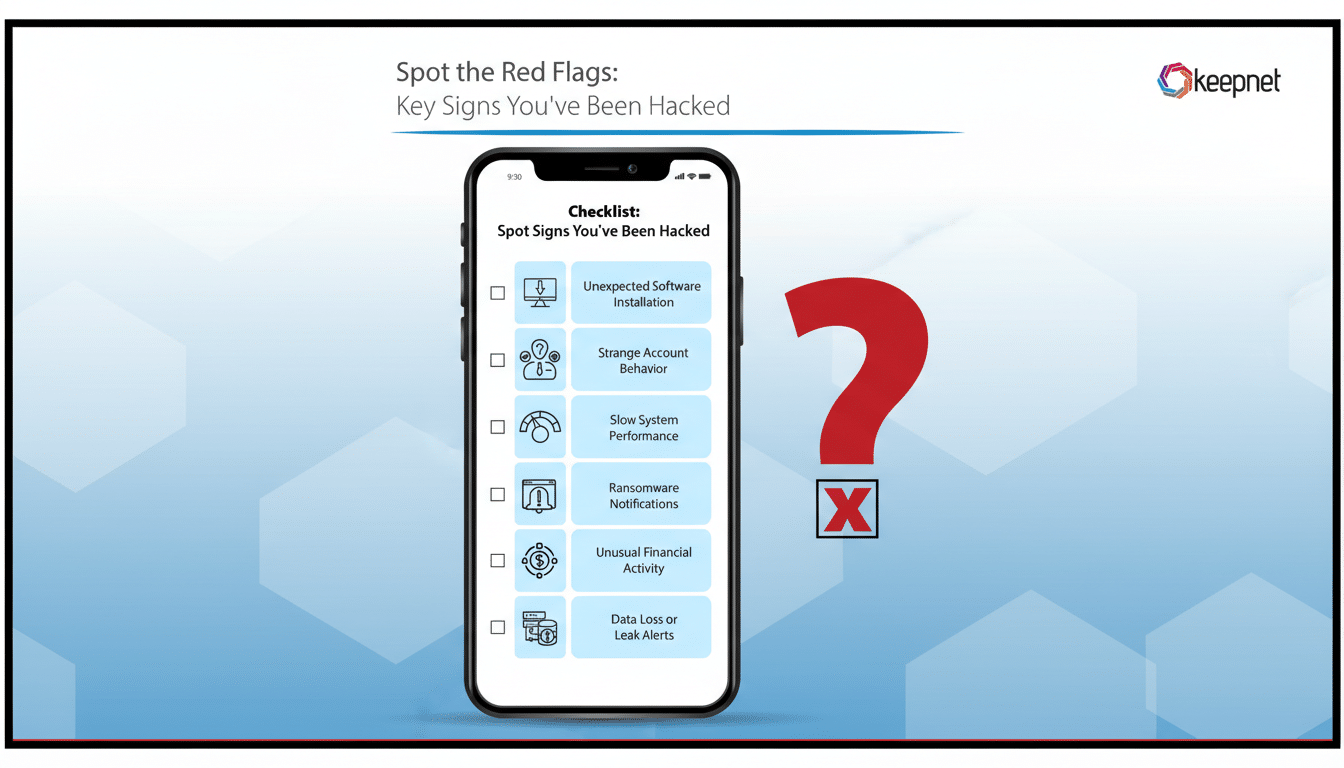
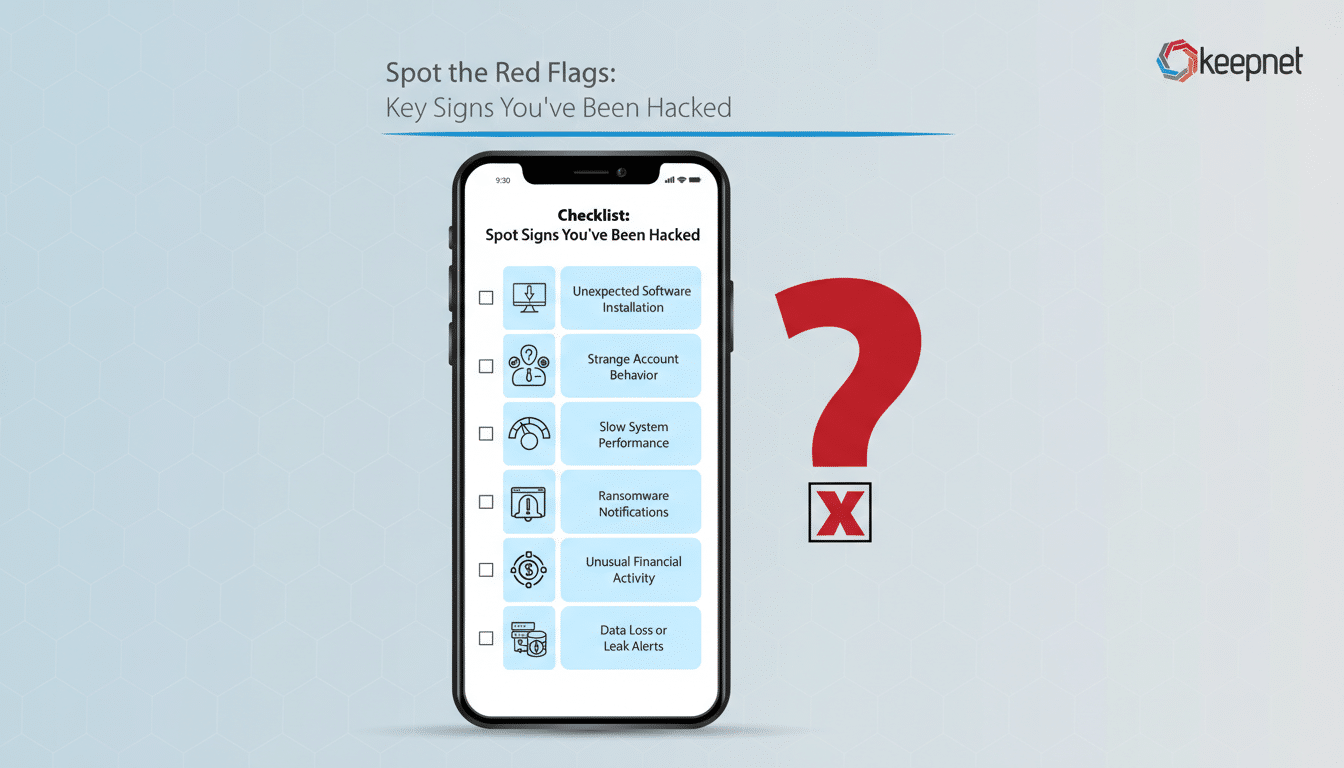
Five Red Flags Your Phone May Be Compromised
- Sudden battery or data-drain spikes. Spyware and stalkerware quietly collect audio, keystrokes, and location, then transmit it. That constant activity chews through battery and mobile data even when you’re not using the device. Check Settings > Battery and Settings > Data usage to see which apps are consuming the most resources. A messaging or utility app suddenly jumping to the top is a classic tell.
- Sluggish performance and unexplained overheating. If simple tasks lag, apps crash, or the phone feels warm in your pocket, background processes could be at work. Remote-access tools, cryptomining payloads, and keyloggers can throttle performance. Compare behavior in Safe Mode (Android) or after closing all apps; if issues vanish, you may be dealing with a malicious background service.
- Unknown apps and changed permissions. New icons you don’t remember installing, browser homepages that moved, or Accessibility/Device Admin settings flipped on are serious signals. Attackers often abuse Accessibility to read screens and tap buttons on your behalf. Audit installed apps and review permissions; anything with SMS, microphone, or accessibility access you didn’t approve should be removed immediately.
- Telecom weirdness including call forwarding and SIM swap clues. Calls going straight to voicemail, missed two-factor codes, or “No Service” after a sudden reboot may indicate call/SMS interception or a SIM swap. Many carriers support USSD codes to check and cancel forwarding; common examples include queries for unconditional and conditional forwarding and a global cancel-all. Codes vary by carrier and country—use only those published by your provider or staff. If anything looks unfamiliar, contact your carrier and place a port-out PIN on your line.
- Account security alerts you didn’t trigger. Login warnings from email, Apple or Google prompts, social media “new device” notices, or waves of MFA push requests you didn’t start can mean someone is using stolen tokens from your phone or trying to exhaust you into approving a login. Treat these as high-priority incidents: change passwords and kill active sessions from a separate, trusted device.
Immediate Steps to Take When Your Phone Seems Compromised
- Disconnect, then triage. Switch to Airplane Mode and disable Wi‑Fi/Bluetooth. Reconnect only to a trusted network to download updates or security tools.
- Audit apps and permissions. On Android, review Installed Apps, Accessibility, Device Admin Apps, and Default SMS/Phone handlers; on iPhone, review App List under Privacy & Security (Microphone, Camera, Bluetooth, Local Network). Remove suspicious items and revoke risky permissions.
- Patch and scan. Install the latest OS and security updates. Run a reputable mobile security scan (built-in Google Play Protect on Android plus a well-known vendor, or a trusted iOS security checker that focuses on configuration risks). A simple reboot can also disrupt certain sophisticated “zero-click” implants; agencies such as the NSA have noted that regular power cycles can break some persistence methods.
- Lock down your accounts from a clean device. Change passwords, prefer passkeys where supported, and switch SMS-based codes to an authenticator app or hardware key. Review account-security pages to sign out of other sessions and remove unknown devices. In email, check rules and forwarding; in your phone app, verify call forwarding with your carrier and set a port-out PIN.
- When in doubt, reset. Back up photos and essentials, sign out of accounts, then perform a factory reset. Restore only from a backup made before the issues started, and reinstall apps from official stores. If financial or work accounts were exposed, notify your bank and your employer’s security team.
Why These Clues Matter for Mobile Security and Safety
Attackers increasingly target phones because they hold the keys to everything else—password resets, MFA codes, and private chat histories. The Verizon Data Breach Investigations Report has consistently found that the majority of breaches involve the human element, including phishing and credential theft, and mobile devices are now a primary delivery channel for those lures. Security firms have also documented a rise in smishing and messaging-app phishing that bypasses traditional email filters.
Citizen Lab’s research into mercenary spyware shows how powerful mobile implants can be, but everyday threats are often noisier—adware, stalkerware, or copycat banking apps. Even with Google Play Protect scanning billions of apps daily and Apple’s lockdown measures for high-risk users, no platform is immune. The takeaway: small anomalies are often the first, best evidence you’ll get.
If your phone starts acting strangely, assume it’s a signal, not a glitch. Investigate quickly, use carrier tools to check for call redirection, secure your accounts from a separate device, and don’t hesitate to reset. Vigilance and fast action can turn five red flags into five chances to stop a compromise before it spreads.
