


Smart home hacking has shifted from a fringe concern to a mainstream security issue, as cameras, locks, thermostats, and voice assistants increasingly sit on the same network as our phones and laptops. Security professionals say the threat is real, but not inevitable. With the right playbook, they routinely harden homes so thoroughly that attackers move on to easier targets.
Why Smart Homes Get Targeted by Attackers and Bots
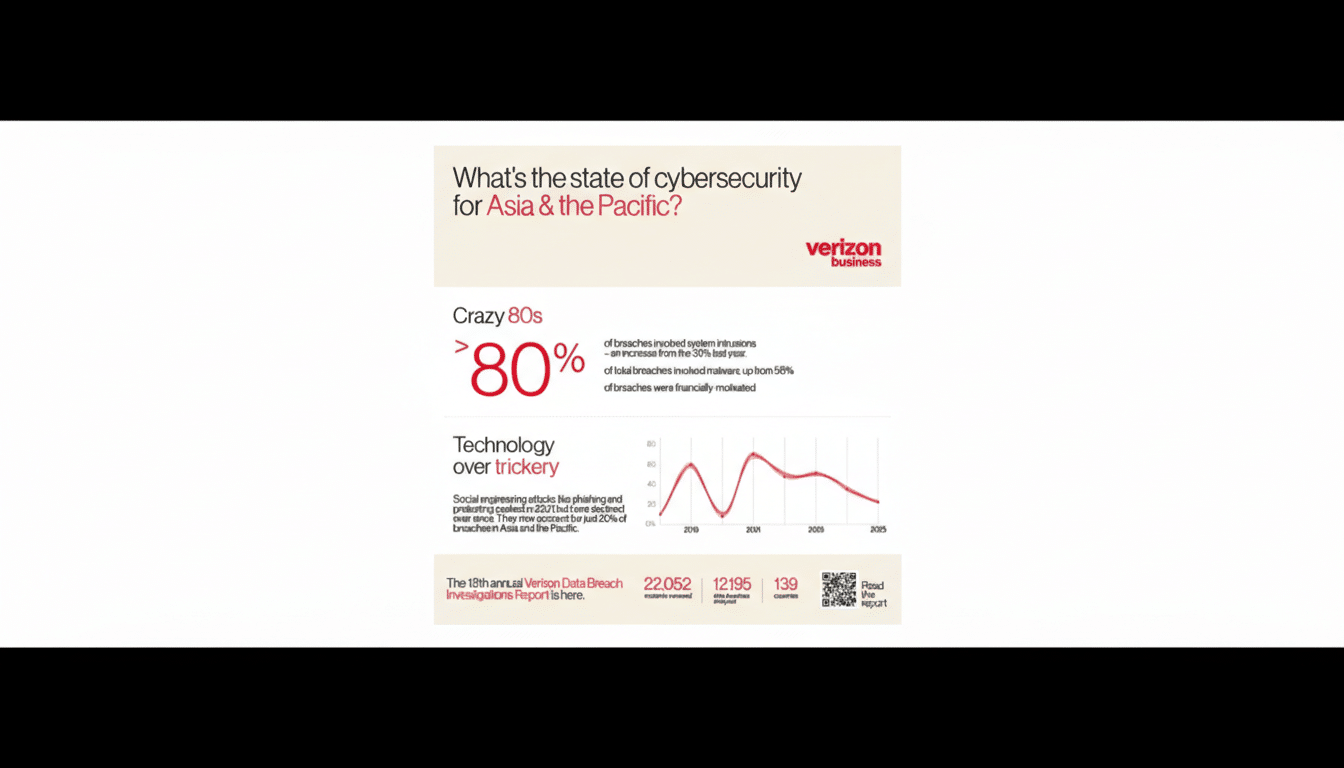
Opportunistic attackers scan the internet for exposed devices, weak passwords, and routers with remote management left on by default. Credential stuffing—using leaked usernames and passwords from unrelated breaches—remains a favorite tactic. Verizon’s Data Breach Investigations Report has repeatedly flagged stolen credentials and misconfiguration as leading causes of compromise.
Large-scale incidents show what’s at stake. The Mirai botnet infamously hijacked poorly secured IoT gear to knock major sites offline. Investigations in South Korea and elsewhere have uncovered illegal streaming rings exploiting vulnerable cameras. And missteps by big brands—such as cross-account camera viewing glitches and cloud configuration errors—prove that name recognition alone is not a guarantee of safety.
The attack surface keeps expanding. IoT Analytics estimates there were more than 16 billion connected IoT devices in 2023, heading toward tens of billions in the next few years. More devices mean more chances for default passwords, unpatched firmware, and unnecessary cloud exposure to become real problems.
How Security Professionals Shut the Door on Smart-Home Attacks
Experts start with an asset inventory. You can’t protect what you don’t know exists, so pros list every device, note firmware versions, and verify whether each one talks to the internet, your local network, or both. Tools built into modern routers and mobile device managers make that easier than it sounds.
They then shrink the attack surface. That means changing router admin credentials, disabling remote management, turning off WPS and UPnP, and blocking unsolicited inbound traffic. Where possible, they use WPA3 and enable Protected Management Frames to make Wi‑Fi harder to spoof.
Network segmentation is the next line of defense. Professionals put all IoT devices on a separate SSID or VLAN with “default deny” rules so smart plugs and cameras can’t freely reach laptops, NAS drives, or work machines. East‑west traffic—the chatter between devices inside your home—is tightly limited to what’s actually needed.
Credentials get industrial treatment. Every device and account gets a unique, long password stored in a password manager, plus multi‑factor authentication where supported. CISA and NIST both advocate this approach because it collapses the value of stolen credentials and stops most brute‑force attempts cold.

Updates are non‑negotiable. Pros enable auto‑updates on every device and favor vendors that publish security advisories and patch quickly. They also prune features: if you don’t need remote access, RTSP streams, or third‑party integrations, turn them off. Fewer services mean fewer bugs to exploit.
Finally, they monitor. Router logs, device dashboards, and simple DNS filtering can reveal beaconing or suspicious lookups. If something misbehaves—unexpected geolocations, sudden bandwidth spikes—experts isolate the device, factory‑reset it, and only reintroduce it after re‑hardening.
Pro Moves You Can Do Today to Lock Down Smart Devices
- Create two Wi‑Fi networks: one for personal devices and one for IoT. Use a different strong passphrase for each. If your router supports guest or IoT profiles, enable client isolation so smart devices can’t talk to each other unless needed.
- Turn off features you don’t use. Disable UPnP on the router, turn off port forwarding, and reject unnecessary integrations during setup. If your camera supports local-only storage or end‑to‑end encryption, prefer that over universal cloud access.
- Adopt multi‑factor authentication for the big three ecosystems and any device account that offers it. Even if a password leaks, MFA blocks the login. It adds seconds to sign‑in and removes entire classes of attack.
- Check your devices quarterly. Confirm firmware versions, remove unused accounts, and rotate passwords for high‑value gear like cameras and locks. A 15‑minute tune‑up pays off far more than a frantic response after a breach.
Buying With Security in Mind: Standards and Signals to Trust
Look for vendors that align with recognized baselines such as NISTIR 8259A or ETSI EN 303 645, or that participate in programs like the ioXt Alliance. Transparent security advisories, quick patch cadences, and local control options are green flags. If a product supports Matter, that’s a plus: the standard uses certificate‑based authentication and encourages local, encrypted control.
Before purchasing, read recent user reports and independent tests. Even reputable brands have stumbled, and the fastest way to gauge a company’s posture is to see how it communicates and fixes issues when things go wrong.
If You Suspect a Breach: Steps to Contain and Report
Act quickly but calmly. Disconnect the device from Wi‑Fi, change related passwords, and enable MFA. Factory‑reset the device, update its firmware offline if possible, then re‑add it to your segmented IoT network with tightened permissions.
Review router logs and device histories for unknown logins or locations, and file a report with the device maker. For incidents involving extortion or privacy invasion, contact local law enforcement and consider reporting to the FBI’s Internet Crime Complaint Center. Documentation helps investigators and can inform broader advisories from agencies like CISA.
The bottom line from the field is straightforward: reduce exposure, authenticate everything, update relentlessly, and watch your network. When you follow that playbook, experts say, most attackers never get a foothold—and they move on long before your doorbell ever rings.
