


Samsung’s voice assistant is not only alive, it just got a meaningful upgrade. In a beta rolling out with One UI 8.5, Bixby now understands natural language requests, can tweak device settings on your behalf, and returns answers from the web without shuttling you to a browser. The timing sets the stage for Bixby to play a bigger role as Galaxy S26 arrives.
It’s a pragmatic pivot: rather than chase generic chatter, Bixby is being positioned as a device-savvy agent that solves phone problems quickly while still handling general queries in a chat-style thread.
- What changed in Bixby with the One UI 8.5 beta
- A smarter device agent for One UI and Galaxy phones
- Why this matters for Galaxy owners and daily usability
- Availability and languages for the new Bixby beta rollout
- Privacy notes and data handling for location access use
- How it stacks up against rivals in the assistant landscape
- What to watch next as Samsung readies the Galaxy S26
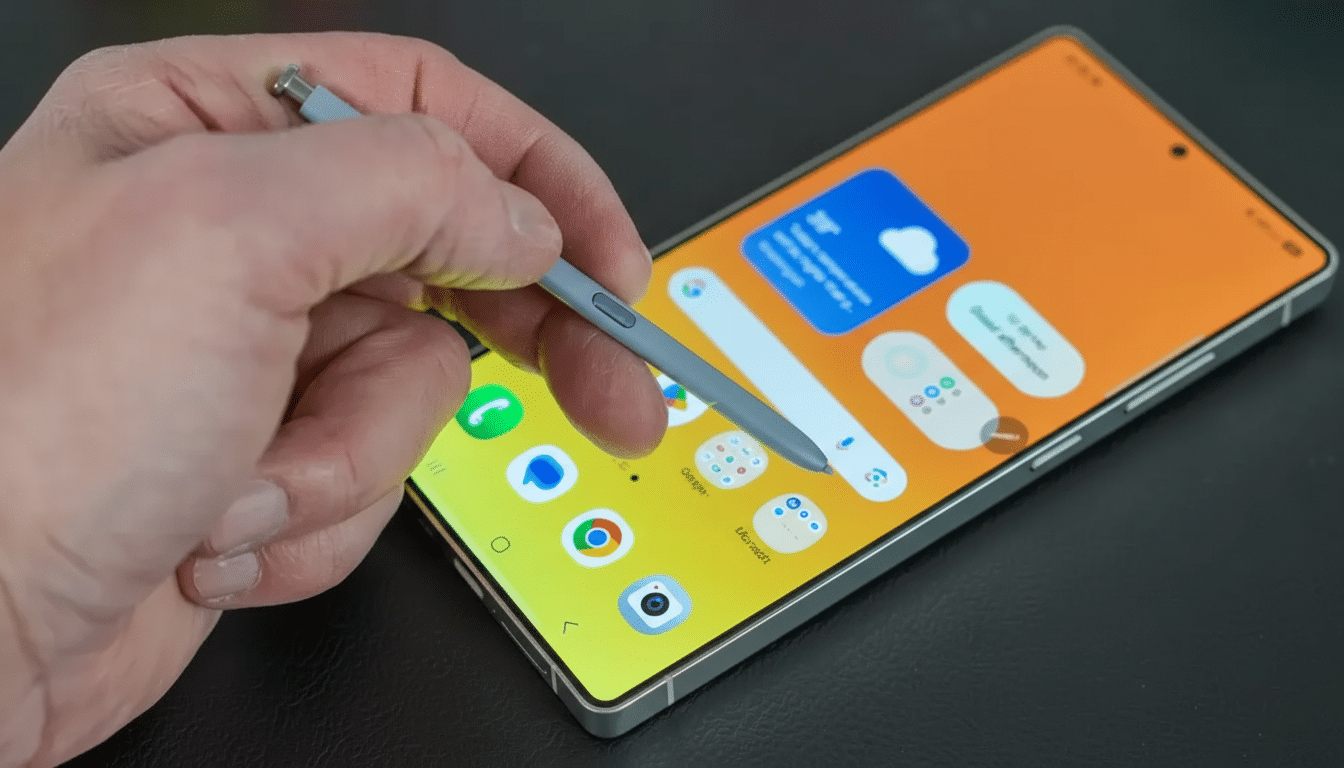
What changed in Bixby with the One UI 8.5 beta
Bixby now interprets plain speech to diagnose and adjust settings. Say “My screen stays on in my pocket” and it surfaces Accidental Touch Protection. Say “Keep the display awake while I’m reading” and it can immediately toggle Keep Screen On While Viewing. The point is fewer menu hunts and more results in one step.
The assistant also pulls answers directly from the web, condensing results into conversational responses. In Samsung’s demo, a query about the best hotels with a pool in Seoul produced options with brief descriptions inside Bixby’s chat interface, avoiding context switches to a browser tab.
Samsung says the new capabilities are powered by AI, though it hasn’t named a specific model or partner. Industry chatter has linked the effort to Perplexity AI, but Samsung is keeping details close for now.
A smarter device agent for One UI and Galaxy phones
Bixby’s refresh aligns with Samsung’s broader “agentic” approach: pair cloud intelligence with deep on-device control. Where Google’s Gemini and OpenAI-based tools excel at broad knowledge tasks, Bixby’s edge is intimate familiarity with Galaxy settings, sensors, and system features—think Modes and Routines, accessibility toggles, display controls, and connectivity switches.
In practice, that means you can ask for outcomes rather than features. “Silence notifications after 10 PM,” “Turn on Wi‑Fi calling,” or “Make icons bigger” are intent-driven commands better suited to a device-native agent than a general chatbot.
Why this matters for Galaxy owners and daily usability
By making troubleshooting conversational, Samsung is attacking one of smartphones’ most persistent pain points—buried settings. Even small usability wins scale quickly across a vast installed base. IDC’s 2023 data pegs Samsung smartphone shipments at roughly 226 million units, underscoring how a modest improvement in daily task completion can meaningfully shift satisfaction scores and retention.
It also helps Samsung hedge reliance on third-party assistants. As Assistant with Gemini and Apple’s Siri evolve, a capable, Samsung-first agent ensures Galaxy devices keep distinct value—especially for tasks that benefit from tight hardware–software integration.
Availability and languages for the new Bixby beta rollout
The refreshed Bixby is rolling out in beta with One UI 8.5 to logged-in Samsung Account users in select markets, including Germany, India, Korea, Poland, the UK, and the US. Availability may vary by region and dialect.
Supported languages include English (UK, US, India), French, German, Italian, Japanese, Korean, Mandarin Chinese, Spanish (Spain and Latin America), and Portuguese (Brazil). Wider coverage will likely follow as Samsung tunes models for regional nuances.
Privacy notes and data handling for location access use
Samsung notes Bixby may request location access when essential to a response, such as recommending nearby services or contextual device settings. According to Samsung’s materials, location data is used only to generate the immediate answer and is deleted right after use. That posture mirrors shifts across the industry toward reducing data retention for assistant queries.
How it stacks up against rivals in the assistant landscape
Compared with Google’s Gemini and ChatGPT, Bixby’s web-answer feature is table stakes—but its frictionless control of Galaxy settings is the differentiator. Apple’s recent push to make Siri more context-aware underscores the same trend: assistants must be doers, not just talkers. The best experience will blend retrieval with reliable, low-latency device actions, especially when offline or on limited connectivity.
What to watch next as Samsung readies the Galaxy S26
Expect tighter ties between Bixby and Galaxy AI features as Samsung readies S26, potentially extending the assistant’s reach into photo editing, summaries, and travel planning while keeping device controls central. If Samsung discloses its AI stack or partner lineup, we’ll get a clearer view of how much is on-device versus cloud and how quickly Samsung can iterate features across regions.
For now, the signal is clear: Bixby is sticking around—and getting sharper right when Samsung needs a distinctive, helpful assistant living at the heart of One UI.
