


Samsung has issued a corrective update for the Galaxy Watch 4 and Watch 4 Classic aimed at cleaning up the problems many owners reported after installing the One UI 8 Watch upgrade. Early user feedback indicates that the patch addresses broken sensors, always-on display quirks, battery drain, and general sluggishness. The release also updates the wearable’s security patch level to January 2026.
What the Galaxy Watch 4 One UI 8 Update Fixes Now
The previous One UI 8 Watch rollout did not go smoothly for a number of Galaxy Watch 4 users. Reports stacked up about nonresponsive heart rate and SpO2 sensors, an always-on display that refused to stay lit, and performance drops that made basic navigation feel sticky. In response, Samsung paused distribution while it worked on a solution.
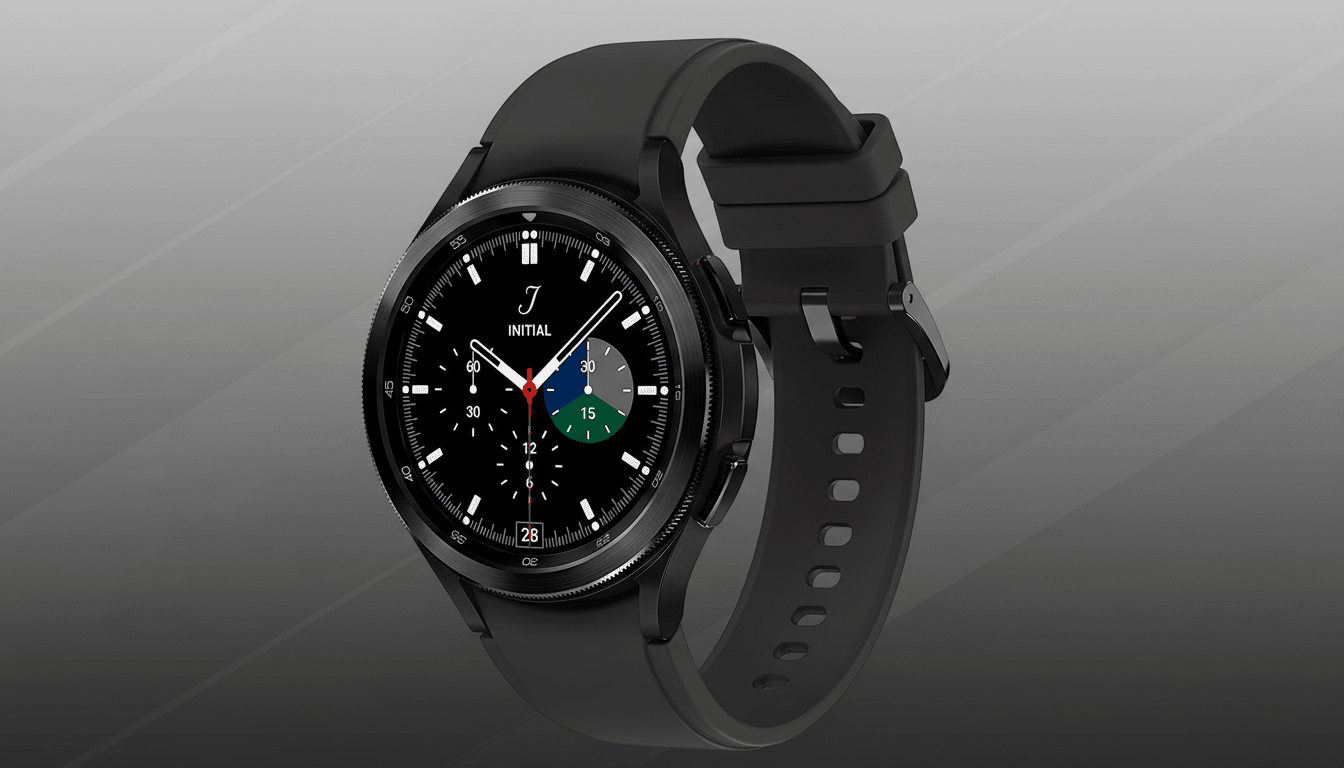
The new patch is billed as a stability and reliability update, and that wording appears to track with real-world results. Multiple posts across Reddit and community forums describe “revived” sensors that now pass the built-in diagnostics test, smoother swipes, and noticeably better standby time. Some owners still say the always-on display can act up, but a quick toggle off and back on in settings has restored normal behavior for many.
While Samsung hasn’t published a granular changelog, the breadth of improvements suggests firmware-level adjustments to the sensor stack and power management. It’s common for major platform updates to briefly miscalibrate motion and optical sensors or to reset background optimization thresholds, which can explain both inaccurate readings and short-lived batteries until a corrective patch lands.
How to Download and Install the Galaxy Watch 4 Update
You can trigger the download from the Galaxy Wearable app on your phone by navigating to Watch settings, then Watch software update, and choosing Download and install. You can also check directly on the watch via Settings followed by Software update, provided the watch is connected to Wi‑Fi or tethered to your phone.
As with any firmware flash, keep the watch on a charger or ensure it has at least 50% battery, and give it a few minutes after installation to resettle. Battery stats generally normalize after a day of typical use as the system rebuilds caches and re-learns your usage pattern.
Why This Fix Matters for an Aging Galaxy Watch 4 Wearable
The Galaxy Watch 4 is more than four years into its life and was the first Samsung wearable to return to Google’s Wear OS. That age typically coincides with the tail end of software support in the Android smartwatch world. Seeing a targeted fix arrive—paired with a fresh security patch—extends the useful life of a model still worn by a large base of owners and underscores how critical post-update stewardship is for health features.
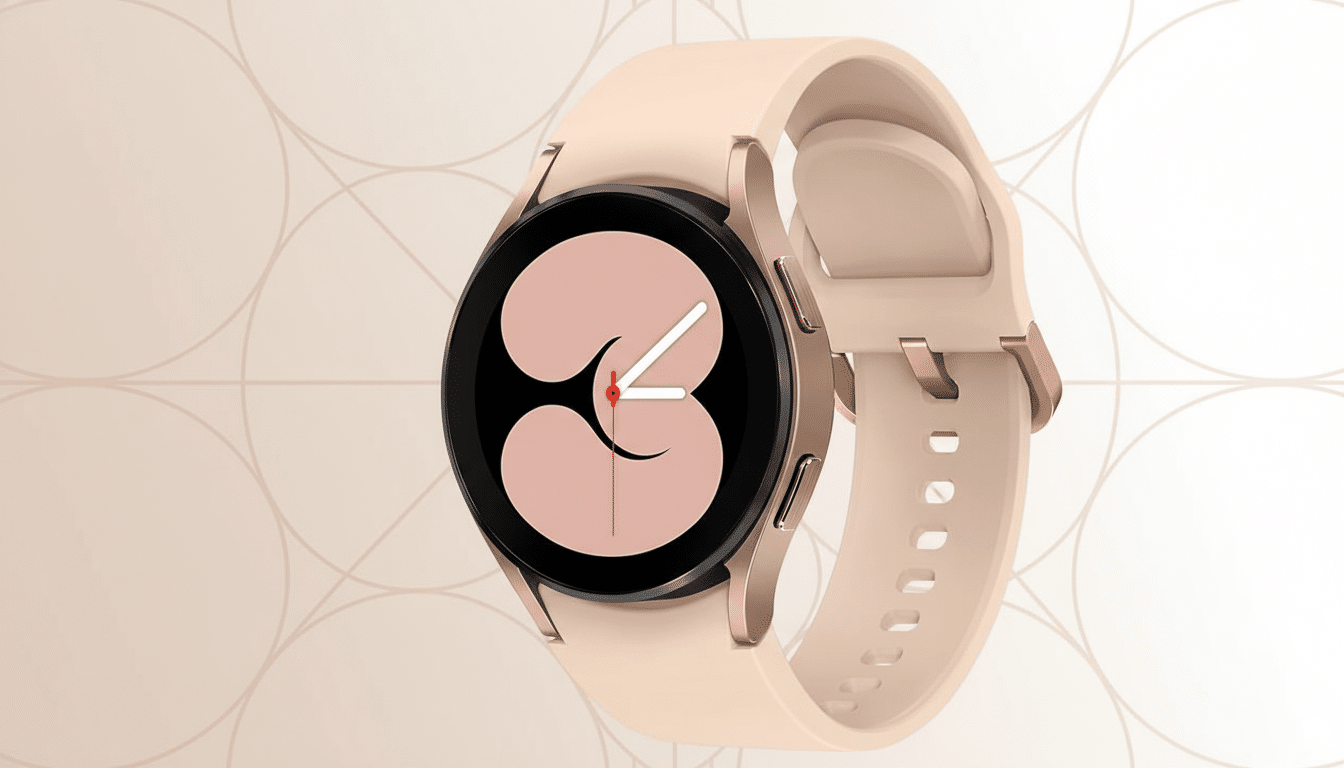
There’s also a technical backdrop worth noting. The Watch 4 runs on the Exynos W920 with 1.5GB of RAM, hardware that can feel the strain when a big platform update introduces new services and background tasks. Tweaks to governors, sensor polling intervals, and display drivers can make or break user experience on older silicon. The renewed smoothness reported by users suggests Samsung tuned those levers appropriately in this patch.
Beyond individual devices, trust in long-term support influences buying decisions. Market analysts at Counterpoint Research have highlighted how software longevity is becoming a differentiator in the smartwatch segment. Timely fixes like this one help maintain confidence for users who plan to keep their watch for multiple years rather than upgrading annually.
What to Watch Next as the One UI 8 Watch Rollout Resumes
It remains unclear whether Samsung has resumed the broader One UI 8 Watch rollout for units that never received the initial update. If you held off because of the early reports, watch for an over-the-air prompt in the coming days and scan community feedback specific to your region before proceeding.
If problems persist after updating—especially with the always-on display or erratic battery drain—try rebooting the watch, toggling AoD, and reviewing app permissions that may have reset during the upgrade. As a last resort, a backup and factory reset can clear out legacy caches that survived past updates.
For most Galaxy Watch 4 owners, though, this patch looks like the course correction they were waiting for: a return to dependable sensors, a screen that behaves, and battery life that doesn’t nosedive by midday, all while keeping the device current on security.
