


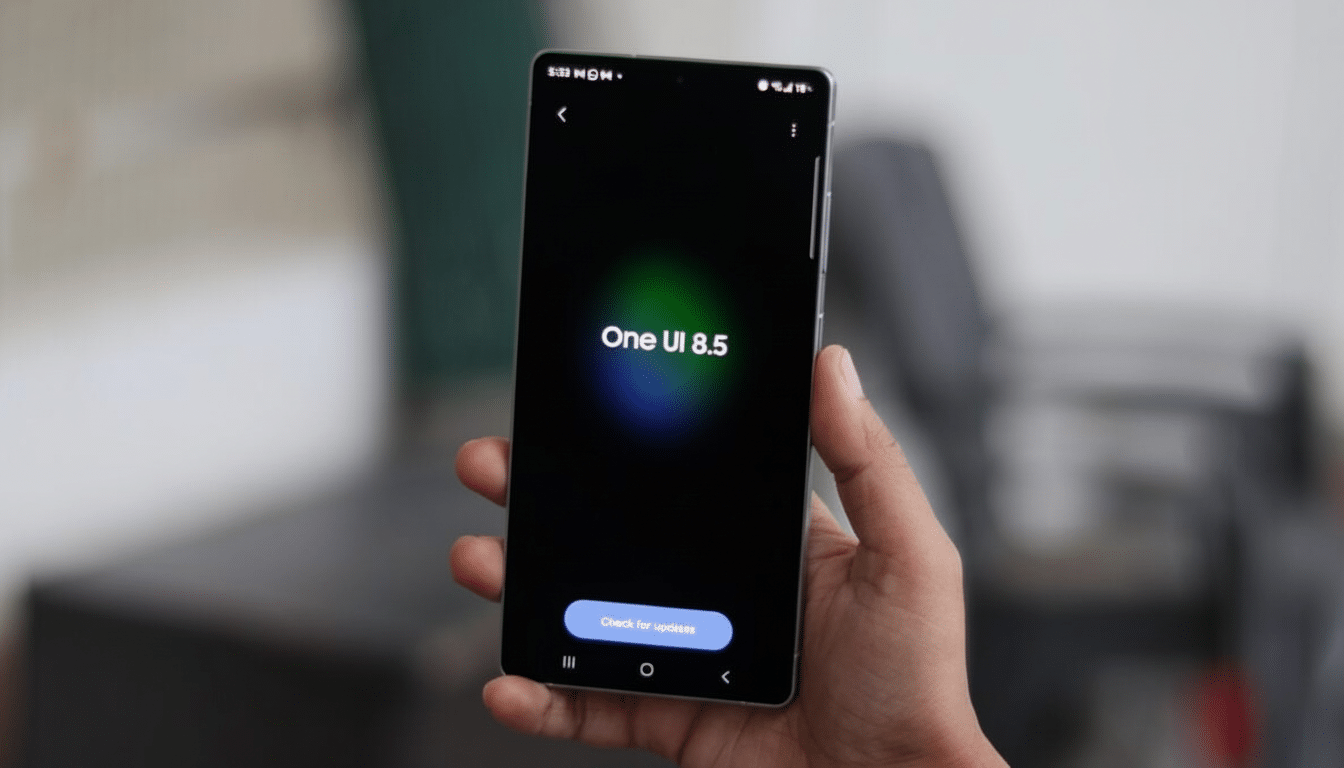
Signs from an internal One UI 8.5 build suggest that Samsung will add its own native double-tap-on-the-back gesture in Galaxy phones, dispensing with the necessity for third-party or companion modules.
Strings tied to a “double back tap” action and on-screen guidance text hint that, rather than being gated behind optional tools, this feature is being hardwired directly into system settings.
Why A System-Level Back Tap Button Is Important
Galaxy owners have had access to a way to fake such back-taps through the Good Lock suite — namely, with the RegiStar module — but that fallback doesn’t work for everyone. Good Lock is not available in every market, some enterprise devices cannot install it, and updates come on a different cadence than One UI. Baking the gesture into the OS addresses all three problems: broader availability, consistent UX, and deeper hooks in system permissions and power management.
Back-tap gestures are actual accessibility and utility features. For most people, a quick tap on the back is faster than searching for a toggle or button, and it’s simpler for those with less dexterity. When Apple added Back Tap in iOS 14 and Google included Quick Tap on Pixel phones, accessibility teams called attention to how such shortcuts lower friction for everyday actions like summoning the assistant, taking a screenshot, or peeking at notifications.
What the One UI 8.5 teardown reveals about back tap
Assets inside the internal build refer to a “double back tap” label and descriptive text suggesting the gesture only works when the screen is on, a common fail-safe to minimize unintended activation while stashed away in a pocket or bag. The fact that there’s a dedicated string at all suggests that we can expect a real settings page complete with toggles, descriptions, and probably even a sensitivity picker (à la RegiStar).
With Good Lock, users can now map a double back tap to take a screenshot and share it, open an app or app pair, view notifications or recent apps, return via back navigation, initiate multi-window (pop-up) support for the current application on screen, or summon an assistant like Gemini. If Samsung were to bring this list forward into One UI, you should expect a healthy system action and app-level shortcut menu of some kind, only with tighter integration — and fewer compatibility stutters.
How it probably works behind the scenes on Galaxy phones
Back-tap detection usually depends on the accelerometer and gyroscope observing two rapid, low-amplitude spikes over a short timeframe. The system relies on a unique vibration profile along the axes of the phone, filtering out common motion patterns like walking or table taps. Having the screen powered on and sensitivity settings can help control false positives, and on-device processing ensures low latency and minimal battery impact.
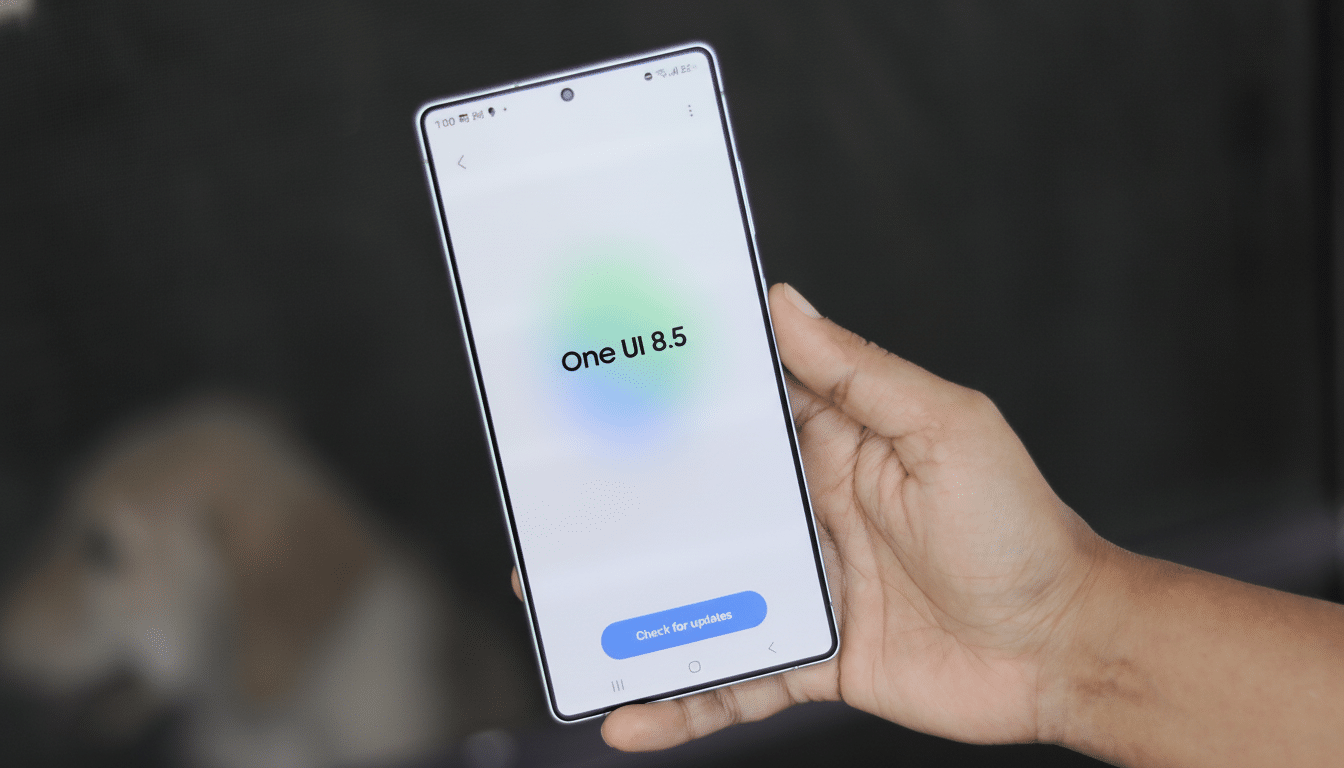
Case thickness and phone size can influence reliability; that’s where tuning on a per-device basis comes in. Apple and Google both fine-tune thresholds to individual phones, but also allow users to adjust sensitivity. Samsung already exposes similar controls in RegiStar, so a system-level version will presumably give you settings to fine-tune responsiveness and maybe ignore the gesture altogether in certain modes (here’s looking at you, camera open and gaming).
How Samsung compares to rivals’ back-tap features
Google’s line of Pixels calls this feature Quick Tap, and it can perform the following actions: play/pause media, show notifications (both non-ambient, UI-based events and other background tasks also known as intents), take a screenshot, or open an app. Apple’s Back Tap can be set up to support double and triple taps, which can in turn activate system functions, accessibility shortcuts, and automation via Shortcuts. Xiaomi and ASUS have implemented their own versions in some models of phones. A native option for Galaxy phones would bring Samsung in line with such implementations, and use One UI’s signature customizability.
Samsung also has an opportunity to bring back-tap into Modes and Routines. Think of it as a way to map several actions depending on what context you’re in: at work, it might open your note-taking app; at home, it would control smart lights; when you’re running, the watch could start a workout. It’s this kind of integration where Samsung’s ecosystem strength can transform a neat party trick into a power-user tool.
What to expect and what to watch for before release
As always, with any APK teardown, plans can change before public release. Features can be released with limited availability, launched incrementally by region or device, or arrive with stripped-down feature sets at first. That being said, the emergence of individual named assets within a One UI 8.5 build all but confirms Samsung’s shift toward transitioning Good Lock from an experiment into a full-on rollout.
If it arrives as planned, Galaxy owners would have a fast and custom back-tap macro without resorting to additional software — not to mention more reliable behavior through the use of system privileges as well as finely-calibrated sensor models. It’s a small difference on paper, but one that can add up to substantial amounts of time saved every day.
