


Samsung’s One UI 8.5 beta discreetly rolls out the most important Android interface update of the year: a fully modular Quick Settings panel. It’s so good that Google, OnePlus, Xiaomi, Oppo, and every other OEM should follow suit.
Rather than snipping away at the edges, Samsung took down the guardrails. Practically every element on the screen is optional or movable — from Wi‑Fi and Bluetooth to the media player, and brightness or volume sliders; even tile sizes and orientation can be tweaked.
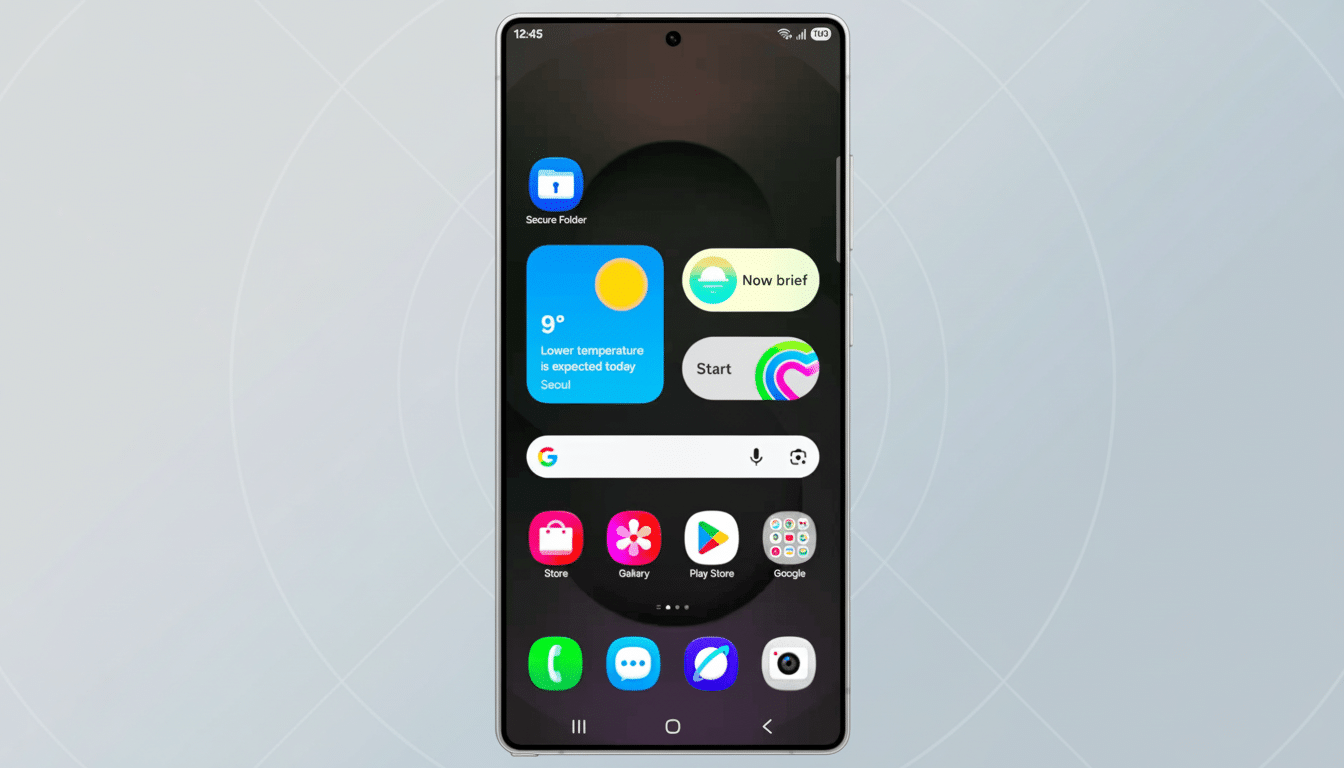
Within minutes you can create a control center that matches the way you actually prefer to use your phone — be it a top row of big tiles for flashlight and QR scanner, a one‑button Wallet, or vertical sliders in the spot where your thumb lands.
Why This Quick Settings Redesign Truly Matters Now
Quick Settings is one of the most visited UIs on Android, used dozens of times a day to glance at information and perform tasks.
That’s exactly where I’ve found customization to pay off the most, in time saved and taps avoided.
Material Design recommends a 48dp touch target, and bigger tiles have a visual affordance where mis‑taps are visibly reduced on big phones. And with average screen sizes now north of 6.6 inches, according to IDC, reachability and layout flexibility are not nice‑to‑haves, they’re accessibility features.
Allowing the user to hide hardly used toggles reduces cognitive load, a principle HCI research and usability teams have been following for ages. A more streamlined panel, with the proper controls in the right places, leads to speedier actions and fewer trips into Settings.
What One UI 8.5 Gets Right in Quick Settings Modularity
Modularity is total. You can strip out or reposition Wi‑Fi and Bluetooth, banish the media player to a different page, and even completely ditch brightness and volume. If you want a blank slate and start from zero, you can.
Layout is fluid. Combine big and small tiles, decouple brightness from volume, and flip sliders upside down or sideways. Insert custom hotwords for Google Wallet, TV remote control, smart home controls, QR scanner, or song recognition — then group hotwords into as many user‑programmable phrases.
The outcome is personal, not prescriptive. Power users can sculpt dense dashboards; minimalists can maintain a stripped‑back, distraction‑free panel. Both approaches live in harmony without sacrificing the visual sheen for which One UI has become synonymous.
How Rival Android Skins Compare on Quick Settings Today
There is a Google implementation, the one in Pixel with Android 16 that supports adding, removing, rearranging, and resizing tiles, but there are still these core memes that dictate the structure of chords. OxygenOS on OnePlus has the ability to add and remove toggles, but denies resizing. HyperOS, ColorOS, and Funtouch OS still have static rails in place.
Even the enthusiast ROMs are rarely able to marry this kind of freedom with stability and clean design. Samsung’s method shows you don’t have to compromise when doing such deep customizing without making the panel a developer toy or a theming hack.
The Case for Copying Samsung’s Modular Quick Settings Approach
It’s good business, not just good UX. Small wins in day‑to‑day tasks raise satisfaction and retention, as well as lower support inquiries. Samsung, being the supplier of the major share in global shipments in the last few quarters per Counterpoint Research, means its design decisions often shape user expectations for the entire ecosystem.
It also provides jobs and access. Organizations can showcase VPN and work‑profile controls, while users with motor impairments can enlarge and move tiles for fewer error‑based interactions — something that conforms to both Material guidance and Apple’s 44‑point hit‑zone model.
Next Moves for Android OEMs to Match Samsung’s Modularity
Take Samsung’s lead on full modularity, but layer in smart guardrails: presets for common personas; an easy Reset to Default; per‑page layouts for home and work; context‑aware suggestions that pin your commute toggle when you’re likely going somewhere, or travel toggles when you already are.
Surface a secure API for third‑party quick toggles, so utilities and smart home apps can include native controls without requesting overly broad permissions. Both are kept auditable and should be isolated, and this panel becomes Android’s real control center.
One UI 8.5 is an example of what happens when an OEM places real control in the hands of its users. If the rest of Android is like this, Quick Settings will live up to its name at last.
