


Samsung will launch an accessibility solution for One UI 8.5 designed to lower the risks of seizures due to flashing images. First evidence in the preview builds indicates a system that can detect fast strobe-like flickers in video and automatically lift the dimming level to ensure brightness swings stay below photosensitive levels.
The setting also seems to be adjustable by the user, with options for screen dimmer strength. This suggests Sammy wants to ship a useful utility that users can customize based on sensitivity.
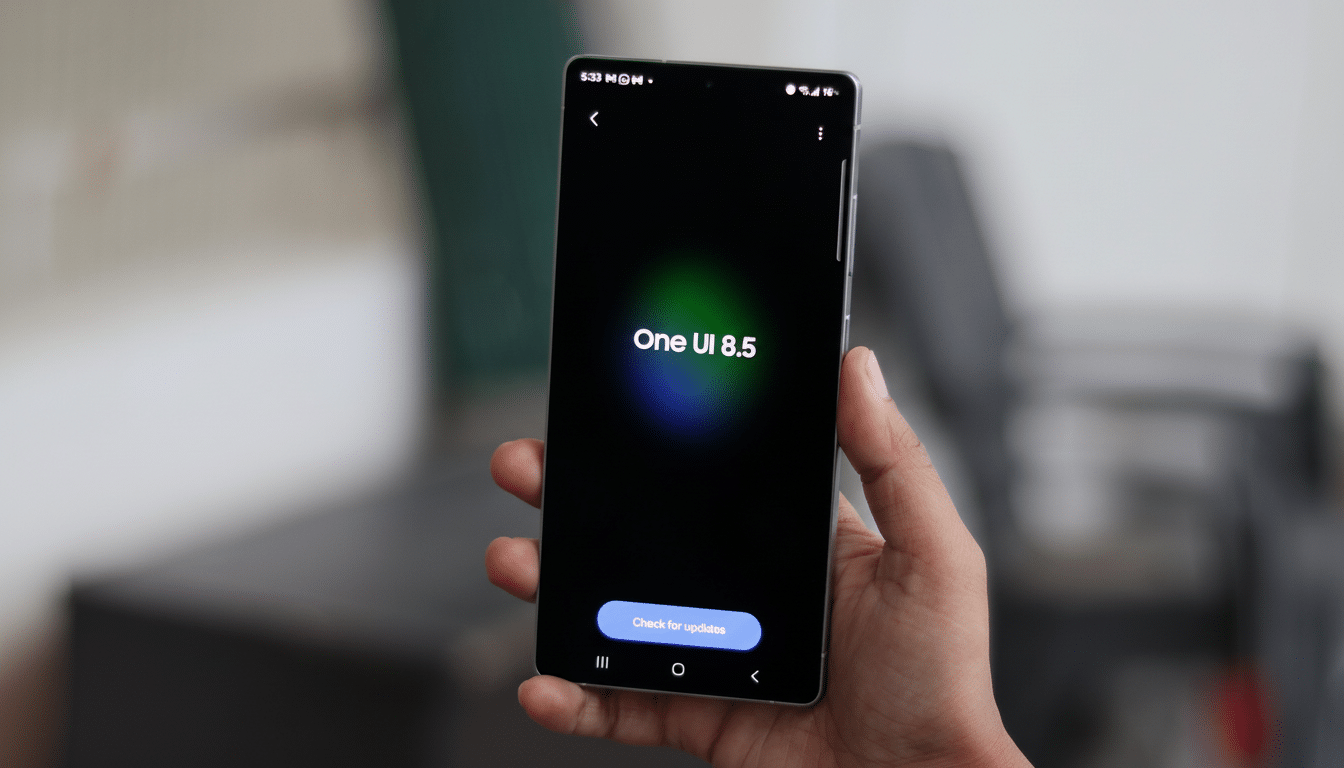
It’s a tiny toggle with potentially outsize impact for a community typically underserved by real-time protections on mobile screens.
What the new anti-strobe feature is for exactly
According to strings and settings discovered in pre-release software, the feature—referred to as “Reduce flashing lights”—will track video playback and dim when repeated flashes rise above a certain level. These are to mitigate high-contrast bursts as they are happening, without fully silencing the content. Low, medium, or high dimming intensities are said to be selectable by the user.
This protection, Samsung states, only applies to the screen of the phone itself, implying this is not the case for external displays, casting, or any app environment where it has no control over the rendering pipeline.
That caveat matches the way display overlays and hardware composers work on contemporary phones.
Why it matters to photosensitive users worldwide
The World Health Organization projects there are about 50 million people living with epilepsy globally. These individuals make up about 3% of the total photosensitive population, which means there are millions of people around the world who have photosensitive epilepsy. 3–30 Hz flashing is particularly hazardous, while very rapid luminance changes may compound triggers.
Standards bodies have written guardrails for flashing content. The Web Content Accessibility Guidelines have a “Three Flashes or Below” provision for limiting seizure risk, and UK broadcasters also rely on the Harding Flash and Pattern Analyzer to test content ahead of air. Mobile devices have one thing that helps: They are a constant feed of non-vetted media—music videos, short clips, user-generated clips—where dangerous sequences can descend without warning. Well-publicised examples, from the 1990s television broadcasts to today’s social media platforms, highlight how quickly mass exposure can follow.
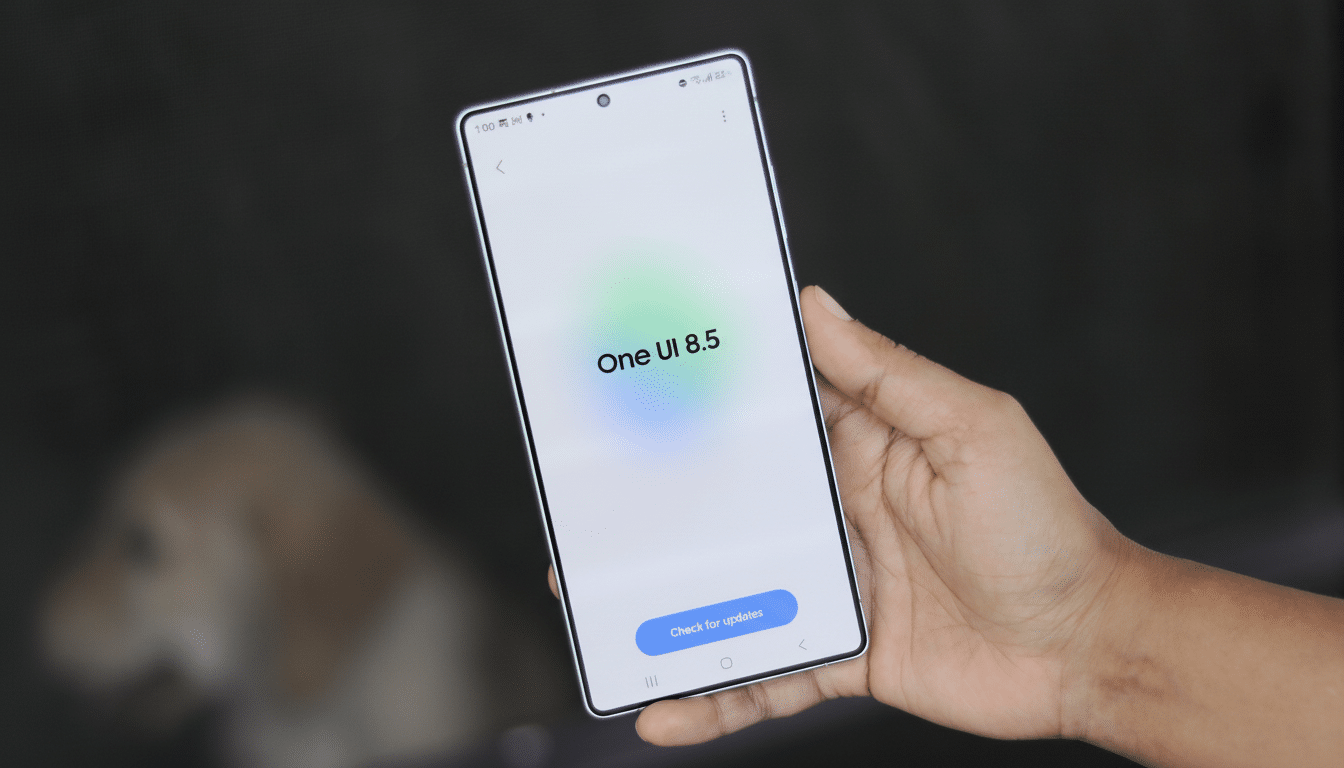
How Samsung could detect flashes in real time
For real-time protection on a mobile phone, this would probably involve some lightweight frame analysis at the display or media pipeline level. The system samples frame-by-frame changes in the luminance values of pixels, computes flash frequency and contrast information, and applies a dimming overlay based on this enhancement to decrease the effective brightness delta when these thresholds are reached. As the majority of phone video is either 24, 30, or 60 fps, running frame-by-frame detection at the system level can be achieved with low latency and without processing audio or metadata.
It’s important to note that this detection can happen without leaving the phone or another device, maintaining privacy. Frames need not be transmitted anywhere; the phone merely has to receive a local signal that content is flashing beyond some set threshold in order to trigger dimming. Modern GPUs should not have a very large overhead due to hardware acceleration, but will need to watch for any battery impact in first runs.
Scope and still unanswered questions for launch
A few details remain unclear. One is whether the feature will be gated to cover just streamed and stored video, or will also work within games and interactive apps, which use different rendering paths—that pulsing pattern of urgency builds differently per app, potentially even dynamically if the strobe effect can kick in as scene content changes. If we need to wait until more engine-level hooks are in place, we may have less protection for gamers until then if only decoder-driven playback is supported.
Second, device eligibility. If the feature depends on particular display controllers or composition engines, it could start on newer models before spreading down. The note that it “only works on this display” also suggests that the safeguard can be circumvented through mirroring to a TV or VR headset. Users who use casting may still want app-level warnings—blinking-lights labels, perhaps, which some services now provide.
How it looks across platforms and ecosystems
Apple added an “If Night Shift” setting to dim flashing lights in video more recently in iOS and tvOS, which takes the additional step of reducing overall brightness during detected strobe sequences and displays a notice onscreen. Online, guidelines from WCAG have prompted creators to eliminate hazardous patterns, while major platforms like Facebook and YouTube have tested warning screens that allowed viewers to skip offensive parts. Samsung’s initiative means that native, system-level mitigation is now available to a wider range of Android users, addressing a significant space in the mobile accessibility ecosystem.
What users can expect in One UI 8.5 settings
Hunt for the toggle somewhere under Accessibility—possibly under Vision or Motion settings—along with a slider to adjust the intensity of the effect. Don’t anticipate that controls will ease the flashing threshold itself; companies tend to leave those settings unchangeable in correspondence with safety regulations. Suffice to say that HDR material and very bright scenes will dim more when the system cuts in, exchanging a hint of visual punch for safety.
For the millions of people suffering from epilepsy, and for anybody else prone to getting or feeling sick at the sight of bright, high-contrast strobing lights—yes—automatic flash-dimming is a significant victory. This won’t render all risky content safe, particularly in games or on third-party screens, but it can transform potentially unpredictable material into something more controllable. With One UI 8.5 testing ongoing, the big questions here will be performance, app coverage, and how much Samsung ends up embracing this feature in its device lineup.
