


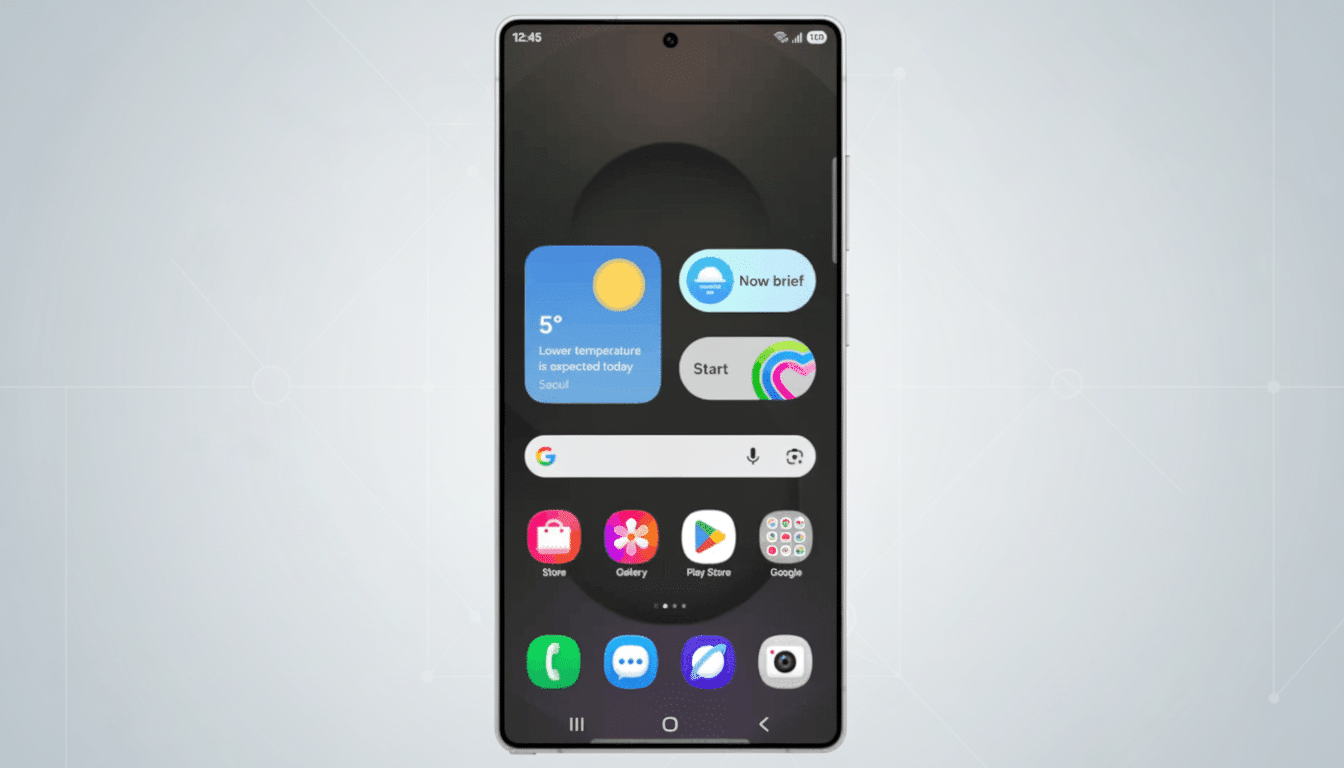
Samsung Mobile is introducing a Pixel-like quality-of-life improvement with the One UI 8.5 beta, bringing you a dynamic flashlight status in the Now Bar and a quick “Torch on” card in the Now Brief.
It’s a small change that winds up having an outsized impact on accidental battery burn, making Galaxy phones all that much more glanceable and a bit closer to the convenience Pixel users have been enjoying for ages.
Why this flashlight status matters to Galaxy users
Forgetting to turn off the torch is a frequent annoyance. The LED consumes significant power and can be a source of device warming, particularly if the unit is left in a pocket or bag. Google addressed this with Pixel’s At a Glance, which shows a clear “Flashlight is on” with one-tap off. Samsung is now applying that same logic across the remainder of its own glanceable layer, removing friction for a task tens of millions do each day.
The action also dovetails with a broader market movement. As companies like IDC and Counterpoint Research observe, buyers are increasingly valuing practical day-to-day usability over raw specs. At-a-glance UI items – battery, timers, media, and now torch state – should be a hands-down staple of premium hardware as they save time and avoid mistakes by stopping users from having to dive into menus.
How the new torch indicator works on One UI 8.5
In One UI 8.5, the torch is signified by a persistent Now Bar icon when it’s active. It resides on top of where, chances are, you’re already checking for status, and it makes it very clear when the light is illuminated. And less time heading into Quick Settings, only to find out your battery has dipped faster than you would have expected.
Samsung also advertises the status in the Now Brief widget. When the light is on, a special “Torch on” card appears that can turn it off for you in one step right from there. It’s almost the same in spirit as what Pixel does with its At a Glance feature, but built into Samsung’s own “Now” experience so Galaxy users don’t need to rely on third-party widgets or fickle app-by-app habits.
YouTube in Now Brief gets an edge-to-edge carousel
Samsung is refining discovery too. Recommendations for YouTube on Now Brief shift from a tiny two-item vertical list to an edge-to-edge horizontal carousel. The result is cleaner, speedier browsing: flick through more videos with a thumb swipe instead of scrolling to a tight stack. Around the world, YouTube is still one of the most used apps — Sensor Tower and data.ai constantly rank it among the top — making recommendations quicker to peruse is a useful improvement.
The carousel lives within Samsung’s sleek widget design language and operates using the personalized recs users have opted in to before, so recommendations should feel relevant while keeping the interface nice and clean.
Part of a larger One UI 8.5 usability push by Samsung
Early testers say that One UI 8.5 isn’t just skin deep. Image: Samsung
The beta features smarter widgets, better customization options, enhanced battery utilities, and features for cross-device storage and continuity. The common thread is glanceability: the stuff you need populating where you’re already looking, with controls close at hand.
Samsung has been progressively adapting Now Bar and Now Brief to be on a par with the best of Android’s ambient surfaces. Pixel brought this concept to the forefront with At a Glance, and iOS has flirted with similar ideas through lock screen widgets and live activities that can be displayed on your iPhone. Samsung’s take feels like it belongs in One UI, and if it does well with feedback, you can probably expect to see it go out widely after the beta phase.
What to watch next as One UI 8.5 development continues
Two features would further elevate the experience: context-aware controls and tighter privacy controls. Context-aware would also manifest as a torch toggle appearing only when it’s needed — after unlocking in low light, for example — while privacy controls might ensure users can select precisely which Now Brief cards they’d like to see. Samsung has doubled down on both themes in recent releases, so they’re credible extensions.
For now, the headline is a simple one: Galaxy phones are getting a smarter flashlight experience and more media at the top, in your line of sight when you glance. It’s a straight-up lift from an established Pixel concept, done in a manner that makes sense for Samsung’s ecosystem — and it’s the sort of everyday polish that leads to satisfaction among users long after the luster of new-phone excitement wears off.
