


Samsung is making Galaxy owners a little less green with envy. The One UI 8.5 beta brings in a retooled Battery screen and, more importantly, two different Power saving options — Standard and Maximum — to stretch a charge without forcing your phone into one extreme or another.
It’s a seemingly minor shift with major practical value. Rather than a single toggle that often felt too heavy-handed, One UI 8.5 allows you to fine-tune just how aggressively the system clamps down on power usage — trading performance, connectivity, and features in favor of longevity.
- A Clearer Battery Dashboard Makes Power Use Easier to Read
- Standard and Maximum Explained for One UI 8.5 Power Saving
- Why Granular Control Matters for Everyday Battery Life
- Availability and Rollout for the One UI 8.5 Beta Program
- Interpreting Battery Estimates the Proper Way
- The Bottom Line on One UI 8.5’s New Power Saving Modes
A Clearer Battery Dashboard Makes Power Use Easier to Read
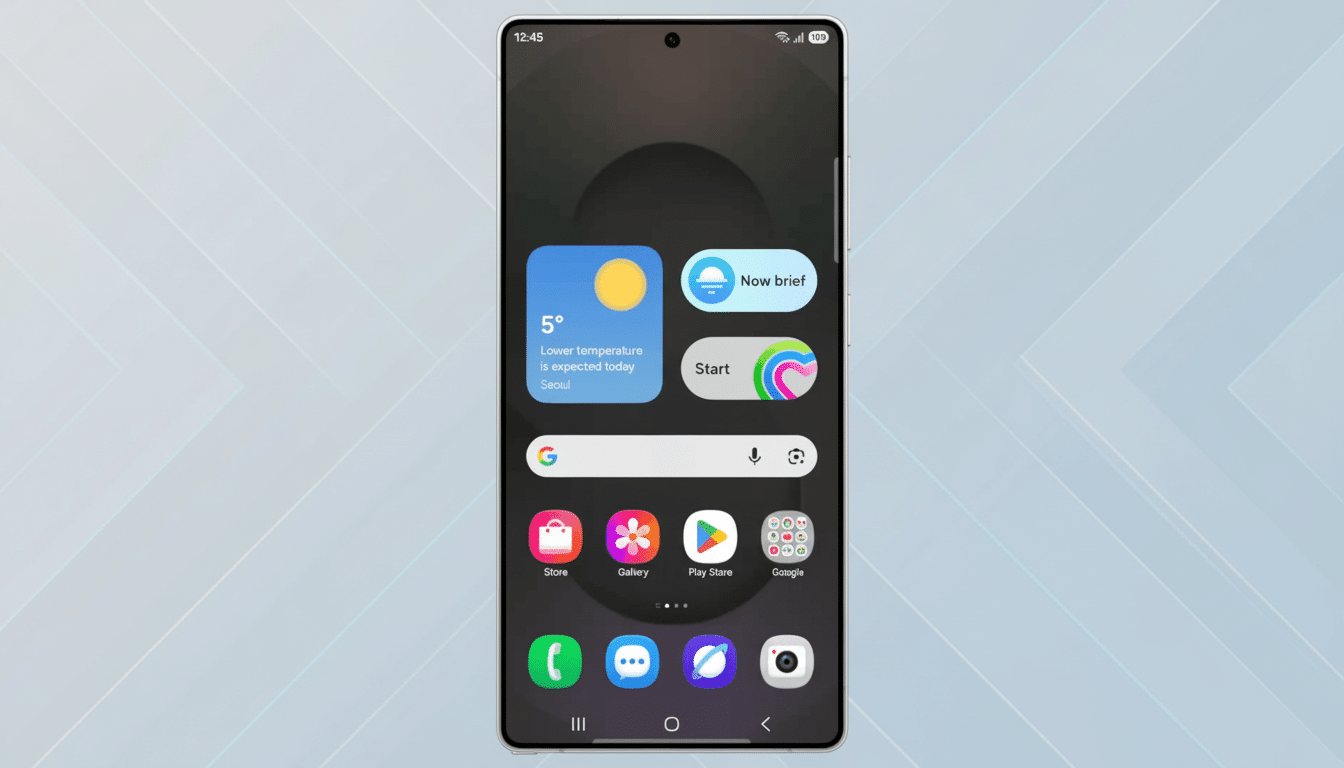
The refreshed Battery screen on Samsung phones displays essentials at a glance: estimated remaining time, current charging status, and a neat chart breaking down daily usage by hour over the last week. The layout is clearer and easier to read, particularly when it comes to seeing that particular apps or features have been steadily sipping away at your power, as well as which days are responsible for the worst of the drains.
The historical view matters. Battery life is inherently situational — screen time, camera use, network usage, and gaming all affect daily consumption. Providing a week-at-a-glance makes it possible to connect those dots without diving through menus, and it’s something power users have wanted across Device Care for years.
Standard and Maximum Explained for One UI 8.5 Power Saving
Formerly, Power saving was an on/off switch. Now you can choose from Standard and Maximum with One UI 8.5. Standard results in moderate savings and lets you customize settings — a useful fit for stretching out through much of the afternoon without the phone becoming overtly hamstrung. Maximum goes a step further by shutting down unnecessary features to conserve battery power when you absolutely need to reach the next outlet.
Samsung hasn’t released a complete matrix of toggles for each mode, but with previous Galaxy installations, Standard will usually allow you to put the brakes on background activity, lower screen refresh rate, turn off Always On Display, and rein in some wireless functionality.
Maximum also tightens those limits and pauses more services, putting core communication ahead of conveniences.
The point is control. If you’re at a 40% charge by midday and still need maps, messaging, and a few photos, Standard is the safety net. Maximum does the work quickly (9 minutes for single digits on a crosstown commute), cutting out extras you won’t notice in the moment to buy time.
Why Granular Control Matters for Everyday Battery Life
Battery life is one of the key purchase drivers in most smartphone surveys done by industry analysts, and for good reason — usage patterns vary widely.
Some days it’s the display or camera draining your battery; other days, background sync and a poor cellular signal are to blame. A binary power-saving toggle runs the risk of being too aggressive or not aggressive enough.
Two modes address a common complaint: users want savings they can use every day without breaking the routine, and a separate plan for crunch time. Fine-grained power management is also a natural complement to high-end hardware features like adaptive refresh rate screens and AI-driven app preloading, where the system can make smart trade-offs with less user micromanagement.
Availability and Rollout for the One UI 8.5 Beta Program
The One UI 8.5 public beta will be released first to eager-beaver Galaxy S25 series users residing in six countries: US, South Korea, UK, Germany, India, and Poland through Samsung’s beta program. Broader availability should come following the testing stage, and the stable build should launch around the Galaxy S26 lineup if Samsung’s guidance is anything to go by.
Some of this is subject to change prior to release, as with any beta, but the structural shift in power saving options and changes to the Battery dashboard are at its core. Early testers can contribute feedback and affect the end polish via official avenues.
Interpreting Battery Estimates the Proper Way
The remaining time figure you see on One UI is an estimate, not a guarantee. It’s calculated based on your recent behavior and can increase or decrease as you behave differently — streaming video or navigating with GPS will make it move down faster than light messaging, for example. The beauty of the redesign in One UI 8.5 is that it combines that headline figure with context so you can see why the projection has changed and which habits are causing it.
If you’re trying out Standard and Maximum, observe how the estimate adjusts in hours, not minutes. And it is that longer lens that this mode also captures: throttling background tasks, display behaviors, and connectivity — exactly where these modes are pointed.
The Bottom Line on One UI 8.5’s New Power Saving Modes
One UI 8.5 doesn’t completely revolutionize battery management, but it does thoughtfully update the idea for modern times. A more precise Battery view answers what’s using your power and when; two Power saving modes answer what to do about it. For all you Galaxy owners, that is the difference between living with a dull switch and finally getting yourself a dial.
