


Samsung has confirmed a built-in Privacy Display for the Galaxy S26 Ultra, and it tackles one of the most persistent smartphone irritations: shoulder surfing. Instead of relying on dim, sticky privacy films, the Ultra will use the OLED panel itself to selectively block parts of the screen from off-angle views while keeping full brightness and color fidelity for the person actually using the phone.
What The Privacy Display Actually Does And How It Works
Think of it as a software-defined privacy filter at the pixel level. Samsung’s implementation directs light forward and reduces off-axis luminance only where you choose, so sensitive zones—like a notification banner or a two-factor code—can go dark or unreadable from the side without blanketing the entire screen. Industry analyst Ice Universe has shown a rendering of localized masking, and Samsung’s own teaser aligns with that approach.
- What The Privacy Display Actually Does And How It Works
- Why It Solves A Real Everyday Problem For Users
- How Samsung May Be Pulling It Off Technically
- Controls And Enterprise Integration Explained
- Battery And Display Quality Considerations
- What We Still Want To Know Before Launch
- Bottom Line: Why This Feature Matters Most
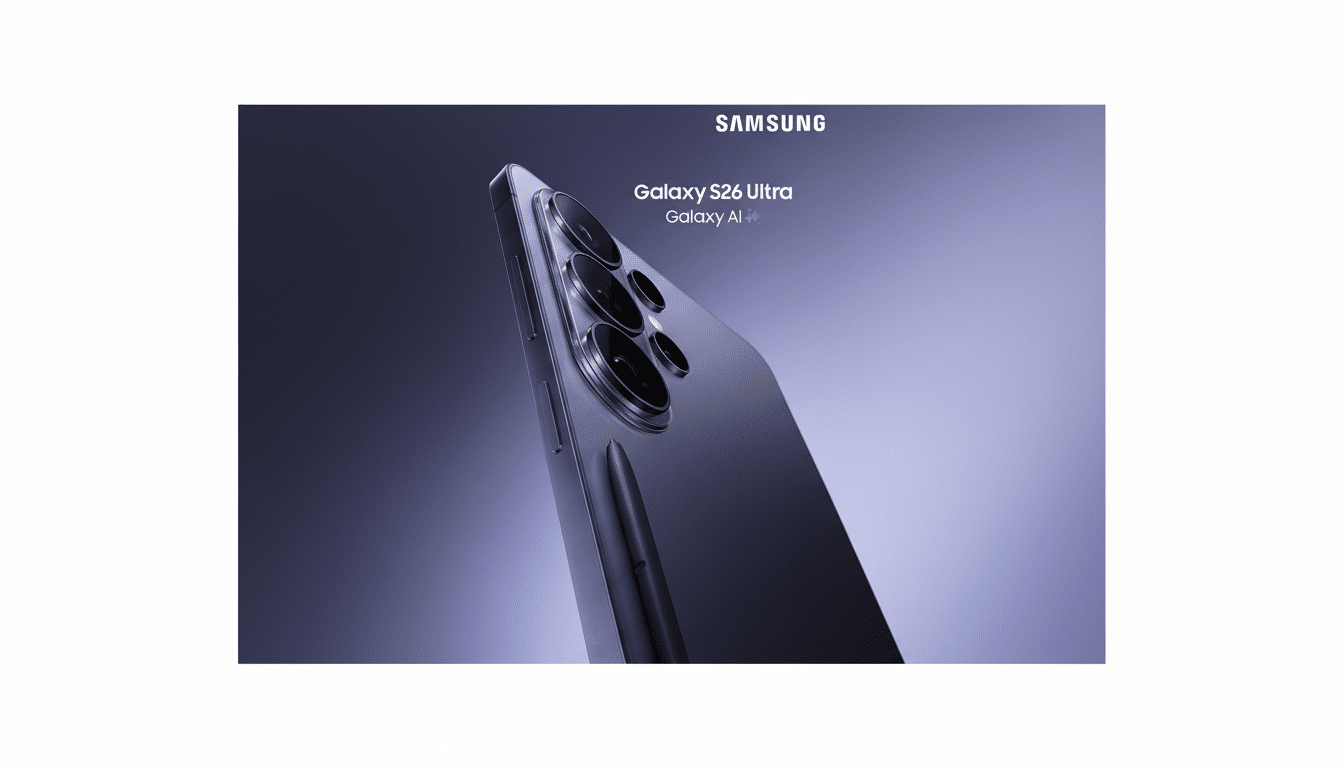
Because this is native to the OLED stack and not a physical layer, it should maintain the panel’s peak brightness, color depth, and clarity when viewed head-on. That is a meaningful shift from traditional privacy films, which often mute colors and introduce grain or rainbowing.
Why It Solves A Real Everyday Problem For Users
Visual eavesdropping is more than a nuisance; it’s a documented risk. In field tests widely cited by 3M’s Visual Hacking Experiment, opportunistic “visual hacks” succeeded the vast majority of the time in office environments. On a packed commute, a single exposed notification can reveal one-time passcodes, travel details, or private messages—information most of us never intended to share with a stranger standing six inches away.
Privacy accessories exist, but they’re blunt instruments. Physical filters narrow viewing angles across the entire display and can sap perceived brightness by a large margin. Laptop makers with integrated solutions, like HP’s Sure View, acknowledge brightness and contrast trade-offs when privacy modes are enabled. Samsung’s localized, on-demand method promises fine control without turning your whole screen into a dim tunnel.
How Samsung May Be Pulling It Off Technically
OLED panels emit light at the pixel, so driving subpixels to favor forward emission while attenuating off-axis views is feasible through pixel-level control and angular luminance tuning. Unlike film-based micro-louver solutions, a software-defined mask can be moved, resized, and automated. Expect presets for common areas—status bar, notification shade, or a floating window—alongside manual zoned masking.
Crucially, because only selected regions are privacy-protected, the rest of the screen remains vibrant and widely viewable for sharing photos or slides with a friend—no need to toggle a global mode on and off.
Controls And Enterprise Integration Explained
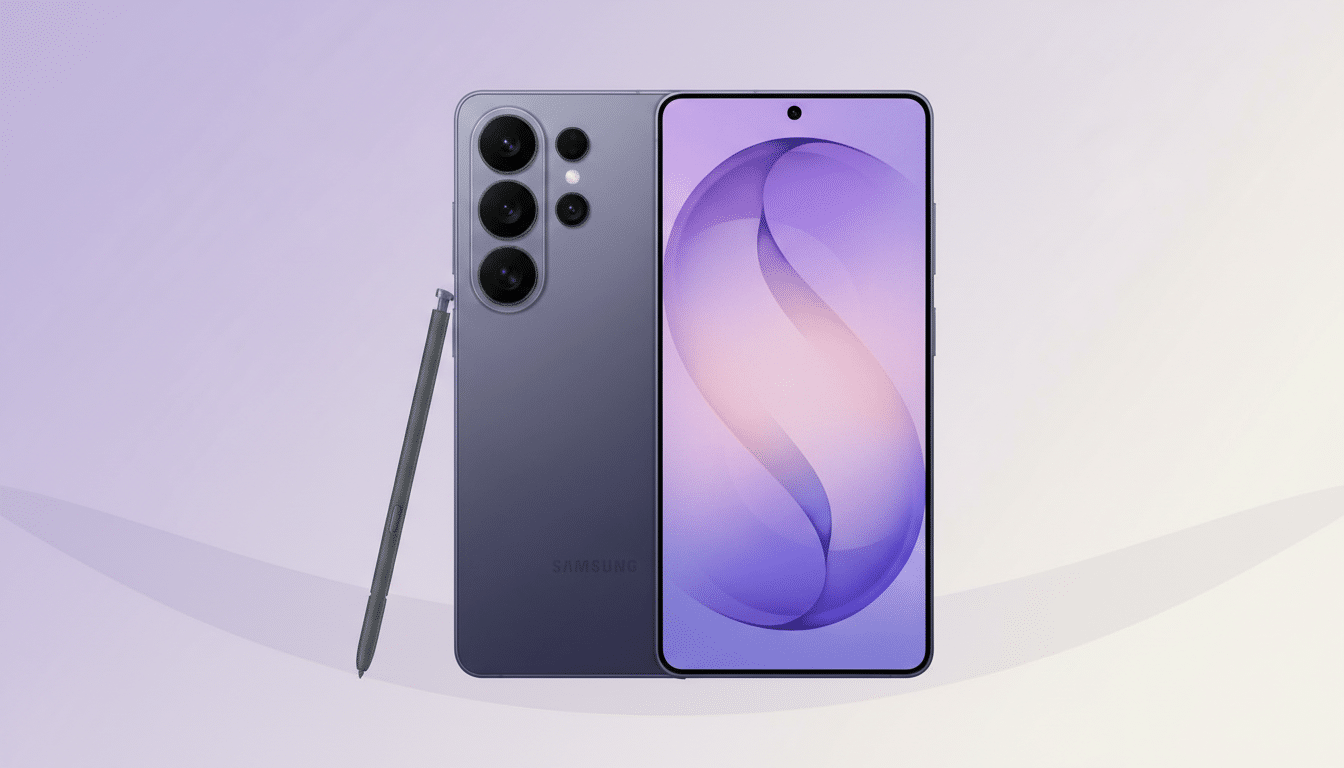
Samsung typically ties security features into its device management stack, and the Privacy Display is expected to link with Samsung Knox. That means IT admins could enforce privacy zones for corporate email, messaging, or finance apps and prevent end users from disabling them on managed devices. For consumers, per-app toggles and intelligent suggestions—say, automatically masking banking and authenticator apps—would make the feature feel seamless rather than another setting to babysit.
There are also accessibility angles to consider. A well-implemented privacy mode should offer clear indicators when masking is active and avoid interfering with magnification, captions, or color correction settings.
Battery And Display Quality Considerations
OLED’s power draw scales with luminance and color. Darkened or fully black masked zones typically consume very little power, which could offset any overhead from the added processing required to steer light and manage zones. Importantly, because there’s no physical filter, the panel should retain its advertised HDR capabilities and outdoor visibility when the privacy masking is off or limited to small regions.
What We Still Want To Know Before Launch
Two big questions remain. First, is this exclusive to the Galaxy S26 Ultra at launch or will it trickle to other S26 models? Given the Ultra’s hardware advantages and production focus, an initial exclusive seems likely. Second, how granular will controls be on day one—can users draw custom shapes, schedule privacy windows, or set context-aware triggers?
Compatibility is another practical concern. Screen protectors are common on Ultra devices; Samsung will need to clarify whether glass or film layers degrade the effect. And for creators or presenters, quick toggles to disable masking during screen sharing or casting will be essential.
Bottom Line: Why This Feature Matters Most
The Galaxy S26 Ultra’s Privacy Display looks like the rare upgrade that changes daily behavior. It solves a real problem—unwanted eyes on your screen—without sacrificing brightness, color, or usability. If Samsung nails the controls and enterprise policies, this could become the new default for handling sensitive content in public, and a feature rivals will have to match.
