


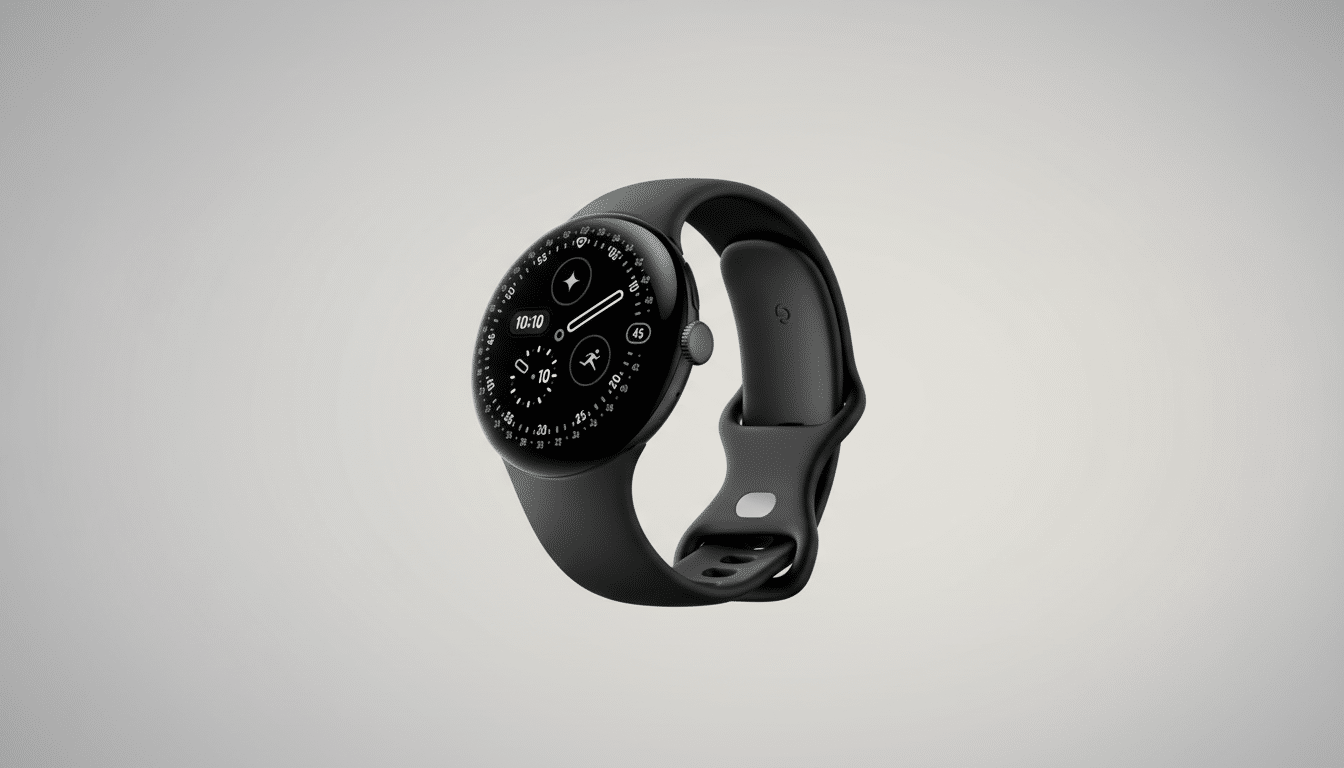
The most persuasive pitch for the Pixel Watch 4 is to pick up when you can’t. Car crash detection, fall detection, and loss of pulse detection are also intended to provide rapid alerts, including automatically calling for help. But when many users cross a border and their phone begins taking roaming charges, those protections can quietly turn off. If you take to the road, that’s a vital boundary—and not something you want to learn only after disaster strikes.
What Is Turned Off on Roaming, and Why It Matters
Owners have reported that when the paired phone’s main SIM card is roaming, the Pixel Watch 4 automatically switches off three key personal safety features: car crash detection; fall detection; and loss of pulse detection. Sensors and machine learning help these tools detect critical events, then make an emergency call and alert your contacts. When they’re not available, a primary reason to strap on the watch—backup in case of emergency—is gone just when you may feel most vulnerable overseas.
- What Is Turned Off on Roaming, and Why It Matters
- Why Roaming Breaks the Pixel Watch Safety Tools
- Real Travel Impact Even in Supported Regions
- How Rivals Deal With Safety Features While Abroad
- Practical Steps You Can Take Before You Travel
- What Google Should Change to Protect Travelers
- The Bottom Line For Pixel Watch 4 Owners
Why Roaming Breaks the Pixel Watch Safety Tools
Google’s support documentation cautions generally that Personal Safety features will differ by country and carrier and might not work in all areas. The unusual part here is acting while roaming within countries where these features are officially supported. Overlap into a neighboring market, and the watch notices roaming, disabling all the protections.
The likely reasons marry technology and liability. The ability to make emergency calls is also part of core cell phone IP, but it relies on dependable network signaling (in many cases using VoLTE), accurate routing to the local emergency number, and regulatory requirements such as Advanced Mobile Location (AML) and Emergency Location Service (ELS). Roaming is part of 112 and mandatory across the European Union, but it can still involve edge cases—carrier handoffs, incomplete roaming agreements involving VoLTE, or questions about how an automatic call made from a wearable at some point will be treated. From a risk analysis standpoint, Google may rather turn off features than potentially fail an emergency call.
Real Travel Impact Even in Supported Regions
Imagine a mundane trip from France to Belgium. Roaming similar to that available domestically in the EU is permitted, as is access to 112 without additional charges. But users say that as soon as they cross the border, the Pixel Watch 4 throws up “not available” notices for features like fall detection, car crash detection, and pulse loss detection. The only consistently effective solution has been to purchase a local VoIP-capable SIM or eSIM in the country (or countries) one’s phone is traveling to and assign it as the default calling line for your phone. Data-only travel eSIMs generally do not bring back those features.
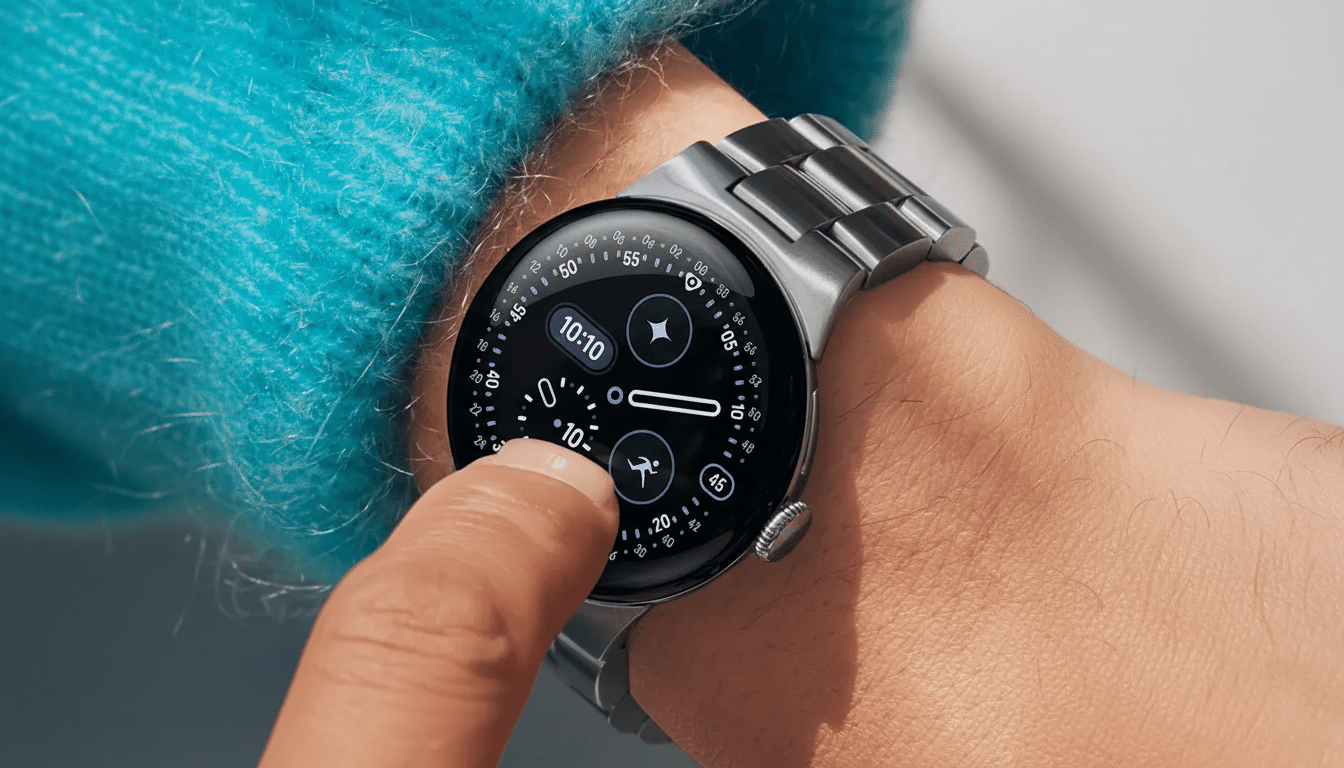
The world travel context makes this more than a niche annoyance. The UN World Tourism Organization records more than a billion international trips in a typical year, and people make routine cross-border day trips throughout Schengen. If your smartwatch stops being as protective the second you’re away from home, that’s a meaningful void for many owners.
How Rivals Deal With Safety Features While Abroad
Competitors take a looser approach. Apple writes that crash and fall detection are supported in “most countries” and “this feature is designed to work anywhere in the world,” though it warns that an emergency call may not be placed if a network isn’t available or your plan doesn’t support making calls. Samsung offers international SOS, though local number recognition and mobile network access can vary. Each of them has regional restrictions, but they don’t usually go so far as to flat-out block a safety check because you’re roaming. Google’s blanket shutoff stands out.
Practical Steps You Can Take Before You Travel
- Switch to a local voice-enabled SIM or eSIM when visiting and make it the default phone calling line; avoid data-only plans if you depend on automatic emergency calling.
- If your watch has LTE and there is an available option from the carrier, consider activating a local wearable plan. Otherwise, the watch’s emergency call is still made on the phone’s line.
- Set up manual SOS on the watch and phone. Map a hardware button to dial your local emergency services and notify your emergency contacts, then practice the gesture.
- Share your real-time location with trusted contacts using your favorite app, and show your medical information on the phone’s lock screen along with a picture and contact number of an emergency contact.
- Store local emergency numbers in your contacts, and remember that 112 is an EU-wide number. In areas with spotty cellular coverage, you might even want a smaller satellite communicator for full redundancy.
What Google Should Change to Protect Travelers
There are sensible middle-ground fixes. Let users leave safety features enabled when roaming, with a clear warning regarding potential costs and limitations in connectivity. If an automatic emergency call doesn’t go through, then revert to sending SMS or data alerts to emergency contacts, including last known location. Publish a clear availability matrix that separates “not supported in-country” from “disabled while roaming,” and test in areas where emergency services are harmonized (e.g., the EU).
The Bottom Line For Pixel Watch 4 Owners
The Pixel Watch 4 may be a good watchdog, even at home, but no one should rely entirely on its home network-security features outside of your SIM’s home service. Until Google reshapes its roaming policy, consider these features as handy bonuses—not sure things—when you’re traveling and form a backup plan.
