


Ring’s new Lost Dog Search Party sounds neighborly—your cameras quietly look for a reported missing pup and alert you if there’s a match. But the feature ships turned on by default, which has sparked a wave of “that’s a bit much” reactions from people who don’t want their yard scanned for canines without explicit consent. If you’re creeped out, you can shut it down in under a minute.
What the Search Party feature actually does on Ring
When someone posts a missing dog alert in the Ring Neighbors app, nearby Ring cameras with Search Party enabled begin analyzing footage for likely matches. If your device thinks it sees the dog, you get an alert and can compare snapshots to the pet’s photos. You then choose whether to share a clip with the owner or ignore the alert. Ring says Search Party expires automatically after a set window, and it currently looks for dogs only.
- What the Search Party feature actually does on Ring
- Why the default setting raises eyebrows for privacy
- How to turn off Search Party completely in Ring app
- How to disable Search Party on a per-camera basis
- What happens if you keep Ring Search Party on
- Extra privacy checks worth doing in Ring’s Control Center
- Bottom line: balancing helpful features with privacy control

Ring, owned by Amazon, has promoted the tool widely and says it has helped reconnect families with “more than a dog a day” since launch. The company has also opened lost-dog reporting to people who don’t own Ring hardware, in an effort to broaden participation.
Why the default setting raises eyebrows for privacy
Scanning the neighborhood for pets is a feel-good use of AI, but default opt-in features tend to set off privacy alarms. Civil liberties advocates, including groups like the ACLU and the Electronic Frontier Foundation in past analyses of smart doorbells, have warned that networked cameras plus automated detection can normalize always-on monitoring—even for seemingly benign purposes. The concern isn’t just the dog search; it’s the precedent: once detection pipelines exist, feature creep can follow.
Plenty of owners love the idea and see it as small-town lost-and-found for the smart home era. But for others, control is the key—choosing when and whether their cameras participate, not discovering later that they already were.
How to turn off Search Party completely in Ring app
These instructions are straight from Ring’s current app flow and work for most users. If you don’t see the setting, update the Ring app and try again.
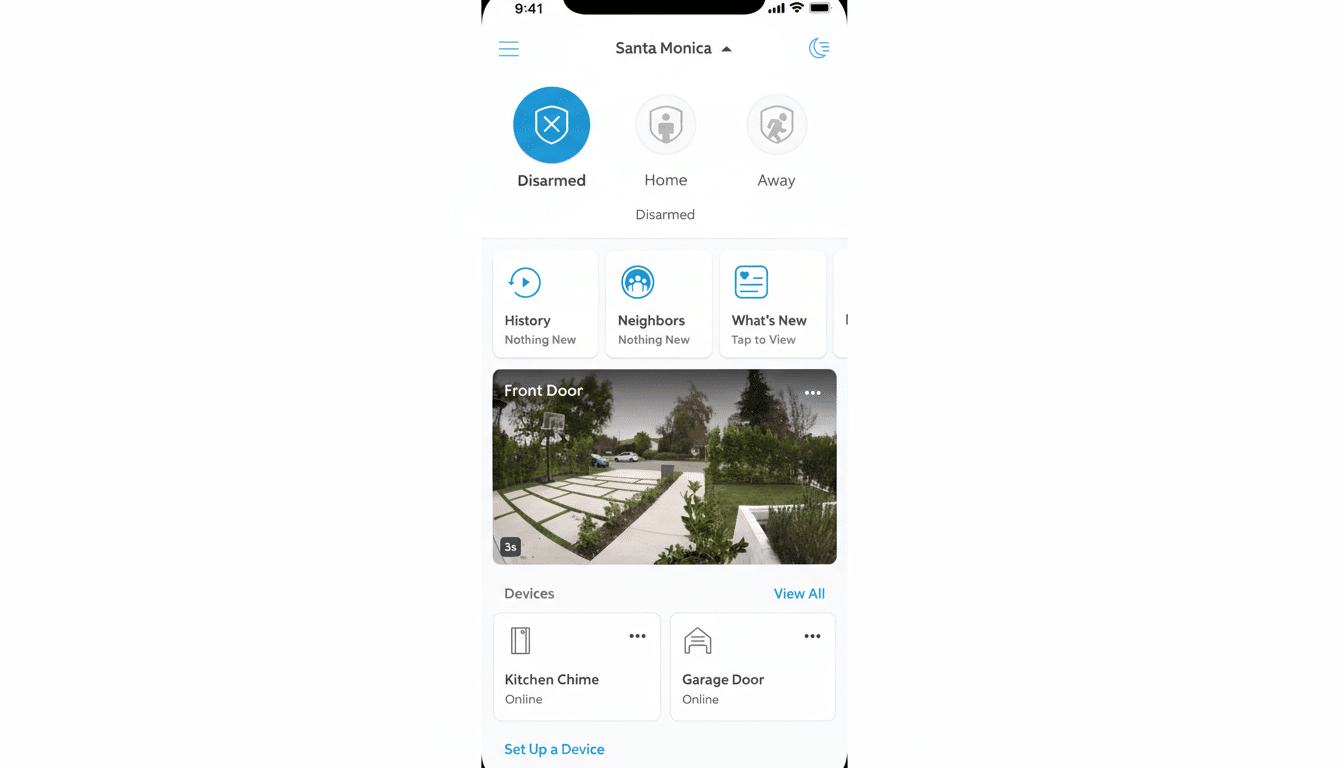
- Open the Ring app and go to the main dashboard, then tap the three-line menu (top left).
- Tap Control Center.
- Select Search Party.
- Under Search for Lost Pets, tap Enable or Disable to toggle the feature for your account.
That switch controls participation across your Ring setup. If you want finer control per device, keep reading.
How to disable Search Party on a per-camera basis
If you prefer to leave Search Party active on one camera—say, a front yard—but not another, you can do that in the same menu.
- In Search Party settings, tap the blue Pet icon next to Search for Lost Pets to toggle participation for each individual camera.
- Confirm the status for all cameras you own, especially shared devices on the same account, so you’re not unknowingly opted in elsewhere on your property.
What happens if you keep Ring Search Party on
Ring says camera owners decide case by case whether to share any clip with the pet’s owner, and that participation times out unless renewed. The company has also announced a $1 million initiative to equip animal shelters with camera systems, aiming to speed up reunions across thousands of facilities nationwide.
Still, the AI detection that powers Search Party learns by scanning more footage. Even if clips aren’t shared, some users worry about the broader ecosystem effects of normalizing algorithmic review of what’s happening on their lawns and sidewalks.
Extra privacy checks worth doing in Ring’s Control Center
While you’re in Control Center, take a minute to audit other sharing controls. Review your Neighbors settings to limit what you see and post, and check Video Request preferences to manage how you respond to requests for footage. Consumer advocates have long recommended periodic audits like these to keep defaults from quietly drifting away from your comfort zone.
If you later change your mind—say a neighbor’s pet goes missing—you can re-enable Search Party from the same menu, then turn it off again when the search ends.
Bottom line: balancing helpful features with privacy control
Search Party can be helpful, and Ring’s community pitch resonates with many owners. But the feature’s default-on rollout is exactly why privacy-conscious users should check their settings. If you don’t want your cameras scanning for dogs, now you know where the off switch lives—and how to set participation on your terms.
