


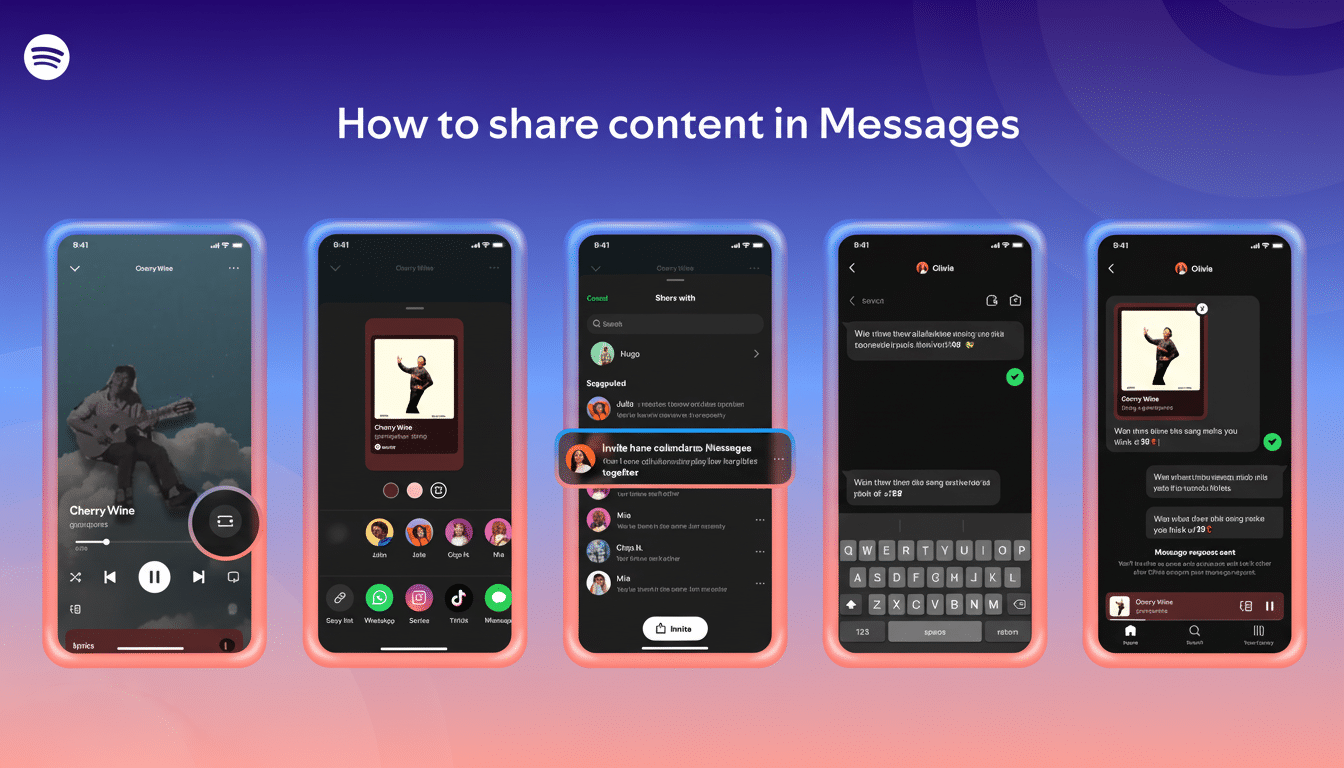
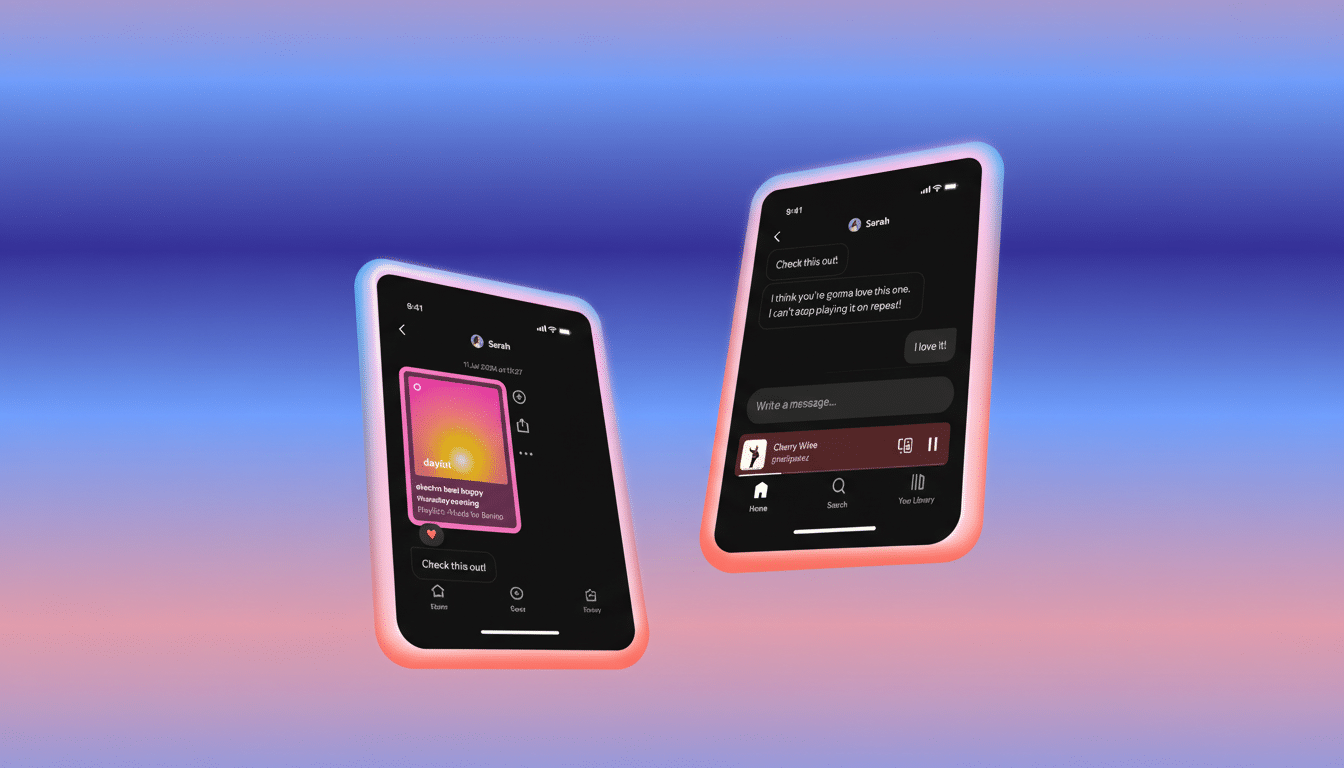
Spotify is making further strides into social listening with a new feature that allows you to share what you’re listening to right now if you’ve already communicated with friends via the platform. Spotify Messages has a new Request to Jam tool that supports synchronized listening. The new Listening Activity toggle lets you broadcast your current track to friends you’ve chatted with on Spotify. It’s available in two areas on mobile: in the side drawer of a contact’s Messages view and as a banner atop your conversation window. Pals can tap play on the song, save it, or jump to the artist page.
There’s an opportunity to react as well, with six emoji options, similar to the low-key vibe of Stories reaction buttons on other networks:
- Heart
- Thumbs up
- Crying-laughing
- Fire
- Holding back tears
- Over-ear headphones
Listening Activity is disabled by default. To enable it, go to your Spotify profile, tap the Activity toggle in the top-right corner, then navigate to Privacy and Social settings, where you can turn on Listening Activity. If you want to avoid exposure for a while, Private Session remains the quickest way to halt sharing.
And by the way, it’s a mobile-only feature at this stage with Android and iOS support. There has been no word of desktop support, matching Spotify’s track record for bringing social features to the phone app, where most sharing begins.
In addition to passive sharing, Spotify is rolling out Request to Jam so friends can listen together in real time. Premium users can request to join a shared queue directly from Messages, and invitations can even be made to Free users. Once somebody joins, the host takes control of the session and everyone can add songs to a collective queue — perfect for studying together from campuses across town, prepping that road-trip jam list, or putting that release-night record on with friends in different cities.
That builds on Spotify’s long project in collaborative listening, from Group Sessions to Blend, but at a lower coordination cost by embedding it within one-to-one conversations. It’s less about curating a playlist ahead of time and more about jumping into a communal stream in the moment.
Why It Matters for Music Discovery and Engagement
Real-time presence shifts where people discover music. Industry research Anita referenced earlier in this essay, including studies by IFPI and Edison Research, consistently places friends’ recommendations among listeners’ top sources for discovery — and Spotify’s own products like Blend or daylist have proved that social nudges can influence repeat activity. Turning passive chatter into live context—“what are you listening to right now?”—collapses the space between a proposal and a play.
There’s also competitive signaling here. Apple Music relies on SharePlay to enable its own synced sessions over FaceTime, while Discord offers “listen along” integrations. Spotify’s method keeps identity inside its app and opens chat right on the screen, then pulls up playback alongside to minimize friction between a recommendation and playing it. With an audience in the hundreds of millions around the world, modest changes to social design can add up to quantifiable lift in streams, saves, and follows.
How to Get Started With Listening Activity and Jams
- Update the Spotify app on your phone.
- Open your profile and look for the Activity control.
- In Privacy and Social, turn on Listening Activity to let friends you’ve messaged know what you’re listening to.
- To try Request to Jam, open a conversation in Messages, send a request, and start a session once it’s accepted.
- To pause visibility at any time, toggle Private Session on.
If you aren’t seeing the options, don’t worry — keep an eye on the app: Spotify is rolling out the features widely. When they arrive, your inbox will probably start to look more like a live feed of what the people in your world are queuing up and less like a static thread of links.
The Road Ahead for Spotify’s Social Listening Features
Spotify has suggested that group chat is on the horizon, which would take live sharing from a one-to-one thread to more of an app-side social layer for music communities. Done well, that could transform Spotify from a silo into a space where discovery, conversation, and listening all occur in the same stream.
