


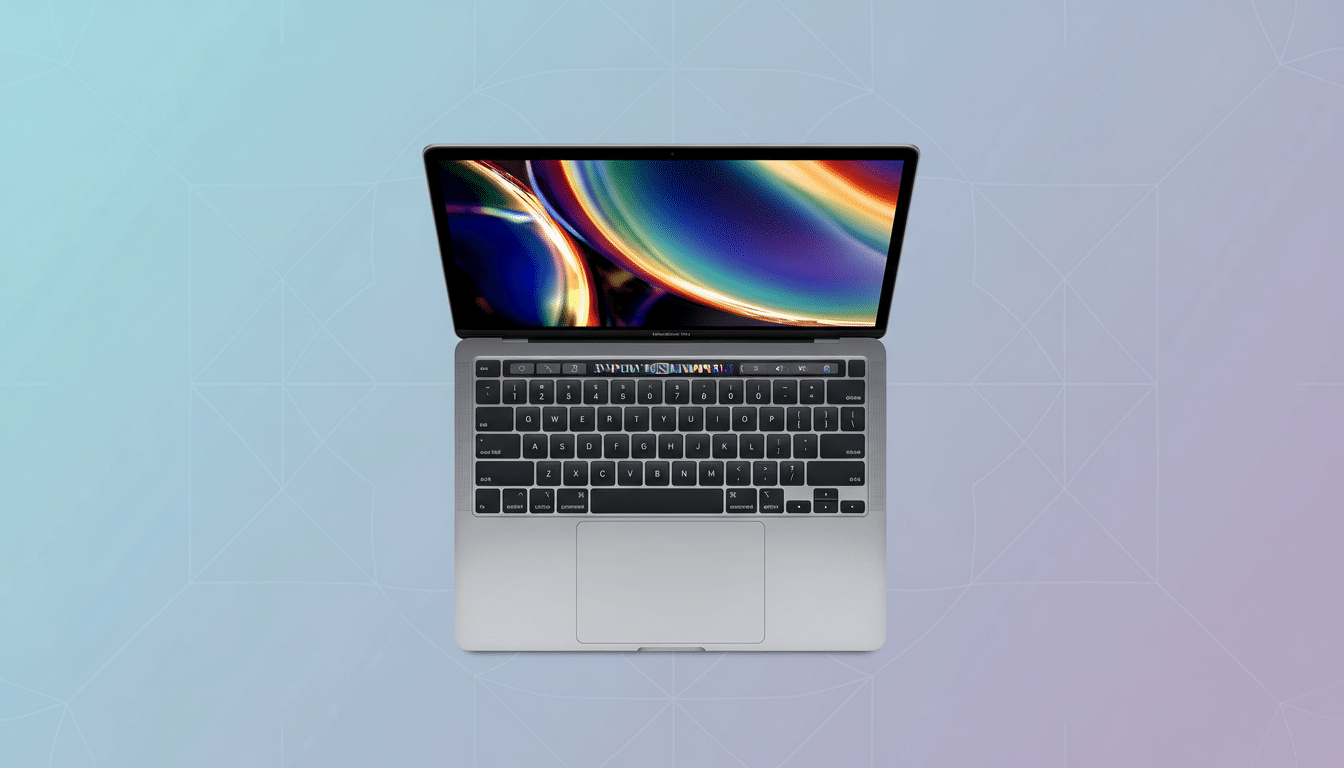
A $420 near-mint 2020 MacBook Pro with 16GB of RAM and a 512GB SSD is making the rounds, and it is the rare Apple deal that speaks directly to Windows users. Priced at roughly 76% off its original $1,799 MSRP, this Intel-powered machine invites PC loyalists to try macOS hardware without abandoning their familiar x86 world.
Why PC users should care about this Intel MacBook Pro deal
Unlike Apple’s newer M-series laptops, this 13-inch MacBook Pro runs on a 10th Gen Intel Core i5. That single detail changes the whole proposition for PC owners: you can keep using a vast catalog of x86 apps and, if needed, install Windows via Boot Camp or run Windows 11 in a virtual machine. In other words, it behaves more like a premium Windows ultrabook that happens to run macOS, not an entirely different ecosystem you have to relearn from scratch.
- Why PC users should care about this Intel MacBook Pro deal
- The Intel Advantage For Windows Workflows
- Specs that outclass typical budget PCs at this price
- Display and build quality still hold up in 2024
- Know the trade-offs up front before you buy refurbished
- Refurbished buying checklist for Intel MacBook Pro deals
- Who stands to benefit most from this $420 MacBook Pro
For cross-platform offices, students in mixed IT environments, or coders who bounce between Linux tooling and Office workflows, the ability to straddle both worlds is a tangible advantage. IT admins also appreciate Intel Macs for their compatibility with legacy peripherals and drivers that can be finicky on Apple silicon.
The Intel Advantage For Windows Workflows
Boot Camp on Intel Macs supports native Windows 10 with Apple’s driver stack for graphics, audio, Thunderbolt, and trackpad gestures. While Windows 11 officially expects TPM 2.0, many teams successfully deploy it on Intel Macs through virtualization platforms that provide a virtual TPM and snapshot-based rollback—useful in corporate settings where app testing and rollback matter.
Virtualization also shines for developers and analysts who need Linux containers, legacy .NET apps, or specific finance tools. Running Windows in a VM preserves macOS battery management and trackpad precision while giving you Outlook plug-ins, Access databases, and proprietary ERP clients that are non-negotiable in some industries.
Specs that outclass typical budget PCs at this price
Refurb or not, 16GB of unified memory and a 512GB SSD at this price is unusual. Retail tracking from major U.S. chains consistently shows sub-$450 Windows laptops shipping with 8GB of RAM and 256GB of storage, often alongside older U-series chips. By contrast, the 10th Gen Core i5 in this MacBook Pro (a 28W Ice Lake part with Iris Plus graphics) was engineered for sustained ultrabook performance, not just bursty speed.
Independent benchmark databases for this CPU family typically report responsive single-core numbers that keep everyday work snappy—think dozens of browser tabs, video calls, and creative apps open simultaneously—while integrated Iris Plus graphics handle light photo work and 1080p timelines in consumer editors. You will not buy this for AAA gaming, but productivity and creative tasks feel premium.
Display and build quality still hold up in 2024
Apple’s 13.3-inch Retina panel remains a highlight: 2560×1600 resolution, P3 wide color, True Tone, and around 500 nits of brightness deliver crisp text and accurate color for spreadsheets, code, and Lightroom edits. For anyone coming from a 1080p TN panel, the upgrade is instant and obvious.
The Magic Keyboard here is the reliable scissor-switch design, not the ill-fated butterfly mechanism from earlier years. The Touch Bar may be polarizing, but power users in Photoshop, Final Cut, and Office can map quick actions that genuinely save time.
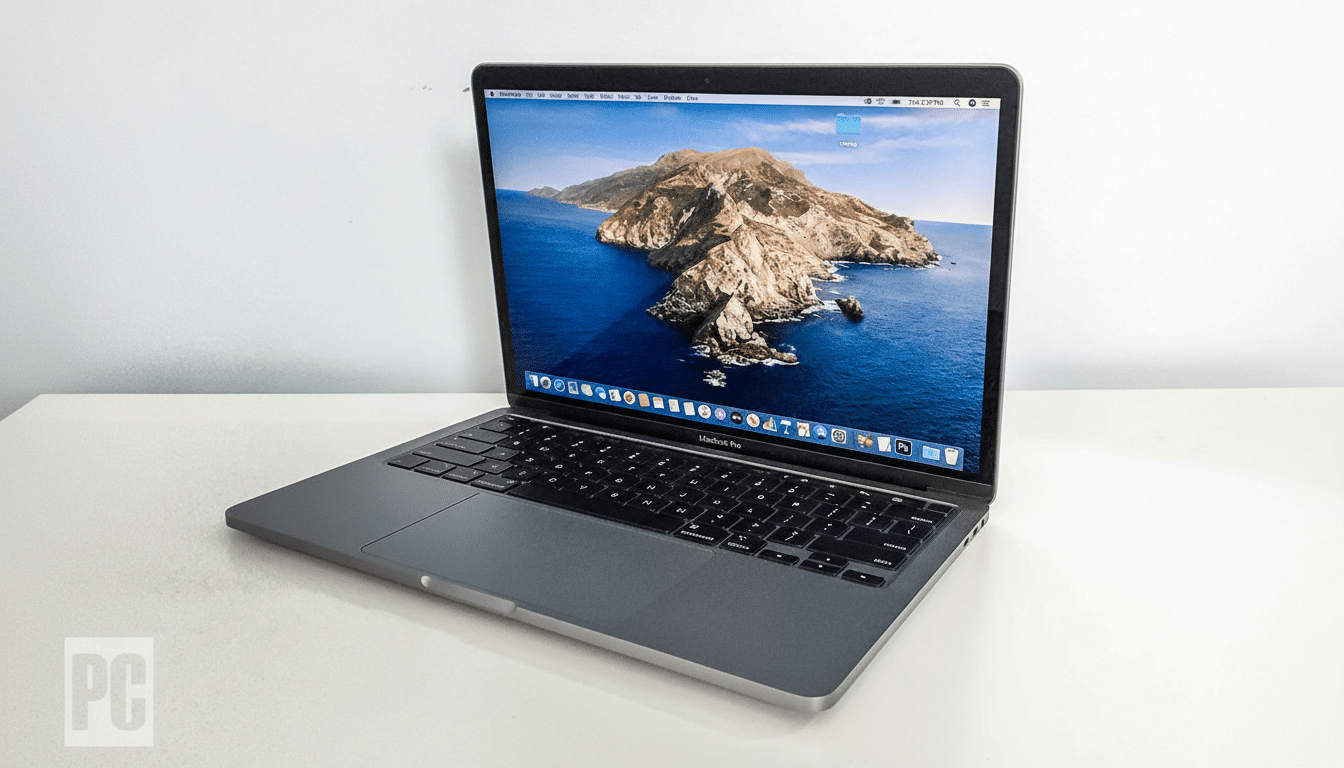
Thunderbolt 3 at 40 Gbps means single-cable docking, fast external NVMe storage, and dual-display setups via hubs. Configurations in this generation shipped with two or four ports; confirm the listing details, but either way you get modern USB-C I/O plus a headphone jack.
Know the trade-offs up front before you buy refurbished
Because it is Intel-based, this Mac will not support Apple’s newer on-device Apple Intelligence features, which are reserved for M-series hardware. Wireless is 802.11ac Wi-Fi rather than Wi-Fi 6E/7, and integrated graphics are not a substitute for a discrete GPU.
Boot Camp formally targets Windows 10; if Windows 11 is a must, plan on virtualization or well-documented workarounds. Battery longevity on refurbished units varies with cycle count, and real-world runtime will depend on condition and workload. None of these are deal-breakers for office, school, or light creative work, but they are worth noting.
Refurbished buying checklist for Intel MacBook Pro deals
Grade A usually means minimal cosmetic wear, but always check the refurbisher’s grading policy, return window, and warranty length—90 days is common, a year is better.
- Verify the battery cycle count in System Information.
- Ask whether the SSD has been health-checked.
- Confirm that the charger and USB-C cable are included and genuine.
If you plan to dual-boot or virtualize, budget for a Windows license and possibly a USB-C hub or dock. The good news: Thunderbolt 3 docks can consolidate power, displays, Ethernet, and storage into a single cable, turning this into a capable home-office anchor.
Who stands to benefit most from this $420 MacBook Pro
PC-first professionals curious about macOS, students who need Xcode or Final Cut for a class, and remote workers juggling Office, Slack, and browser-based apps will find this configuration more than sufficient. Teams standardizing on cross-platform suites like Microsoft 365 and Adobe Creative Cloud get the same files and fonts, with the option to fall back to Windows when a niche tool demands it.
At around $420, this MacBook Pro is less about joining a club and more about buying capability for the dollar. For PC users who want to test Apple’s build quality and display standards without losing Windows, it is a rare, pragmatic sweet spot.
