


Refurbished MacBook Air units priced at $200 are still available, offering a rare sub-$250 path into macOS—with the bonus of native Windows support—on hardware that originally carried a $999 MSRP. At roughly 80% off, this is one of the most aggressive price-to-utility plays we’ve seen for a lightweight, reliable laptop that handles everyday work without drama.
Why This $200 MacBook Air Still Makes Practical Sense
Because this model uses an Intel Core i5 processor, it supports Boot Camp, Apple’s utility for installing Windows alongside macOS. That means you can boot directly into Windows for software that still runs best on Microsoft’s platform, a flexibility Apple’s newer M-series machines don’t offer natively.
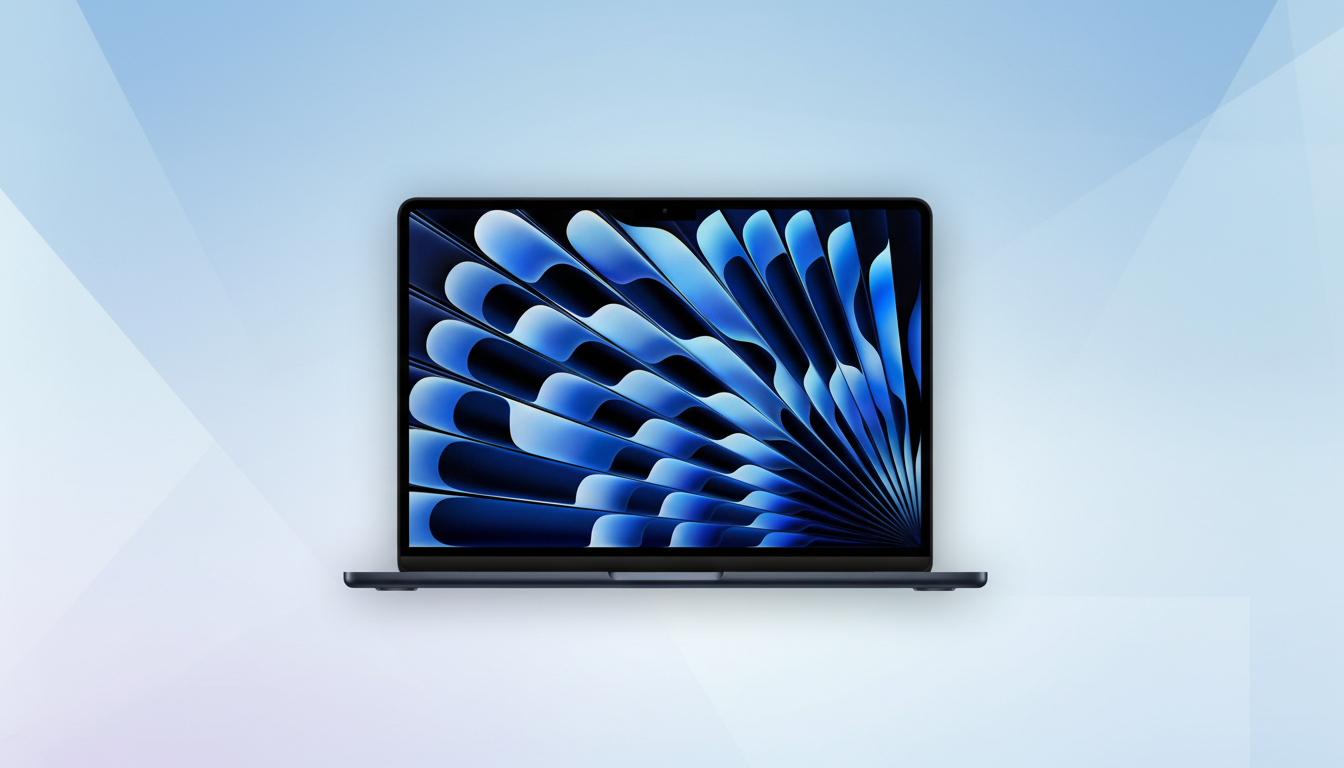
At roughly three pounds, the 13-inch Air remains an easy traveler and a low-stress couch or kitchen-table machine. Unlike later butterfly-keyboard MacBooks, this generation retains the more durable scissor-switch keyboard that many typists still prefer. You also get a practical array of ports—USB-A, Thunderbolt 2, MagSafe 2 charging, and an SDXC card slot—that streamline life with older peripherals and cameras without a desk full of dongles.
What You Get In This Refurbished Configuration
Most listings at this price point pair a dual-core 1.8GHz Intel Core i5 with 8GB of RAM and a 128GB SSD. The integrated Intel HD Graphics 6000 is fine for streaming, office work, and browser-heavy days. Expect the 13.3-inch LED-backlit display to run at 1440×900; it isn’t Retina, but it’s serviceable for documents, email, and casual editing.
Battery life on these units was rated up to a full workday when new. On refurbished stock, real-world runtime will hinge on battery health, which can vary by unit. For light productivity—think 20 browser tabs, Slack, Sheets, Zoom, and Spotify—it remains a solid “throw-in-the-bag” companion.
Compatibility And Ongoing Software Support Details
This Intel Air typically supports macOS up to Monterey, which still runs common productivity suites like Microsoft 365, Google Workspace, Zoom, and major browsers. For Windows support, Boot Camp officially targets 64-bit Windows 10; it’s the simplest way to keep one machine for two ecosystems if you need native drivers and full performance rather than virtualization.
If your workflow leans on older business apps, legacy accounting tools, or niche Windows utilities, this dual-boot flexibility is the headline advantage over newer Apple Silicon laptops, which require third-party virtualization for Windows and can’t natively boot it.
Refurbished Reality Check And Buyer Precautions
Discounted price aside, due diligence matters. Reputable refurbishers test components, reinstall the OS, and sanitize drives. Many grade units on cosmetic condition (A, B, C) and include a return window plus a limited warranty—often 90 days. Verify what’s covered, especially for batteries and chargers.
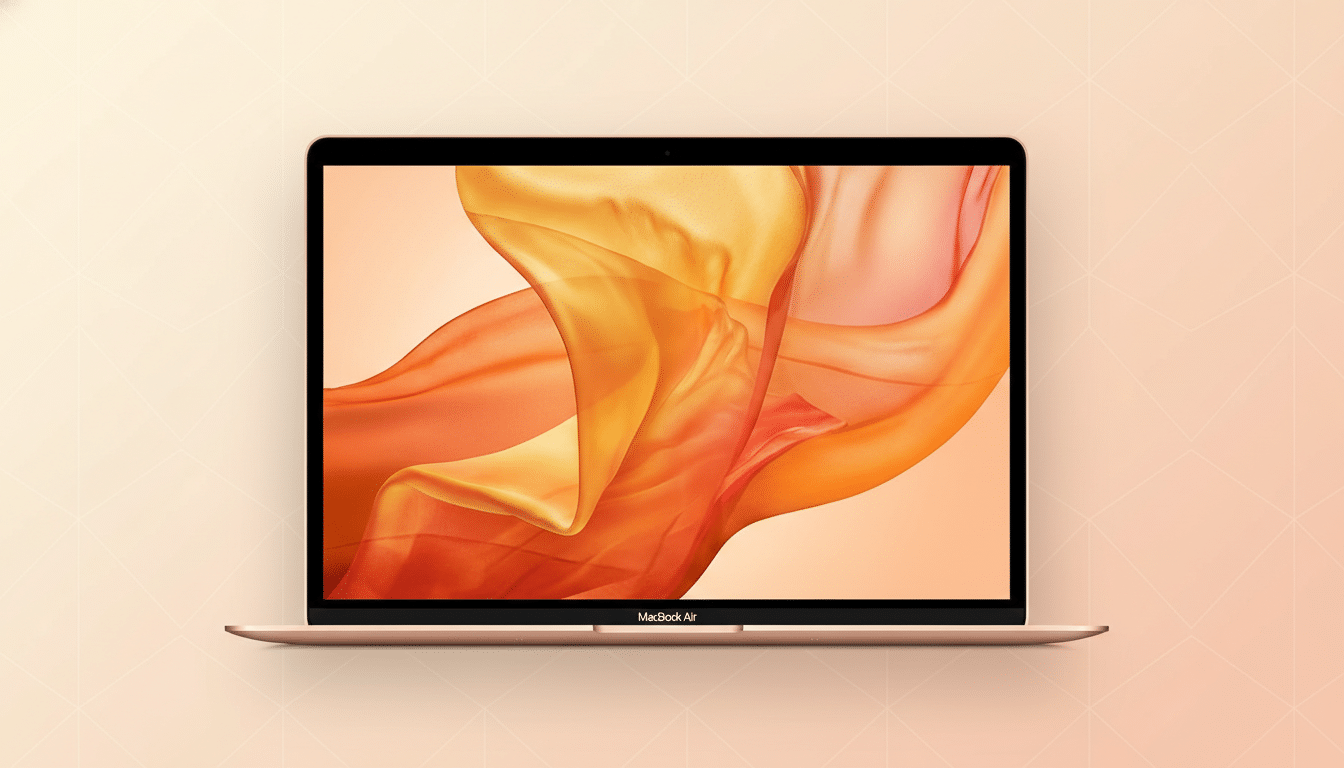
Battery health is the key variable. Apple’s guidance notes Mac notebook batteries are designed to retain up to 80% of original capacity at 1,000 charge cycles; ask for the current cycle count and capacity. Also confirm the keyboard, trackpad, speakers, webcam, Wi‑Fi, USB ports, SD slot, and display backlight have been checked. Cosmetic wear is fine; functional flaws are not.
Storage is tight at 128GB, so plan for cloud sync or plug in external storage. On the upside, the SSD keeps the system feeling snappy while juggling productivity apps and dozens of browser tabs.
Who Should Buy And Who Should Skip This Deal
Buy if you need an inexpensive macOS laptop for schoolwork, writing, spreadsheets, browsing, and streaming; if you want a travel-ready backup that won’t break your heart if it’s lost; or if you need native Windows access on Apple hardware for one or two critical apps.
Skip if your work demands a high-gamut Retina display, heavy photo/video editing, machine learning tools, or advanced creative suites with modern GPU acceleration. Also pass if you require more than 16GB of RAM, ultra-fast external I/O, or the longest possible macOS upgrade runway.
Value Snapshot For This $200 Refurbished MacBook Air
From a pure numbers perspective, dropping from a $999 MSRP to $200 is a compelling 80% savings. Framed another way, even two years of light-duty use puts the cost at well under $10 per month. That’s unusually strong value for a machine with proven reliability, a comfortable keyboard, and the rare ability to straddle macOS and Windows.
Stock on deals like this tends to fluctuate; once they’re gone, prices often bounce. If you can confirm a clean refurb checklist, a reasonable warranty, and healthy battery metrics, this $200 MacBook Air remains one of the smartest low-risk entries into Apple’s laptop ecosystem.
