


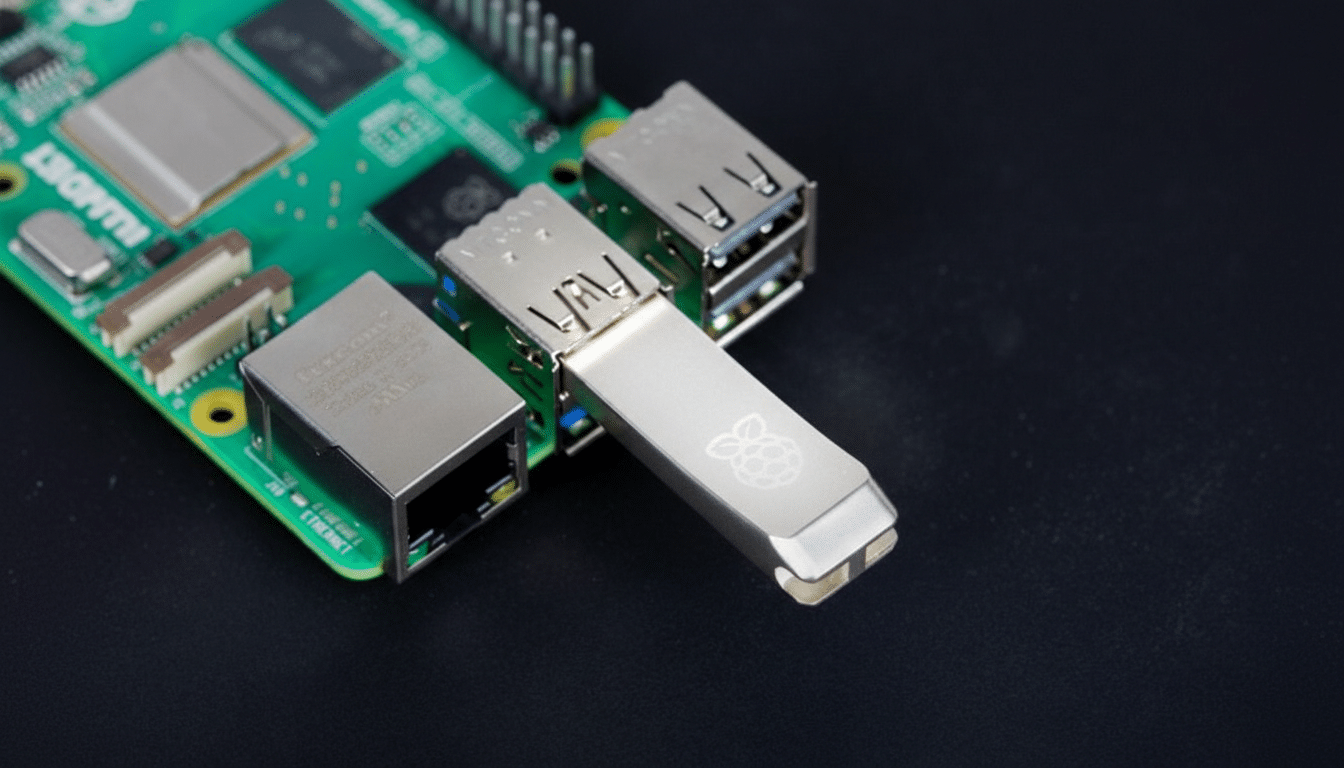
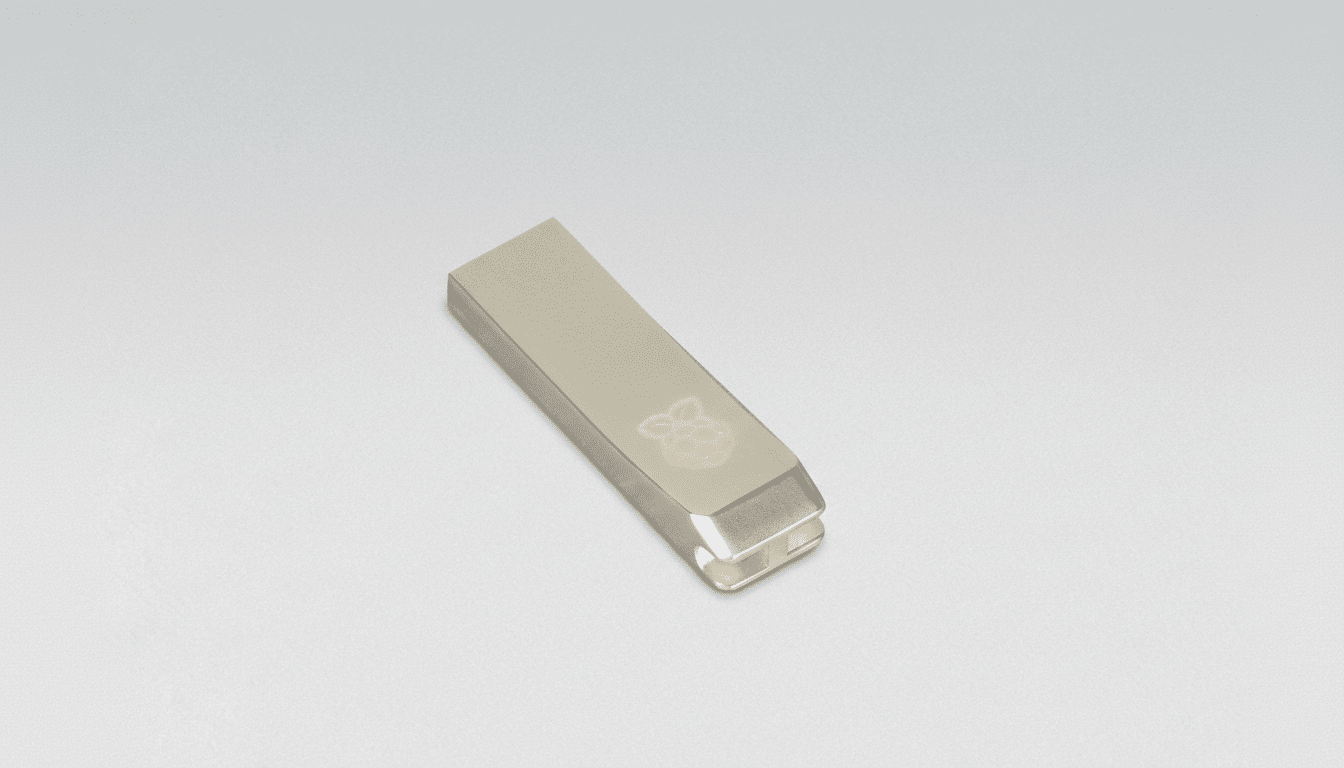
The Raspberry Pi platform just gained an official storage upgrade, and it squarely targets makers who juggle multiple operating systems and data-heavy workloads. The new Raspberry Pi Flash Drive is a USB 3.0 stick designed and validated for Pi boards, pairing convenience with features normally reserved for full-size SSDs, including SMART health monitoring and TRIM support.
Offered in 128GB and 256GB capacities and wrapped in a sturdy aluminum shell that doubles as a heatsink, the drive promises simpler multi-boot setups, faster app installs, and more reliable logging than a stack of microSD cards. It also plays nicely with the broader ecosystem, from Pi 5 desktops to headless Pi 4 clusters and even Pi Zero builds via an OTG shim.
Why It Matters For Multi‑OS And Data‑Heavy Projects
MicroSD remains a great entry point, but serious projects quickly expose its limits. On a Raspberry Pi 5, typical microSD performance hovers around ~5,000/2,000 IOPS for random reads/writes with sustained writes near 30 MB/s; the new USB 3 flash drive easily exceeds those figures, accelerating package management, Docker image pulls, and database access. On Pi 4, the gap is even wider due to a slower card interface.
For multi-OS users, the benefits are twofold: fewer tiny cards to label and swap, and dramatically faster context switching. Keeping Raspberry Pi OS, Ubuntu Server, and a retro-gaming image on separate USB drives, for example, simplifies testing while reducing wear on a single card. Developers can also dedicate a drive to build caches or telemetry logs without bottlenecking the primary boot device.
Specifications Tuned For The Raspberry Pi Platform
The drive uses a USB 3.0 Gen 1×1 interface (Type‑A) with backward compatibility to USB 2.0, making it plug‑and‑play across the Pi lineup. The aluminum enclosure not only protects the NAND but helps wick heat during sustained writes, a common pain point with generic thumb drives that throttle under load. A lanyard loop makes field use less nerve‑wracking when your lab bench is a tangle of cables.
While built with the Pi’s USB‑A ports in mind, it can attach to a Raspberry Pi Zero through a simple OTG adapter. For users who need more ports, the official Raspberry Pi USB 3 Hub adds four downstream USB 3.0 Type‑A ports at up to 5 Gb/s and can draw 4.5W from the host or accept a USB‑C power input to deliver up to 15W—handy when you’re running multiple drives or power‑hungry peripherals.
Reliability Features Usually Reserved For SSDs
SMART (Self‑Monitoring, Analysis, and Reporting Technology) support lets you check drive health and wear with standard Linux tools such as smartmontools, offering early warnings before a failure interrupts a home lab or classroom demo. TRIM enables the OS to reclaim unused blocks, reducing write amplification and stabilizing performance over time, a real advantage for workloads that churn lots of small files.
In practice, enabling a weekly TRIM job and periodically checking SMART attributes can extend drive service life and keep write speeds consistent—a best practice echoed by storage engineers and community experts who’ve chronicled SD wear and flash management on the Pi for years.
Booting From USB And Operating System Flexibility
USB boot is now mainstream on the platform: Pi 4 and Pi 5 support it via their onboard EEPROM, and imaging a bootable USB stick is straightforward with Raspberry Pi Imager. That means you can run Raspberry Pi OS for general use, switch to Ubuntu Server for Kubernetes labs, or keep a clean image dedicated to Home Assistant—all without cracking open a case or hunting for a microSD adapter.
For classrooms and makerspaces, issuing pre‑imaged USB drives speeds setup and reduces support headaches. In edge deployments, keeping independent USB drives for data capture, inference models, or local media caches isolates risk and simplifies replacement: swap the stick, not the system.
Real‑World Use Cases For Raspberry Pi Flash Drives
Media servers benefit from faster library scans and thumbnail generation; time‑series databases for sensors or energy monitors gain snappier writes; and camera traps or time‑lapse rigs see fewer dropped frames when capturing to USB instead of microSD. Developers compiling code or running containerized services will notice shorter build times and quicker image pulls, particularly on Pi 5.
If you routinely rotate OS images—say, retro emulation on weekends and computer vision on weekdays—the convenience alone justifies the accessory. It’s also a practical field backup: clone your primary image to a second USB drive and keep it in the kit as a hot spare.
Pricing, Availability, And Long‑Term Support Details
The 128GB model is priced at $30 and the 256GB at $50, positioning the drive well against generic USB sticks while adding Pi‑specific validation and reliability features. Initial units are rolling out through authorized resellers, and the manufacturer has committed to production through 2030—welcome news for educators and businesses that need predictable supply.
Bottom line: for multi‑OS flexibility, healthier flash management, and a clear step up in everyday performance, this official USB 3 flash drive is the simplest way to level up storage on any modern Raspberry Pi.
