


Pixel Watch 3 and Pixel Watch 4 will see a major update to Smart Replies that are faster as well as lower power. That upgrade — which the company says is powered by a new on-device AI model that provides responses 2x faster while using 50% less energy than its old approach — is no small improvement for a device that exists on a pinprick-sized battery.
Smarter Smart Replies on Your Wrist With Better Context
Smart Replies on Pixel Watch provide instant, context-specific responses in notifications, to help you text back without having to take out your phone. With the new approach, recommendations are supposed to look more like something a human would say and also be timely. Think responses that respond to the nuance of conversation — acknowledging a question, confirming a plan, offering a polite decline rather than just spitting back generic one-liners.
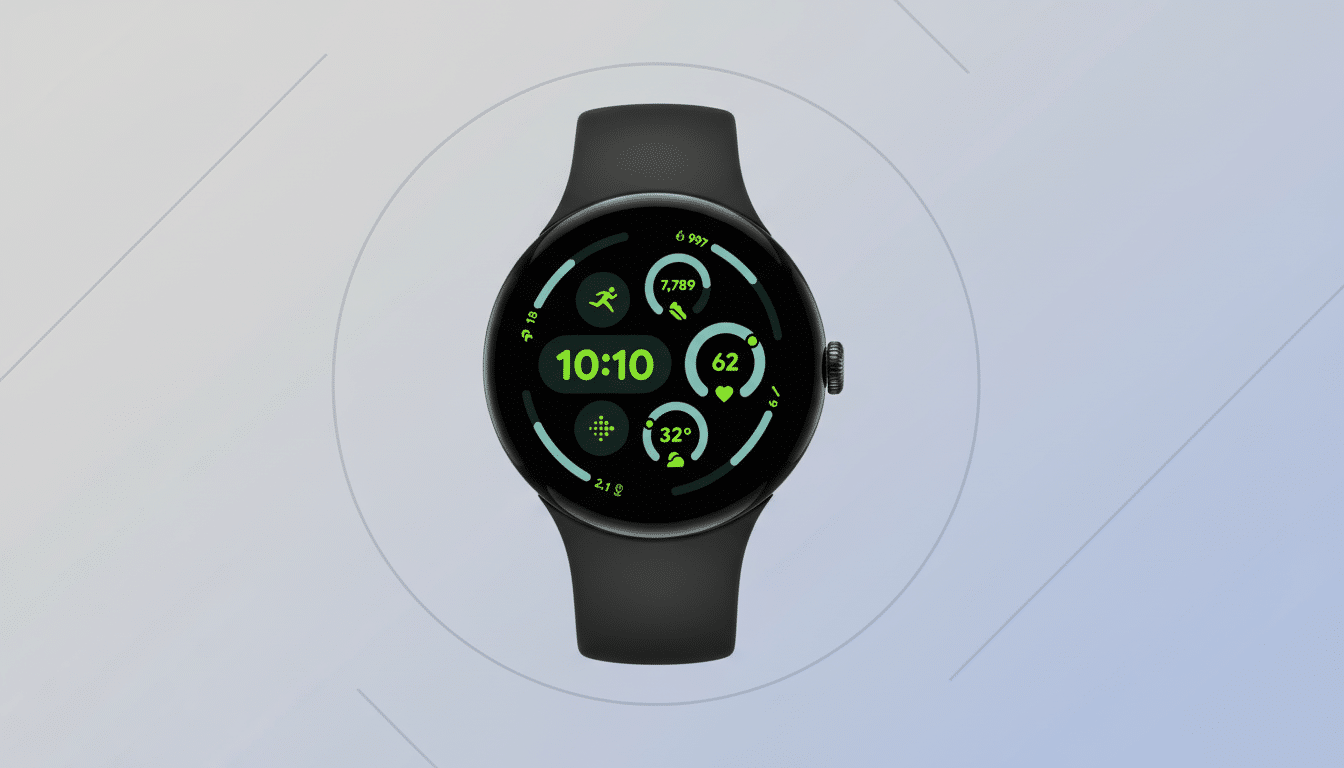
That means, in practical terms, when a friend texts “Running 10 minutes late, still meet at the cafe?” your watch is apt to suggest options like “No worries, see you there” or “Let’s push to 1 pm” rather than a robotic “OK.” And early user testing referred to by Google suggests people prefer the new model’s choices, which is consistent with general research in human-computer interaction that has found that suggestions are less likely to be adopted when their tone of voice doesn’t match the context.
What Changed Behind the Scenes to Improve Smart Replies
The headline improvement is a brand-new on-watch AI model, which now runs from within the device itself. With on-device inference, latency is cut down, since there’s no longer a need to be dependent on cloud roundtrips, and it promotes privacy by keeping the content of your messages on your wrist. Google has dabbled in this approach throughout its ecosystem, using lightweight models for tasks like transcription and reply generation on phones; it’s natural that Wear OS would be the next place to get in on the action.
Efficiency gains are even more important on wearables. The radios, screens, and sensors fight for control of how much power can be used by the phone, and messaging can seem cheap when all you do is reply to a message — but those replies wake up the phone / establish connections as they are sent. It not only takes a load off processing during generation, but it can also indirectly chill out the radio by finalizing suggestions faster so that you can send and dismiss notifications faster.
Why Battery and Speed Count on a Wearable?
On smartwatches, you experience micro-moments: GLANCE at a message; DECIDE you want to reply; ACT on that desire and then GO about your day. Any wearable UX research inevitably reveals the same truth: if a task takes longer than a few seconds to accomplish, users stop and retrieve their phone. The new Smart Replies help catch those windows by shaving the response time. The power savings also aid in maintaining battery life all day, a leading source of satisfaction in consumer surveys conducted by businesses like J.D. Power and Counterpoint Research.
It’s also not just limited to apps. Services that use the system trampolines for messaging replies (like SMS/RCS and popular chat apps) are eligible to have Smart Replies surface in notifications. And that means the benefits apply anywhere you already reply from your wrist, not just in one app.
Real-World Use Cases for the New Faster Smart Replies
- Commuting: When you receive a “Where are you?” ping, the watch might propose “On my way” or “Arriving in ~10 min,” based on context from your prior messages.
- Plans: For “Can we move our call?” you might get a “Let’s move to later today” or “Tomorrow is good,” instead of an unnatural robot-like response.
- Triage: Quick, nuanced replies like “I’ll take a look after this call” or “Please send details” can keep you responsive without derailing your concentration.
Availability and Compatibility for Pixel Watch 3 and 4
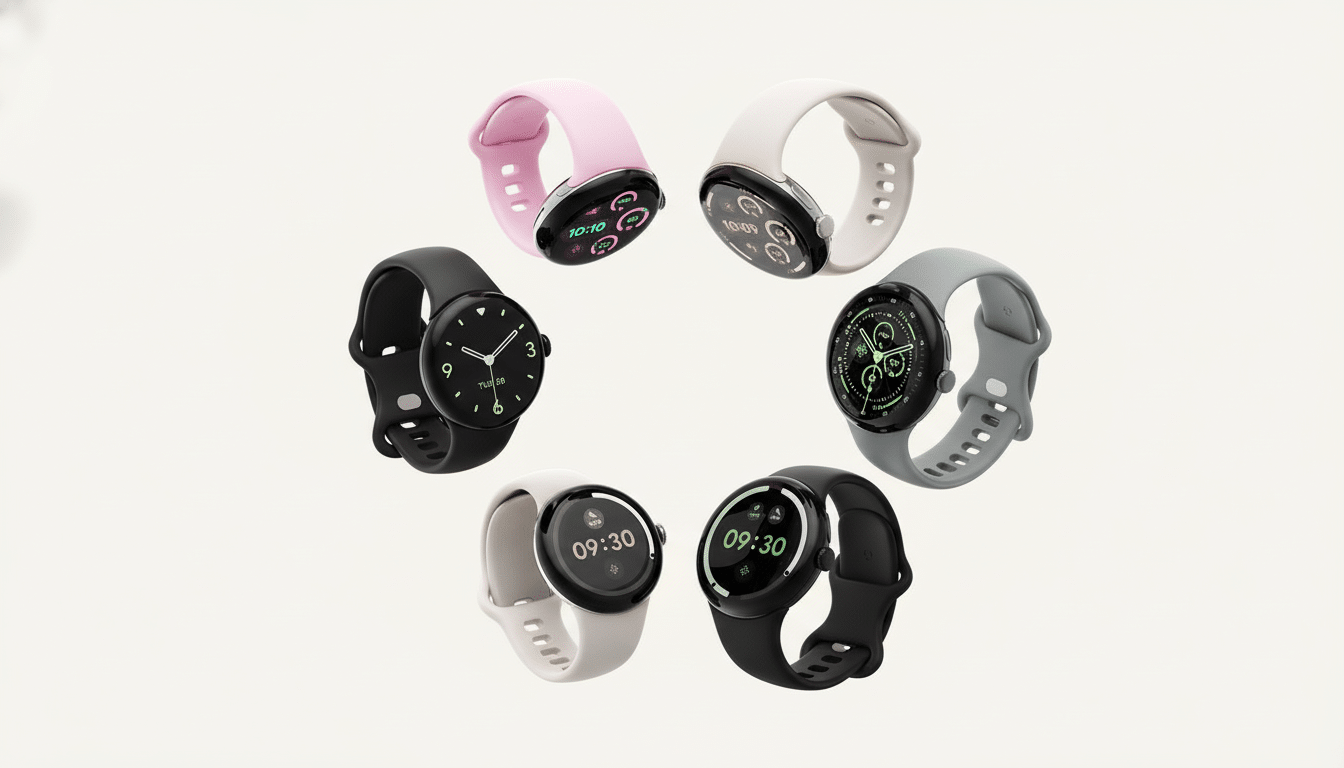
The improved Smart Replies are part of a software update that’s rolling out to Pixel Watch 3 and Pixel Watch 4. Once installed, suggestions will begin popping up automatically in compatible messaging notifications — often with no further setup required; for the latter you might need to adjust options around reply functionality in your watch’s notification settings if you want a bit more control.
For Pixel Watch users, this is an important modernization: faster, more contextually relevant replies with improved efficiency and privacy. For the wider Wear OS ecosystem, it’s a signal that compact, on-device language models are maturing — and that the most effective AI is the kind you hardly notice because it just speeds up what you’re already doing.
