


The small infrared sensor on recent Pixel phones has evolved from a head-scratcher to a useful tool. What started as a novelty mounted on the back of the device has become an ability thousands of owners say they use in their kitchens, nurseries, hotel rooms, and for remote home maintenance checks.
What the Sensor Actually Does and How It Works
Google’s Thermometer app relies on the use of a no-contact infrared sensor to read the temperature of surfaces from up close. It’s quick, quiet, and works on everything from soup to charging bricks. In the U.S., a body temperature mode on compatible models was cleared by the FDA, allowing for guided forehead scans when checking temperatures for fever — still not a replacement for at-home or clinical diagnosis.
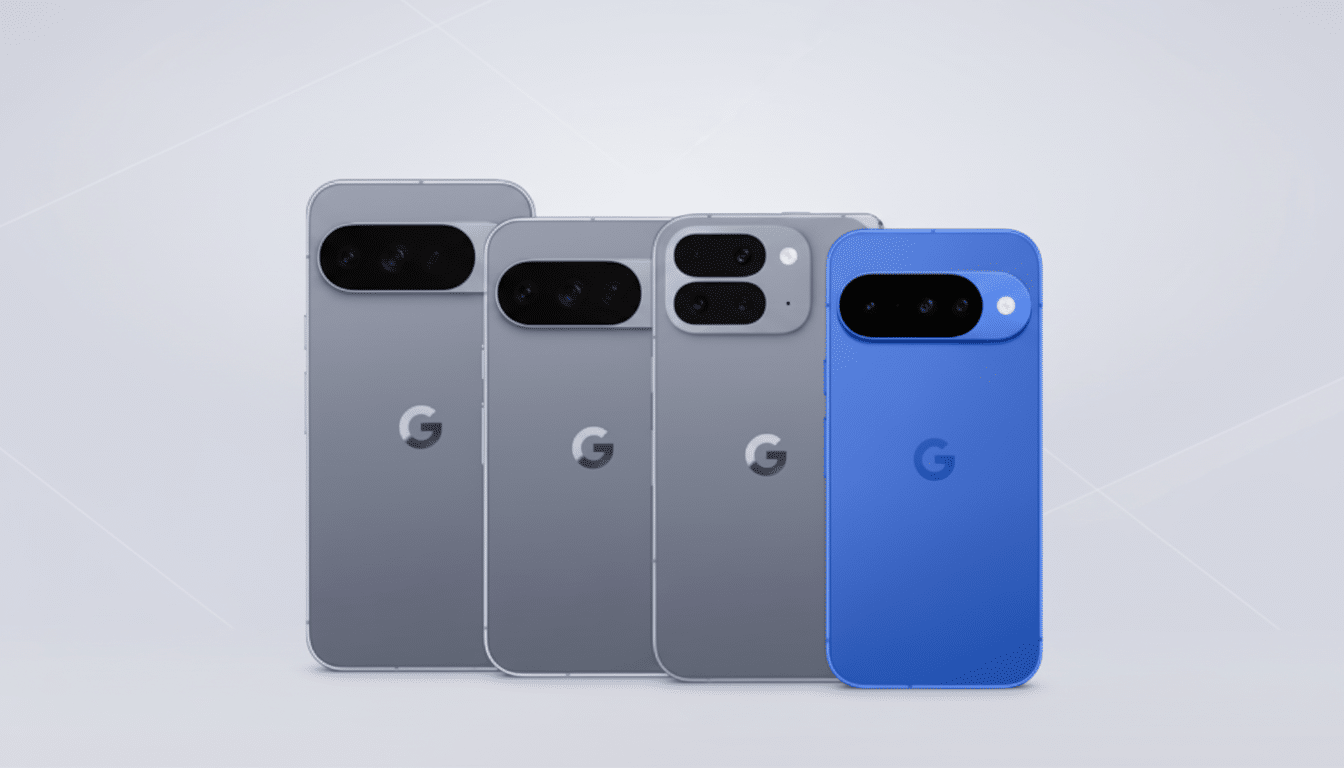
Just to be clear, this is not a thermal camera. That is, its precision depends on the distance and aim, and a shiny or reflective surface can ruin a reading. But for speedy spot checks, it’s unexpectedly capable.
How Users Are Using It in Kitchens, Homes, and Travel
Parents say the sensor pays for itself during sick seasons. Fast scans during baby sleep, looking before you pick up a bottle to deliver, or a quick check of bathwater temperature take seconds and eliminate guesswork. Pediatricians usually recommend caution with very hot liquids; it is helpful for drinks to be kept below scalding levels, and an assessment based on a phone screen is preferable to one conducted using your palm.
Home cooks use it to dial in cast-iron sears, monitor flat-top griddle zones, temper chocolate, or prevent scorch on reheats. Coffee lovers measure pour temperature and drinking temp, working toward a safer sip. Food safety advice tends to put the optimal drinking temperature in the mid-50s °C; the risk of scalding then increases rapidly just past ~60 °C.
For use around the house, the sensor is also a troubleshooting pro. Owners may scan windows and door frames for cold spots that indicate leaky seals, compare room temps, or briefly check if a wall charger or set-top box runs too warm. Travelers also claim to use it to keep track of a broken air conditioner by recording the temperature in their room amid a disagreement with hotel staff.
And then there are the niche uses that you don’t anticipate: creators taking fry temperatures in review videos, hobbyists verifying 3D printer beds, or aquarium owners spot-checking tank surfaces to sanity-check water heater performance.
What the Numbers Suggest About Real-World Thermometer Use
Community sentiment, according to a recent poll with more than 3,500 respondents, is complex. Just over 40 percent said they do not use the Pixel thermometer at all, with people split between saying they prefer not to (20 percent) and indicating that they did not know it existed (22 percent). For those people who do use it, the number one case is checking body temperature at nearly 29 percent. Roughly 9 percent said that they use it for more than one thing, which makes sense if you think about the paradigm shift between gimmick and utility once something finds its way into someone’s routine.

A second wave of anecdotal reports on r/GooglePixel confirms the trend: Most people ignore it, but those who embrace it find a changing rotation of small, useful tasks where it’s routinely saving them time.
Limits of Accuracy and Pro Tips for Better Measurements
Infrared sensors pick up emitted thermal energy, not internal or “core” temperatures. And that’s why a fridge can appear warm on a shiny metal shelf, and why you want to steer clear of glossy cookware or metallic foils if precision is important. For best results, use matte areas to measure and hold the phone at the recommended distance; keep the angle constant.
For fever checks, perform the app’s guided sweep and make two or three passes for consistency. If you get a reading that seems askew, verify it with your dedicated thermometer. Safety groups like the U.S. Consumer Product Safety Commission recommend turning water heaters to about 49 °C (120 °F) to decrease scald risk; a fast smartphone scan of bath taps or shower water can confirm you’re in that safer zone.
In the kitchen, keep in mind that many brewing methods are designed for higher extraction temperatures than our comfortable drinking range. Time your first sip or make sure a pan is preheated before adding oil without overheating the burners using the Pixel.
Why It Sticks as a Quietly Useful Everyday Phone Feature
The Pixel succeeds not by overdoing one thing that everyone reads about, but by solving dozens of little real-world problems. It’s the sort of feature that hides in plain sight until one day you suddenly need it, but then quietly integrates into your life, becoming an everyday convenience — especially if you have kids (or home cooks or DIYers or frequent travelers).
It’s not going to be a substitute for a thermal camera or something that would be medical-grade, and that’s not really the intent. But the data and day-to-day stories point to something obvious: Once people find it, they keep finding new, useful jobs for it. Perhaps that’s the truest definition of a modern smartphone feature — there, silent and willing to make life just a touch easier.
