


Reports are mounting from Pixel users who say their phones emit abrupt, loudly amplified “pops” when jumping between apps. The glitches most often surface as you open or close an app while media is already playing, leading some owners to worry about speaker health and their own eardrums.
Early accounts point to devices across multiple generations, including the latest Pixel 10 series, suggesting the problem isn’t confined to a single model or software build. There’s no confirmed fix yet, and the company behind Pixel has not publicly addressed the issue.
- What Users Report Hearing When Switching Apps
- Models and Usage Conditions Reportedly Affected by Pops
- What Might Be Causing the Pops in Pixel Speakers
- History of Similar Audio Glitches Reported by Users
- Temporary Workarounds and How to Report the Problem
- What Comes Next for Affected Pixel Owners and Fixes
What Users Report Hearing When Switching Apps
Owners describe a split-second, high-energy pop as if the speakers momentarily “clip” or overload. It’s jarring in a quiet room and even more noticeable if you’re listening to podcasts, audiobooks, or music while launching a game or a notification arrives.
In several accounts, the pop occurs despite conservative volume settings. A few users even claim it happens with the system volume muted, implying the artifact is happening lower in the audio chain than the usual volume controls.
Models and Usage Conditions Reportedly Affected by Pops
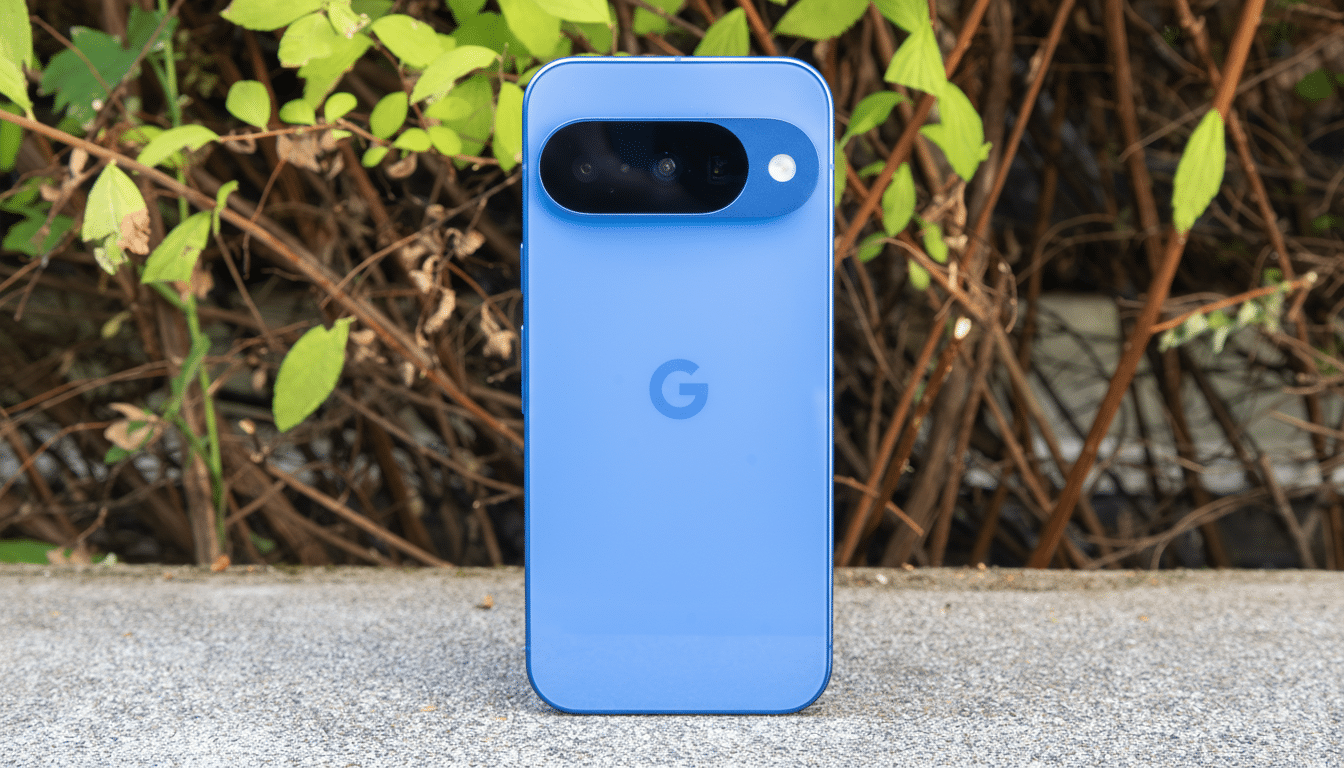
Reports reference the Pixel 10, 10 Pro, and 10 Pro XL, alongside mentions of earlier generations. The pattern points to a cross-generation behavior potentially tied to how Android handles overlapping audio events rather than a single-model hardware defect.
Common triggers include switching away from a media app, launching a game that plays a startup jingle, and receiving system sounds on top of streaming audio. Not every attempt reproduces the issue, which complicates testing and support escalation.
What Might Be Causing the Pops in Pixel Speakers
Audio engineers will recognize a familiar cocktail of risks: rapid stream start and stop, sample rate or format changes, and mismanaged audio focus can all produce a transient “click” if the signal isn’t ramped properly. If a new sound starts above a zero crossing or a mixer enables a stream without a fade-in, a DC offset or gain spike can hit the speakers.
On Android, these transitions pass through the audio mixer (AudioFlinger), vendor audio HAL, and the amplifier’s pop-suppression logic. A regression at any layer could allow an audible transient, especially when two streams overlap—say, a media session plus a UI chime. If compressed offload, spatial audio, or device-specific DSP paths switch mid-playback, the system may momentarily lose its guardrails.
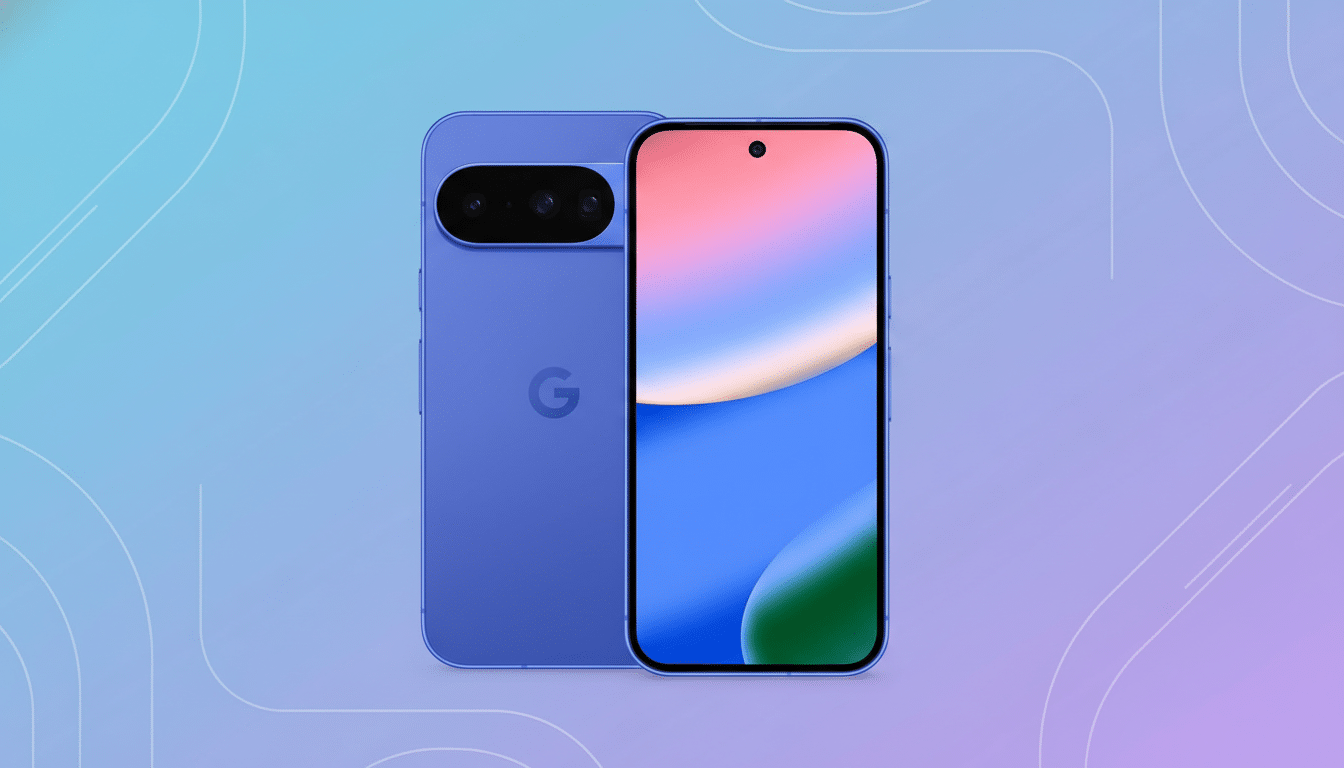
Most anecdotes focus on the phone’s speakers. It’s unclear whether wired or Bluetooth headphones exhibit the same behavior, which could help pinpoint whether the artifact is in the speaker amp path or the broader audio pipeline.
History of Similar Audio Glitches Reported by Users
This isn’t entirely unprecedented in the Pixel ecosystem. Threads on the Google Support Community, multiple Reddit discussions in r/GooglePixel, and posts on the XDA Forums have documented sporadic speaker pops on recent and older models. Some of those reports also mention pops at zero volume, reinforcing the theory of a low-level mixing or hardware gating issue rather than a simple settings misconfiguration.
Temporary Workarounds and How to Report the Problem
There’s no universal remedy yet, but a few tactics may reduce the blast radius. If possible, pause media before opening apps known to play sounds, then resume playback. Disabling nonessential system sounds—touch feedback, keyboard clicks, or notification previews—can reduce overlapping events that may trigger the pop.
Some users report fewer incidents after rebooting or clearing cache for specific apps that regularly overlap media, though results vary. If the noise is limited to the speakers, using headphones could be a practical stopgap to avoid sudden room-filling pops while multitasking.
To help engineers isolate the cause, submit device logs with exact steps and timestamps using the phone’s feedback tool or the Google Support Community. Include model, build number, audio settings (spatial audio, adaptive sound, Dolby or EQ states), connected accessories, and the apps involved when the pop occurs.
What Comes Next for Affected Pixel Owners and Fixes
Given the breadth of reports across models and scenarios, a software-side fix feels plausible—either in a platform patch or a device-specific update to the audio stack. Until an official acknowledgment lands, the best approach is to minimize overlapping audio, document reproducible cases, and keep an eye on upcoming updates where an audio stability note could signal relief.
