


Google has released its latest monthly Android Security Bulletin for the upcoming June update, which is set to hit Google Pixel devices soon. But Pixel owners are still in need of a heaping new helping of device-level bug fixes, and that serves as a reminder that platform security patches and Pixel-specific maintenance releases don’t always go hand in hand.
The New Android Security Bulletin at a Glance
The big one is a critical flaw in the Dolby Digital Plus codec used by Android’s media framework. The security firm Wiz, which looked into the issue, says that an attacker could exploit the codec’s extra “evolution” metadata in a specially made audio file and use it to crash or potentially execute a zero-click attack when received and auto-previewed in a messaging app.
Google has implemented the fix in the Android Open Source Project so OEMs can incorporate it into their builds.
Dolby has recognized the risk profile and previously cautioned that the bug might be more serious when combined with other known device exposures. In security circles, parsing media has been a high-value target for quite some time now; Google’s Project Zero has been consistently flagging parsers as a favorite area of attack since they regularly process complex — often untrusted — inputs.
The bulletin itself is thinner than some former releases simply because Google has moved more disclosures to a quarterly cycle. That’s not necessarily fewer patches; rather, it’s a recalibrated schedule regarding when problems are brought to light publicly. The practical upshot is the same: device makers have to build and deliver these upstream fixes, and users have to install them in a timely manner.
Why Pixel Owners Are Waiting for the Next Bug-Fix Update
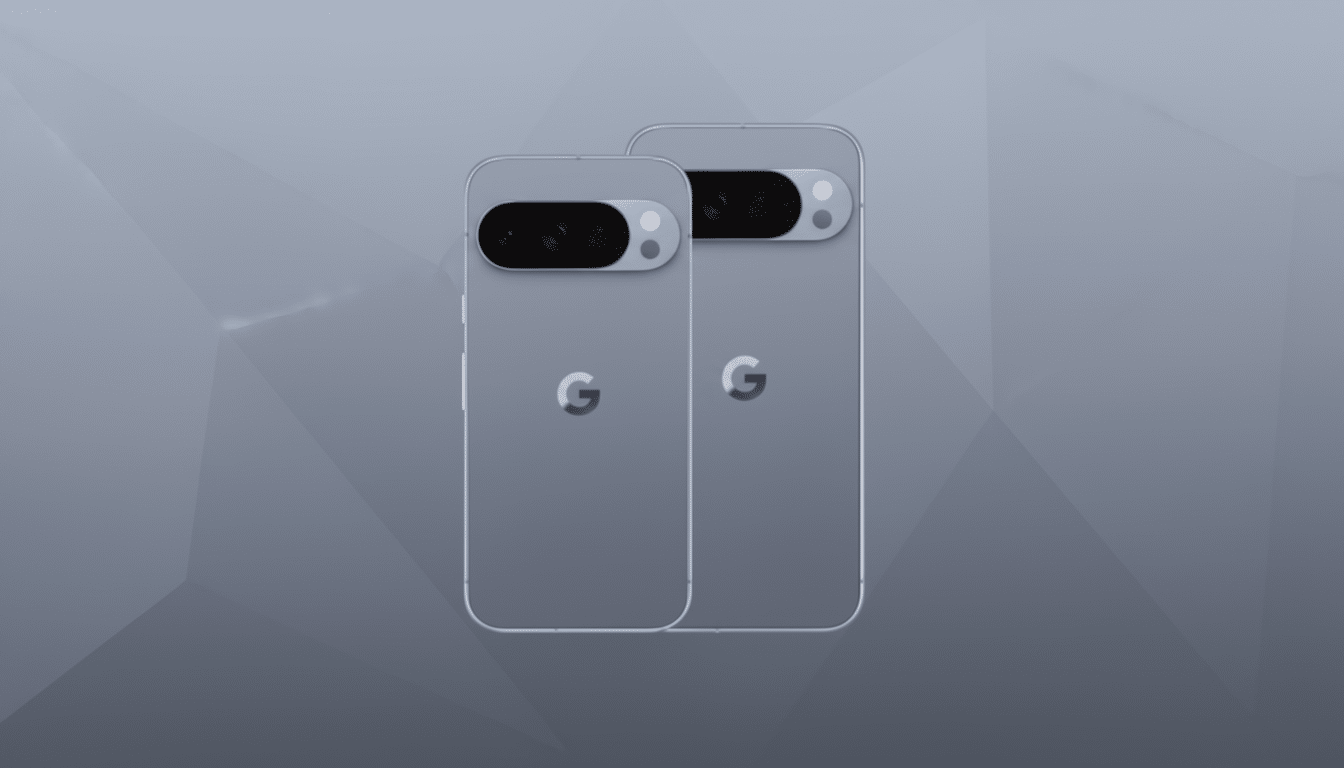
Pixel phones already got a fix for the Dolby codec security issue in an earlier update, which could be why there’s no new Pixel security build yet. That said, there’s intense interest among Pixel users for a new follow-up that takes on some long-standing device-specific issues. Among the highest-profile bugs is one that can cause the Pixel 10 screen to go arbitrarily unresponsive, according to user forums and Google’s issue tracker.
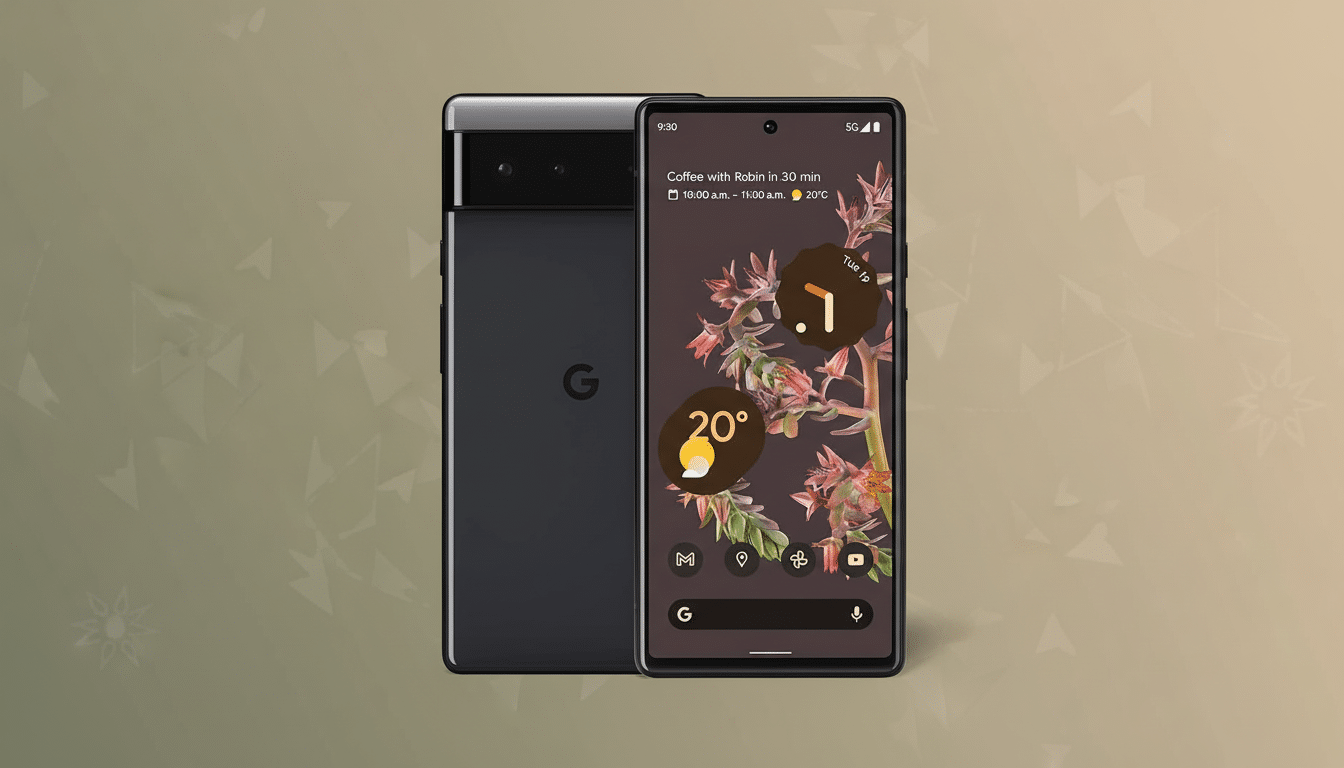
Google’s timing for Pixel maintenance update rollouts has been inconsistent in the past. Some months are filled with day-one releases; other cycles squeeze themselves into the mid-cycle windows. Carrier approvals, last-minute regressions, and parallel feature work can all change the timeline. That level of variability is typical with software delivery, but it can be frustrating for owners when visual glitches that call attention to themselves remain on screen between updates.
OEM Rollouts and the Real-World Risk of Staggered Patches
For the wider Android ecosystem, the Dolby codec flaw represents a typical problem: requiring universal adoption of patches across thousands of device models. Android operates on more than 3 billion devices around the world, and while Google has provided fixes upstream, manufacturers and carriers determine when to deploy them. That staggered progression means some devices will have this protection now while others wait for the next OEM build.
Zero-click vectors are particularly relevant, as they can be activated without the user tapping a file or link. Imagine a sinister audio clip sent over in a chat that auto-downloads or previews, or a stream that the player tries to parse in the background. Android’s layered defenses — including sandboxing and Play Protect — limit attackers, but patches to the media stack are essential. The history of Android exploits, such as much-discussed media parsing incidents in prior years, demonstrates the importance of fixes like these in preventing high-impact chains of attacks.
Enterprises should also take note. Threat models continue to evolve to include mobile data exfiltration through messaging and collaboration apps. One of them is a codec-level vulnerability that would serve as the first stage to gain an initial foothold, which then would be combined with other vulnerabilities in order to escalate privileges. Security teams should follow OEM advisories, enforcing the update policy for managed fleets and, if necessary, disabling auto-preview features in risky environments until patch confirmations.
What to Do Next to Stay Protected on Android and Pixel
- Go to “Settings” and check for updates, then install the most current available security patch for your device. If you’re not seeing a new Pixel build yet, keep checking back; rollouts can take time to reach everyone.
- Update your key apps — especially messaging and media players — from the Play Store. Mitigations from the app side can limit exposure before a full firmware update is available.
- Turn off auto-download or auto-preview of media in chat apps until your device is patched if you often download files from unknown contacts.
The security bulletin is a reboot of sorts, reminding us that the Android platform remains ever-hardening against these types of complex, media-based exploits, even if device-specific issues continue to play catch-up. Pixel owners are right to anticipate a bug-fix release in short order — but the broader message continues to be the same: update on your device’s own schedule, so long as that includes securing it with protection that is active and up to date.
