


Google is debuting a substantial firmware update for the Pixel Buds Pro 2 that adds four headlining features users have been requesting: Adaptive Audio, Loud Noise Protection, head gestures for calls and texts, and clearer Gemini Live instructions in noisy environments. It’s the sort of quality-of-life upgrade that alters how you use earbuds day to day, especially in crowded cities and bustling offices.
The update will install automatically when you connect the buds to a charger and they are paired and in close proximity to your phone, usually requiring about 10 minutes. You can manually check by going to the Pixel Buds app, then More Settings and Firmware Update.
Adaptive Audio Gets Smarter for Real-World Listening
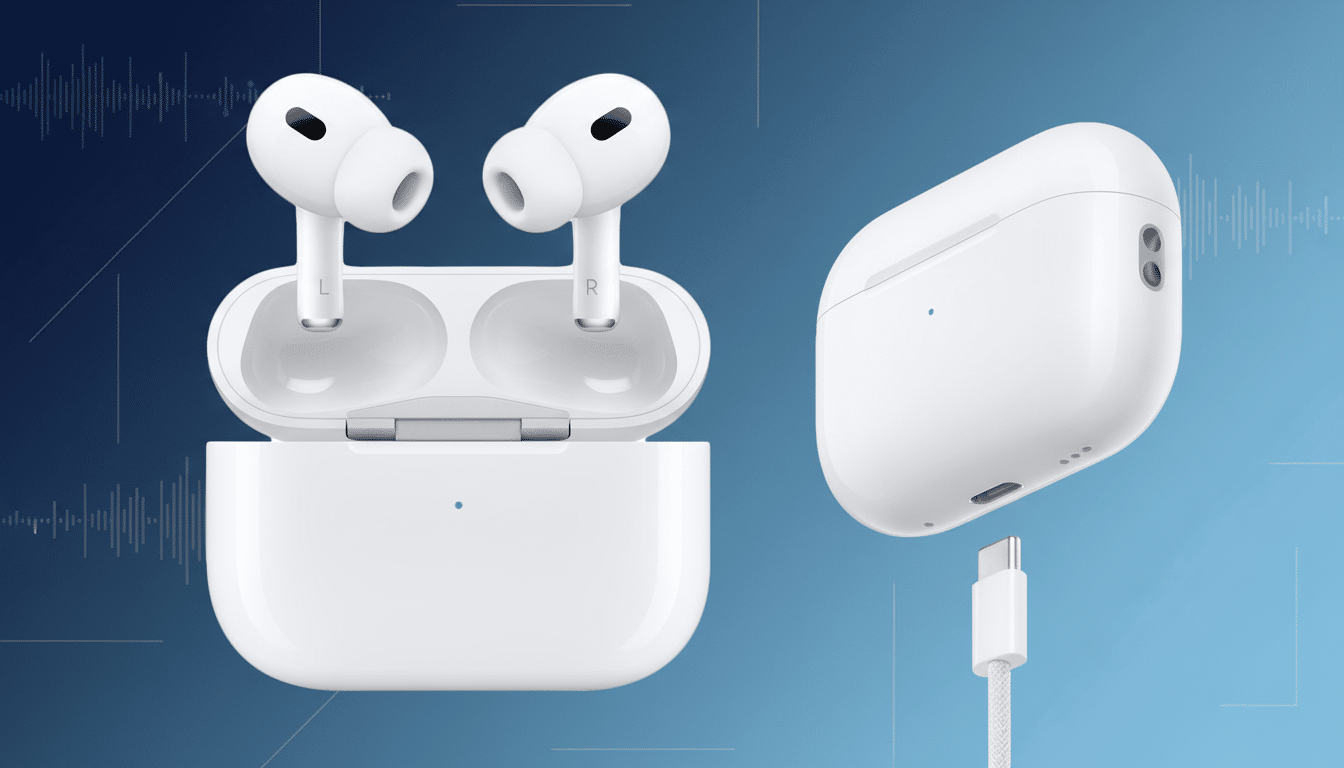
Adaptive Audio: 360 Reality Audio and premium sound quality let you get lost in your streaming for hours.
Walk from a hushed corridor onto a busy street and the buds, too, now adjust in real time: They’ll boost external voices or traffic cues while dampening low-frequency rumble. Pop into a library, or an Uber, and they softly dial that isolation back up in order to retain the detail of your music or podcasts.
The feature is a direct answer to what competitors have done: Apple has delivered something similar with AirPods Pro 2, and Sony’s Adaptive Sound Control has long tailored ANC depending on movement and location. That implementation by Google is all about quick changes and less “beefing” up of volume, therefore avoiding that jolt in-and-out that some services do with their adaptive modes. Commuters, cyclists, and gym rats will probably feel the shift first.
Loud Noise Protection Explained for Safer Listening
Brief loud sounds — sirens approaching, a blender kicking on, a chair scraping — can spike volume for long enough at the ear.
Loud Noise Protection can tame sudden peaks before they hit your eardrum at full blast. It’s designed for environmental spikes, not real impulse noises like gunshots or fireworks, which are incredibly sharp and need specialized protection.
Hearing professionals have cautioned against the dangers of chronic exposure. The World Health Organization has warned that more than a billion young people are at risk for hearing loss due to damaging listening practices, with U.S. guidelines from NIOSH raising red flags at 85 dBA over time as the level when one should begin to be cautious. This isn’t a substitute for safe listening, but it’s something which, in a world where many of us are suddenly surrounded by noisy environments again, could be really useful.
Hands-Free Control via Head Gestures for Calls
Then for calls and texts you can nod to accept or answer, shake your head to decline — no taps, no buttons. It’s surprisingly useful when your hands are wet at the sink or gloved on a run, or full of grocery bags. The buds search for intentional, repeated movements, not casual fidgeting, which helps cut down on accidental triggers.
It can be faster than reaching for a phone once you learn the cadence. It’s also a win for accessibility, as you get a discreet way of dealing with short actions that aren’t suited to touch controls. If you prefer traditional taps, you can turn off the feature in the Pixel Buds app.
Clearer Gemini Live Instructions in Noisy Environments
How well they can hear you in the first place is what makes or breaks most voice assistants. State-of-the-art update enhances Gemini Live experiences, reduces transmitted background noise (go here for a professional sound check). Hear all about this latest update to Gemini® Live and be amazed at how good a distance you can now cover without losing any sound quality. Think of it as a smarter gate that opens wide for your words and closes for everything else.
In practice, this leads to fewer “Sorry, I didn’t catch that” moments and a more seamless back-and-forth in cafes or on public transport or when you’re out for a walk on a windy day. Google’s looking for speech with beamforming microphones already; the additional processing just ups separation and stability so commands and dictation land more consistently.
How To Get The Update And What You Will See
Updates also happen incrementally and install by themselves as long as the case and buds have enough charge and are attached to a phone. If you want to go the manual route, open the Pixel Buds app, go to More Settings, and tap Firmware Update. Prepare for approximately ten minutes and do not close the lid of the casing until the update is complete.
Once installed, return to the app to customize your experience: enable or adjust Adaptive Audio, verify head gesture handling, and scan the sound settings so that new voice isolation capabilities work in a way that makes sense for you. None of those features change the sound signature for the Pixel Buds Pro 2, but all together they make them more aware of your surroundings, safer to use day-to-day, and hands-free when it matters.
With this update, Google catches up with competitors but also skips ahead of them here and there. If you’re on trains or in open offices or anywhere the noise floor is constantly shifting, these are the kinds of upgrades you feel right away — you forget to fiddle with menus and can just listen.
