


The Google Pixel 4 just got an away-from-the-nest second act. Even though it hasn’t received an official update in years, the 2019 flagship is now running Android 16 thanks to freshly baked “official” support under LineageOS 23, signaling that its software is stable enough to be used every day and maintained by trusted contributors.
What LineageOS 23 Brings to the Pixel 4 and Pixel 4 XL
LineageOS 23 is based on Android 16’s first stable release, not its later quarterly platform release (QPR) builds. In other words, you get the fundamental platform tweaks — under-the-hood performance enhancements, updated APIs, and security protections — without some of the splashier features introduced in later QPR drops. Official builds usually involve over-the-air updates via the LineageOS updater, so Pixel 4 owners should have ongoing support rather than one-and-done experimental images.
- What LineageOS 23 Brings to the Pixel 4 and Pixel 4 XL
- Eligible Pixel models and where LineageOS 23 is supported
- Why this update matters most for current Pixel 4 owners
- Installation realities and important caveats before you flash
- Context and credible signals behind the official support
- Bottom line: what Pixel 4 users gain with LineageOS 23
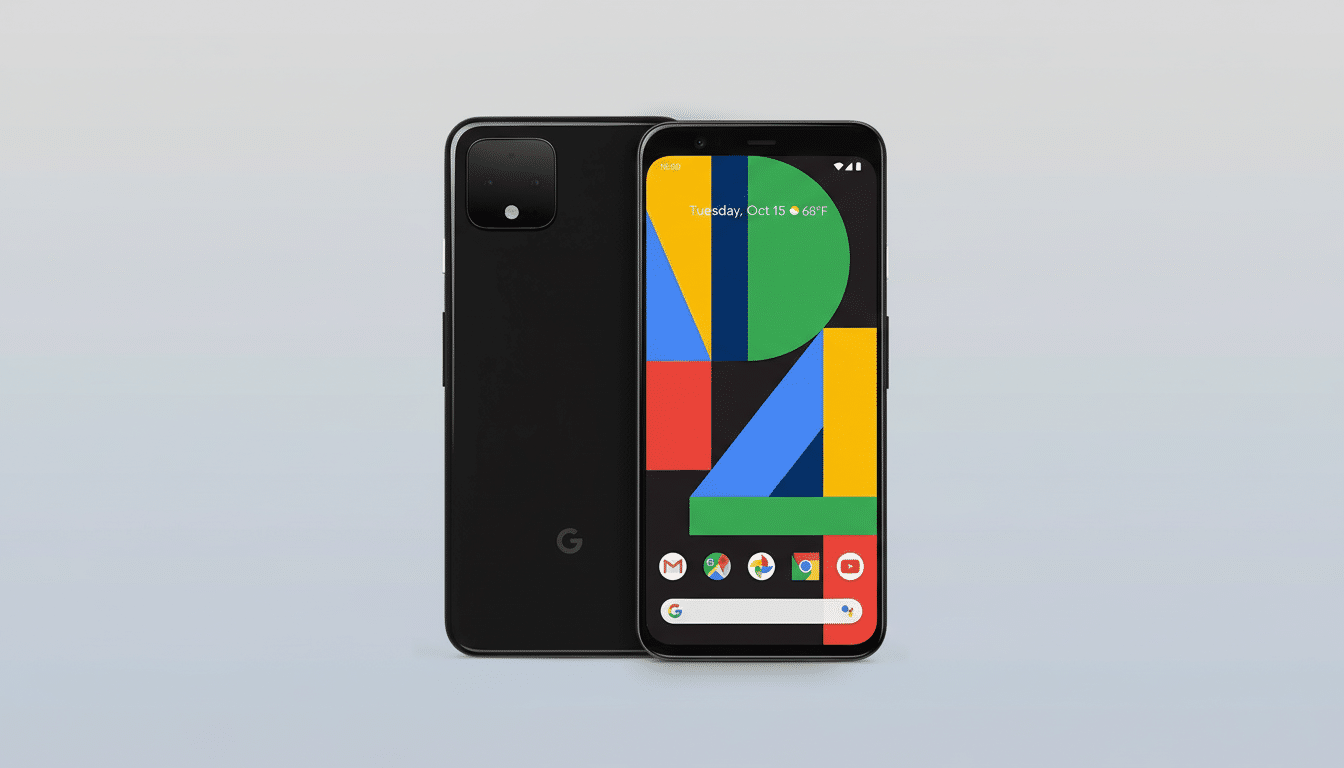
Crucially, “official” is LineageOS-speak for when maintainers have confirmed the core functions are working. Calling capabilities, data connections, Wi‑Fi, GPS, and camera functionality should all work fine, even if some device-specific goodies that rely on Google’s in-house stack won’t.
Eligible Pixel models and where LineageOS 23 is supported
The full list is headlined by the Pixel 4 and 4 XL and also features the Pixel 4a, 4a 5G, Pixel 5, and Pixel 5a:
- Pixel 4 and Pixel 4 XL
- Pixel 4a and Pixel 4a 5G
- Pixel 5 and Pixel 5a
Newer generations have already received Android 16 builds under LineageOS. Even further outside of Google’s walled garden, the project continues to keep Android 16 up to date for a plethora of Samsung, OnePlus, Xiaomi, and other devices — highlighting how community development often moves faster than OEM timelines.
Why this update matters most for current Pixel 4 owners
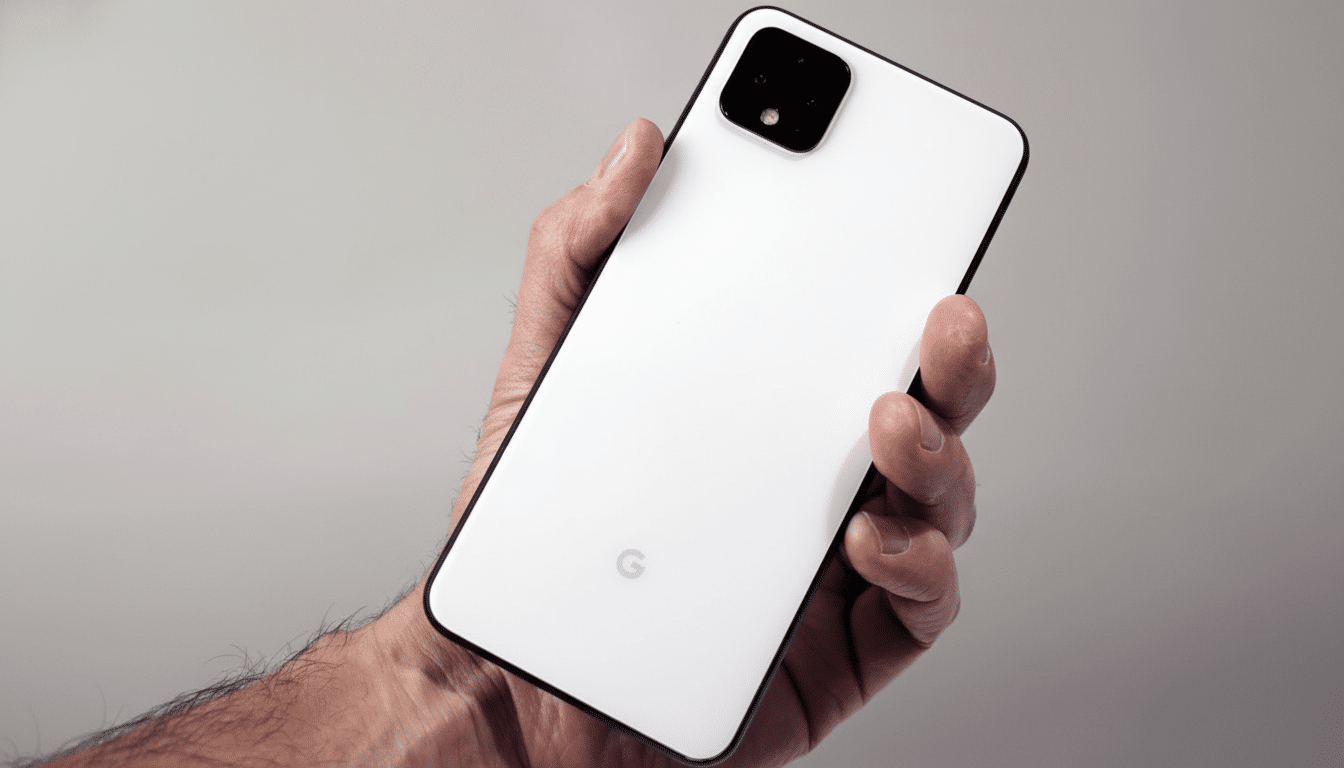
Google’s own software support runway for the Pixel 4 ends at Android 13, which follows the three-year OS commitment it made during its generation. Under LineageOS 23, that hardware leaps forward three major versions of the OS. Even today, the Snapdragon 855, 6GB of RAM, and a fancy‑pants 90Hz display are still plenty powerful enough for modern use, and that camera hardware is still superb with the right software pipeline.
There’s also a sustainability angle. Global electronic waste now totals in the tens of millions of metric tons per year, according to a new report from the United Nations titled the Global E‑waste Monitor. Even a slightly longer device lifespan helps relieve supply chain pressure and emissions associated with manufacturing. When multiplied across millions, dead phones are reactivated as viable daily drivers by community-supported OS projects.
Installation realities and important caveats before you flash
You will need to unlock the bootloader (and in doing so, wipe local data) and flash the ROM yourself. After you have it installed, the on-device updater in official builds means less fuss when a new release comes around, but to start with, this is not an OS for novices. If you depend on NFC payments or enterprise-grade device safety checks, be aware that Play Integrity/SafetyNet compliance can fluctuate among custom ROMs. Google apps and services are not shipped with LineageOS, so users desiring them must flash a GApps package that is compatible with their device.
Expect a few trade-offs. Pixel-exclusive functions that rely on proprietary Google integrations — such as Call Screen, Hold for Me, and certain AI-driven cloud functionalities — may be absent. You get a slim, light system with fine-grained control, a powerful updater, and community support instead. As with all of my guides, you’re on your own if you relock the bootloader — only ever do that on a 100% stock image from Google to avoid bricking.
Context and credible signals behind the official support
The timing coincides with LineageOS’s wider Android 16 release, and it comes after months of unofficial builds for previous Pixels. The graduation to official status means broader testing, a CI infrastructure, and monthly patches that match Android’s security bulletins. Interested observers first noticed that the Pixel 4 was added to public build trackers, and reports from outlets like Android Police indicate the bump to sanctioned builds.
Bottom line: what Pixel 4 users gain with LineageOS 23
If you’ve held on to a Pixel 4 as a backup, or just never stopped admiring its pocketable design and amazing camera, LineageOS 23 will turn it back into an up-to-date device with Android 16. It’s not a one-tap upgrade, and you won’t get every last Pixel-only flourish, but it does give you a fast, secure, and actively supported OS on hardware that still has some life left in it. For many, that is the difference between recycling a classic and sticking it back in a pocket.
