


I spent a week hopping between English and Hindi making real phone calls using the new Voice Translate in the Pixel 10 to see if Google’s most ambitious call feature yet can truly span languages. The short answer: it’s impressive, occasionally uncanny, and still rough around the edges — especially when conversations are sped up or nuanced.
What Voice Translate on Pixel 10 Actually Does
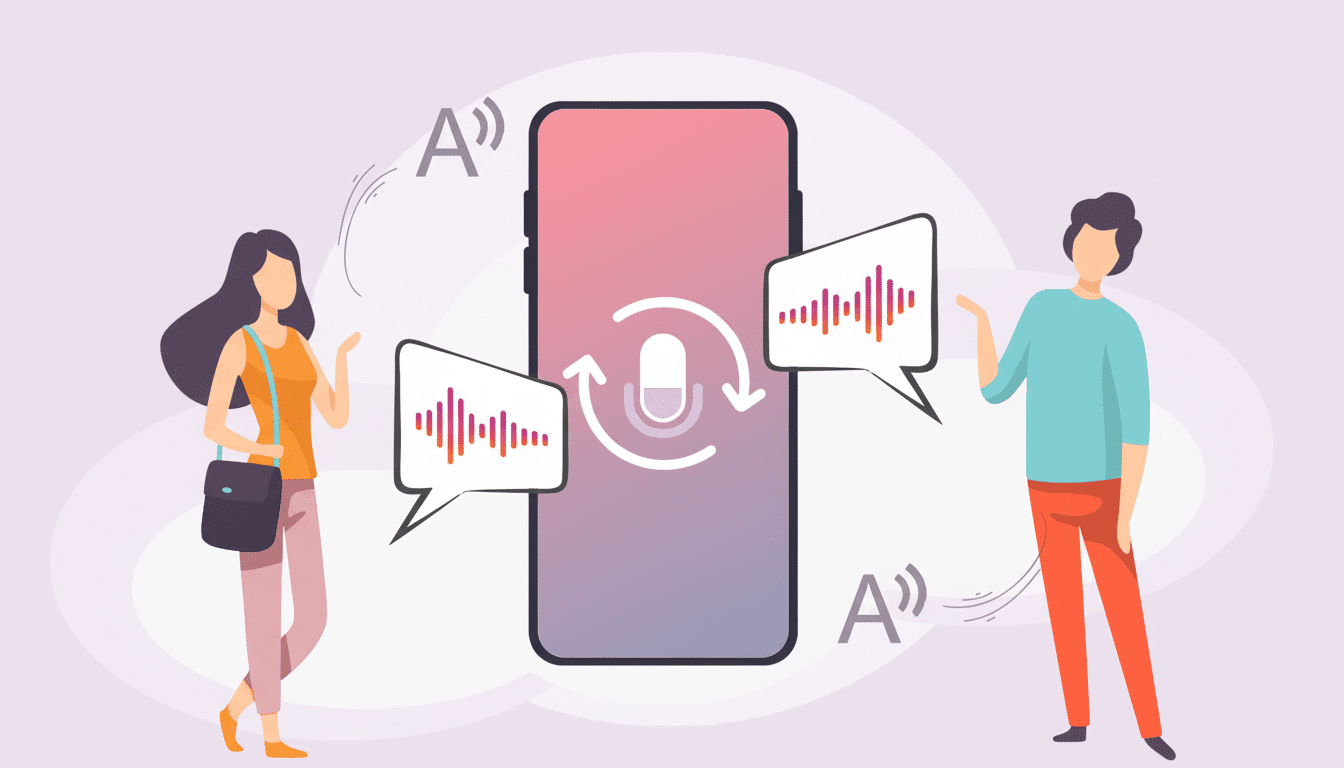
Voice Translate is integrated into the Google Phone application on the new Pixel 10 series. It translates calls in real time and generates a voice for each end that sounds like its respective speaker, even if (in the case of two speakers) they speak an unfamiliar language. It’s the phone-first development of the speech translation efforts that Google previewed in Meet earlier this year, and this one is optimized for going one-to-one.
- What Voice Translate on Pixel 10 Actually Does
- Setup, controls, and key gotchas you should know
- Call Flow and Latency: Mostly Smooth, Not Instant
- How Much Like Yourself Does the Voice Sound?
- Accuracy: Understandable, Sometimes Literal
- Where it shines — and where it doesn’t in daily use
- Pro tips from testing to improve call translations
- Bottom line on Pixel 10 call translation performance
English cannot be activated by a user, but is supported in addition to ten languages at launch: French, German, Hindi, Indonesian, Italian, Japanese, Portuguese, Russian, Spanish, and Swedish. Whether you download them or not, translations run on-device. That’s a significant privacy and reliability win, especially when coverage lacks. You still have to use data to download the packs, but nothing needs a live connection on the call side.
Setup, controls, and key gotchas you should know
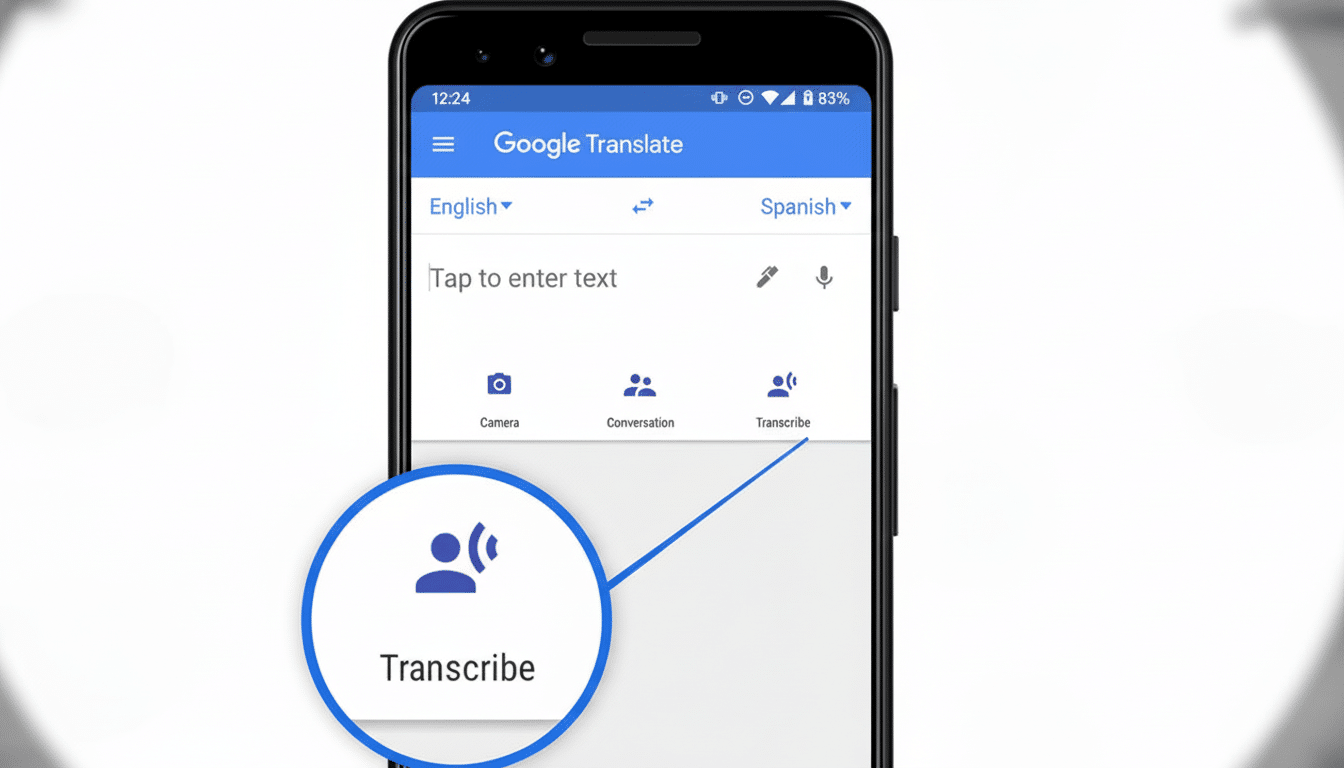
Switch it on in the Phone app’s Call Assist settings, select your language, and download the modules that come into play during a call. You’ll need to manually start Voice Translate during a call and select the other party’s language; it won’t currently detect languages automatically. An audible disclosure lets both parties know that translation is live; notice is necessary for transparency and consent.
One downside: You can only assign one language for yourself. Switching between two languages in the middle of a sentence will also trip up the model. Code-switching is noise, and the system attempts to twist stray words toward the selected language; sometimes in comically wrong ways.
Call Flow and Latency: Mostly Smooth, Not Instant
On my calls, the turnaround time for translation felt more like 1–2 seconds per short turn. That’s quick for A.I. time, but it’s more than the fluid cadences of conversation allow. For perspective, telecom guidance in the form of something like the ITU’s G.114 posits that one-way delays creeping over around 150 ms begin to eat into the natural back-and-forth. You hear it here, particularly when speakers overlap or speak at speed.
The Pixel 10 shows “preparing” and “translating” prompts while it’s listening and rendering. If one party speaks on top of another, it may omit chunks. The simpler, more declarative sentences with pauses built in were the best. Say “Please confirm my reservation for two at 7 p.m.” — not a meandering tale about flight delays.
How Much Like Yourself Does the Voice Sound?
The generated voice is not robotic either, but it’s not quite fluent. The timbre is somewhere in the ballpark, but prosody — pauses, stress, emotion — seldom survives the leap. On my English-to-Hindi tests, the results came across as a deliberate imitation with flatter intonation. I could barely hear the translated-for-me version of my own voice on the device, but the person I was communicating with wasn’t getting his/her/their voice bounced back — just their in-language-only version.
It’s real enough to seem personable rather than robotic, but you can’t shake the sense that there is an unmistakable “AI gloss” overlaying everything. That shine gets even brighter when laughter, hesitancy, or background interjections come into play.
Accuracy: Understandable, Sometimes Literal
For basic meaning, Voice Translate was generally acceptable in both languages. For the most part, when messages were simple requests or confirmations or logistics, they came through clean. In an interesting inversion of the normal speech tech process, the on-screen transcription lagged more and made more mistakes than the audio voice.
Idioms and context are still the Achilles’ heel. “I’m going to hang up now” was translated verbatim into Hindi, as if I intended to “go hang on something.” Sometimes gendered language backfired, making a female speaker sound male — a pitfall that plagues translation systems broadly and is especially apparent in languages with grammatical gender. Skipped sections were also elicited by interruptions — coughs, incomplete words, or laughter.
None of this is shocking. Observations from several academic and industry evaluations of speech-to-speech translation are similar in reporting more degraded performance for idiomatic usage, code-switching, and fast turn-taking relative to clean, read speech. Google’s on-device effort is ambitious; the trade-offs are apparent but narrowing.
Where it shines — and where it doesn’t in daily use
Otherwise, Voice Translate seems poised to be used for short, task-oriented calls — booking a table in another country; checking that a delivery has arrived; confirming exactly when or where you’re meeting someone; or getting an update from a hotel. And a synthesized voice adds warmth you don’t experience with just a textual relay, with the on-device pipeline ensuring it works even when your signal wobbles.
Long, nuanced conversations are tougher. The forced pacing, occasional literalism, and missed overlaps render deep conversations into stiff interactions. If you require detail and precision, a second message or an email is likely to be quicker and clearer.
Pro tips from testing to improve call translations
Use short sentences, pause between thoughts, and speak in one language per sentence. Skip idioms and sarcasm. Reduce background noise. If the person on the other end speaks quickly, start by asking them to slow down and explain that translation is in progress.
Bottom line on Pixel 10 call translation performance
Voice Translate on Pixel 10 offers a snapshot of phone calls without language barriers, and it already pays its way for snappy, transactional conversations. It’s not quite the seamless, overlapping dialogue you heard onstage, but it’s far closer than any phone-native tool I’ve found. With faster turn-taking, better idiom support, and smarter gender and context cues, this could go from “clever demo” to “must-have.” But for the moment, it’s a terrific start — and a realistic one, if you’re willing to meet it halfway.
