


Our Pixel 10 Pro XL has the same “screen snow” issue that early forum posters and buyers have been complaining about: The screen suddenly locks up and is covered in analog-TV snow before shortly snapping back to normal.
Google has now publicly confirmed the bug and stated that a software fix is incoming with rollout beginning now.
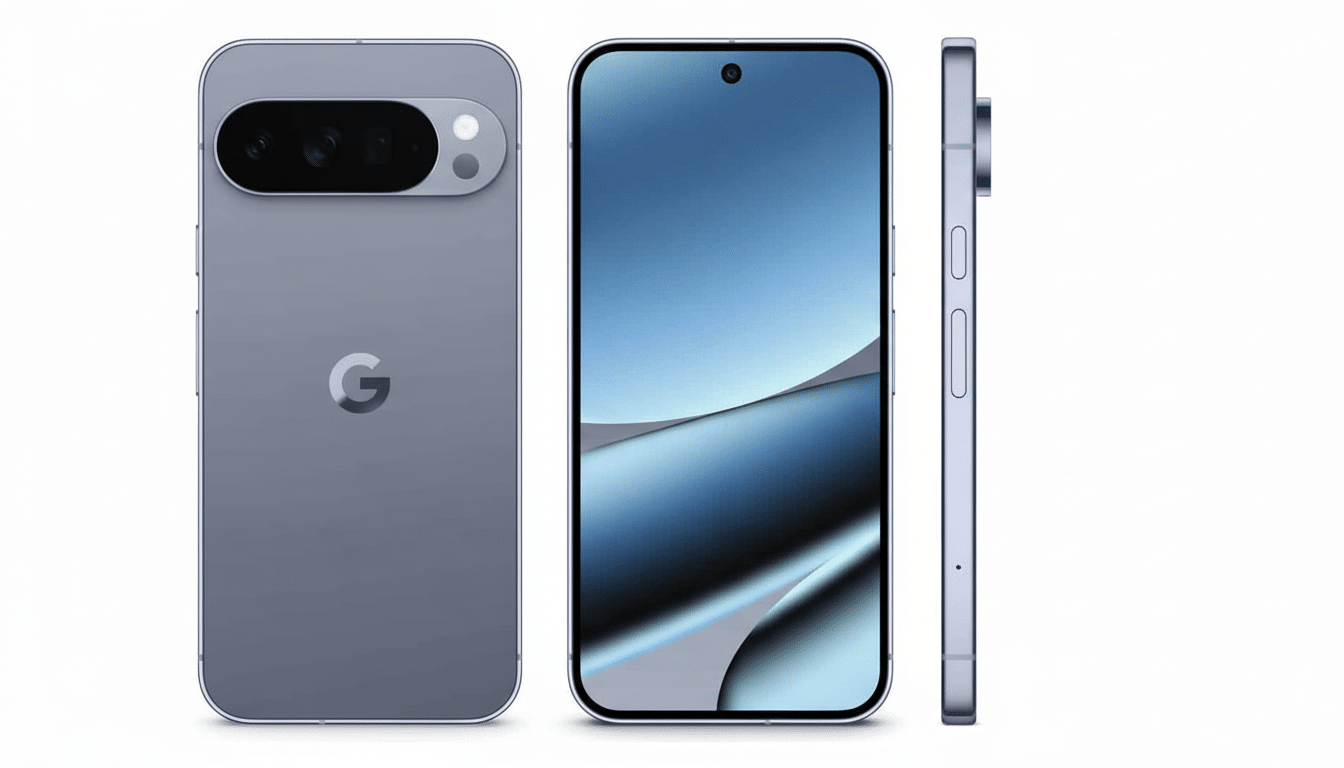
What we saw on our review unit
In our case, the glitch occurred during normal use, while watching content on YouTube. The panel didn’t turn entirely to white noise; a large region of the screen briefly became shimmering static and then froze. Touch input was half-alive to me—the gesture swipes still did the haptic thing, but the visuals would continue to stick. After about 10 min the phone came back to normal on its own.
The device wasn’t even hot, wasn’t on heavy load, hadn’t just installed a system update. No ANR dialog appeared immediately to tell me that the app had crashed, and the phone kept playing the audio from under the frozen visuals, indicating that the failure is on the display pipeline level, not the full system.
Others are observing the same pattern
First noted by Google Support Community bug reports and r/GooglePixel threads, the symptoms are the same across the board: a shocking burst of static, encountering only a partial or full screen freeze, normal haptics, and a working screen within five to fifteen minutes on its own.
For many users, it appears to have occurred during video playback or while scrolling image-heavy feeds — use cases that put stress on both the GPU and the display compositor.
Some owners report the problem reoccurring multiple times in the same day, others report seeing it once and never again. Now that variability, combined with self-recovery, pushes me away from panel hardware fault back to a stall at software or driver level.
Why this looks software-driven
The most likely cause based on the behavior is a transient lockup in the display stack – the part of the stack that hands display buffers between the graphics driver, display controller, and display panel.
ordenador
LTPO Oled panels have not only become modern with refresh rates that scale up and down but also the Android compositor has to juggle HDR overlays, video decoding and variable refresh on the fly. If that coordination goes into a bad state—maybe there’s confusion about the timing relationship to panel self-refresh, or maybe some deadlock in the driver—then you get frozen frame or buffer corruption of the form “snow.”
Crucially, radios, sensors, and core apps all stay running, and that’s what was happening on our unit. That’s more indicative of a rendering path stall than a full system crash. It’s also why many devices recover from without needing a reboot after you reset the driver and flush the pipeline.
Google says fix is rolling out
Google’s support staff has verified the issue and said with a software update a workaround is supplied. The company has not released deep technical notes, but the language used implies changes in display behavior or GPU driver actions rather than a hardware recall. That would fit with the observation that most affected phones return to normal without any lasting artifacts.
If you’re plagued by the issue on your Pixel 10 or Pixel 10 Pro XL, be on the lookout for the next system update. You put it in and you will have no more, or reduced, snow events. If it’s still an issue after that, you’re probably going to have to talk with support for diagnostics or a warranty swap.
Workarounds users say helped
Until the fix reaches your phone, some interim solutions have alleviated the problem for a few owners but present no universal fix:
- Turn off the AOD and Smooth Display (to 60Hz) to streamline the refresh pipeline.
- Disable HDR playback in video apps: This simplifies overlays.
- If the screen locks up, give it a few minutes: most phones will recover on their own. If it doesn’t, you can try a forced restart by holding the power button for a few seconds until the phone reboots.
Should you send your phone back?
Based on Google’s admission and because the failure appears self-correcting for most of them, this appears to be software-related. We don’t advise an immediate return, unless you have very regular incidents that render the phone unusable. Reevaluate once after next update is installed. If the snow remains, report it using the built-in Feedback tool (Settings > Help & support) and ask for service.
Bottom line: our Pixel 10 Pro XL is affected, as are many others, and the behaviour points to the display software stack as strongly implicated. Google says a patch is rolling out now and that it seems to fix the freeze-and-snow bug. Until then, the best approach is patience, some changes in settings and, potentially, a Plan B if the issue persists.
