


Opera has launched a new AI-powered browser that can do its searching for you. More than just a standard chatbot, however, Neon boasts agentlike automation, modular prompting tools, and tightly integrated workspaces, which is likely to position it as a power-user product — one with a $19.99 monthly subscription and an invite-only entry at launch.
What Sets Neon Apart from Other AI-Powered Browsers
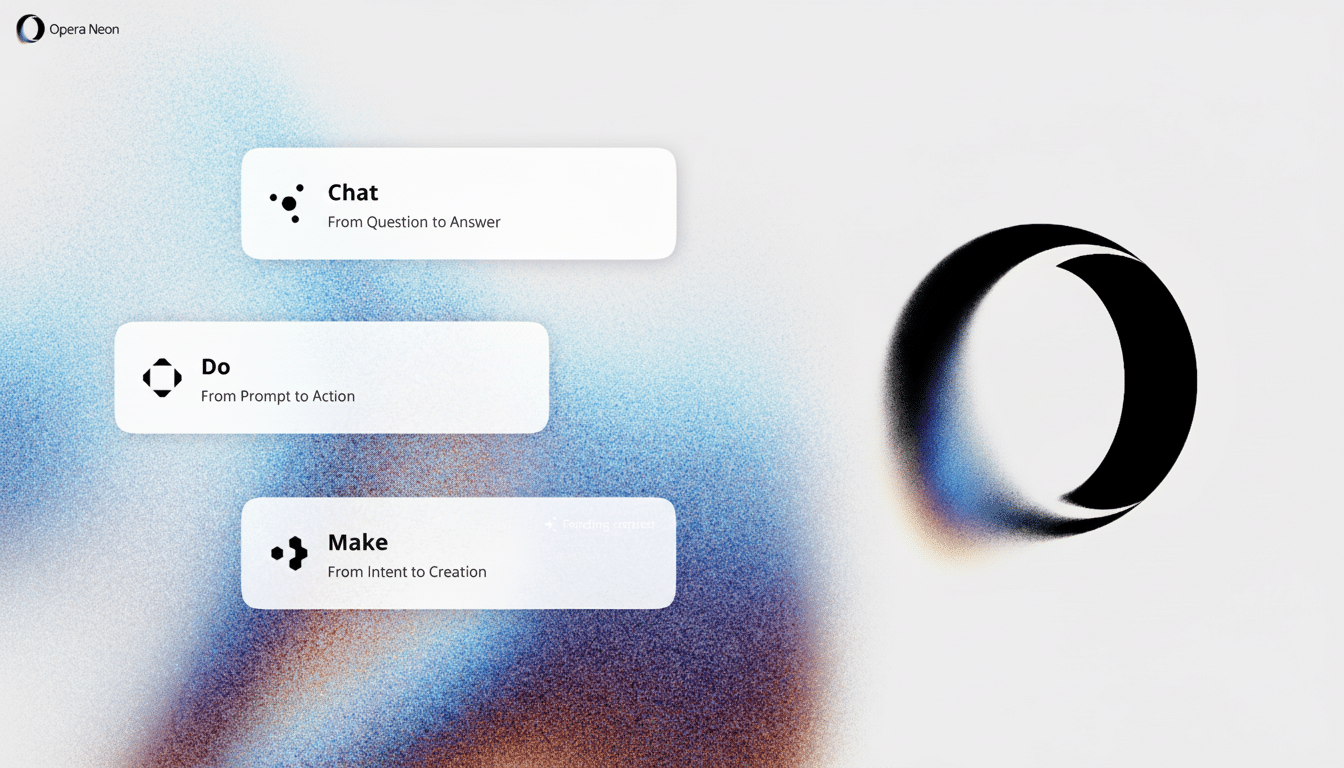
Neon merges three components into the browsing experience: a conversational assistant, task completion using an agent (that I call Neon Do), and a system of reusable prompt components that I name cards. The goal is not necessarily to go from Q&A to getting things done, but it could be: From summarizing a blog post, you can now just post the notes around in Slack; or pull details out of a YouTube video you watched last week and drop them into a comparison table.
- What Sets Neon Apart from Other AI-Powered Browsers
- How Neon Handles Agentic Tasks and Reusable Cards
- Workspaces, Tabs, and How Neon Manages Context
- Pricing, Subscription Model, and Where Neon Is Positioned
- How Neon Fits into a Crowded Competitive Landscape
- Early Caveats for Neon and What to Watch During Trials
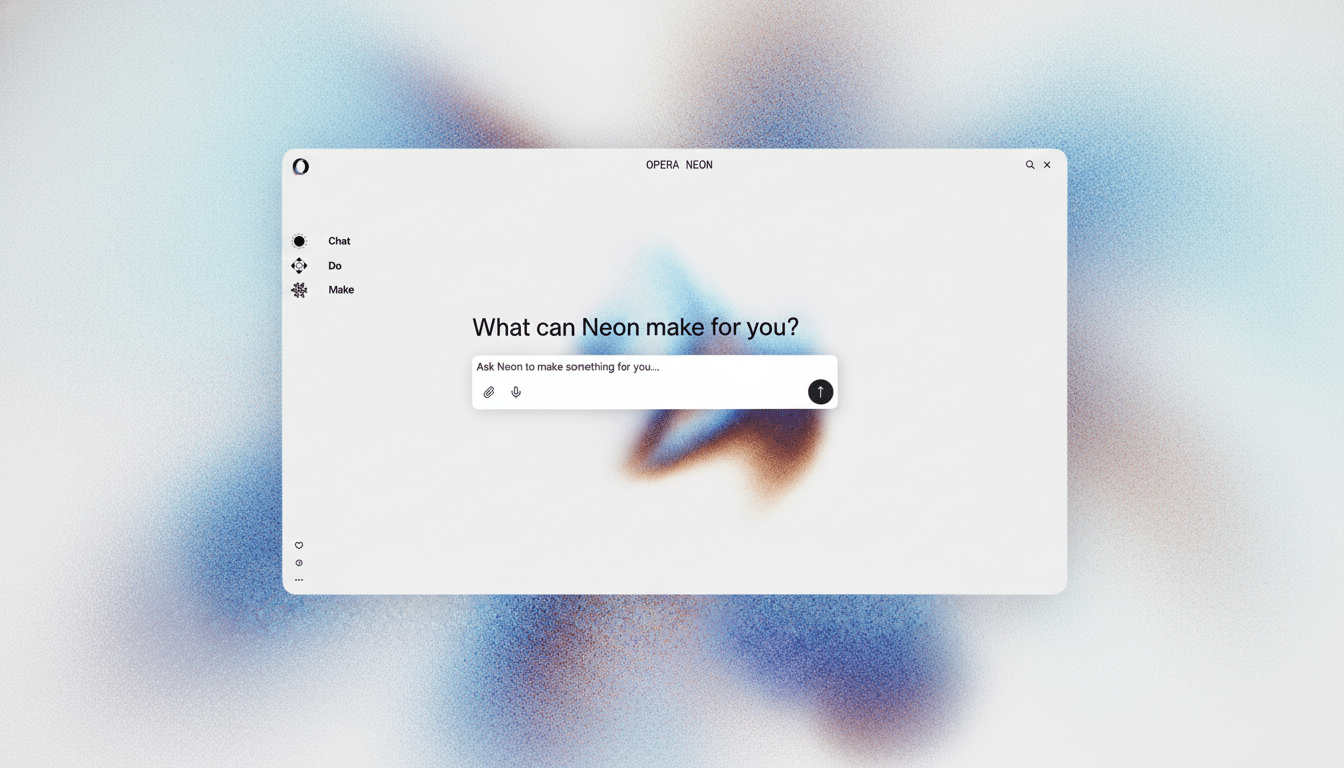
Opera has been flirting with A.I. on the inside of its browser for years now, but Neon represents a swerve from helper features to end-to-end tasking. It’s a suitably memorable rebirth of the Neon name Opera once used for its conceptual browser, but here reconceived around what it sees as cutting-edge worker workflows.
How Neon Handles Agentic Tasks and Reusable Cards
Neon Do is the conductor layer. Instead of dumping a wall of text, it takes actions chained throughout the services you already use. In Opera’s demos: anything from summarizing long-form content to automating regular chores, like writing an email or shopping for groceries. Real utility, of course, will depend on sturdy permissions and seamless integrations — OAuth handshakes with apps like Slack or Gmail, and clear user control over what the agent can touch.
Neon’s most interesting idea is the cards system. Cards allow users to string together reusable prompts as building blocks — think “pull-details,” “compare,” or “format-chart” — to assemble small workflows you can reuse like commands. If you’ve heard of IFTTT or Zapier before, it’s not unlike that, but smothered in the native context of a browser. Opera says cards can help the community share them, something which could develop into a marketplace of purpose-built automations for research, shopping, or coding.
On the creation end, Neon can write code snippets to render visual reports with tables and charts, transforming a short query on steroids into a lean applet. The extent to which those mini-apps are packages that can be shared across teams will be a key test of stickiness.
Workspaces, Tabs, and How Neon Manages Context
Neon brings Tasks, which are a workspace of sorts where you bundle together AI chats and sets of tabs for some kind of project. That’s a well-known idea (think of Tab Groups or dedicated spaces), but where there’s per-task context for the agent. That means that if you have one automation set up in a Task, it won’t spill into another — which is important for researchers and operators who might have separate clients or topics.
It is context retention, too, that undergirds Neon’s promise: to request it to recall a product page you compared yesterday or pull timestamps out of a video that you viewed last week. Well-executed, this transforms browsing history into a structured memory rather than a cluttered list of links.
Pricing, Subscription Model, and Where Neon Is Positioned
Opera is going after the whales of AI use with a subscription model that reflects real costs: model inference and API calls. The monthly fee of $19.99 will put Neon in the same company as other services that share the status quo, like Perplexity’s paid version, with core AI features in mainstream browsers from Google and Microsoft coming free out of the gate. The invite-only rollout indicates that Opera is looking for early adopters to help determine workflows and vet integrations before a more general release.
(For reference, Opera has a small but steady presence in the browser space — about 2–3% overall worldwide according to StatCounter — so it needs that kind of differentiation.) A focused, paid product for productivity and automation might find enough of a niche that general-purpose browsers don’t address.
How Neon Fits into a Crowded Competitive Landscape
Neon joins a quickly growing field of individual agentic browsers and assistants. Perplexity has been testing Comet for web actions; Dia is being built by The Browser Company with user-specified Skills; major platforms are trying to put AI ever deeper into Chrome and Edge. (It is no longer enough for contestants to answer questions correctly; they have to consistently demonstrate their ability to perform a complex task across the live web.)
Academic assessments suggest the difficulty: benchmark tasks such as WebArena have demonstrated that success rates of agents can plummet when faced with complex, real-world navigation. That’s a reminder that roadmaps themselves, and guardrails, frictionless, clear consent flows, and recognizable failure modes are going to be as important as clever prompts.
Early Caveats for Neon and What to Watch During Trials
Two questions will loom over Neon’s trial phase. First up, reliability: is Neon Do able to complete tasks in a reliable way across many sites and auth states without dying based on tiny layout changes? Second, privacy: what does Neon log about history, web browsing, credentials, and third-party data; when is anything actually processed on your device; and how granular are the retention controls in a controlled environment?
If Opera can combine a rich set of cards with transparent permissions and enterprise-friendly policies, Neon might become a credible home base for AI-first workflows. If it doesn’t, the puck runs the risk of falling into another category — that ever-familiar roster of cool ideas that never climb over the wall from novelty to necessity.
