


The stable One UI 8 update for the Galaxy Z Fold 6 and Galaxy Z Flip 6 is being made available by Samsung, with non‑beta users in South Korea first to get the retouch, albeit it will spread wider soon.
The build is rolling out OTA to early adopters, and in addition to platform-level improvements, it also brings with it the most recent Android security patch.
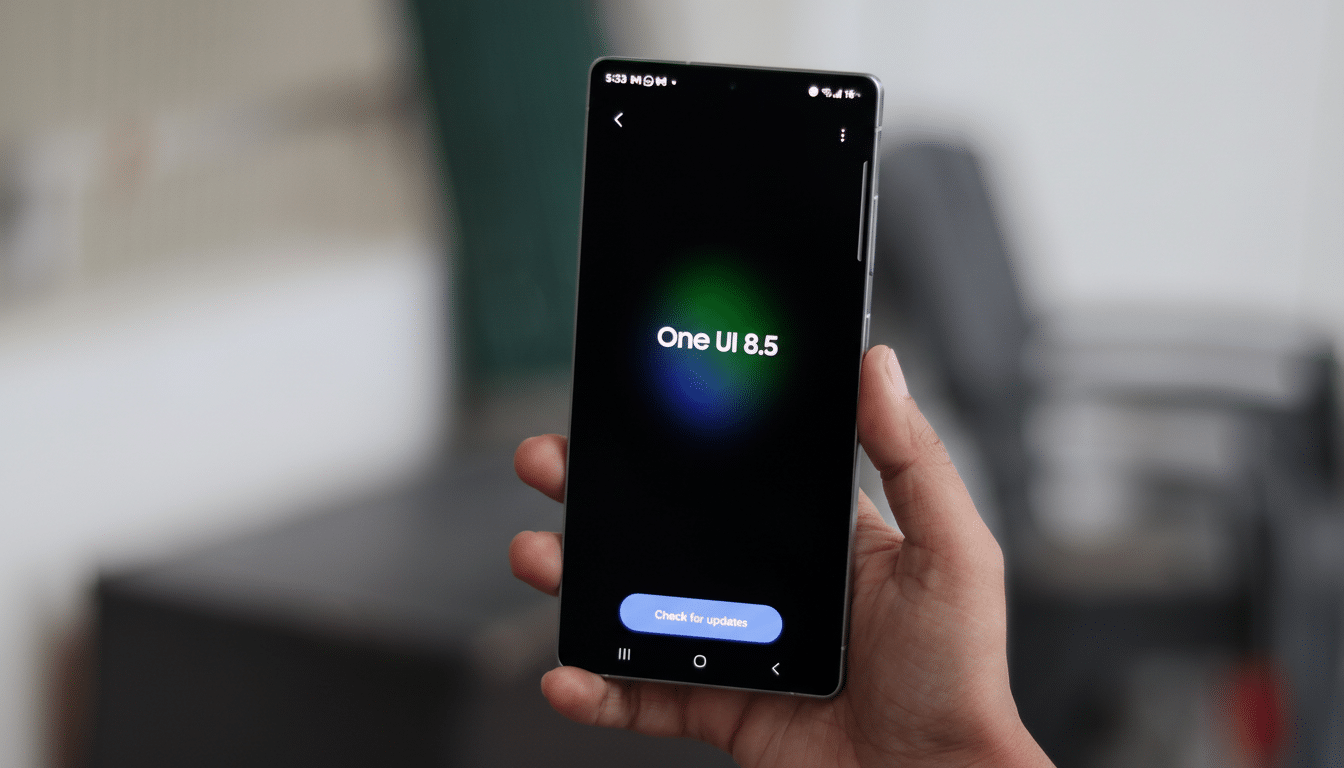
This has been confirmed through notices posted in the Samsung Members app and community reports, as well as from popular firmware trackers on X giving a thumbs up for the release. Like always with big Samsung firmware updates, availability will be introduced in waves based on the region and model type once all initial tests are passed.
What One UI 8 adds to Samsung’s 2024 foldables
Developed with Android 16, One UI 8 emphasizes the polish and stability required for large, adaptive screens. Users of the Fold 6 and Flip 6 should see smoother animations, faster state restorations as you shift between the cover and main display, and more reliable behaviour around app continuity — something Samsung has been flagging with every build it sent out to beta testers via the Samsung Members release notes.
Multitasking is refined with a more responsive taskbar, cleaner App Pair transitions and better per‑app aspect ratio controls. The improvements to Samsung’s first‑party applications as part of Flex Mode mean that controls for media and productivity tools are now easier to use when the hardware is folded at an angle. Photography isn’t forgotten: tuning for FlexCam focuses on enhancing framing and low‑light performance when capturing hands‑free.
Some system-wide quality-of-life changes include new battery protection options, more granular privacy switches and further lock screen customization. Samsung’s on-device and cloud-powered Galaxy AI capabilities remain sprinkled throughout core apps, with the company increasingly stressing more squarely unified text, translation, and note tools across its magpie’s nest of a suite.
Rollout information and how to install the update
The launch is initially geared toward non‑beta devices in Samsung’s home market, with unlocked handsets naturally moving first. Carrier variants and other regions then typically come downstream with a staged validation. If you were part of the beta, it’s going to be a smaller delta update that will get you back on the stable; if you’re still in non‑beta territory, then your download is likely to be larger (and broad‑beamed, quite possibly multi‑gigabytes).
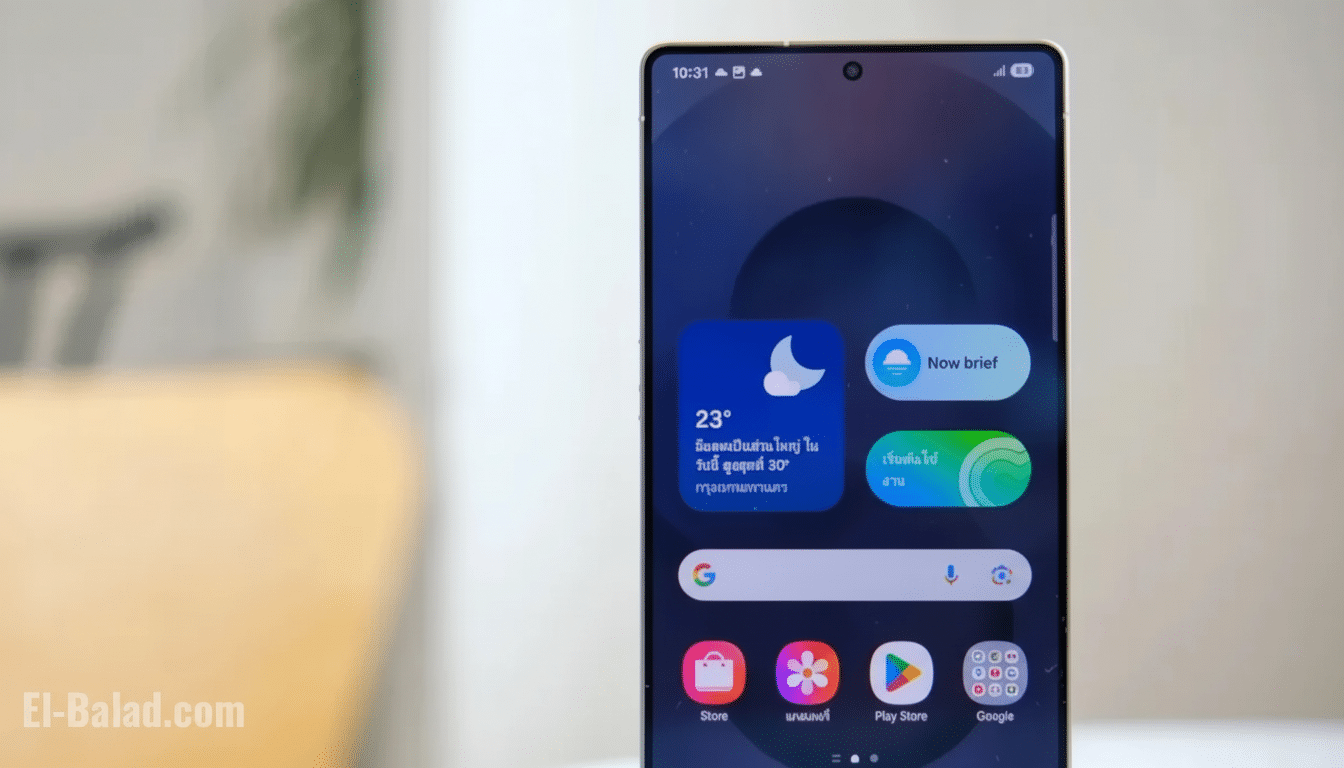
To do it manually, go to Settings > Software update > Download and install. Just like any other major OS update, back up data you don’t want to lose and ensure you have plenty of free storage space before downloading the updated software as well as reliable Wi‑Fi. If you have not started seeing OTA updates yet, try going to Settings > About phone > Software Updates; or download the latest version of Odin and follow the linked guide from SamMobile.
Security updates and long‑term support information
The firmware includes Android and Samsung security patches for the month of October 2019, which fix dozens of vulnerabilities in framework, kernel and vendor-related components. Business users can also expect improvements in policy compliance with respect to Android 16’s enterprise APIs, which provide enhanced work profile management and certificate management.
Crucially, the Galaxy Z Fold 6 and Z Flip 6 fall under Samsung’s extended update policy for recent flagships, so they should receive years of OS upgrades and security patches. One UI 8 is their first major platform-level jump since the devices debuted, and will serve as the base for feature drops and maintenance releases from here on.
Why this is important for Samsung’s foldable momentum
Central to the foldable cause, or what we hope is the case at least, is stable, timely software. “In the premium end, foldables have been increasingly winning as challenges with multitasking on smaller screens of flip forms are being resolved and apps are largely adapting to the various form factors,” analysts at Counterpoint Research and IDC noted. Continuity and performance are exactly the pain points that One UI 8 has tackled head on.
Developers also benefit. “Android 16 brings new large‑screen and multi‑window behavior, supported by a fast, stable rollout on the most visible Samsung foldables [sic], as well as creating a larger installed base that third-party apps can test against.” You can also expect the Samsung Good Lock team and other key app partners to ship fast compatibility updates as more regions are offered builds.
