


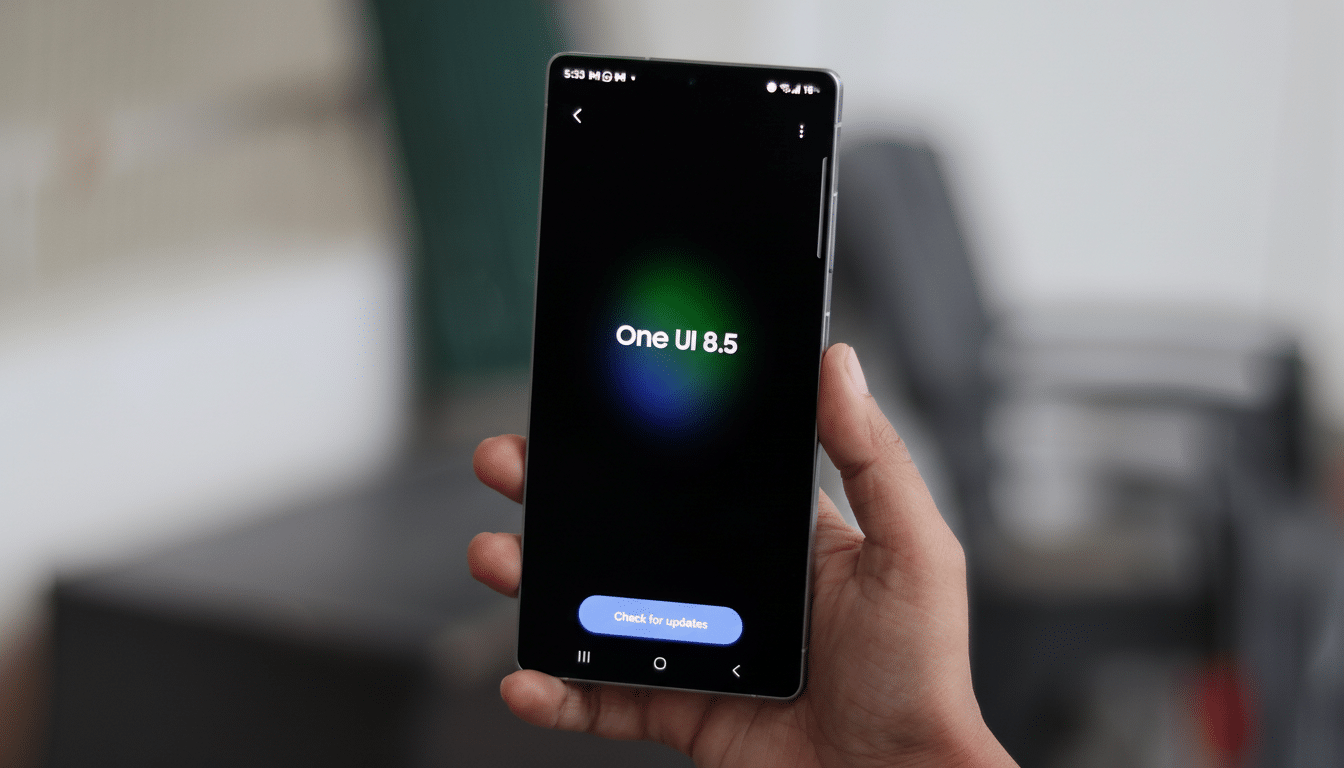
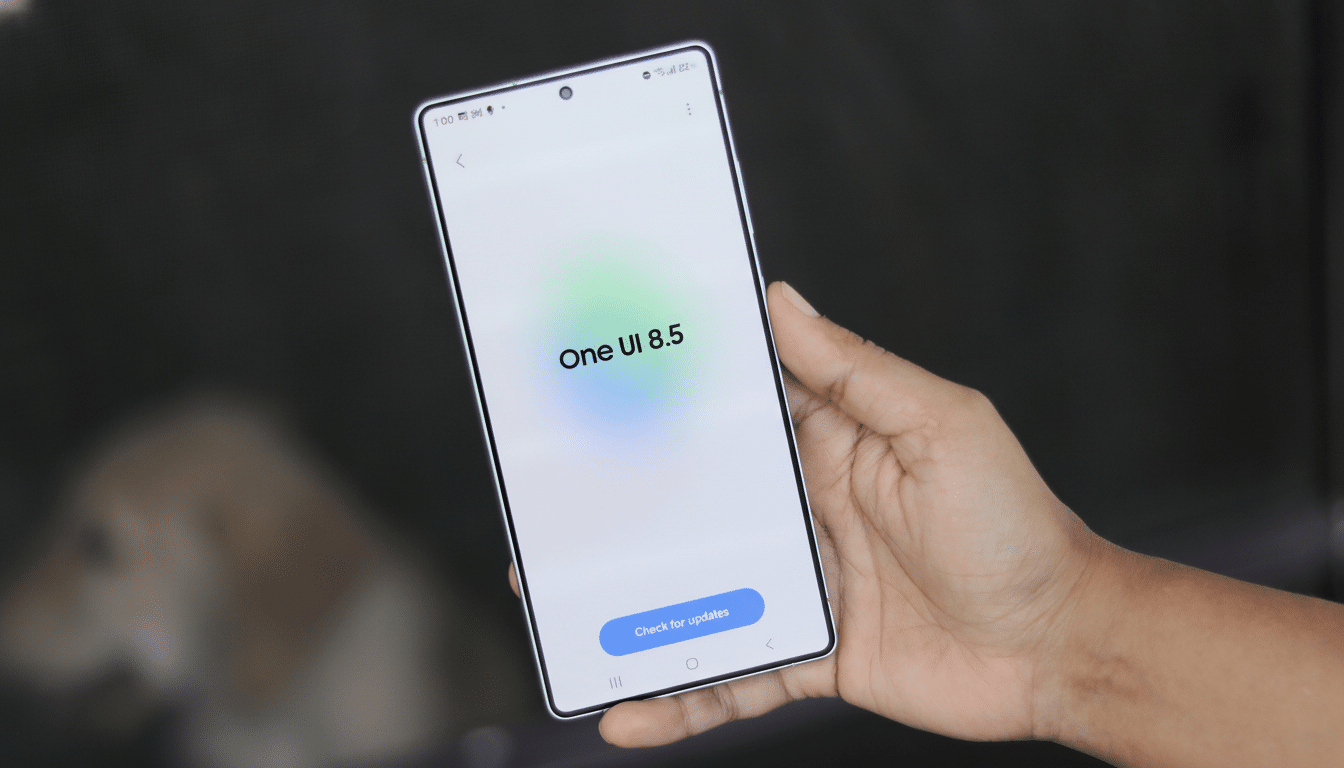
Samsung is preparing to add call screening to Galaxy phones with One UI 8.5, snagging one of the best quality-of-life features from Google’s Pixel lineup. Code found in a leaked firmware build refers to an AI-assisted feature that could answer questionable calls for you, transcribe the conversation live, and give you a chance to jump into the call at any point.
It’s a significant leap from Bixby Text Call, Samsung’s existing user-initiated screening tool that must be tapped during an incoming call. With One UI 8.5, screening can now be set up to pull off that same trick, allowing you to have calls screened hands-free for likely spam and first-time callers alike — just like how Pixels are able to filter nuisances away from you without any active involvement on your end.
- What the leaked One UI 8.5 firmware code reveals
- How automatic call screening might work on Galaxy devices
- Why this matters for everyday users beyond Pixel owners
- How Samsung’s plan compares to Google Pixel’s approach
- Privacy, transparency and rollout questions
- The bottom line: what this could mean for Galaxy users
What the leaked One UI 8.5 firmware code reveals
Strings in the firmware make reference to an option called “Call screening” with settings that include “Auto answer to scam calls only,” as well as a description that reads, in part, “An AI assistant answers and asks who is calling and if the call reached you.” And you can, crucially, still choose to respond manually or switch midstream back to Text Call — manual control.
Two extra clues stand out. For one, a line about an assistant that can automatically answer when you’ve activated Do Not Disturb — which could be perfect for during meetings or late nights when you only want critical calls to ring through. Second, there’s a “Select a language for Call screening” prompt, suggesting support for multiple languages that would help Samsung roll out the feature outside of one market.
How automatic call screening might work on Galaxy devices
Look for Samsung to combine device-side intelligence with network signals in order to identify likely spam calls, spoofed caller IDs, and unknown numbers. For a call that comes in with the flag, the AI assistant would answer, read out an organic-sounding prompt, and feed a live transcript onto your screen. If they turn out to be real, you can join the fray — and if not, you can hang up without ever having to speak.
With Samsung’s broader “Galaxy AI” push, it’s possible that the on-device transcription is similar to what Apple offers now on newer processors with NPUs, and classification and filtering could potentially leverage server-side updates. One way or another, keeping latency low is going to be important — Pixels took off in part because call screening feels instant and it doesn’t get in the way.
Why this matters for everyday users beyond Pixel owners
Carrier defenses aside, unwanted calls are still a scourge. The index from YouMail alone consistently reports some 4–5 billion robocalls in the US per month, a testament to how filtering against spam remains an arms race. The Federal Communications Commission’s STIR/SHAKEN framework helps thwart certain types of spoofing, but bad actors pivot fast — device-level solutions are another key layer of protection.
Automatic call screening is also something that Pixel owners commonly list as one of their favorite features, directly because it helps to ensure you don’t miss calls from people who truly need to reach you. And if Samsung can serve up a comparably polished experience — with smarter detection, clear transcripts, and an opt-in option that isn’t so much of a hassle — Galaxy users might get a real drop in daily distraction.
How Samsung’s plan compares to Google Pixel’s approach
Google’s automatic Call Screening works mostly in the US and doesn’t turn on for anyone you have saved as a contact, but its manual version is far-reaching. Samsung’s code points to a similar default setting for suspected spam (auto) and manual blocking for other candidates, but a language-selector option implies that Samsung may be looking at an ambitious regional spread if licensing and carrier rules allow.
One interesting Samsung-specific spin is the Do Not Disturb integration. Done well, Galaxy phones might quietly screen calls during quiet hours and only push in front of you the ones that matter by marrying signals from existing priority and unknown-caller filters with AI-driven intent checks for the call.
Privacy, transparency and rollout questions
The primary watch items are data handling and disclosure. Auto screening has to clearly let callers know they’re speaking with an assistant, and Samsung must provide more details about where transcripts are processed and stored. Recent affirmations of Galaxy AI focus on-device processing whenever it can; that being applied to voice and text could be a significant trust indicator.
Availability is still unknown. Samsung typically introduces new voice capabilities in English before adding languages and regions. Hardware capacity might be important, too — devices with older chipsets may lean more heavily on cloud processing or have a slimmed-down feature set.
The bottom line: what this could mean for Galaxy users
It is the rare feature that saves time, reduces stress, and feels immediately useful: automatic call screening. If One UI 8.5 delivers a Pixel-level execution — plus other perks, like DND integration and multilingual support — Samsung could effectively turn Bixby Text Call from a handy tool into the default shield that most Galaxy owners will want to flip on.
One UI 8.5 is also said to be cooking in a few other accessibility and privacy updates, but the stunner for most will be this AI-guided screening engine. In a world that still feels awash in spam calls, allowing your phone to take the nonsense calls is precisely the sort of smart improvement people appreciate.
