


Samsung is quietly fixing an obvious omission in its lockscreen experience. In the One UI 8.5 beta, the Now Bar gains the ability to display missed call notifications, making the bottom-of-lockscreen strip finally acknowledge one of the most common real-world events people actually need to see at a glance.
The addition was spotted in the beta by tipster Tarun Vats and appears within Now Brief, the contextual feed that powers the Now Bar. While subtle, this change closes a gap that felt at odds with the feature’s purpose: surfacing live, relevant information without requiring a full unlock or a dig through the notification shade.
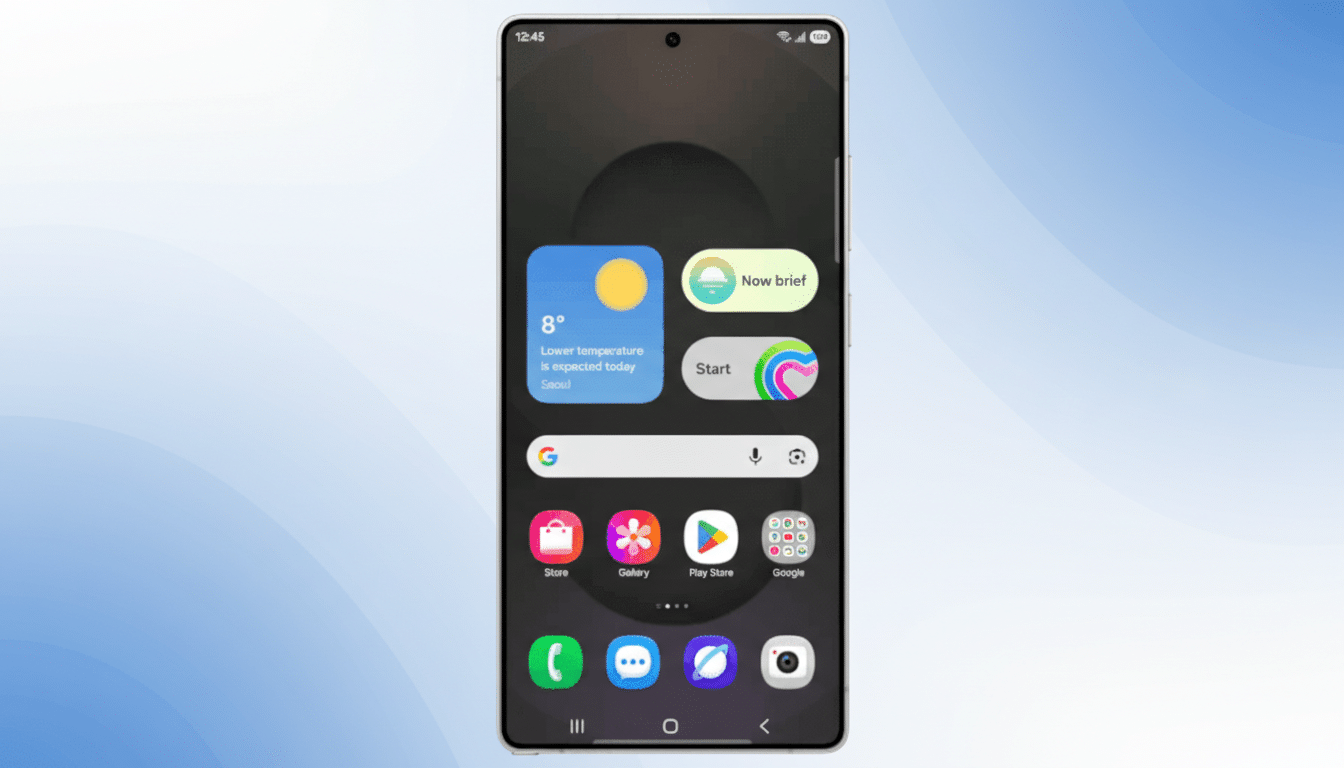
What the Now Bar Does on the Lock Screen Today
Introduced with One UI 7, the Now Bar sits along the bottom of the lockscreen as a living status strip. It already handles dynamic updates from compatible apps, including timers, media controls, rideshare arrival info, and sports match details. Samsung has even layered in playful touches like win probabilities for live games and support for Google’s Commute cards.
Its companion, Now Brief, surfaces timely cards such as weather, calendar events, and reminders. Bringing missed calls into that same flow aligns the experience with how people use their phones: quick glances on the lockscreen, especially when the device sits on a desk or charges on a stand with Always On Display enabled.
Why Missed Calls on Your Lock Screen Matter
Missed calls are still one of the most actionable signals on a phone. Many users keep ringer volumes low and rely on visual prompts to decide whether to return a call immediately or defer. Having that prompt embedded in the Now Bar reduces the time-to-awareness—no swipe, no notification hunt, just an instant glance.
It is also a quietly helpful feature in real contexts: stepping out of a meeting, finishing a gym set, or exiting a train. In each case, the lockscreen becomes the first thing you see. A prominent missed call card there is less about novelty and more about removing friction from everyday flows.
For privacy, Samsung’s lockscreen settings already allow users to hide content or restrict sensitive details until authentication. Expect missed call indicators to respect those controls, showing presence without exposing names or numbers if you choose a more private setup.
How Samsung’s Now Bar Compares to Rivals Today
Apple’s Live Activities and Dynamic Island lean heavily on glanceable states for media, navigation, and ongoing tasks, while Google’s At a Glance surfaces commute, weather, and device activity on Pixel phones. Samsung’s Now Bar has been evolving toward the same “live glance” paradigm—this missed call upgrade nudges it closer to parity on the essentials that users expect to just be there.
The difference is emphasis. Now Bar’s placement at the bottom of the lockscreen encourages thumb-reachable interactions once you unlock, creating a direct path from glance to action. By inserting missed calls into that lane, Samsung streamlines the moment from awareness to follow-up with fewer steps than a trip through the full notification panel.
Availability and rollout for One UI 8.5’s missed calls
The missed call integration is live for testers in the One UI 8.5 beta, Samsung’s Android 16–based skin. A stable release timeline has not been announced, but recent history suggests newer Galaxy S and Z devices typically receive major One UI updates first, with eligible A-series and tablets following in phases.
As with prior Now Bar upgrades, this looks like the start rather than the finish. Expect Samsung to expand the roster of “must-see” lockscreen signals, potentially deepening phone-related cards with smarter context, like recent call stacks or suggested callbacks, while maintaining parity with privacy settings and battery-friendly behavior.
The bottom line: a small but meaningful lockscreen fix
Missed calls in Now Bar is not a flashy feature—but it is the kind of thoughtful, overdue fix that makes a daily difference. By aligning the lockscreen’s live information strip with one of the most common real-world use cases, One UI 8.5 strengthens Samsung’s glanceable experience and underscores the value of small, well-placed updates.
