


After months of tinkering, I finally have a Hyprland desktop I can live in all day, thanks to an Arch-based distribution called Omarchy. It delivers a curated, keyboard-first Wayland experience that let me go from install to productive in a single sitting—something my previous DIY attempts never achieved.
Why This Arch Spin Changes The Hyprland Equation
Hyprland is a dynamic tiling compositor for Wayland known for its speed, animations, and deep configurability. It’s also notorious for a steep learning curve. Omarchy leans into that complexity with an “omakase” approach—opinionated defaults, pre-wired utilities, and a coherent stack—so you don’t spend the first day wiring portals, theming, or hunting for a status bar that actually works.
- Why This Arch Spin Changes The Hyprland Equation
- Keyboard-First Workflow Without the Usual Friction
- Performance That Matches the Hype on Modern Laptops
- Smart Defaults And Thoughtful Package Choices
- Customization Where It Counts, Without the Hassle
- Who It’s For And How To Get Started Fast
- Bottom Line: A Clean, Cohesive Hyprland On-Ramp
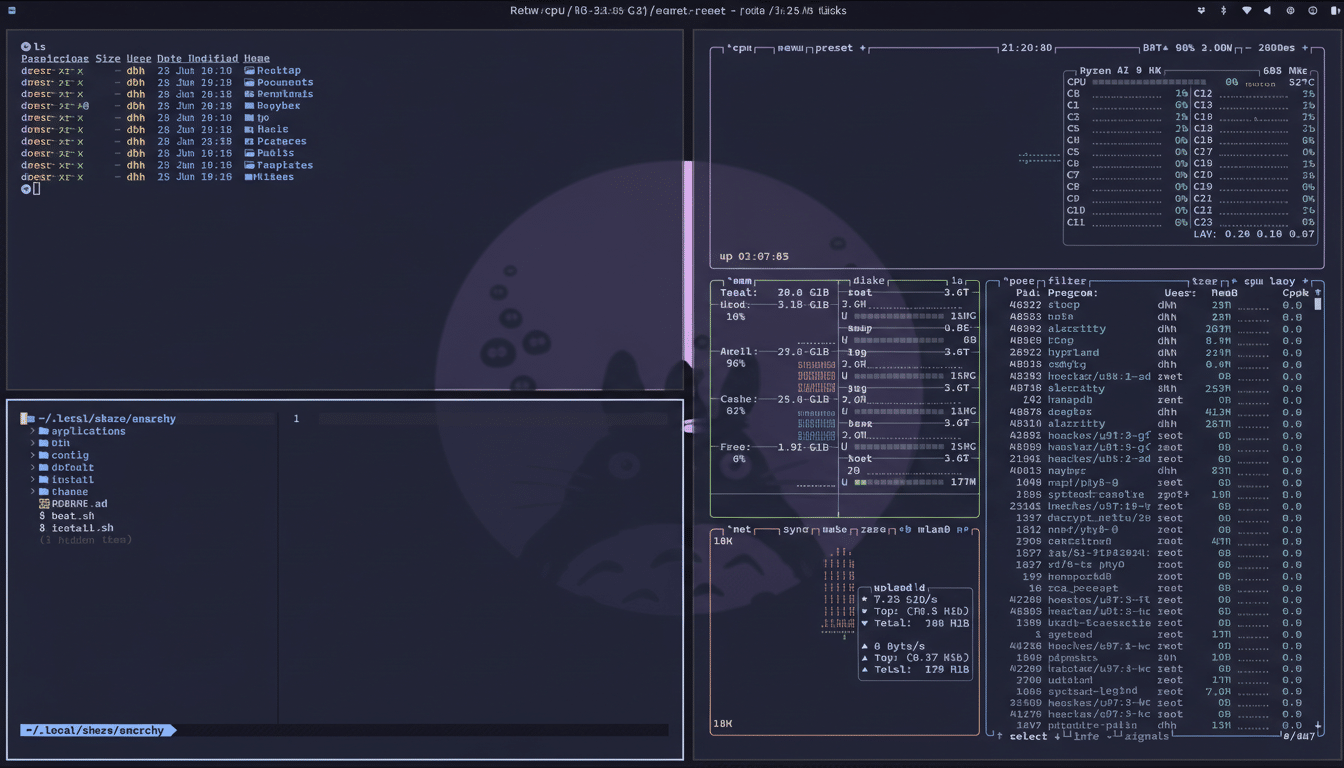
Under the hood, you get an Arch base with rolling updates, modern kernels, PipeWire for audio, and a Hyprland session tuned to behave like a polished workstation. The value is in the curation: launchers, notifications, lock screen, and power management are ready on first boot, not a half-finished puzzle.
Keyboard-First Workflow Without the Usual Friction
Hyprland is built for people who keep their hands on the keys. Omarchy embraces that fully. The default launcher pops with a single Super key combo, and the system menu is a keystroke away. Tiling, swapping, and moving windows are mapped sensibly, and layouts adjust on the fly without needing to touch the mouse.
If you’re new to this style, there’s a brief shock as your cursor takes a back seat. Stick with it for a day. Once the muscle memory lands, the speed gain is obvious: app launches are instant, window management is deterministic, and you stop mousing across the screen for basic tasks.
Performance That Matches the Hype on Modern Laptops
On a Ryzen 7 laptop with integrated graphics, a stock Omarchy + Hyprland session idled around 650–750MB of RAM in my tests, with negligible CPU usage at rest. High-refresh displays felt fluid, with animations staying pinned to 120Hz. Compared with my Xorg tiling setup, input latency felt snappier and touchpad gestures were more reliable—benefits Wayland proponents have been citing for years.
Wayland’s momentum is real: Fedora made it the default years ago, Ubuntu returned to it on the desktop, and KDE Plasma 6 doubled down on it. Phoronix has documented latency and frame pacing improvements for multiple desktops under Wayland, while NVIDIA’s newer drivers added explicit sync, reducing the compositor pain that once plagued hybrid GPU laptops. Omarchy rides that modern stack rather than fighting it.
Smart Defaults And Thoughtful Package Choices
Out of the box, Omarchy includes a browser, password manager, office tools, and the usual essentials. More importantly, portal integration, notifications, and theming are coherent. No hours lost assembling a bar, picking a launcher, and reconciling config formats. You can, of course, swap anything—this is Arch—but you start from a complete, tasteful desktop rather than a scaffolding.
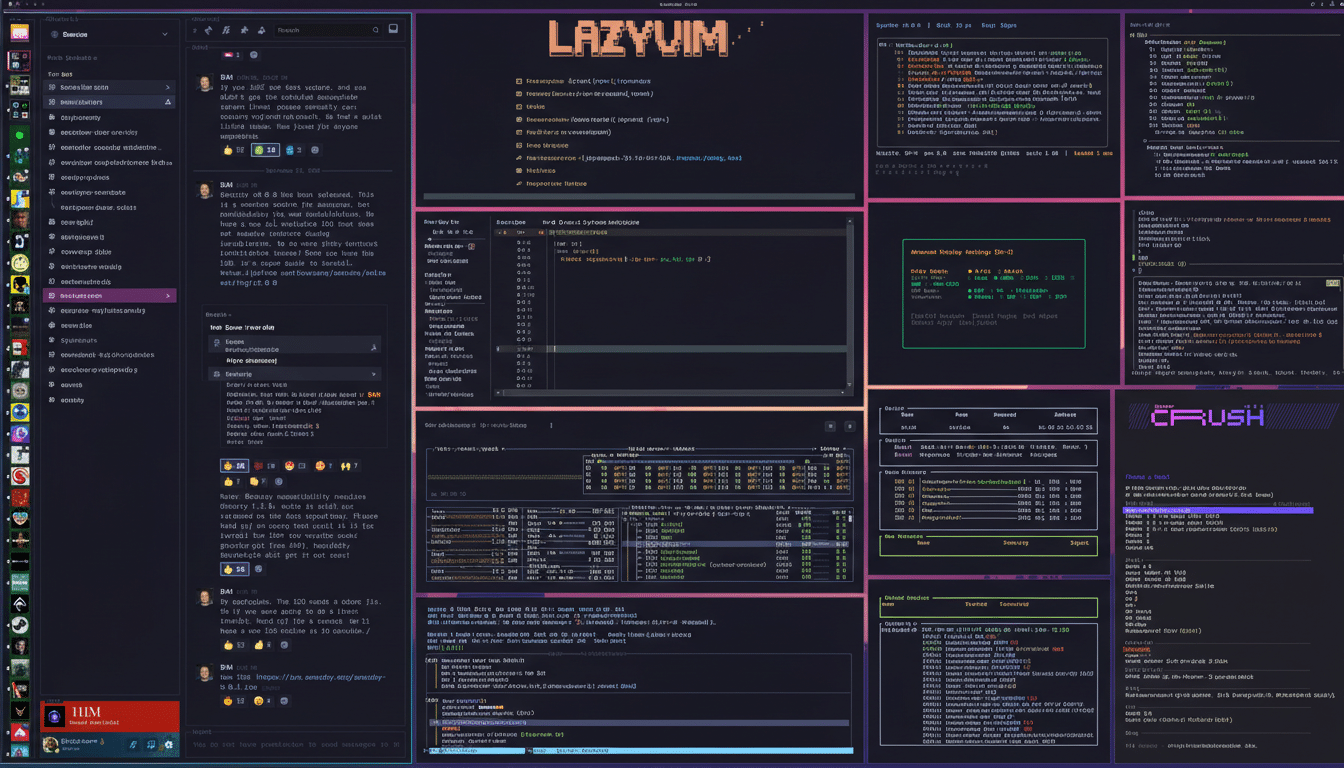
Updates use the standard Arch toolchain, and AUR access means almost any niche utility is a command away. If you’re coming from a bare Arch + Hyprland build, the difference is the lack of yak shaving: you spend time working, not wiring.
Customization Where It Counts, Without the Hassle
Hyprland’s power lives in plain-text configuration. Omarchy doesn’t hide that; it encourages it. The primary file at ~/.config/hypr/hyprland.conf controls everything from gaps and animations to input behavior and window rules. Want to disable auto-generated warnings, tune animation speeds, or force certain apps to float? It’s a few lines. Real-time tweaks via hyprctl make iteration painless.
If you’re serious about dialing it in, the Hyprland Wiki is essential reading. Treat it like a developer’s manual rather than a marketing page; it’s thorough, and the examples map cleanly to Omarchy’s defaults.
Who It’s For And How To Get Started Fast
Omarchy isn’t a hand-holding distro. It’s aimed at developers, tinkerers, and power users who value speed and control. If you prefer a mouse-forward workflow, you’ll fight the defaults. If you like terminals, hotkeys, and editing config files, it feels like home.
Quick start tips:
- Memorize the launcher shortcut first, then tiling and swap keys.
- Keep the config file open in a split while you experiment.
- Snapshot your config before big changes.
- Schedule updates regularly—rolling releases reward frequent maintenance.
- If you game, consider GameMode and per-app rules to isolate full-screen performance.
Bottom Line: A Clean, Cohesive Hyprland On-Ramp
I’ve installed Hyprland on multiple distributions; Omarchy is the first that let me stop tweaking and start working. It delivers a cohesive, fast, and elegant Wayland tiling environment without the usual day-one friction. Not for beginners, absolutely—yet for the right user, it’s the cleanest on-ramp to Hyprland I’ve found.
