


I’ve tested every shiny new productivity tool, but only two have stayed with me long term: Notion for thinking and organizing, and Todoist for doing. Between them, they slash through the noise; keep me focused and deliver on ideas with far more predictability than if I’m buried beneath systems and settings.
This minimalist stack is intentional. Asana’s Anatomy of Work report projects that knowledge workers waste more than 60% of their time on “work about work” — status check-ins, tool switching, and admin. McKinsey has also found we waste almost a fifth of our week looking for information, and nearly a third managing email. I want to “claw back” that time, and two well-chosen apps do more than a dozen overlapping ones for me.
- Why two focused tools are better than juggling ten apps
- Notion: My second brain for projects and context
- Todoist: quick, trusted task cycling and getting things done
- How the Notion and Todoist workflow works together daily
- What you can do to achieve a similar setup
- The bottom line: fewer tools, more focus and output
Why two focused tools are better than juggling ten apps
Focus is a competitive advantage. The American Psychological Association reports that constant task switching can steal up to 40% of productive time. RescueTime data indicates the average day contains about two hours and 48 minutes of truly focused work. The fewer areas I need to look, the more of that precious time I can protect. Notion houses my everything; Todoist is for project execution. That’s the entire playbook.
Notion: My second brain for projects and context
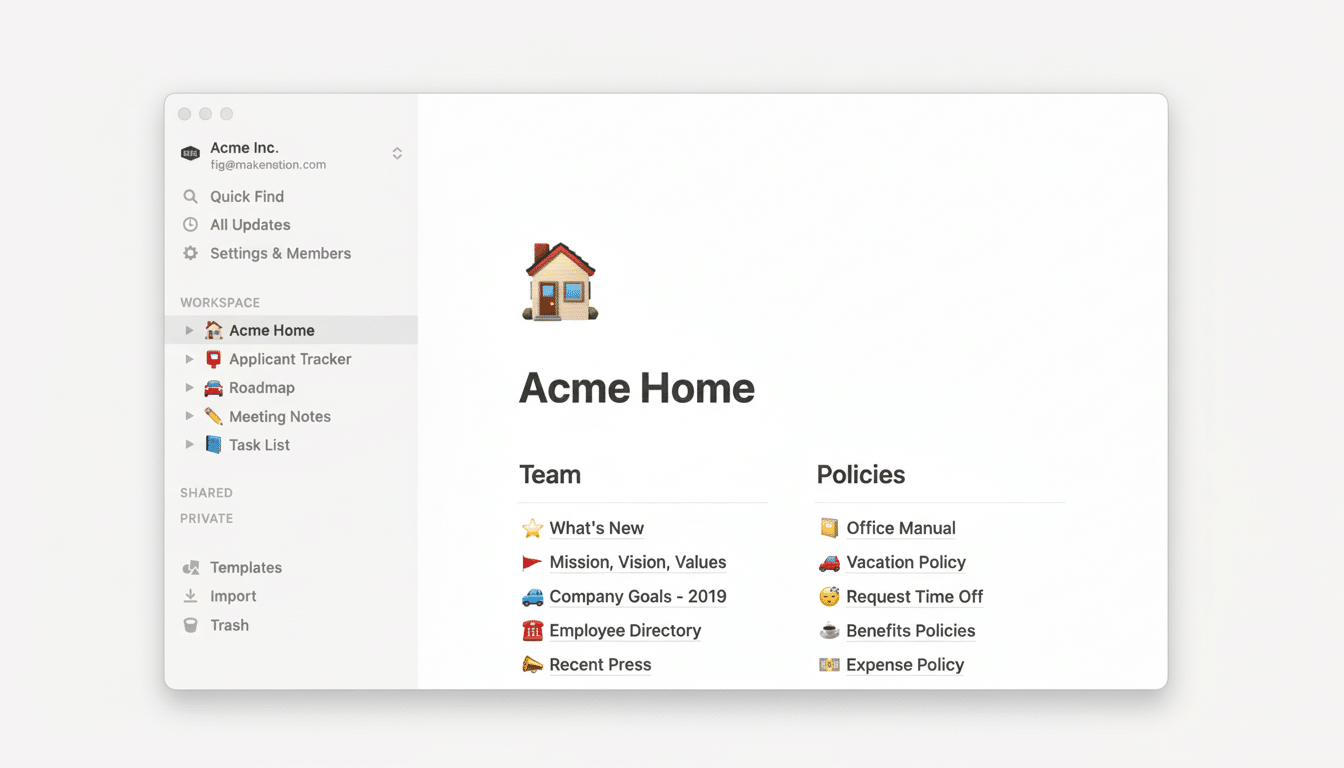
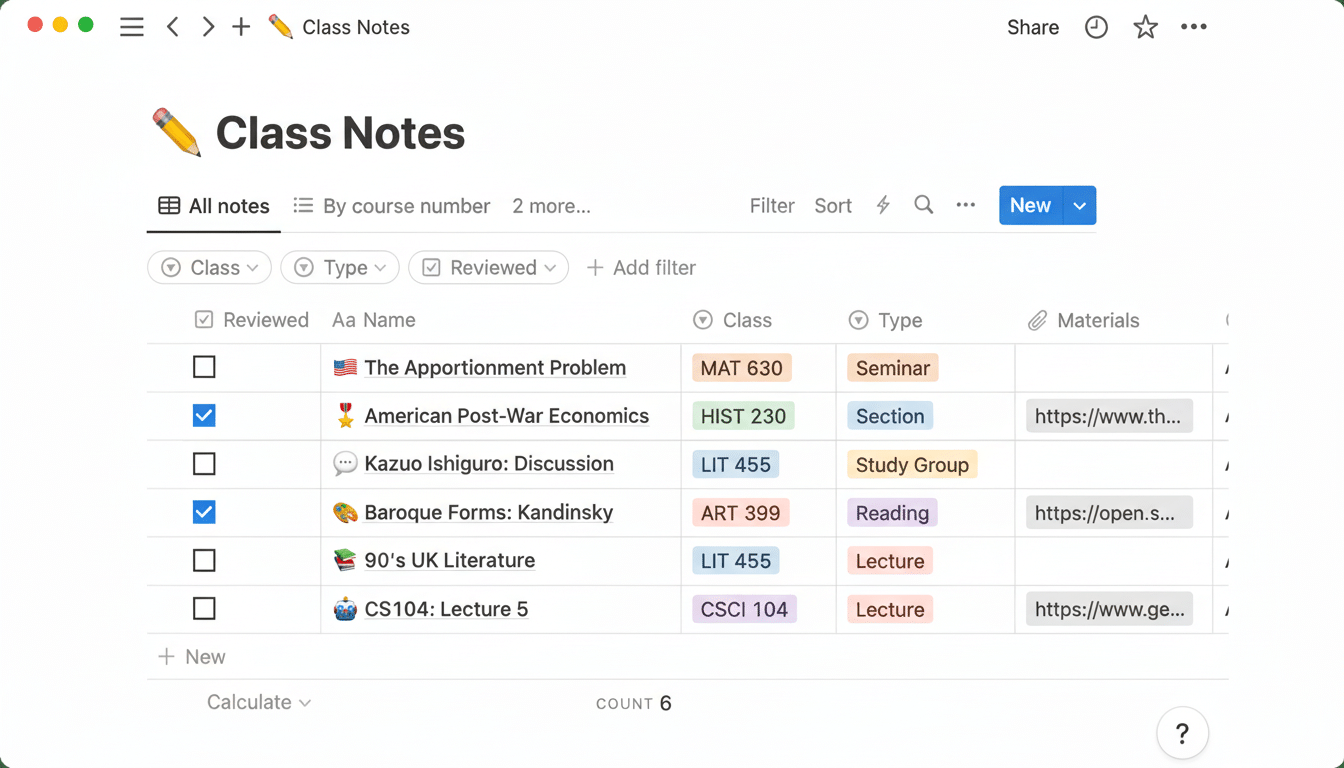
Notion is where ideas land, plans reside, and projects form. I keep a lightweight “Second Brain” workspace: an Ideas database, a Meetings hub, and a Projects tracker. And with properties (status, priority, due window, effort) and related views to make the same info pop up where it’s useful for me — not hidden away in assorted folders.
Example: On my Ideas table, I track pitches and include fields for the date added, estimated impact, necessary research, and dependencies.
Graduating an idea creates a relation with a project, and that brings timelines and resources along. Meeting notes are templatized with agendas, decisions, and next steps that sync back to the project you’re referencing. Such continuity leaves less to hunt and more to ship.
Notion multitasks itself outside of work. I’m working right now with a great fitness dashboard: I have a periodized plan, an easy meal scheme, and minimal tracking of only the metrics that matter most to me — all customized without nearly as much junk as found in specific fitness apps. There’s a personal “Home” page for hosting a recipe vault, apartment planning checklist, and warranty/claims log in one place. By centralizing in Notion, I got rid of my grab bag of docs and note apps for a single searchable system.
Todoist: quick, trusted task cycling and getting things done
Would I be able to perform tasks in Notion? Sure — but I’d be slower. Todoist is the winner because writing stuff down is immediate and recurring work takes no effort. With natural language input I can type “Draft interview questions Tue 4pm” or “Gym every weekday at 6pm p2” and it auto-parses date, recurrence, priority. Because speed counts when ideas come up in the middle of a meeting or on the go.
I maintain only two projects — Work and Personal — and use labels and filters to find things. Labels indicate context, and filters slice dynamically across both projects:
- Labels: @deepwork, @calls, @admin, @errands
- Filters: today & p1, recurring, no due date, @calls & next 7 days
Time and location-based reminders make sure nothing time-sensitive gets missed. Simple setup, scalable because the logic is uniform and memorable.
And most importantly, Todoist’s cross-platform quick-add and offline reliability means that I never think twice about snapping up the to-do items. The less I trust my brain to remember, the more I can trust it to think — a distinction that productivity researchers and coaches like to stress.
How the Notion and Todoist workflow works together daily
Every morning, I look at the Todoist Today view and move two or three tasks to the top and block time for them. When it comes time to execute, Notion has been left open on that same (quite specific) project page — briefs, research, and meeting notes are all there. When something fresh jolts me, Todoist captures it immediately; if that good disorder becomes real work, I graduate the idea to a Notion project with scope and resources attached.
Weekly, I’m archiving or rescheduling stale tasks in Todoist, pruning labels, and updating status on projects in Notion. This sort of light maintenance keeps the system sharp, without turning “productivity” into a second job.
What you can do to achieve a similar setup
Begin in Notion by creating three databases: Projects, Meetings, and Ideas. Retain just a couple of properties that you’ll use for real. Surface what matters by creating linked views for “This Week,” “Active,” and “Waiting On.” Eschew intricate hierarchies; relationships and rollups will do the heavy lifting.
In Todoist, you should have at most two or three top-level projects. Have a small context-driven label set that is standardized, not tied to teams or people, and standardize priorities (p1, impact/deadline-driven; p2 important but can move). Develop three or four filters you can reuse. Only make a lightweight bridge through an automation service to receive certain Todoist tasks in a Notion inbox table — and nothing more.
The bottom line: fewer tools, more focus and output
Productivity has less to do with having the ideal tool and more to do with reducing drag. I get clarity and context from Notion; I get speed and follow-through from Todoist. By pledging myself to these two things in 2021, I spend less time orchestrating work and more time completing it — which is the only measure that really matters.
